
The TOPDON TORNADO90000 is a smart battery charger designed to support different charging needs. Below are answers to frequently asked questions about its input voltage, charging current, charging modes, and common battery issues.
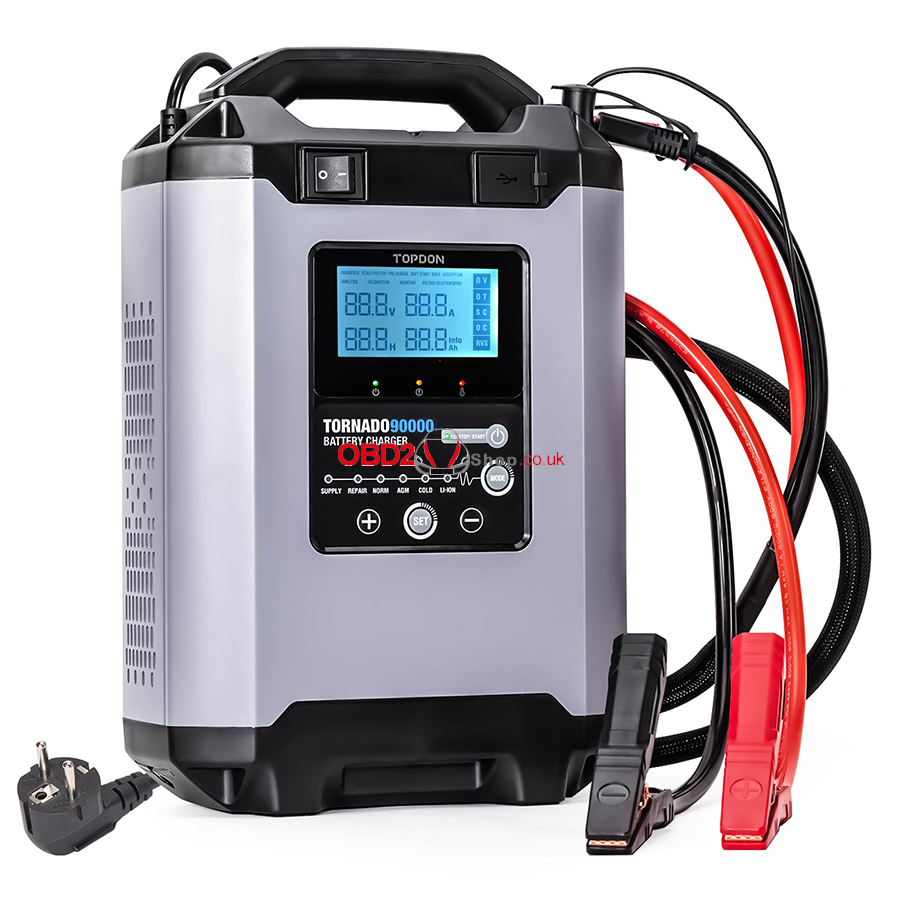
Q1: What is the input voltage of the TORNADO90000?
The TORNADO90000 is available in two models: 100–120V and 200–240V. Check the label on the back of the product to confirm the correct input voltage.
Warning: Do not connect the 100–130V model to a 220V power supply, as this may cause product damage or fire.
Q2: How do I select the charging current?
The recommended charging current depends on the battery capacity. We recommend setting the current to no more than 20% of the battery’s Ah rating.
For example, for a 100Ah battery, the recommended charging current should not exceed 20A.
Q3: Will the TORNADO90000 stop charging automatically when the battery is fully charged?
Yes. The TORNADO90000 features 9-step smart charging and automatically stops charging when the battery is fully charged.
If the battery remains connected, the charger continues monitoring its status and automatically resumes charging when the battery voltage falls below the target threshold.
Q4: Can the TORNADO90000 charge multiple batteries simultaneously?
Yes. You can charge multiple batteries simultaneously when properly connected in series or parallel.
If you are unsure how to connect the batteries safely, consult the battery manufacturer or contact TOPDON technical support for assistance.
Q5: Which charging modes use 9-step smart charging?
The NORM, AGM, and COLD modes use the 9-step smart charging process.
Q6: How do I restore the factory settings?
Press and hold the STOP/START button for 5 seconds to restore the factory settings. All charging voltage and current data will be reset to their initial values.
Q7: Can I use REPAIR mode with all battery types?
No. REPAIR mode is not suitable for lithium batteries, but it can be used with lead-acid batteries.
Always check the battery manufacturer’s recommendations before using this mode.
Q8: Why might a battery still not work properly after repair?
The result depends on the battery’s condition and the type of damage. Some batteries may be beyond repair.
Consult the battery manufacturer to determine whether the battery can be restored or needs to be replaced.
Q9: Why can’t the TORNADO90000 charge some batteries?
Generally, batteries with a voltage below 8.5V may be damaged and unable to charge normally.
Check the battery’s condition and consult the battery manufacturer if charging fails.
