
Before testing batteries, you must establish a connection between TOPDON ONE Plus and the BTMobile ProS (the BTMobile ProS is included with the purchase of the ONE Plus).
How to Connect the BTMobile ProS to the ONE Plus?
The BTMobile ProS can be connected to the tablet exclusively via Bluetooth.
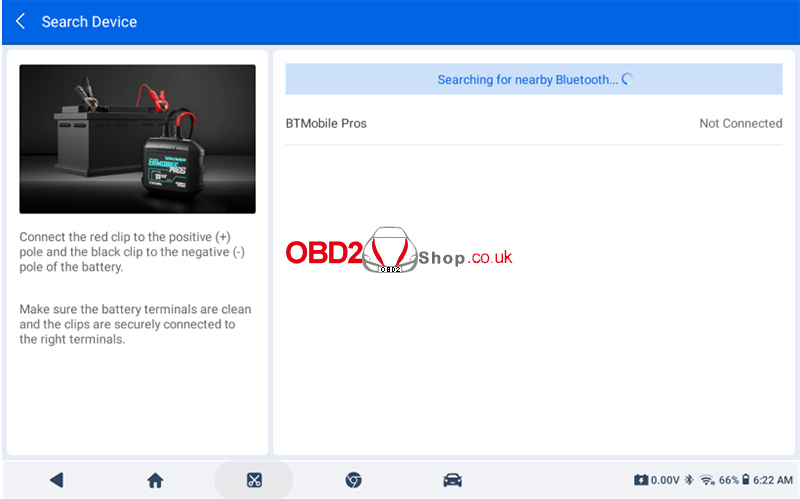
1. Connect the red clamp of the BTMobile ProS to the positive battery terminal and the black clamp to the negative terminal. Once a secure connection is established, the green indicator light on the BTMobile ProS will turn on.
2. Tap [Tester] from the main screen of the ONE Plus tablet.
3. Tap [Bluetooth not connected] to access the list of Bluetooth devices.
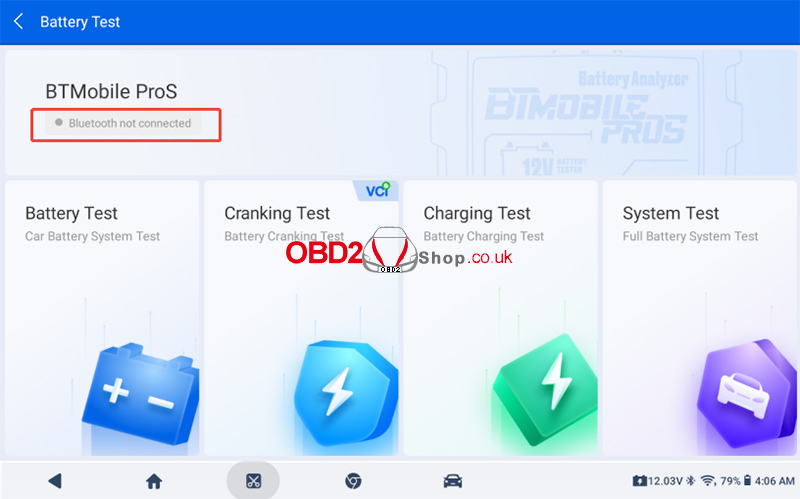
4. Tap [BTMobile ProS] to establish the Bluetooth connection.
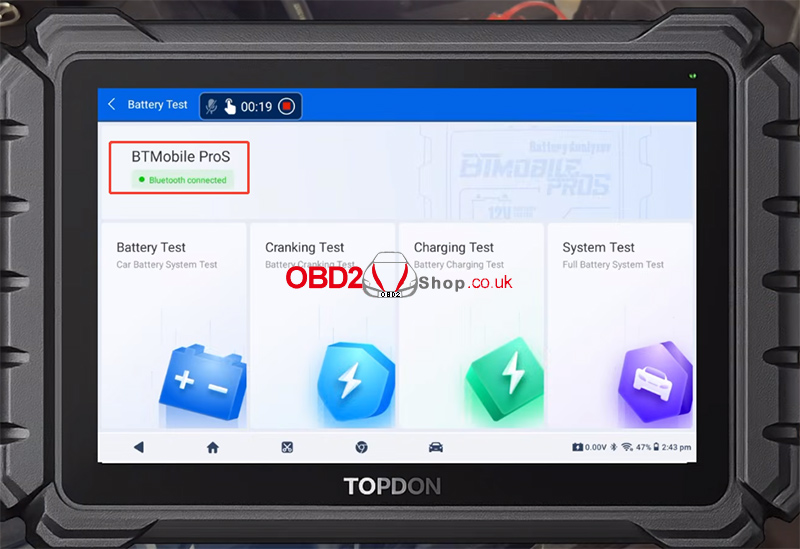
5. Once the Bluetooth connection is established, the app will automatically redirect you to the battery testing interface, and the icon will turn green.
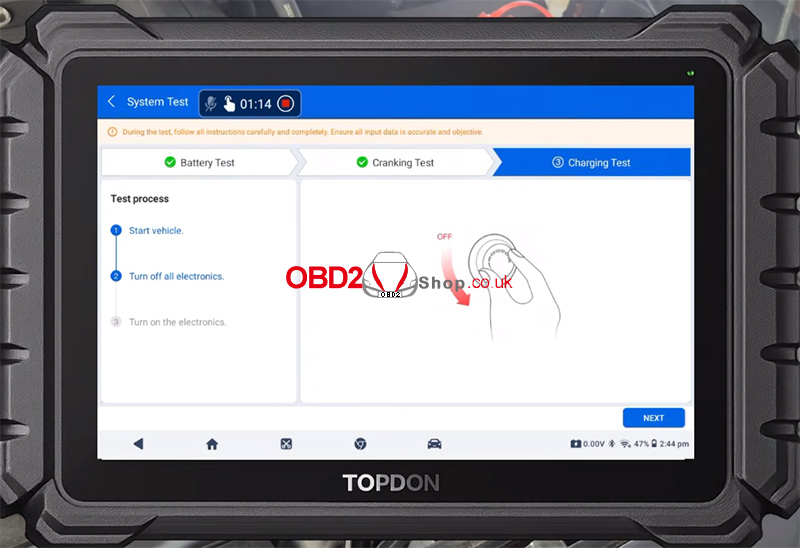
Finally, you can proceed with the battery, cranking, charging, and system tests by following the on-screen instructions.
For more information, please visit www.obd2shop.co.uk
