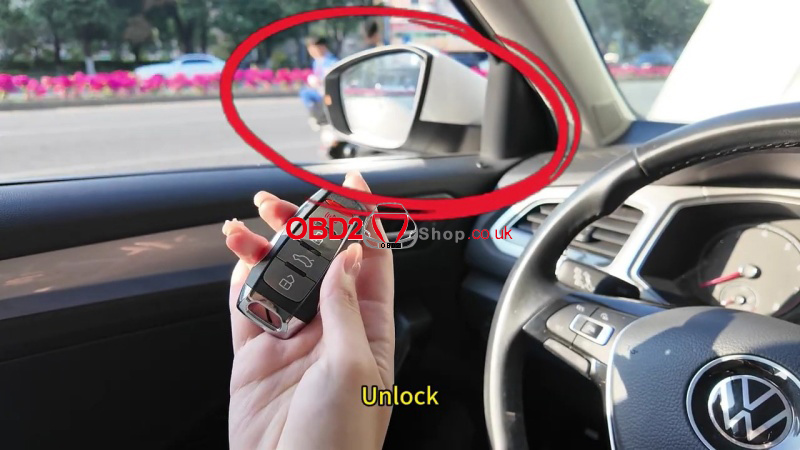
If you’re looking to program a 2022 VW T-Roc smart key, the Lonsdor K518 Pro paired with the ADP-40 Adapter is the most efficient solution for bypassing the vehicle’s encrypted system. This guide breaks down the process into a simple, professional workflow.
2022 VW T-Roc Smart Key Programming Guide
1. Required Tools
Lonsdor K518 Pro Key Programmer
Lonsdor ADP-40 Adapter
Original Key (Working key)
New Lonsdor Smart Key
2. Generate the New Smart Key
Before the car can recognize the new key, you must “prepare” it using the K518 Pro.
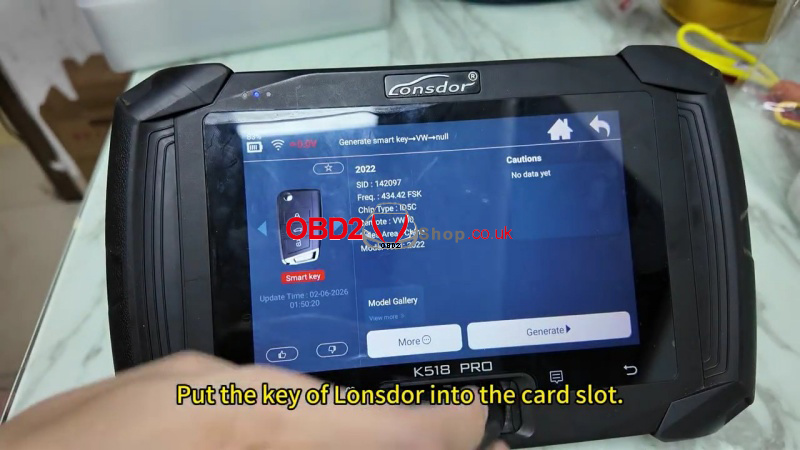
(1) Navigate to Generate Smart Key>>Volkswagen>> 2022
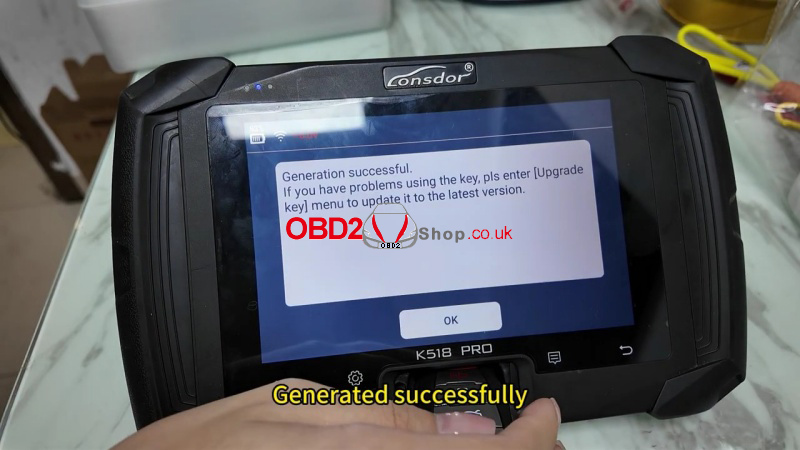
(2) Place the blank Lonsdor key into the device’s card slot and click Generate.
(3) Once successful, return to the main menu.
3. Data Backup & Dealer Key Creation
This step involves reading the security data from your existing working key.
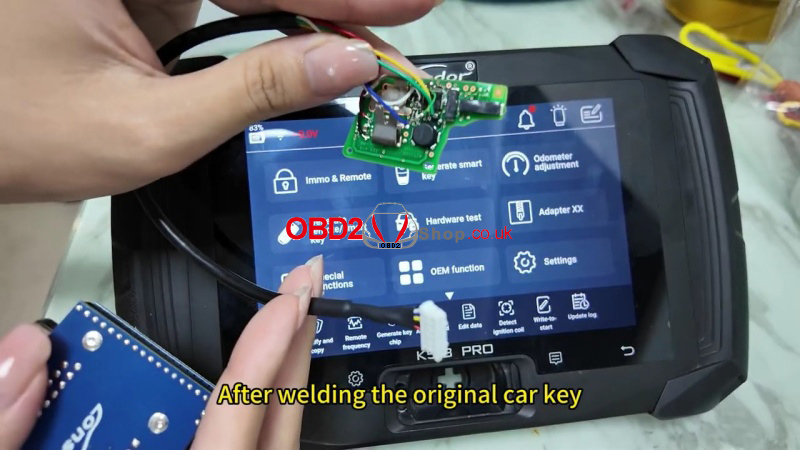
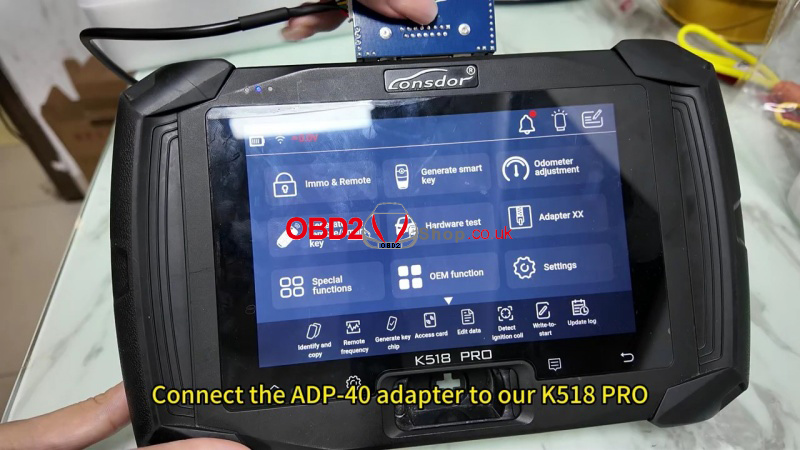
(1) Setup: Solder the original key and connect it to the ADP-40 adapter, then plug the adapter into the K518 Pro.
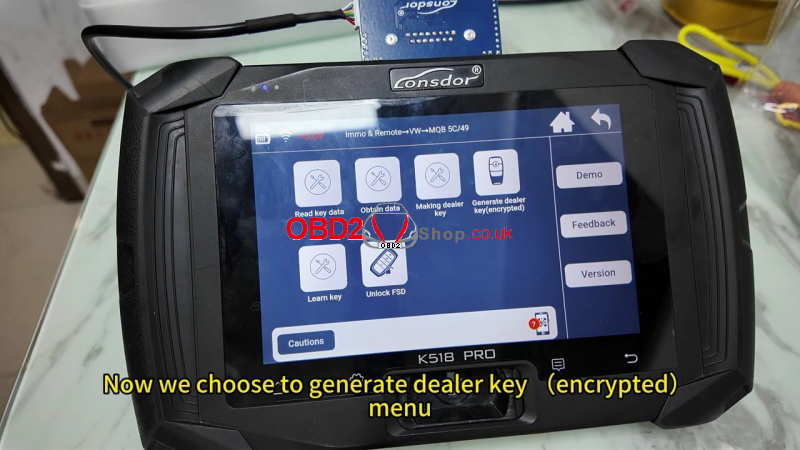
(2) Read Data: Go to Immo & Remote >> VW >>MOQ 5C/49 >> Generate dealer key(encrypted) >>Read working key.
(3) Save: Connect the adapter when prompted, save the data file, and choose “Select to use Lonsdor key” for copying.
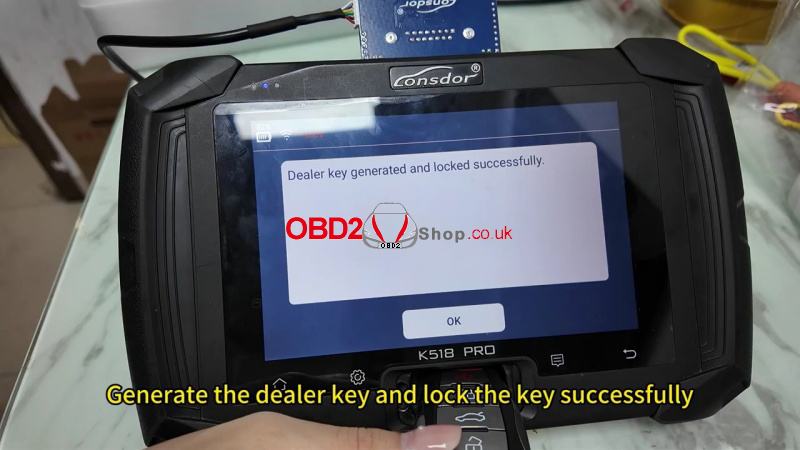
(4) Finalize: Insert the new smart key into the card slot to finish generating the dealer key.
4. Key Learning via OBD
With the data saved and the dealer key ready, you can now sync the keys to the vehicle.
(1) Connection: Plug the K518 Pro into the vehicle’s OBD port.
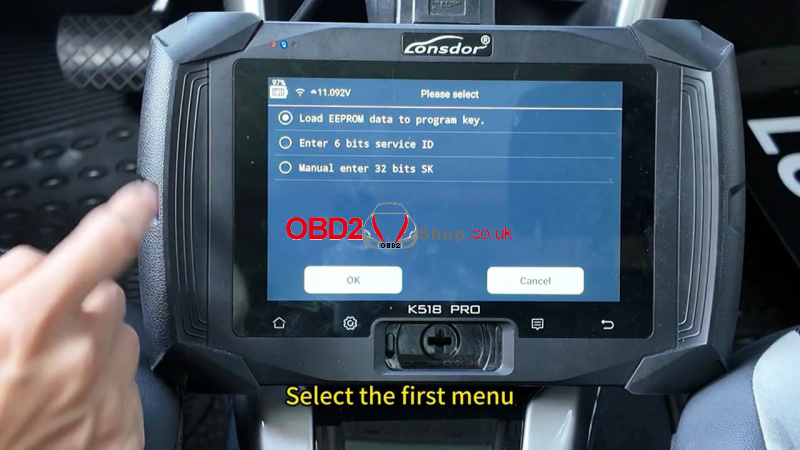
(2) Select File: Enter Learn Key>> Load EEPROM data to program key >>Load the data file you saved earlier.
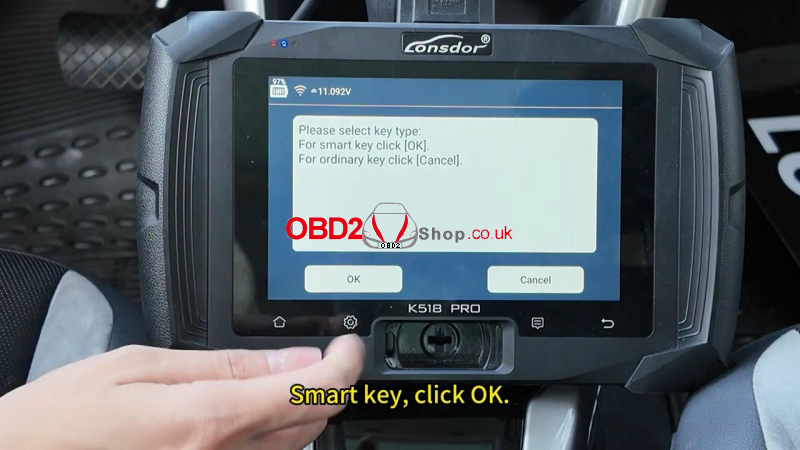
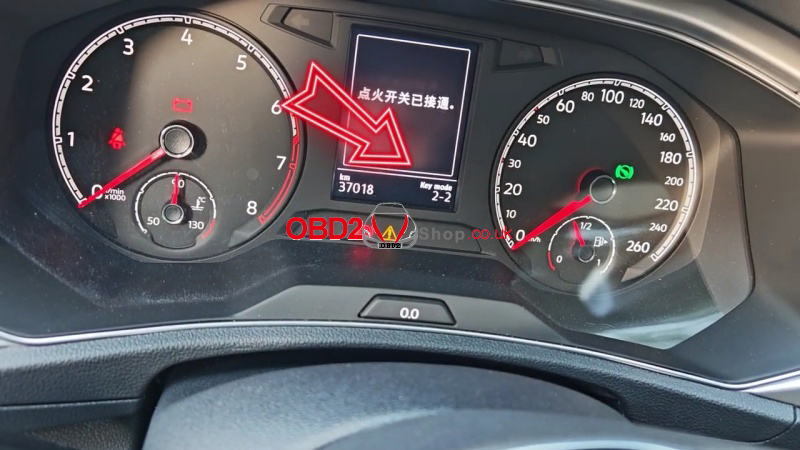
(3) Ignition: Turn the ignition on and enter the number of keys to program (usually “2”).
(4) Programming Sequence:
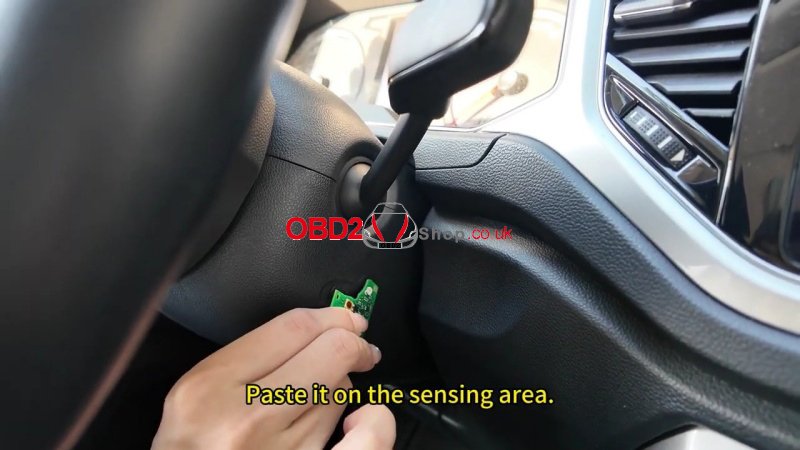
Hold the Original Key (with battery) near the ignition sensing area.
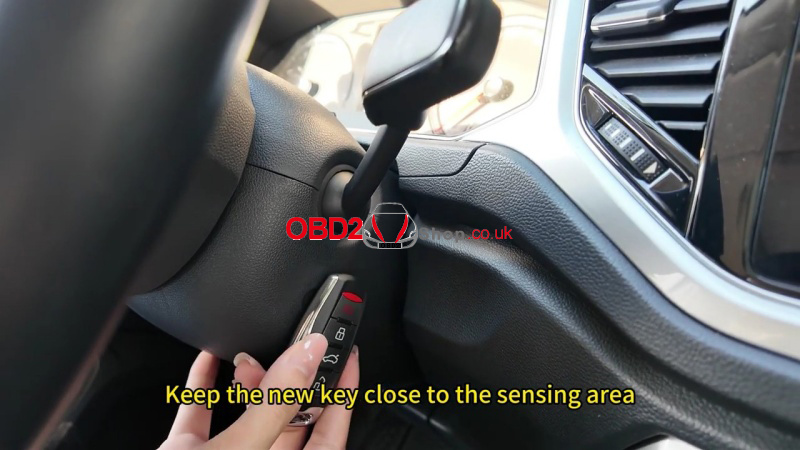
Once identified, hold the New Key to the same sensing area.
(5) The screen will confirm when learning is complete.
5. Final Testing
Ensure the job is done correctly by verifying two things:
(1) Engine Start: Press the brake and start the car with the new key.
(2) Remote Functions: Test the lock and unlock buttons to ensure full remote functionality.