
The CGDI CG201 Mileage Correction Tool is designed for quick and efficient odometer correction and dashboard service operations. Before using the device, you need to activate it and keep the software up to date. Follow the simple steps below.
Device Activation
Step 1: Power On the Device
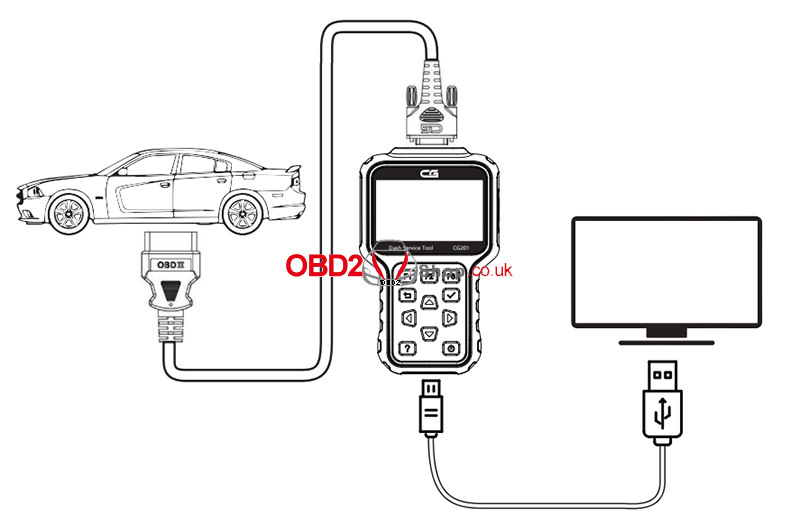
Connect the CG201 to a computer via a USB cable, or to a vehicle’s OBD-II diagnostic port using the OBD main cable.
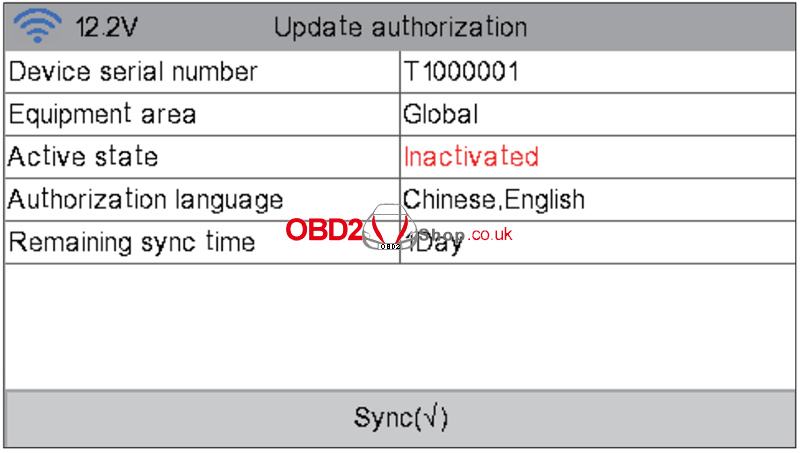
Step 2: Activate the Device
When using the device for the first time, online activation is required.
On the home screen, tap Authorization.
Select Device Sync.
Wait for the activation process to complete.
Once activated, all device functions will be available.
Odometer Correction
To perform odometer correction:
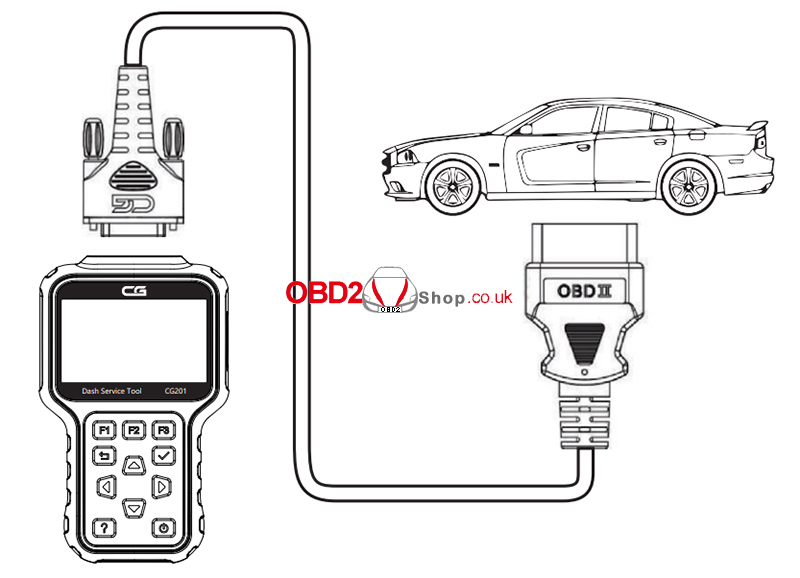
Connect the CG201 dedicated OBD main cable to the vehicle’s OBD II diagnostic port.
Select the correct vehicle model.
Follow the on-screen instructions to complete the odometer correction process.
Software Upgrade
Keeping your CG201 up to date ensures the latest vehicle coverage and improved performance.
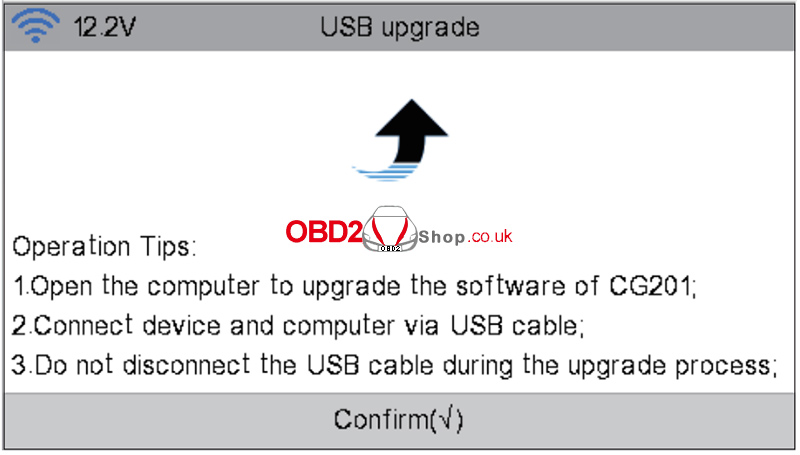
Method 1: USB Connection to PC
Go to Update.
Select USB Connection to PC Upgrade.
Follow the prompts to complete the upgrade.
Method 2: WiFi Upgrade
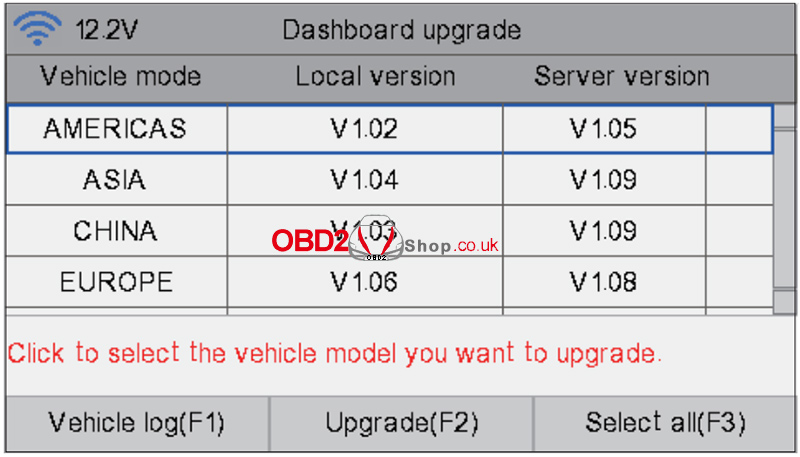
Go to Update.
Select WiFi Vehicle Model Upgrade.
Connect a 12V power supply through the DB15 port to enable the WiFi function.
Follow the on-screen instructions to update the software.
Conclusion
The CGDI CG201 offers a straightforward activation process, convenient odometer correction via OBD, and flexible software update options through USB or WiFi. Be sure to keep your device updated to access the latest vehicle models and maintain optimal performance.
For more automotive diagnostic tools and technical guides, visit www.obd2shop.co.uk.
