
MOTOPRO is a motorcycle key programming and IMMO data tool for supported transponders, memory/MCU data, PINCODEs, and key programming.
This manual focuses on the information needed for first-time use, including hardware connection, software download, basic key programming, transponder selection, and common questions.
Main Functions
Transponder Read/Write
EEPROM / MCU Read/Write
Key Make / IMMO DataTool
PINCODE Calculation
OBD Programmer
Bench Function
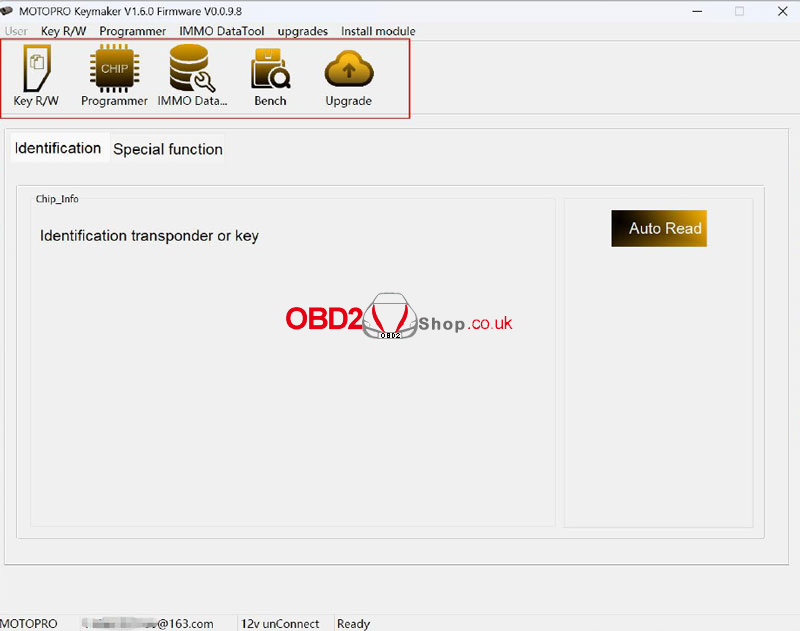
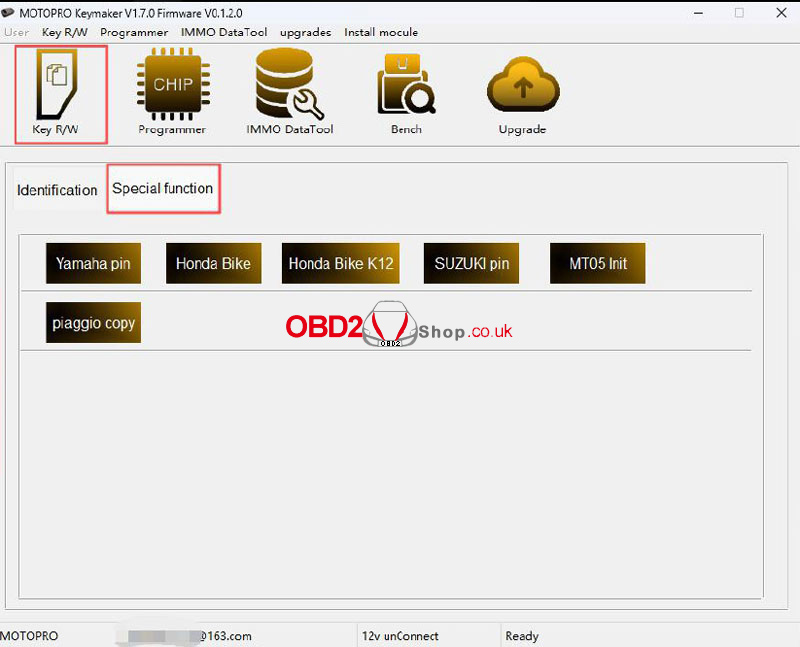
Special Functions
MT05 Transponder Initialization
Some special functions require an authorization module.
Hardware
| Item | Description |
| MOTOPRO | Main device |
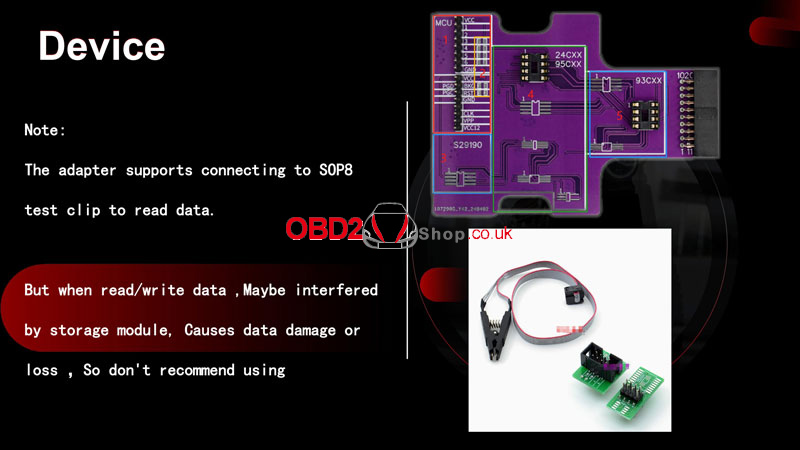
| Adapter | MCU / SOP8 memory read/write |
| Dupont Cable | 8 pcs; required for MCU read/write |
| USB Cable | Device connection |
| Resistance | Positions 3–6: 1K, 2.2K, 4.7K, or 100R |
| 12V Power | 12V power supply |
| Fixed Memory Area | SEIKO / S29XX only |
| EEPROM Area | 24CXX / 95CXX / 93CXX |
Adapter Note: The adapter supports an SOP8 test clip for data reading. Do not use it for read/write operations. Interference from the storage module may cause data damage or loss.
App Download & Connection
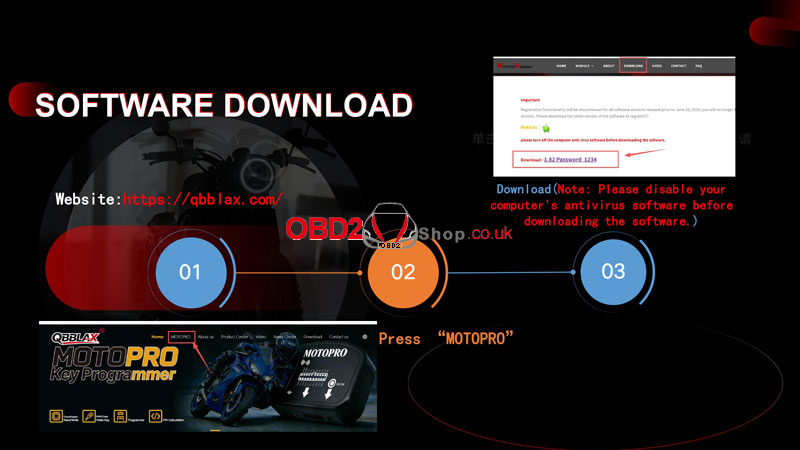
Download the latest MOTOPRO software from:
QBBLAX MOTOPRO Download
Download information:
Version: 1.82
Password: 1234
Turn off computer antivirus software before downloading.
Registration for software versions released before June 21, 2025 will be discontinued.
Use the latest software version.
Connection:
1. Connect MOTOPRO to the controller for the selected function.
2. For MCU operations, connect the required DuPont wires.
3. Open the corresponding MOTOPRO function.
4. Follow the on-screen prompts.
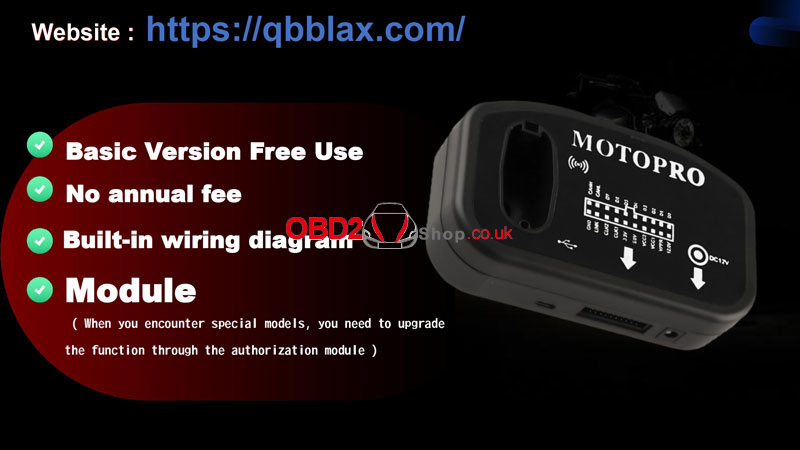
5. For controllers with special reading requirements, check the built-in wiring diagram before operation.
Motorcycle Key Programming
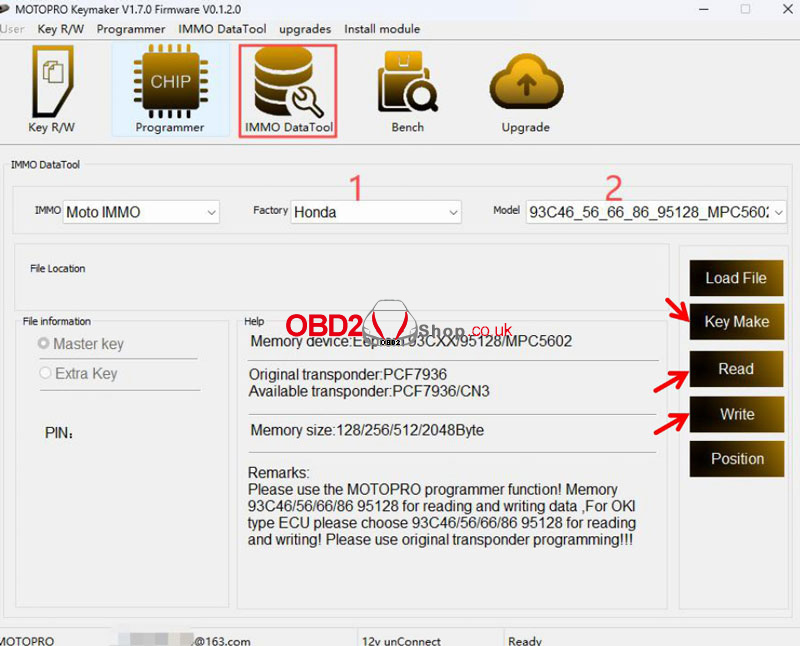
For supported models, MOTOPRO can automatically process IMMO data and program a new key.
1. Connect MOTOPRO to the controller.
2. Select Read and read the memory/MCU data. MOTOPRO automatically saves the data.
3. Select Key Make and program the new transponder or smart key.
4. Follow the software prompts. Some controllers require the new data file to be written back to memory after key programming.
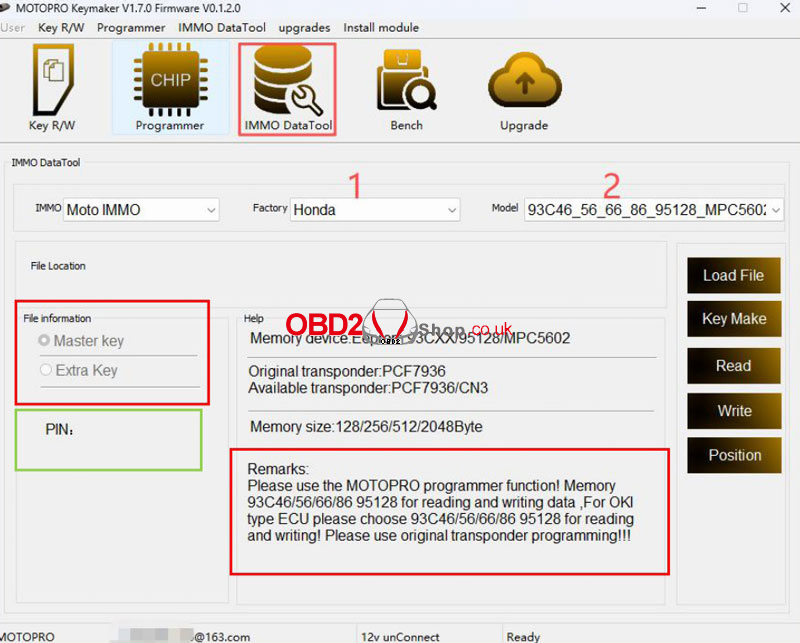
5. When loading data, select the transponder type as prompted.
6. Start the motorcycle.
For models requiring a PINCODE, use the PINCODE to start the motorcycle where supported, including Yamaha, Aprilia, Moto Guzzi, and Ducati.
Important: Read the software prompts carefully before each transponder programming operation.
Usage Scenario
MOTOPRO is used for supported motorcycle IMMO and key programming operations, including transponder programming, memory/MCU data processing, PINCODE calculation, and selected bench operations.
FAQ
Where can I download MOTOPRO software?
Download the latest MOTOPRO software from the QBBLAX website.
Why should I use the latest software version?
Registration functionality for software versions released before June 21, 2025 will be discontinued.
Do all functions require an authorization module?
No. The Basic Version includes several functions. Honda smart key PINCODE reading and Honda smart key unlocking require Module 23 authorization. Other special functions require their specified modules.
What transponder should I use if I do not know the type?
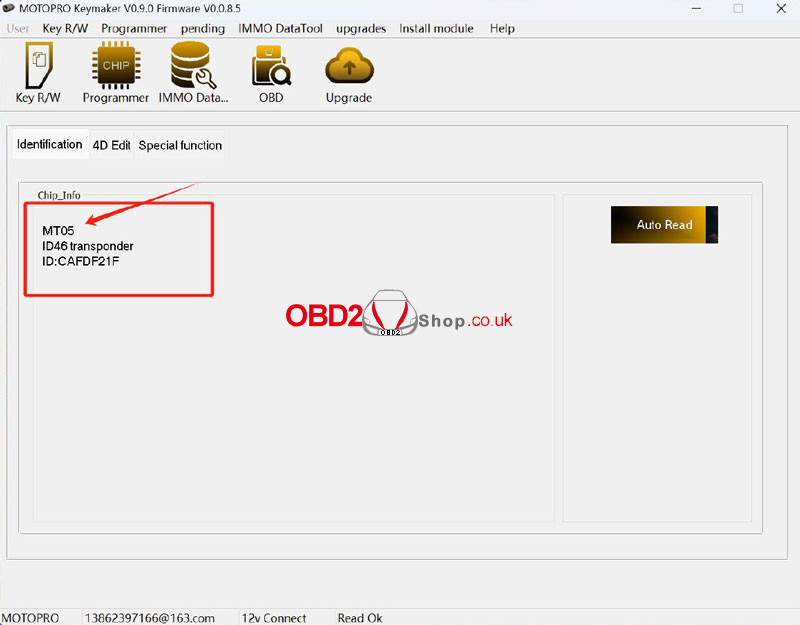
Use MT05, the MOTOPRO-dedicated transponder, according to the software prompts.
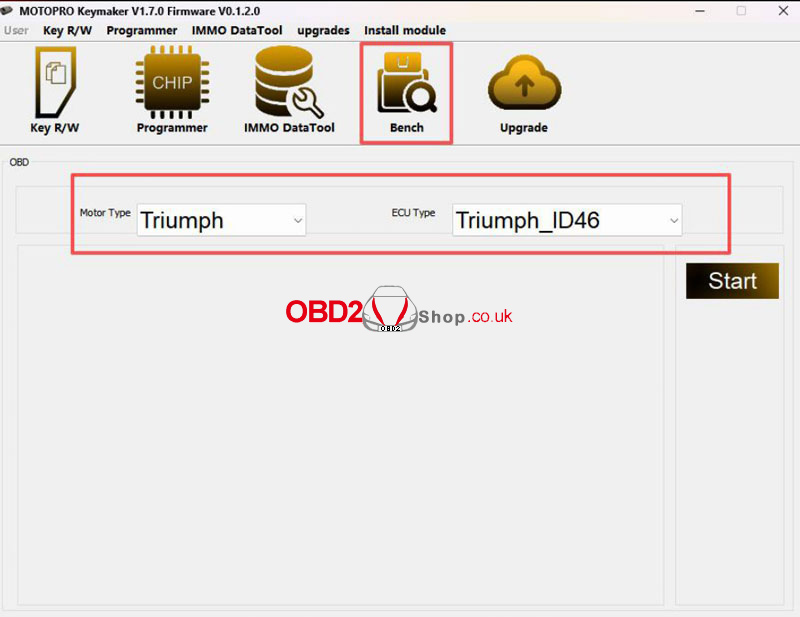
What is the MOTOPRO Bench Function?
It uses the OBD protocol to avoid digging and welding. It does not refer to the motorcycle’s physical OBD connector.
The manual lists support for Piaggio, Honda, Triumph 46, and mechanical key operations.
Can I use an SOP8 test clip?
It can be connected for data reading, but it is not recommended for read/write operations because interference may cause data damage or loss.
What should I do if a controller has special reading requirements?
Check the built-in wiring diagram and follow the software instructions carefully. Contact after-sales service if assistance is required.
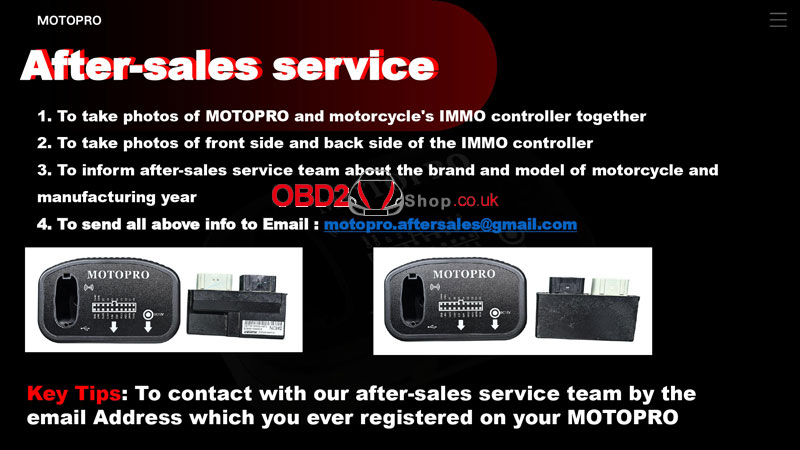
What information should I provide for after-sales support?
Provide:
Photos of MOTOPRO and the motorcycle IMMO controller together
Photos of the front and back of the IMMO controller
Motorcycle brand, model, and manufacturing year
Send the information to motopro.aftersales@gmail.com.
Use the email address previously registered with MOTOPRO when contacting the after-sales team.
Read also
How to Register an Account and Upgrade the MOTOPRO Software
http://blog.obd2shop.co.uk/how-to-register-an-account-and-upgrade-the-motopro-software/
