
The 2M2 Tank CNC Key Cutting Machine makes residential key cutting quick and accurate. In this guide, we’ll demonstrate how to cut a Kwikset residential key using the Cut by Bittings function.
Step 1. Open the Key Database
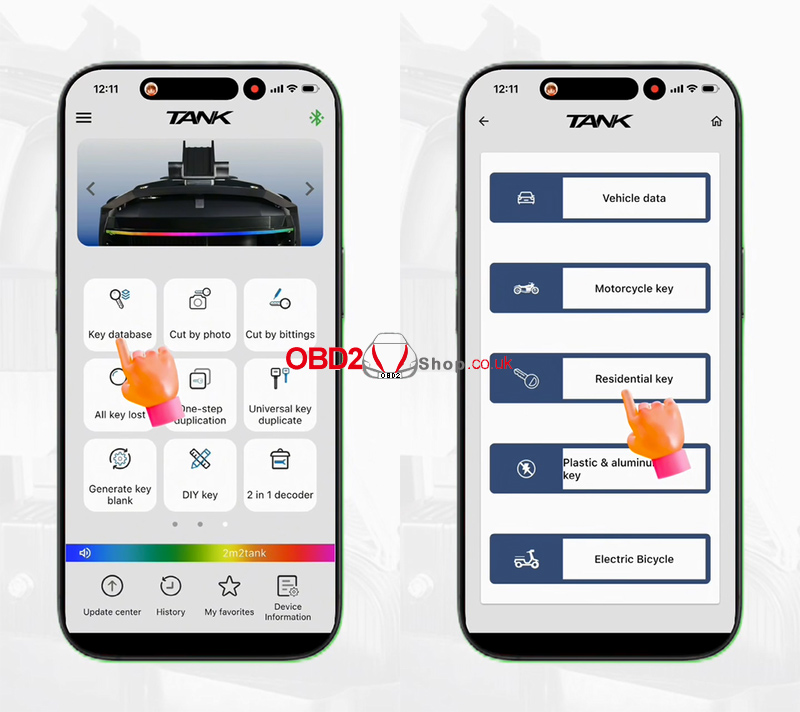
Turn on the 2M2 Tank application.
Go to:
Key Database → Residential Key
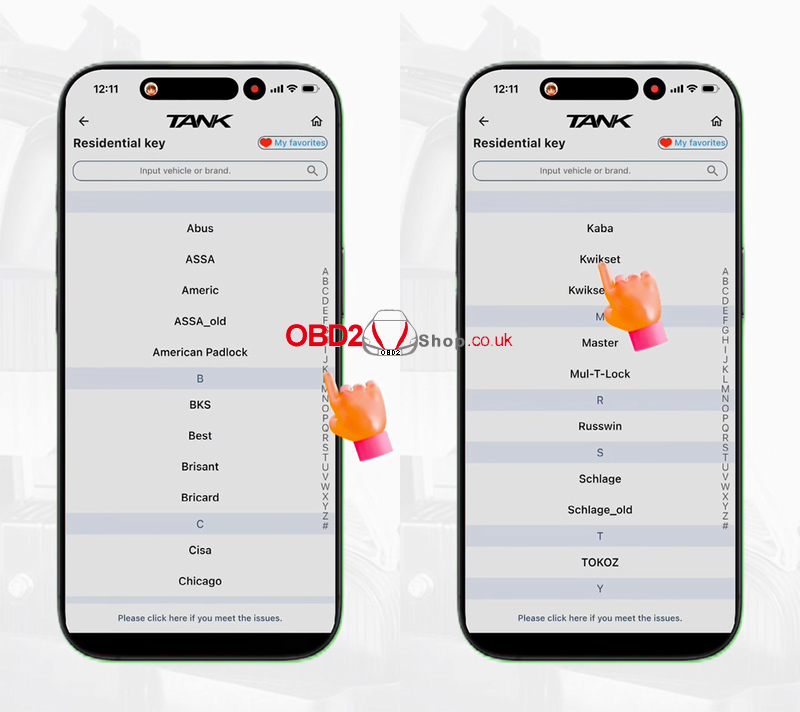
Then select the first letter of the key brand.
Step 2. Select the Key Profile
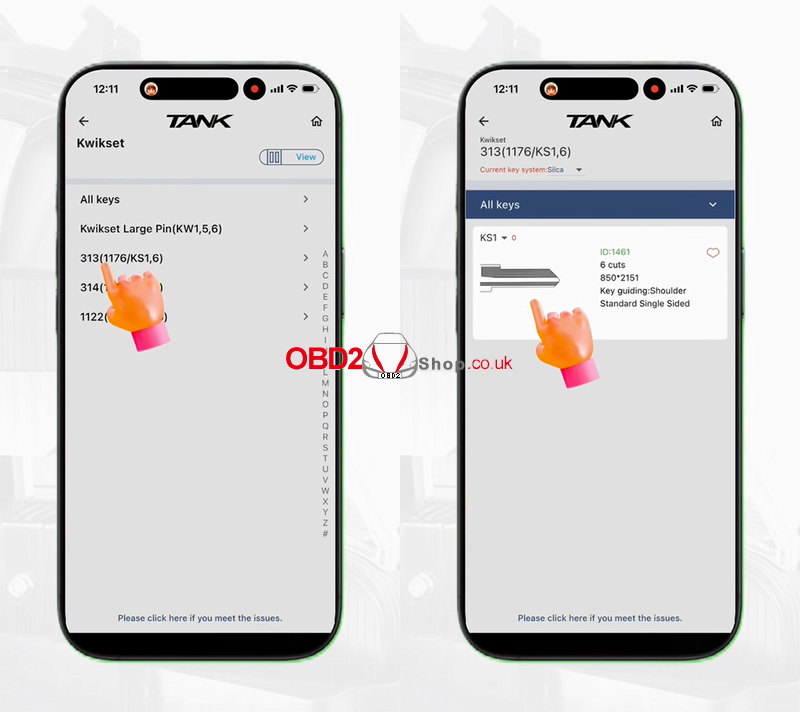
Choose:
Kwikset → 313 (1176/KS1,6)
Tap the key profile to continue.
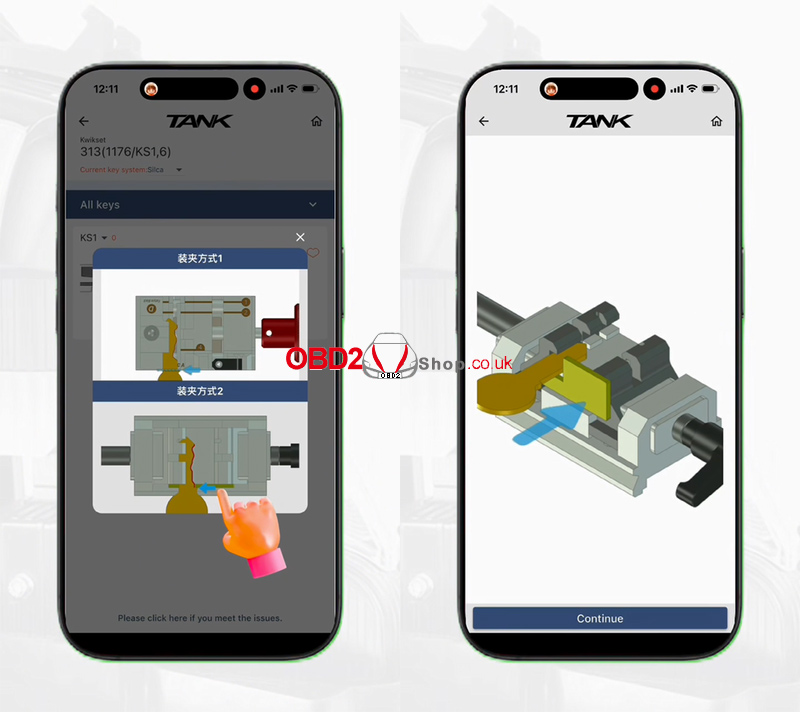
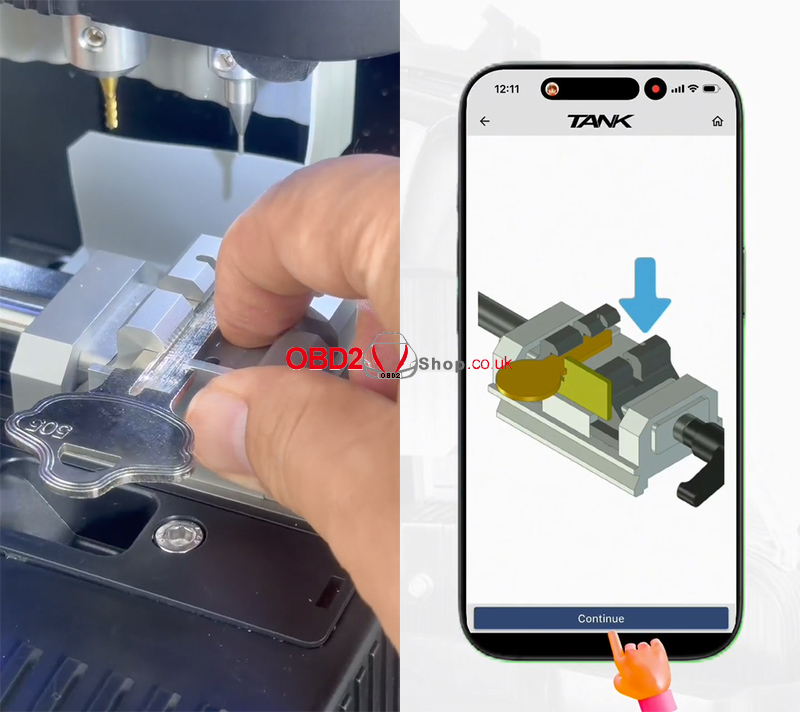
The app will display a guided animation showing how to install the key.
Step 3. Install the Key Blank
Use the special residential clamp and install the key blank according to the on-screen guide.
Once everything is properly positioned, tap Continue.
Step 4. Enter the Key Bittings
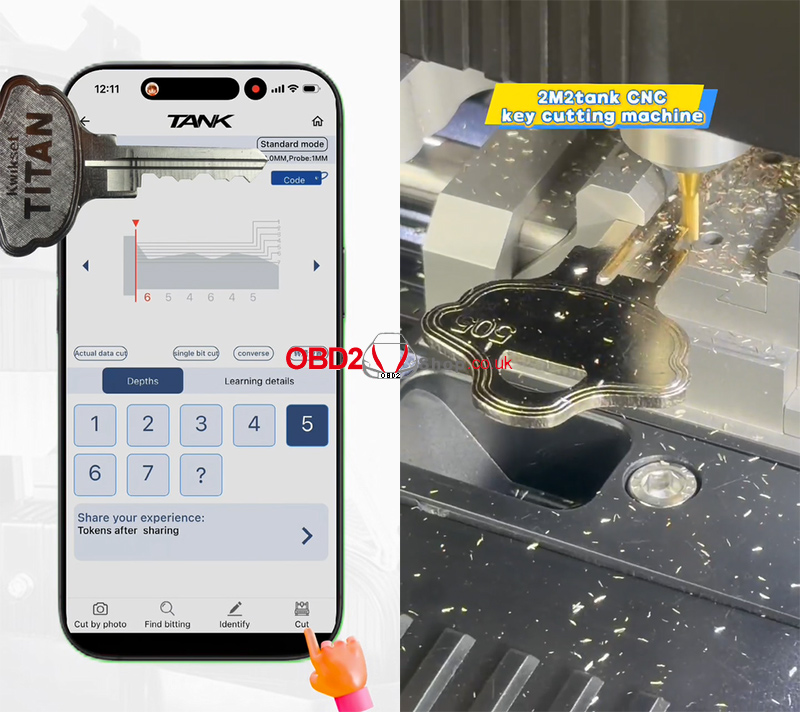
To cut the key by bittings, enter the following code:
6-5-4-6-4-5
After confirming the bitting values, tap Cut to start the cutting process.
Step 5. Key Cutting Complete
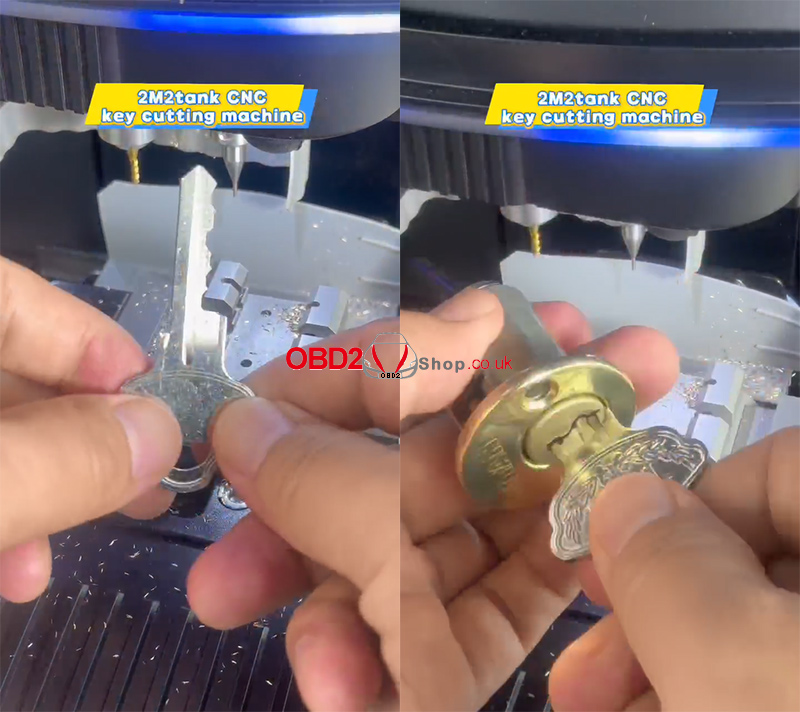
Wait for the machine to finish cutting.
The Kwikset residential key has now been successfully cut.
Conclusion
Using the 2M2 Tank CNC Key Cutting Machine, cutting a Kwikset residential key by bittings is a simple process. Just select the correct key profile, install the key blank with the residential clamp, enter the bitting code, and let the machine complete the job with precision.
