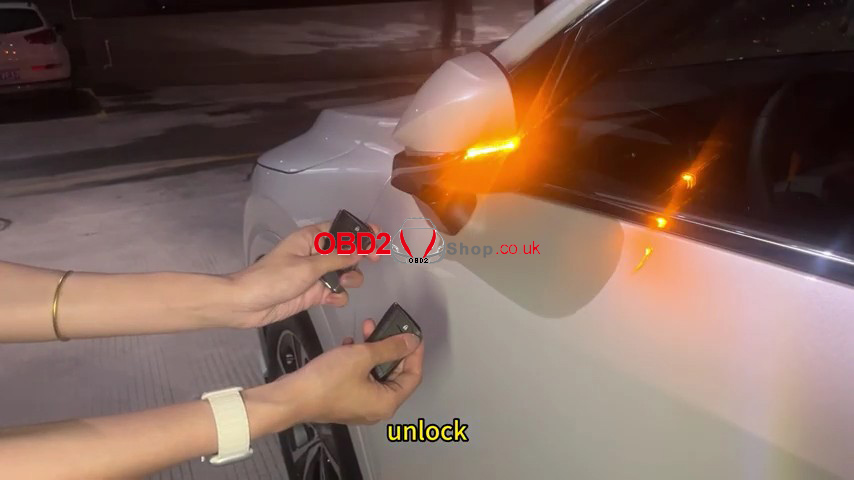
I had a 2026 Lexus RX350H in the shop for a smart key add. I used the Lonsdor K518 PRO with the LT21-07 Smart Key and FP30 cable. The LT21-07 supports the latest 2025+ Lexus 8A-B6 system, including RX, TX, NX, UX 350, and RT h+ series.
Generate the LT21-07
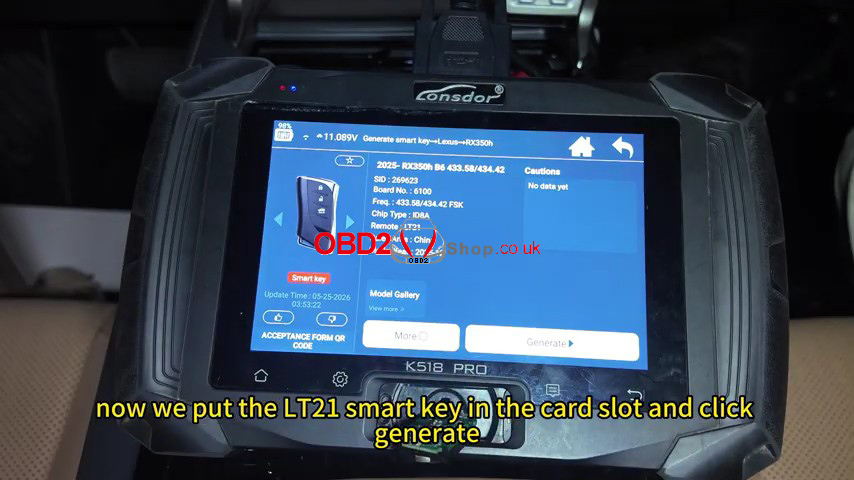
1. Go to Generate Smart Key >> Lexus >> RX350H >> 2025- RX350H B6 433.58/434.42.
2. Put the LT21-07 into the K518 PRO key slot and select Generate.
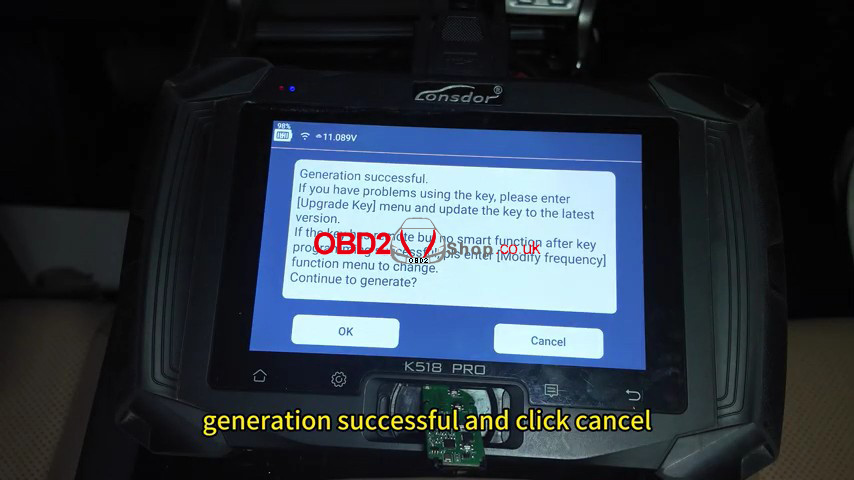
3. After the generation is successful, select Cancel and return.
Back Up the IMMO Data
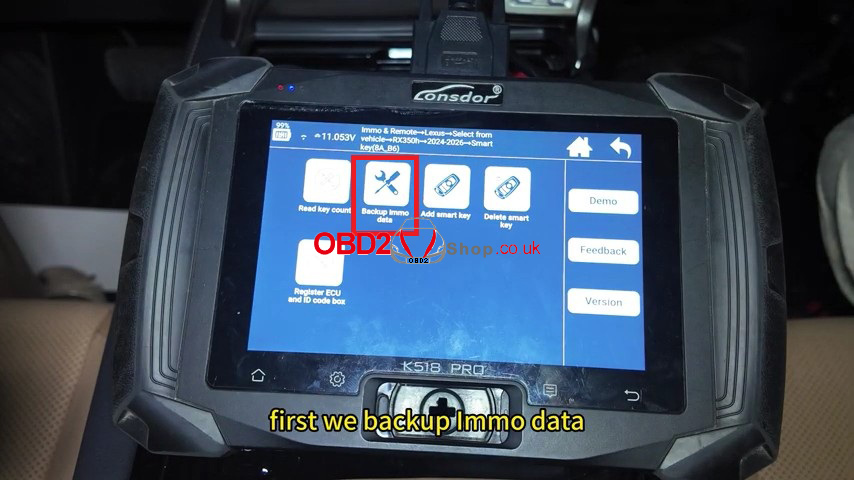
1. Go to Immo & Remote >> Lexus >> Select from Vehicle >> RX350H >> 2024-2026 >> Smart Key (8A_B6) >> Backup Immo Data.
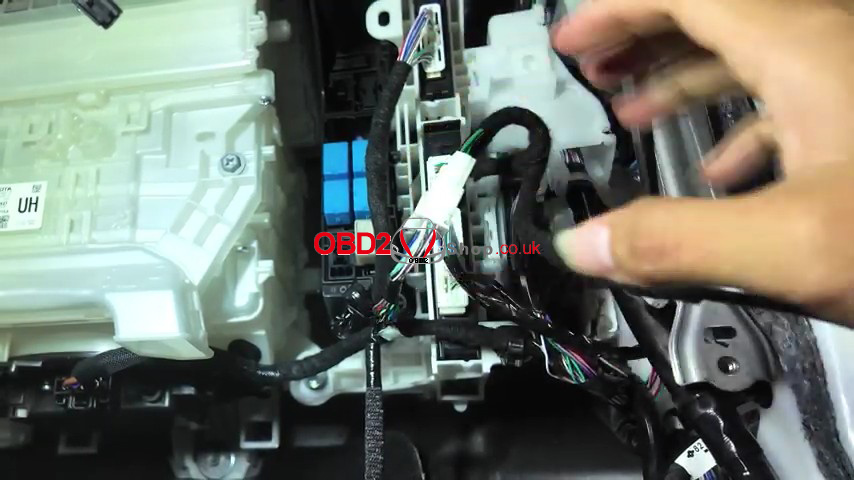
2. Connect the Toyota FP30 cable to the PEPS case. Make sure the network is connected, turn the ignition on, and follow the prompts.
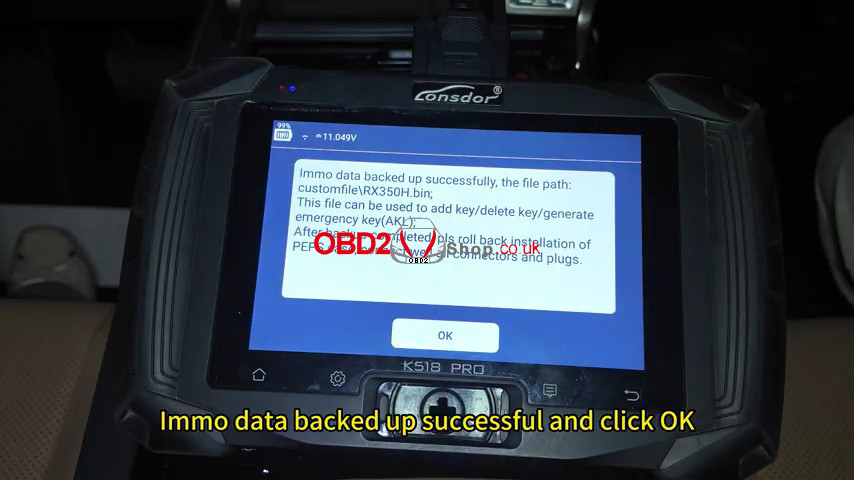
3. Enter a file name for the backup and select OK. The IMMO data backup completes successfully.
Add the Smart Key
1. Select Add Smart Key. Keep the network connected and make sure the vehicle is fully charged with the ignition on.
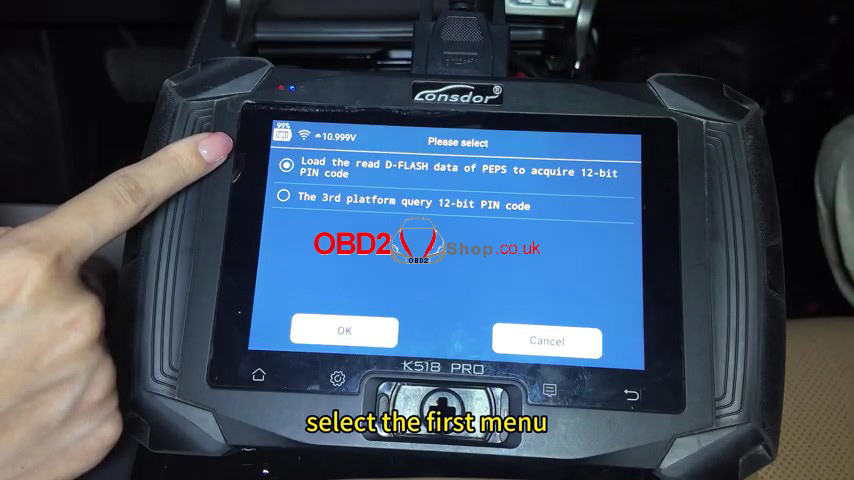
2. Select Load the read D-FLASH data of PEPS to acquire the 12-bit PIN code, then load the saved RX350H.bin file.
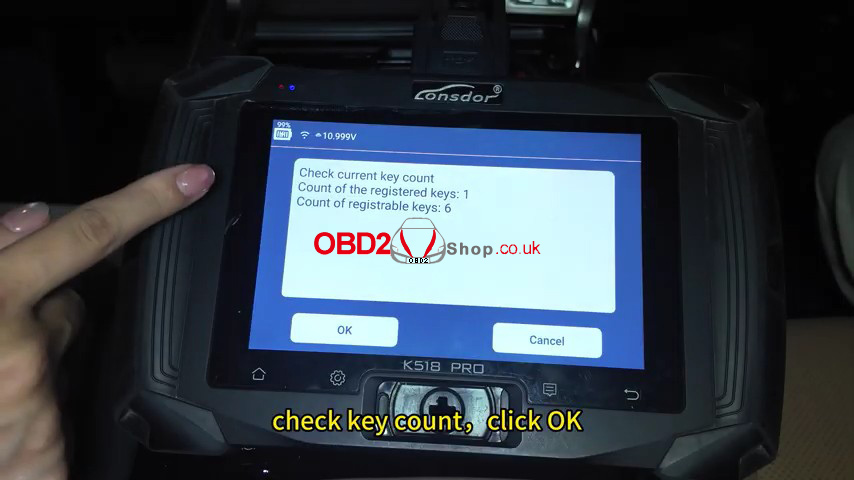
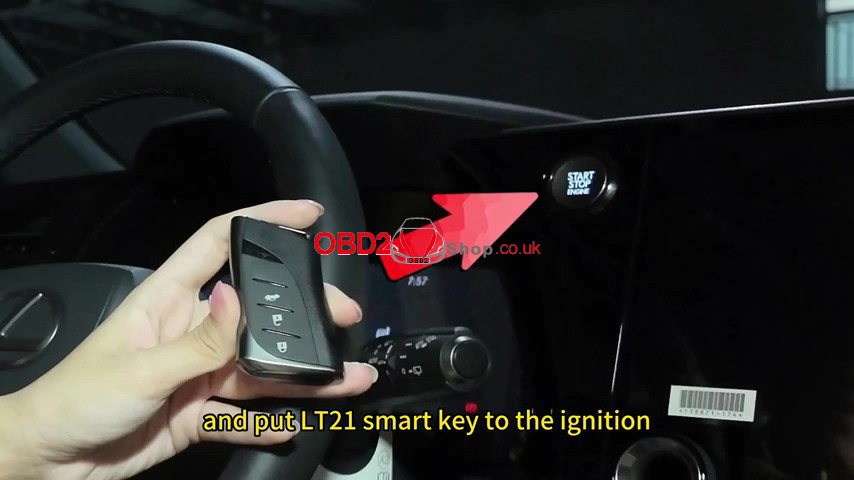
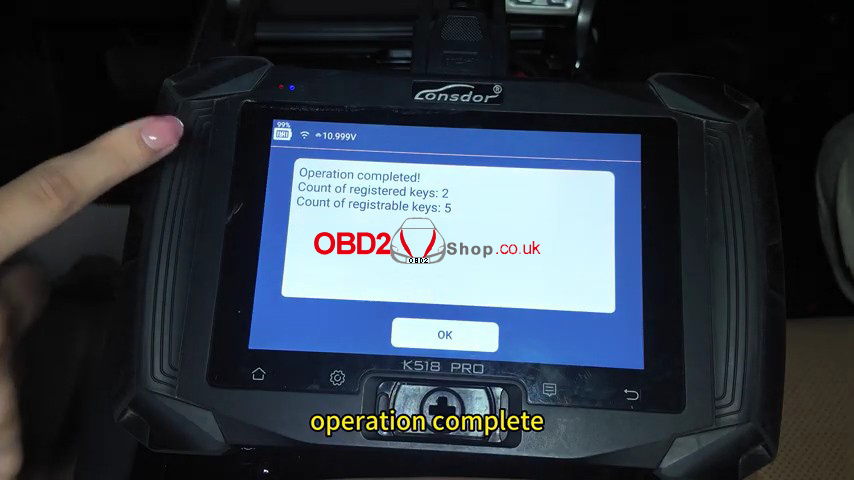
3. Check the key count. Put the original key in the ignition, then put the LT21-07 smart key in the ignition.
4. Once the operation is complete, select OK, turn the ignition off, and check the key.
Verification
Both keys started the RX350H, and the remote function worked normally.