
When certain Piaggio models store specific historical data, they may trigger fault codes that require a manual reset of the data buffer. This guide will help you clear those codes and restore system functionality.
Tools Required:
OBDSTAR MotoMaster
Main Cable
Step-by-Step Procedure
1. Locate the Vehicle System
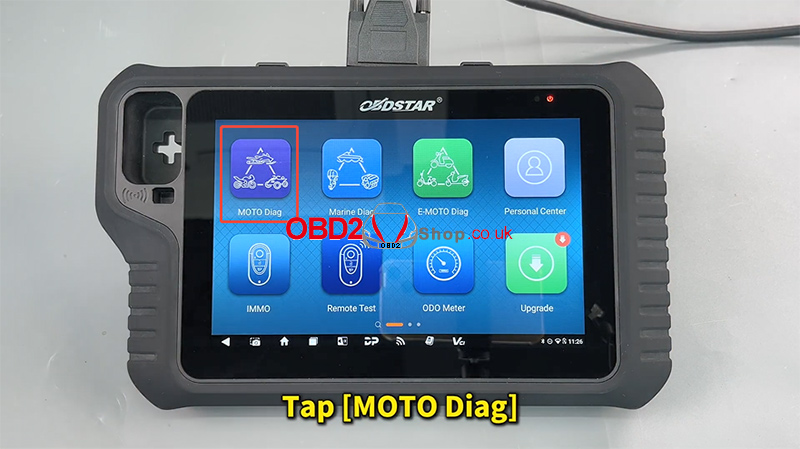
On the tablet, tap [MOTO Diag].
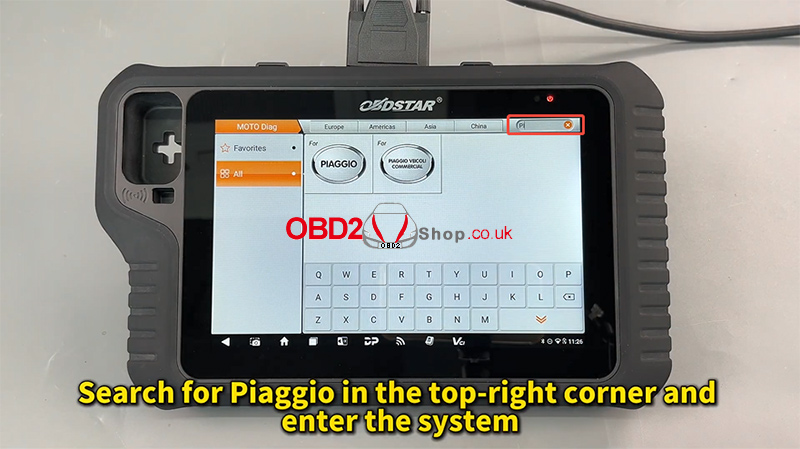
Search for Piaggio in the top-right search bar and enter the software.
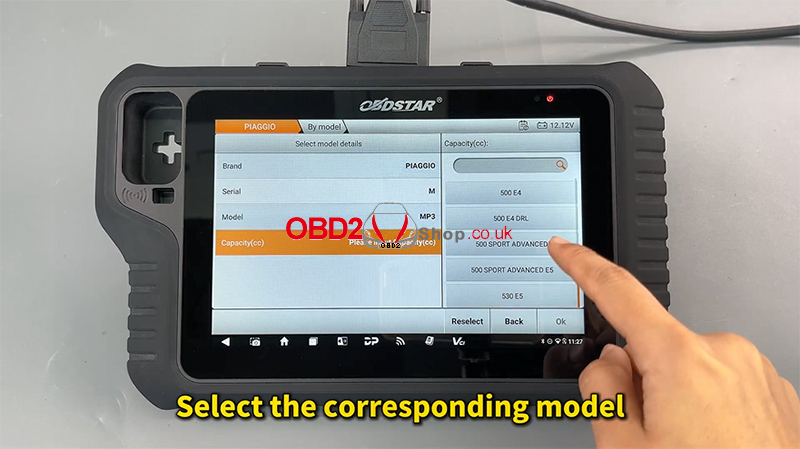
Select the corresponding motorbike model from the list.
2. Scan for Fault Codes
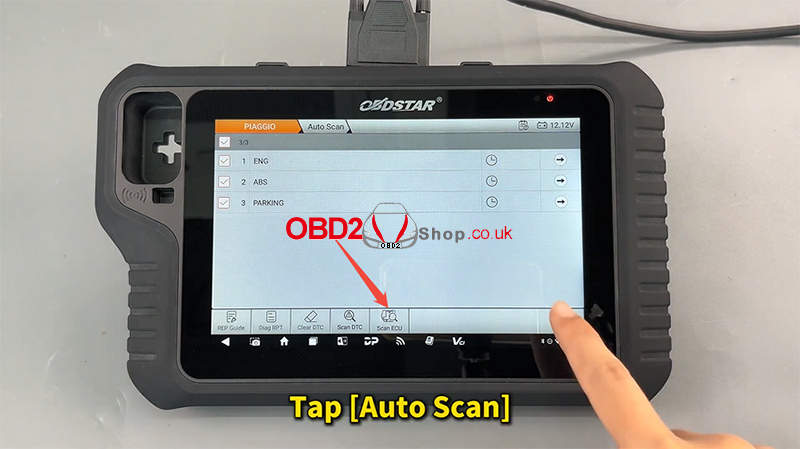
Tap [Auto Scan], then [Scan ECU].
Enter the Engine System.
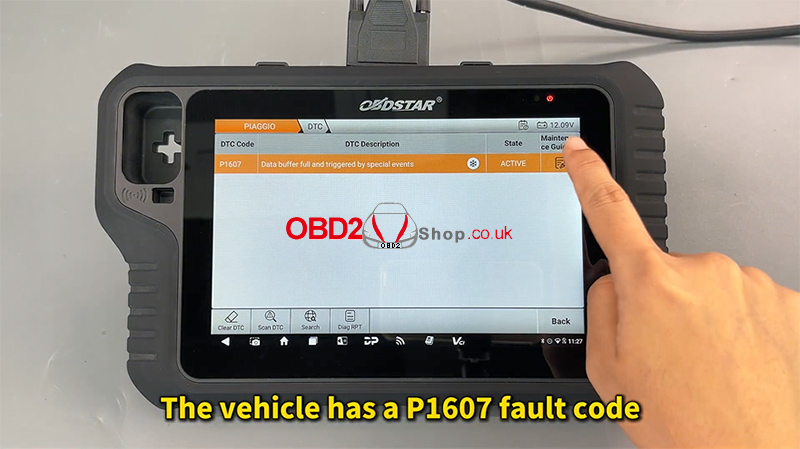
Select Read DTC.
If the vehicle displays fault code P1607, a data buffer reset is necessary.
3. Access the Repair Guide
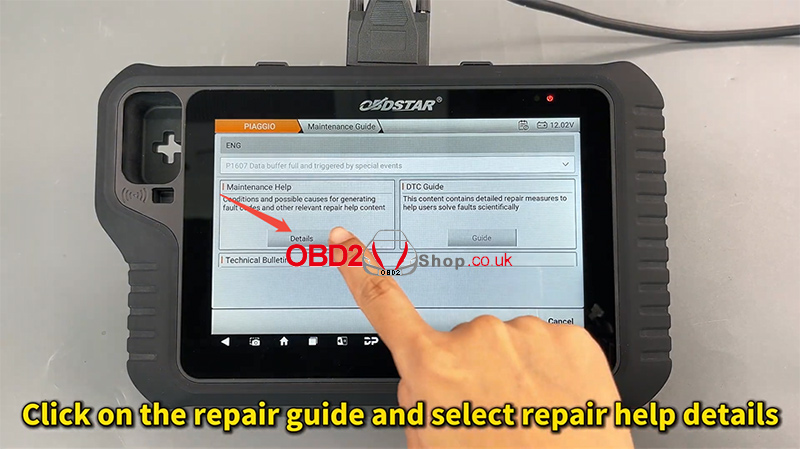
Click the Repair Guide icon, then select Repair Help Details.
The device will prompt you that to clear this specific code, you must access Advanced Functions to perform the reset.
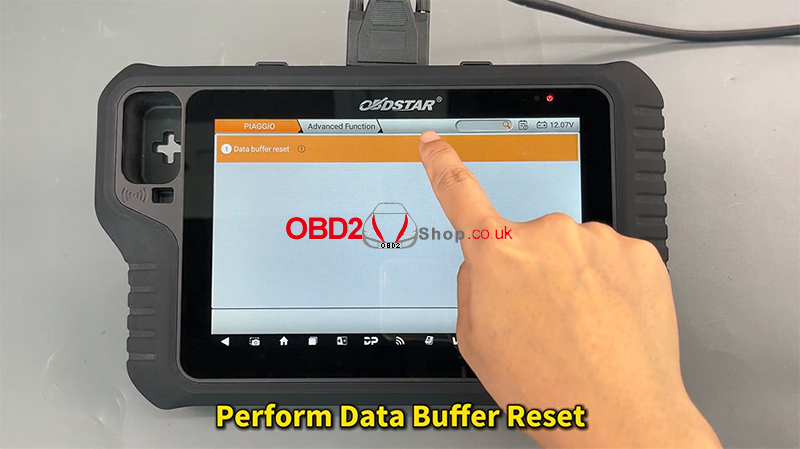
4. Perform the Data Buffer Reset
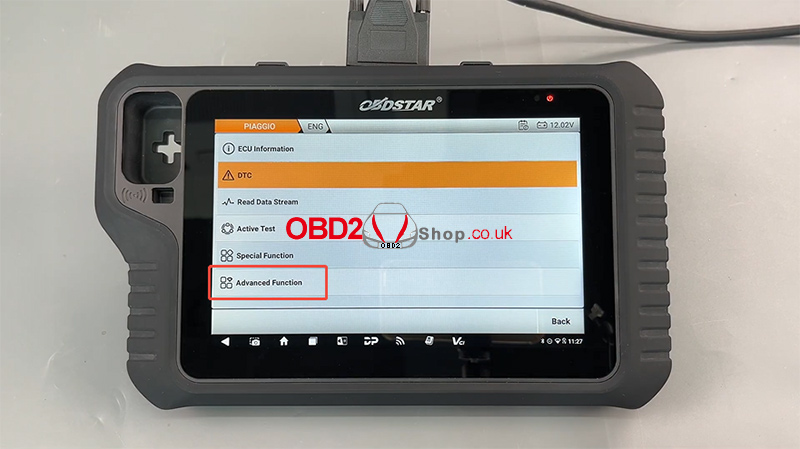
Go back to the main diagnostic menu and tap [Advanced Function].
Tap [Agree] on the disclaimer.
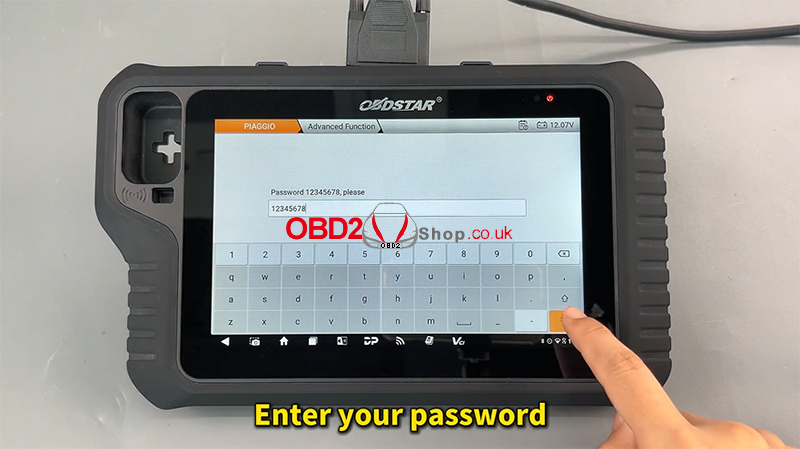
Enter your Password when prompted.
Select Data Buffer Reset and tap [OK].
5. Final Confirmation
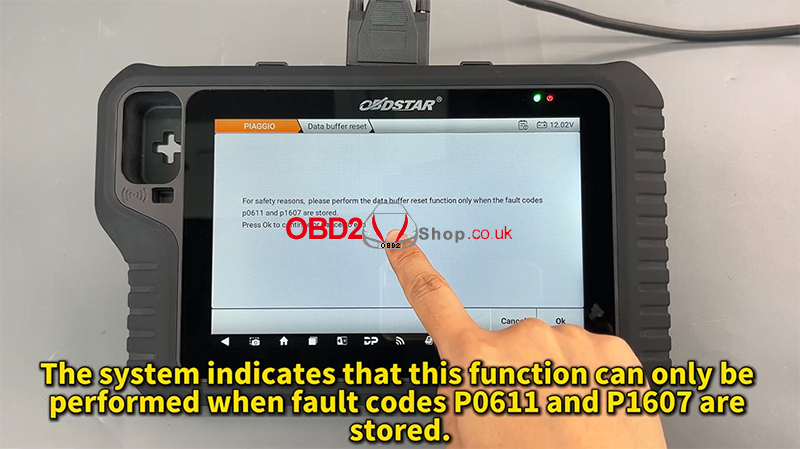
The system will notify you that this function is strictly for resolving codes P0611 and P1607.
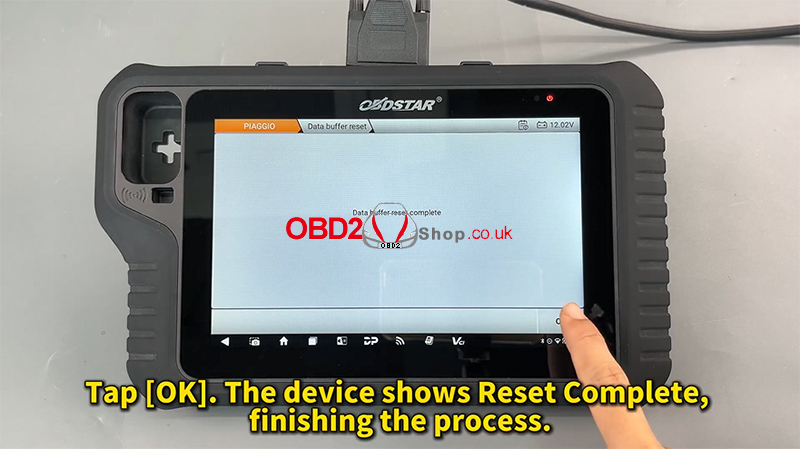
Tap [OK].
The device will display “Reset Complete”.
For further visual assistance, you can refer to video guides on YouTube:
Or visit www.obd2shop.co.uk for technical support.
