
Learn how to quickly synchronize and clone original key data using the KEYDIY KD-X4, 13# Remote Chip Reading Adapter, and C29AX71 Smart Key. This method enables seamless key addition without complex on-board programming, making it ideal for water-damaged keys or vehicles with difficult learning procedures.
Thechip synchronization now supports the NCF29AX series, including NCF29A1, NCF29A4, NCF29A2, NCF2953, NCF29A3and NCF2954.
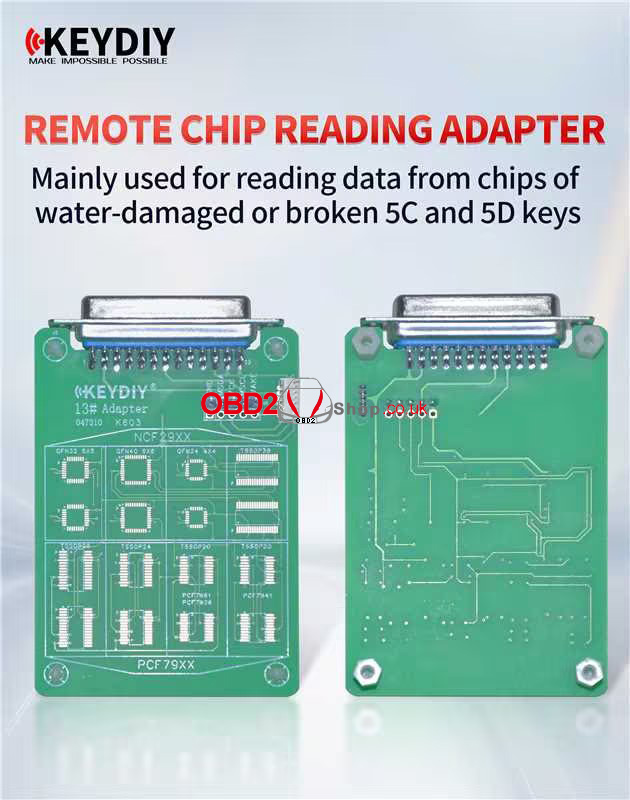
Required Tools & Preparation
Ensure the following hardware and software are ready before proceeding:
Main Devices: KEYDIY KDX4 or KD MAX.
Specialized Key: KEYDIY C29AX71 Smart Key.
Adapter: KEYDIY 13# Remote Chip Reading Adapter.
Software: Update your KD App to the latest version before proceeding.
Note: This is not a simple read-and-copy procedure; some keys require chip removal and soldering. There is no need to generate a remote program before reading the original key data.
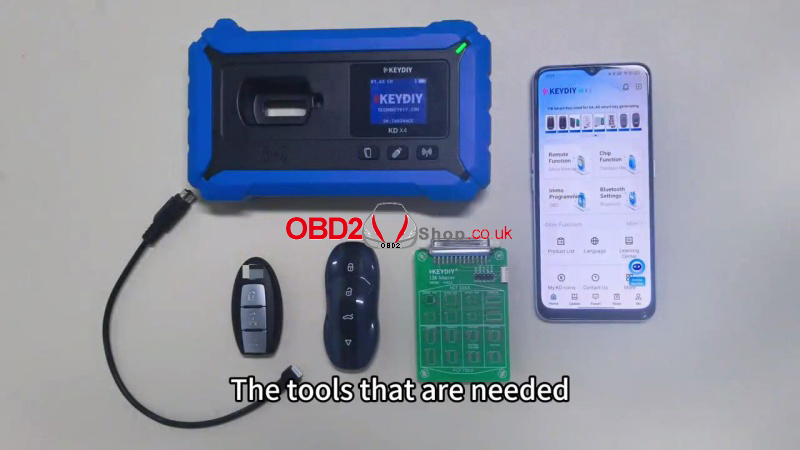
Step-by-Step Synchronization Guide
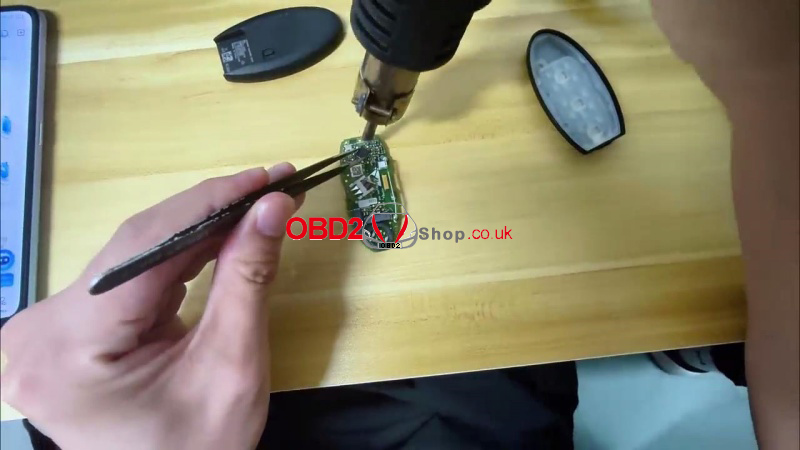
1. Extract the Original Chip
Disassemble the original vehicle smart key and carefully remove the NCF29AX series chip.
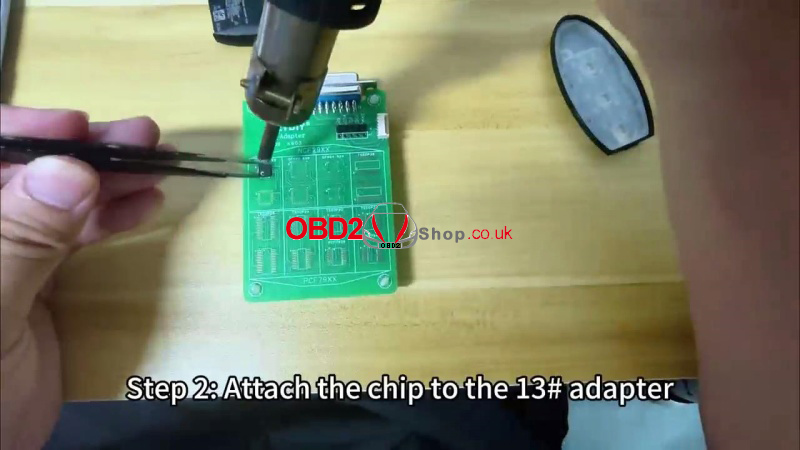
2. Attach the Chip to the #13 Adapter
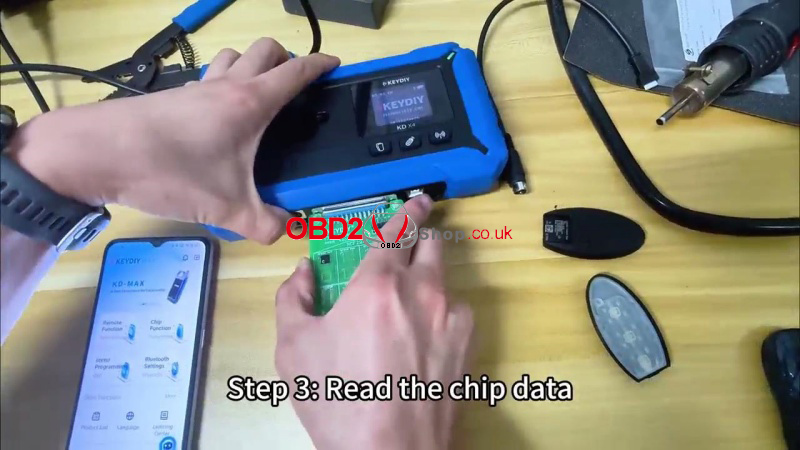
Solder the chip onto the 13# Adapter and connect it to your KD-X4 or KD-MAX.
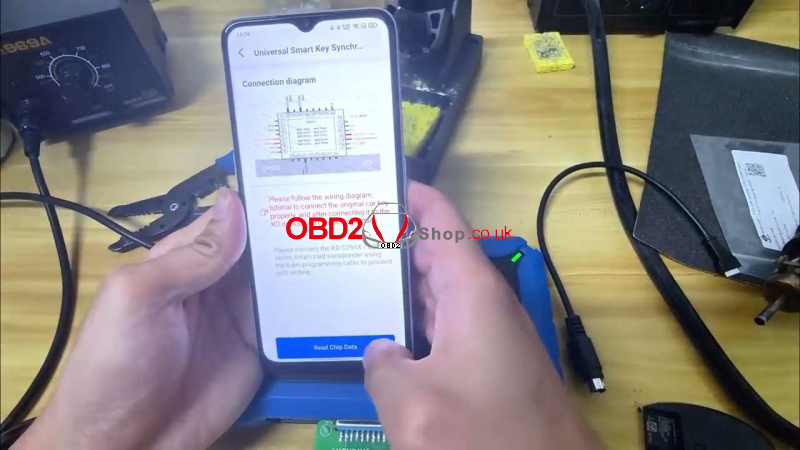
Alternative Method: Follow the provided wiring diagram to solder wires directly to the keyboard to read and save data without removing the chip.
3. Synchronize via KD App
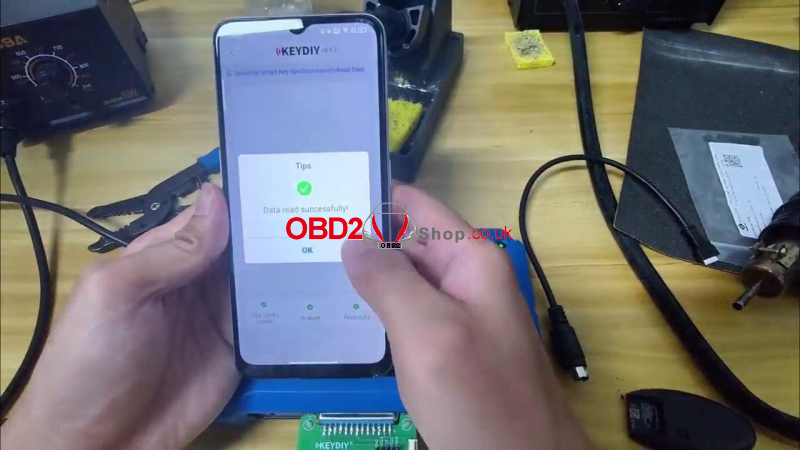
Navigate to: Remote function >> Smart key clone >> Universal smart key synchronization>> Read Chip data. This process syncs the original chip’s remote data and key ID to the CAX and CA7 series.
4. Write to C29AX71 Smart Key
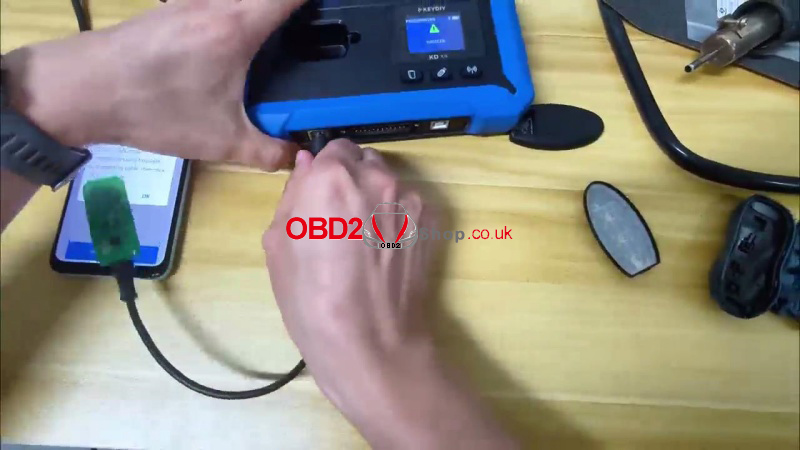
① Connect C29AX71 Smart Key to the KD-X4 using the 6-pin programming cable.
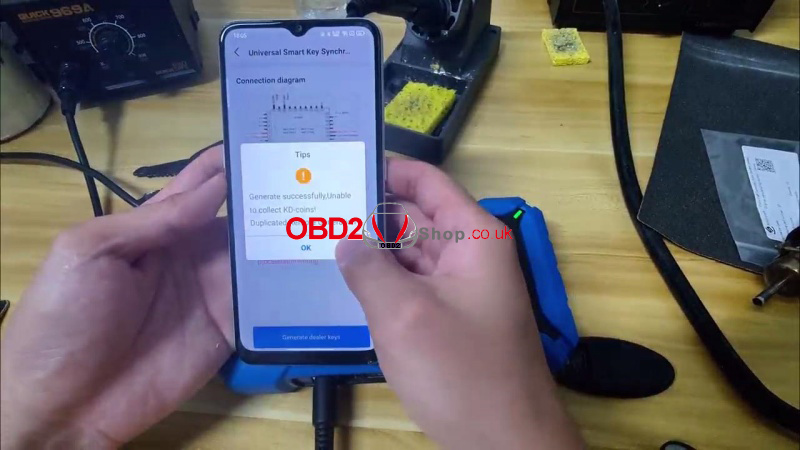
② Select “Generate dealer keys”.
③ Once finished, snap the key shell onto the new hardware.
Final Results & Advantages
The primary advantage of this method is efficiency. After writing the data, the new key works directly on the vehicle with no additional programming required. Always test both the new C29AX71 Smart Key and the original key to confirm all functions operate normally.
