
Here’s an all-keys-lost 2024 Li Auto L6 job completed with the Lonsdor K518 PRO. No seat removal or battery disconnection is required. Connect the Li Auto & NIO 2-in-1 Cable to the BCM, then the key can be programmed normally.
Access the BCM & Connect the K518 PRO
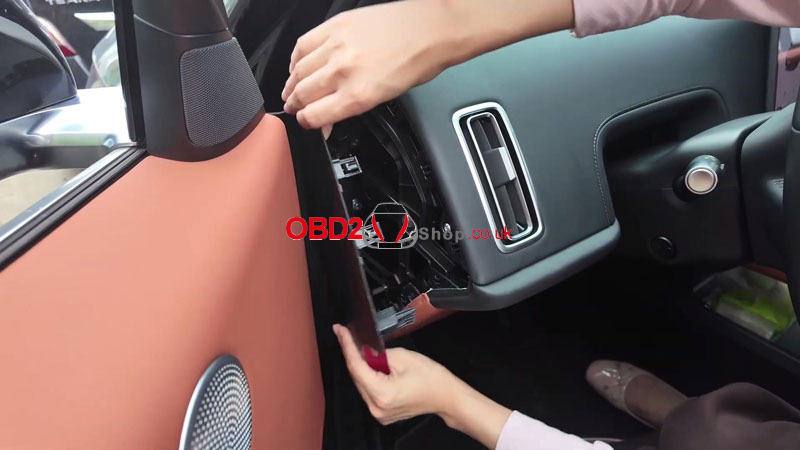
1. Remove the driver’s side lower trim panel and release the retaining clips.
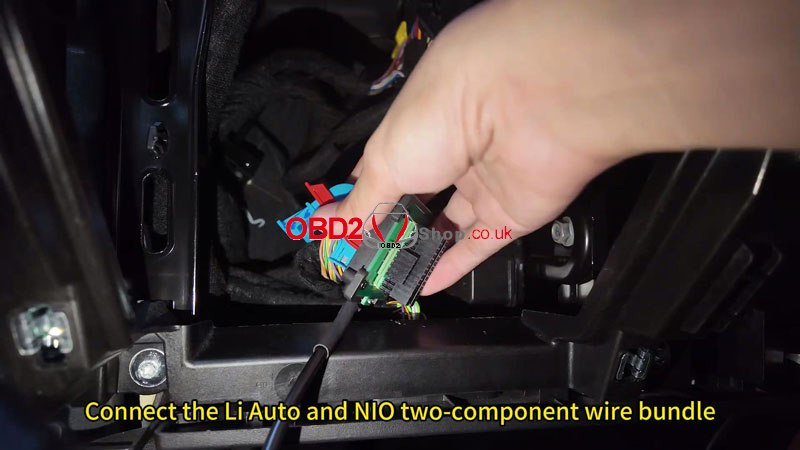
2. Locate the BCM, unplug the blue connector, and connect the LiAuto 2-in-1 Cable.
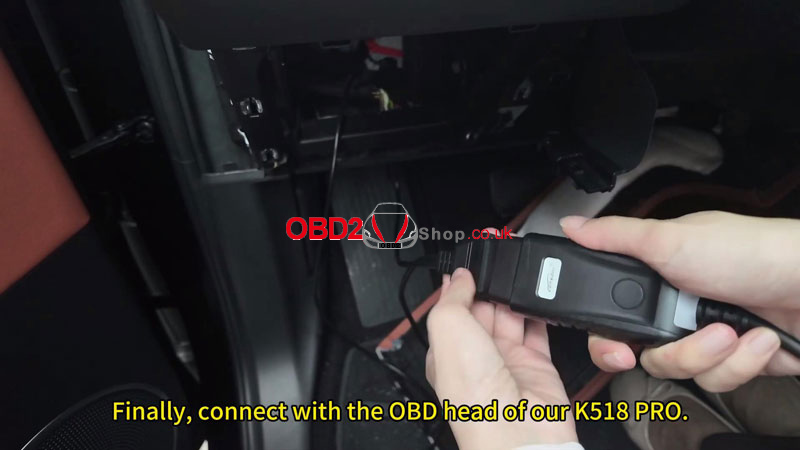
3. Reconnect the BCM connector, plug the OBD cable into the vehicle, then connect the K518 PRO through its OBD interface.
Perform the All Keys Lost Procedure
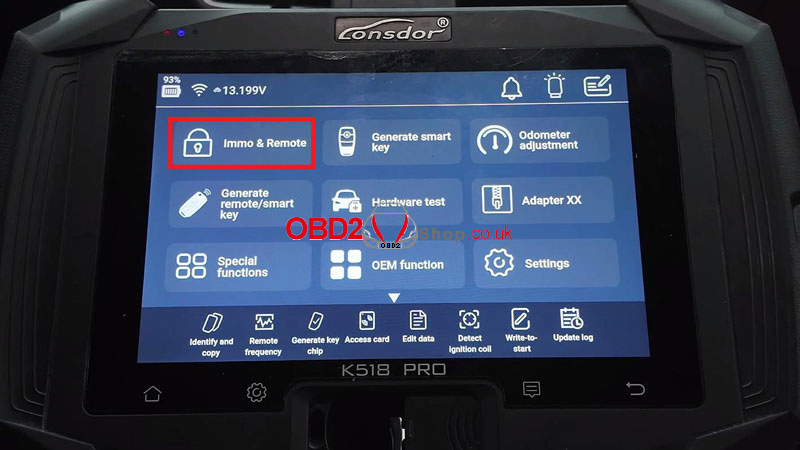
On the K518 PRO, go to:
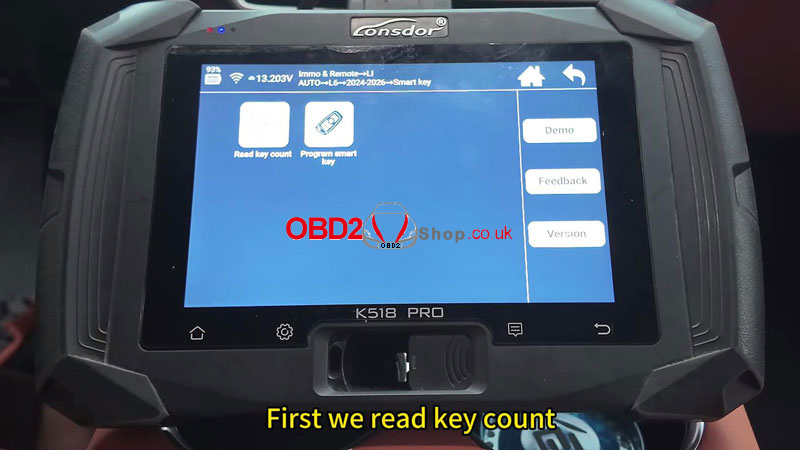
Immo & Remote → LI AUTO → L6 → 2024-2026 → Smart Key
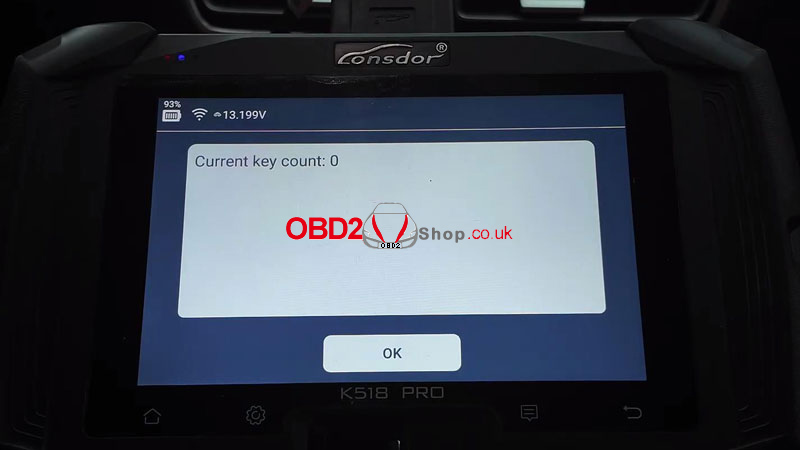
1. Select Read Key Count and confirm the current key count is 0.
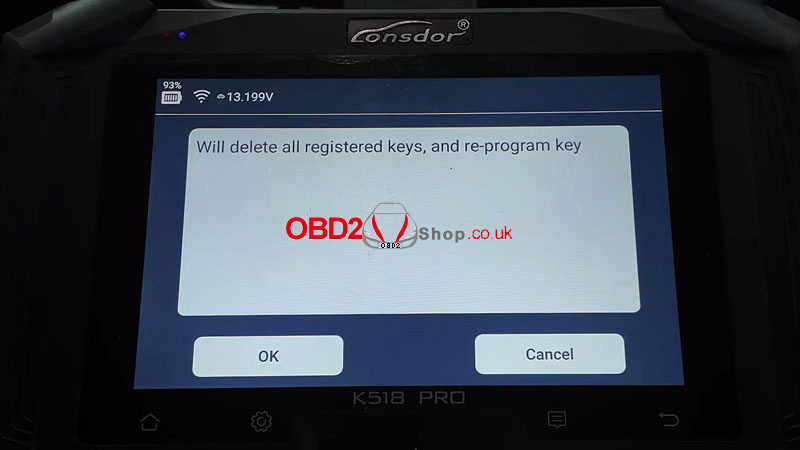
2. Select Program Smart Key, then press OK to continue. The tool supports programming up to two keys.
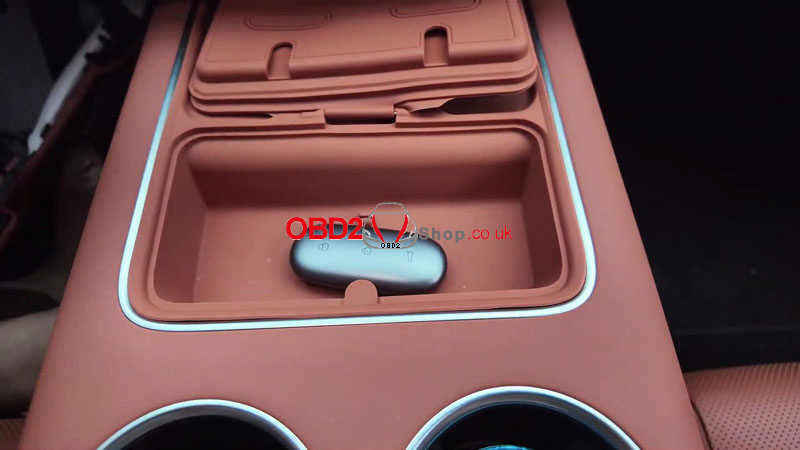
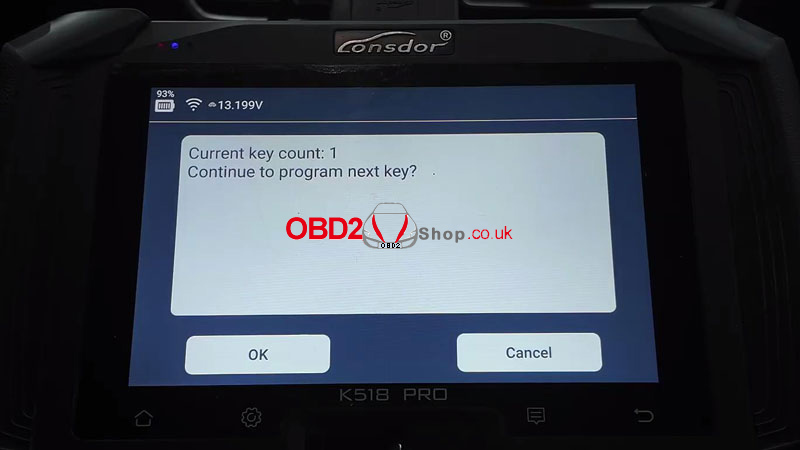
3. The system deletes all previously registered keys automatically. After the deletion is complete, place the key to be programmed in the vehicle’s induction area and continue. When the key count changes to 1, press OK to add another key if needed, or Cancel to finish programming.
Verify the Repair
Start the vehicle and check that the newly programmed smart key operates normally. If the vehicle starts and the key functions correctly, the programming is complete.

