
In this article, we’ll demonstrate how to collect key data from a 2019 Audi Q7 using the Xhorse MLB Tool together with the VVDI Key Tool Plus.
Please note that this process requires an online connection and will deduct 200 remote points for data calculation.
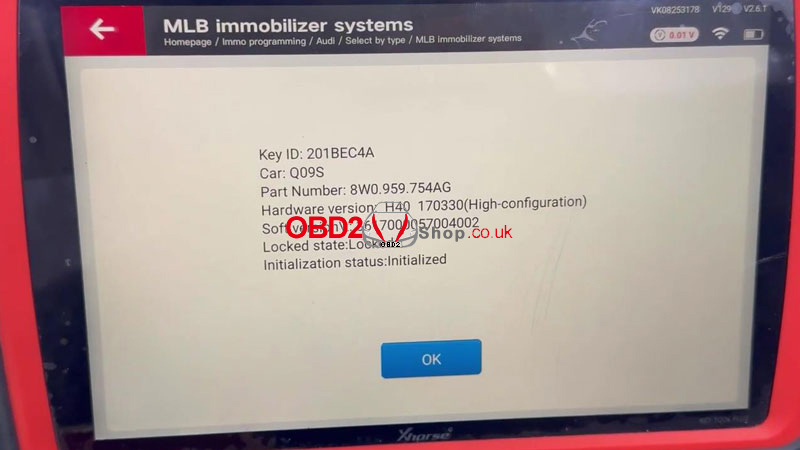
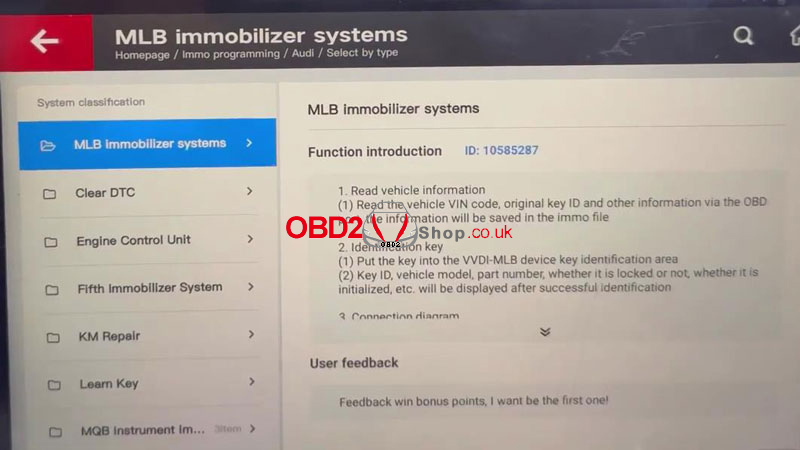
Step 1: Enter Immobilizer Programming
On the VVDI Key Tool Plus, follow the path below:
Immo Programming → Audi → Select by Type → MLB Immobilizer Systems → Start Programming
This function requires an active internet connection.
Make sure your network is working properly, then click OK to continue.
Step 2: Connect the MLB Tool
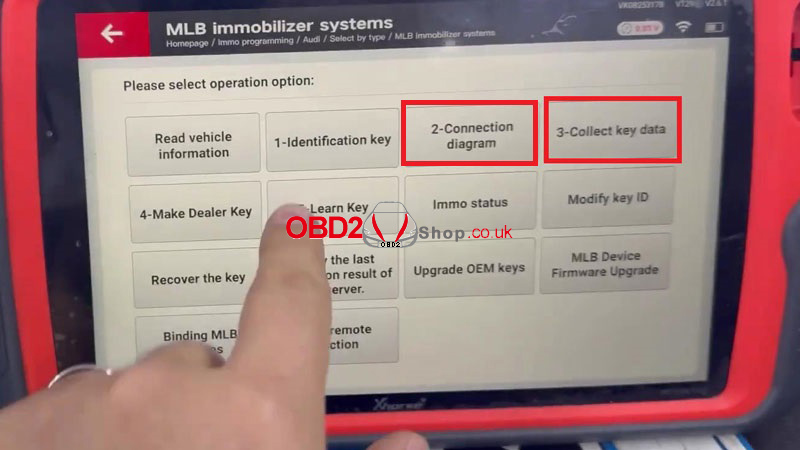
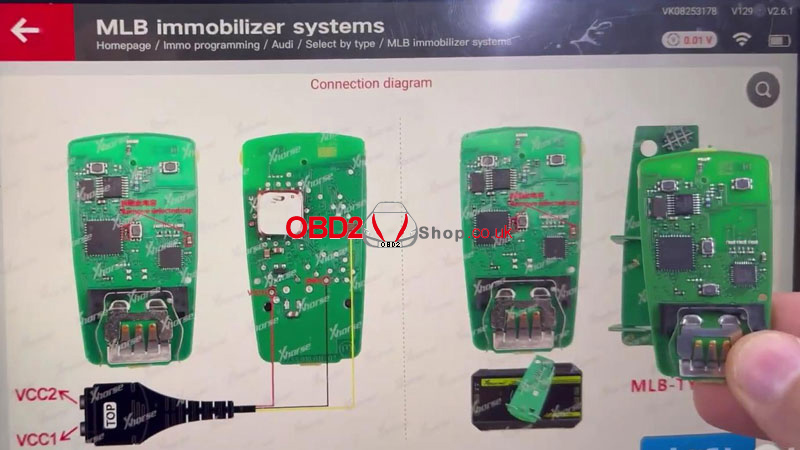
Select the Type 2 Audi/Lamborghini connection diagram.
Carefully solder the circuit board according to the diagram, then connect it to the Xhorse MLB Tool.
After the hardware connection is complete, click “Collect Key Data.”
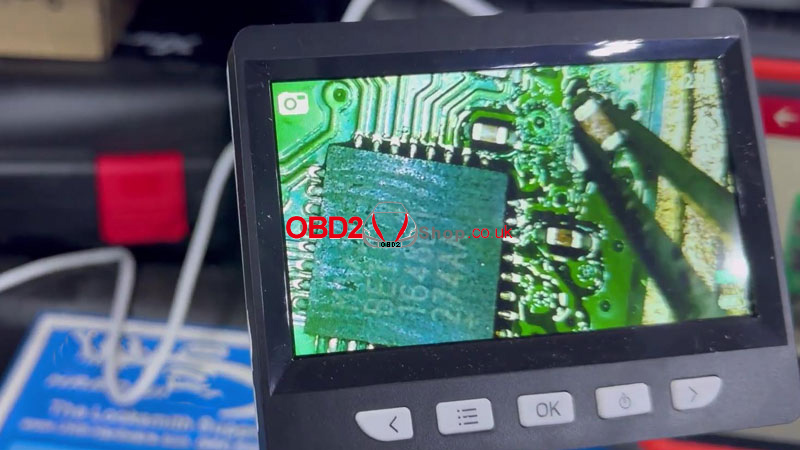
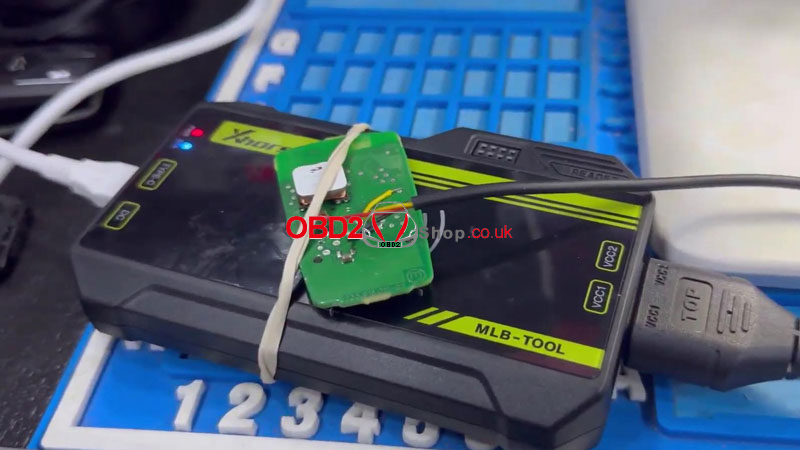
Step 3: Confirm Data Collection and Point Deduction
The system may display the following message:
Detected that the Key Tool Plus does not read the vehicle information data. Continue to acquire data to save? The immo file will not contain vehicle information.
Select Yes to continue.
Next, choose Collect Original Keys – Points Deduction.
A confirmation prompt will appear:
This calculation will deduct 200 remote points. Do you want to continue?
Select Yes.
Step 4: Collect Key Data
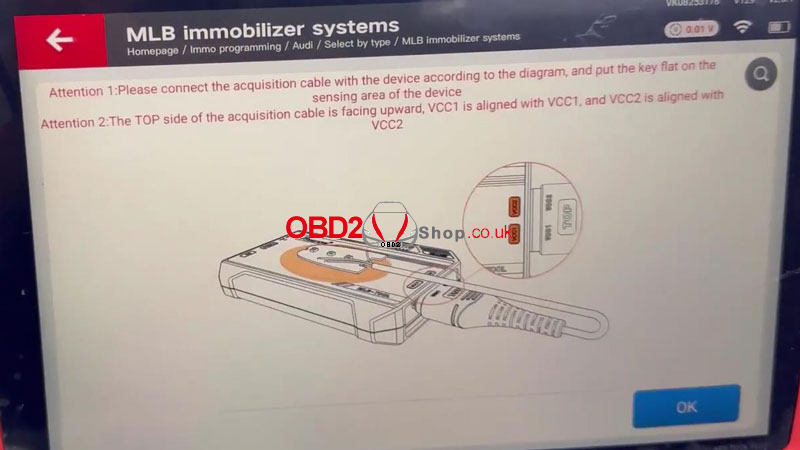
Before collecting data, pay close attention to the following notes:
Important Notes:
1. Connect the acquisition cable to the device exactly as shown in the diagram and place the key flat on the sensing area.
2. Ensure the TOP side of the acquisition cable is facing upward.
3. Align VCC1 with VCC1 and VCC2 with VCC2 correctly.
Once everything is properly positioned, press OK to begin data acquisition.
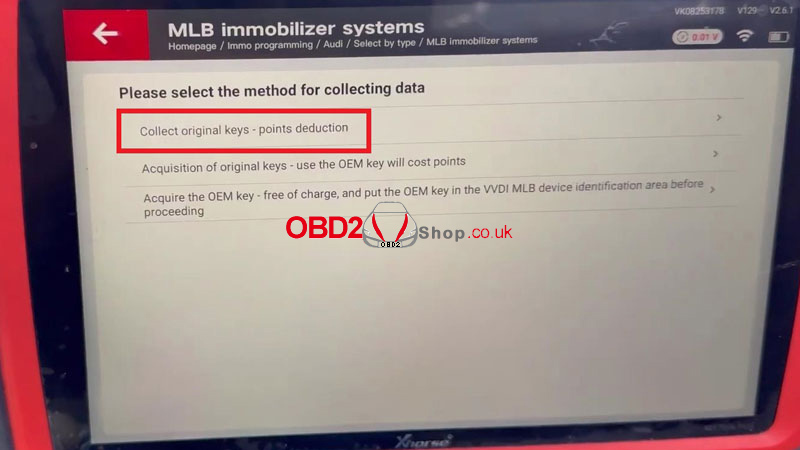
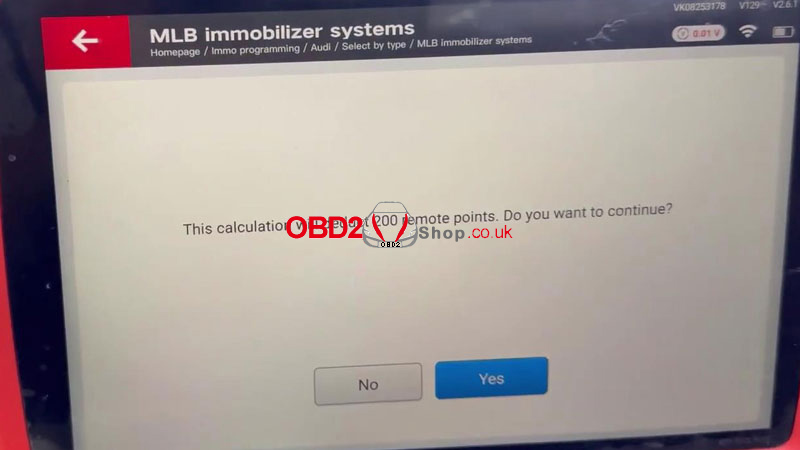
Completion
After the data collection process is finished, the 2019 Audi Q7 key data is successfully acquired and saved. You can now proceed with further key programming operations as required.
