
This article will guide you step by step through downloading, installing, connecting, and activating the Launch X-431 ECU & TCU Programmer software on your computer.
Step 1: Download and Install the Software
Begin by visiting the official website and clicking the download link for the X-431 ECU & TCU Programmer. Follow the on-screen instructions to complete the installation on your computer.
Download Link:
https://en.cnlaunch.com/products-detail/i-243.html#pro_download
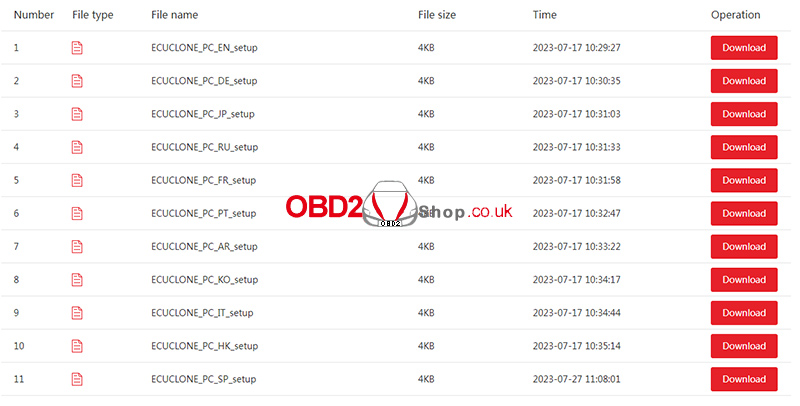
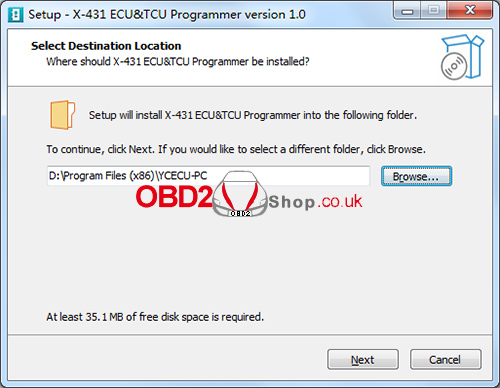
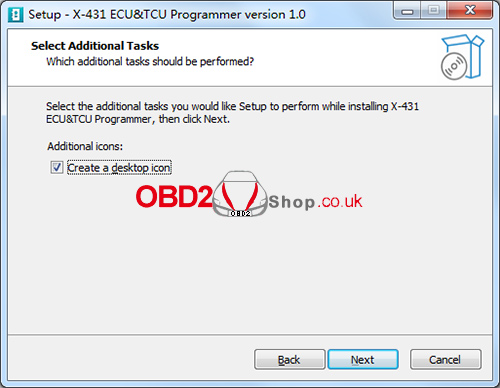
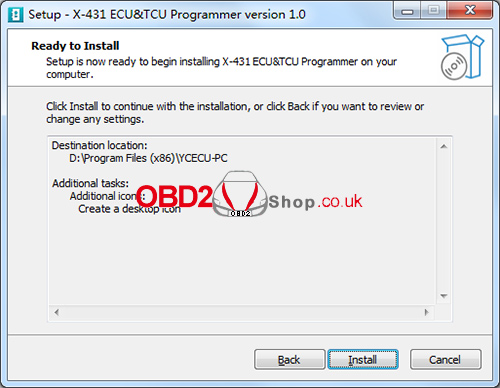
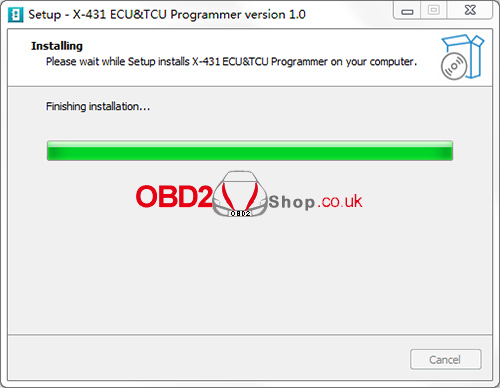
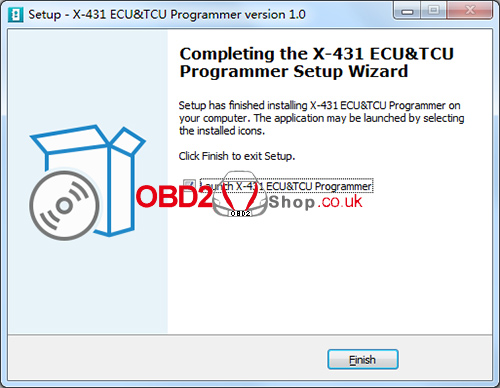
Step 2: Connect the ECU & TCU Programmer to the Computer
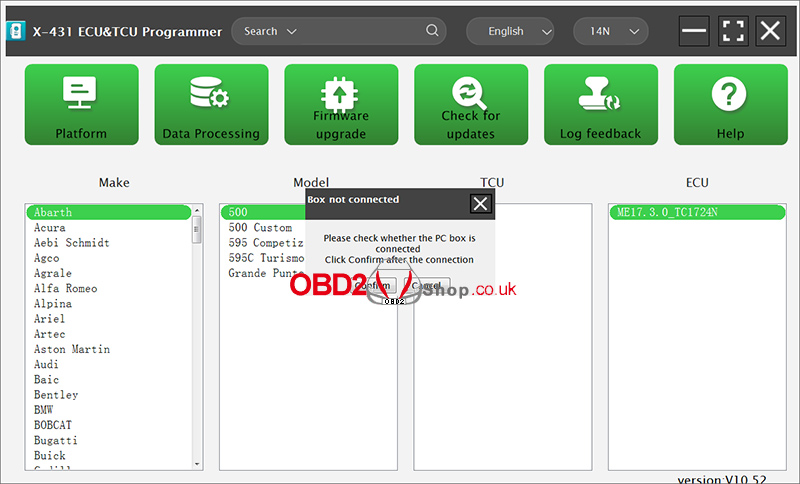
After installation, launch the software. If the device is not connected, the software will display a message saying [Box not connected].
Use a USB cable (Type-A to Type-B) to connect the X-431 ECU & TCU Programmer to your computer. Once connected properly, the software should recognize the device automatically.
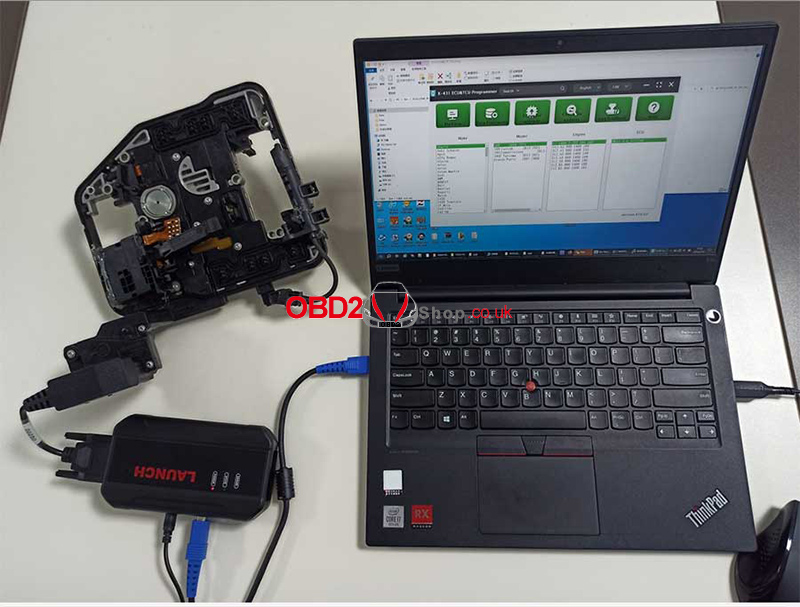
Step 3: Software Activation
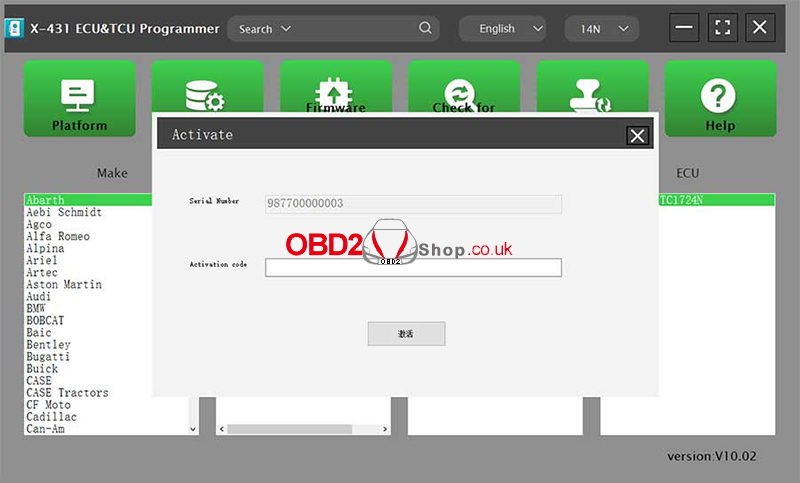
When using the software for the first time, it will automatically enter the activation interface.
After the X-431 ECU & TCU Programmer is connected, the system will detect and display the device serial number. To complete activation, enter the activation code, which can be found on the envelope included with the X-431 ECU & TCU Programmer, and scrape the coating area to obtain the activation code.
Once the activation is successful, the device and software will be ready for use.
Conclusion:
By following the steps above—downloading the software, connecting the programmer, and completing activation—you can quickly set up the Launch X-431 ECU & TCU Programmer and begin ECU and TCU programming tasks efficiently.
For more diagnostic tools, programming devices, and technical guides, visit www.obd2shop.co.uk.
