
This guide demonstrates the procedure for reading and writing Transmission Control Module (TCM) data on the ZOTYE 6DCT360 using the OBDSTAR DC706 ECU Tool (also compatible with Keymaster G3).
Required Tools & Equipment:
OBDSTAR DC706 / Keymaster G3
High-power DC Regulated Power Supply
Main Cable
ECU Clone Jumper
MP001 Programmer
ZOTYE 6DCT360 TCM Unit
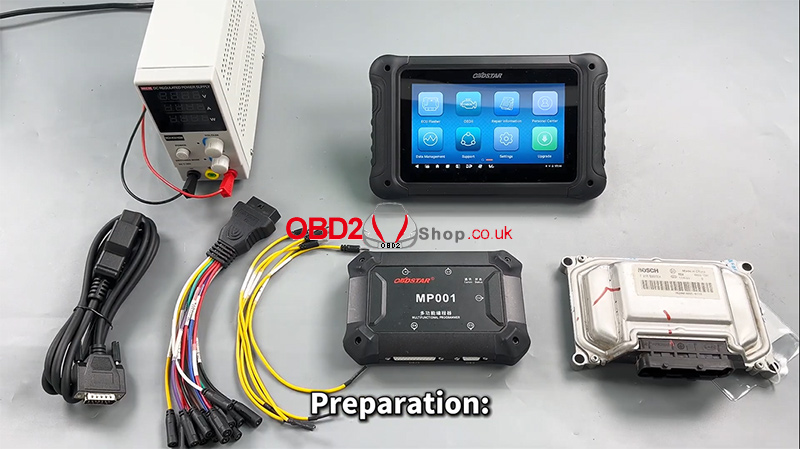
Step-by-Step Procedure:
1. Preparation & Software
Ensure your OBDSTAR DC706 device is updated with the latest software version.
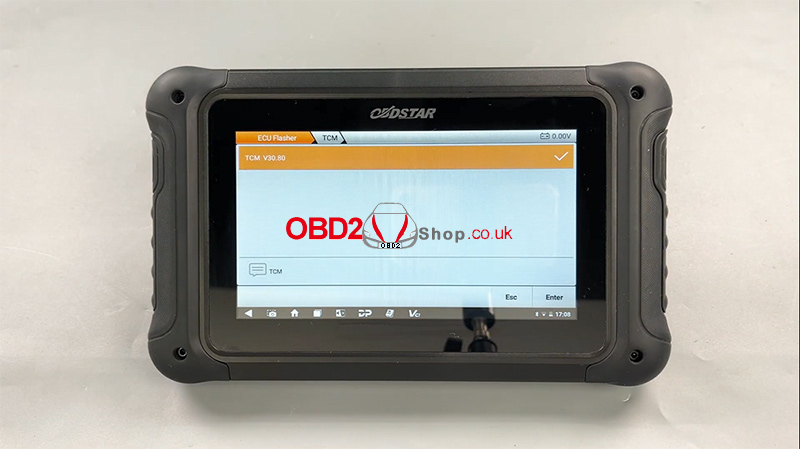
Launch the ECU Flasher application and select the Passenger Car > TCM category.
Use the search function (top right) to quickly locate the ZOTYE 6DCT360 model.
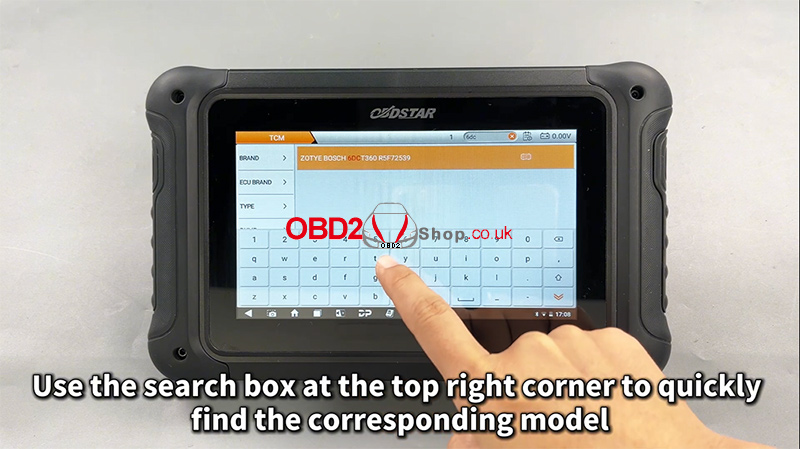
2. Guided Instructions & Connection
Tap the Guide section. Carefully review the Warm Reminder, Menu Description, Operation Guide, Connection Methods, and Special Notes.
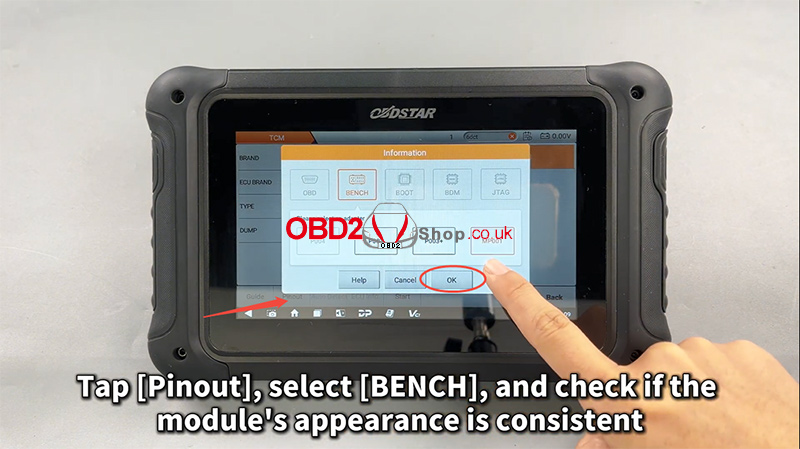
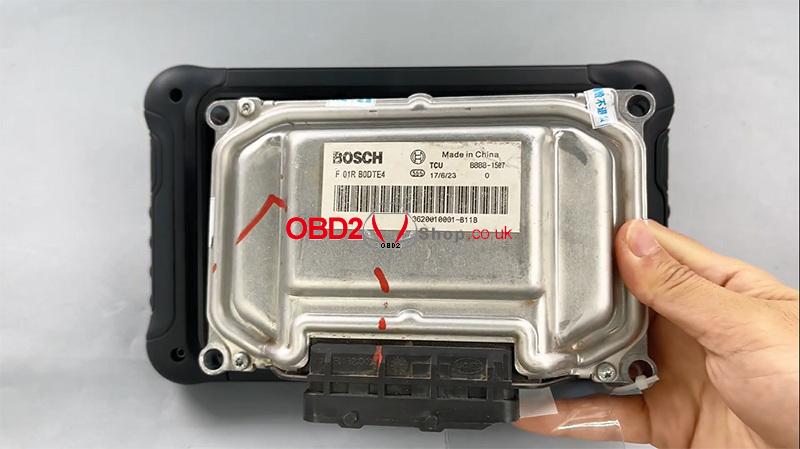
Tap Pinout and select BENCH mode. Verify that the displayed module matches your TCM’s appearance.
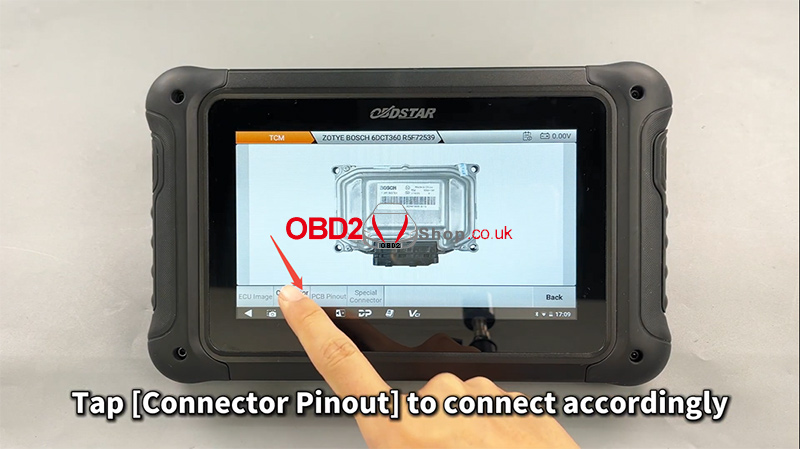
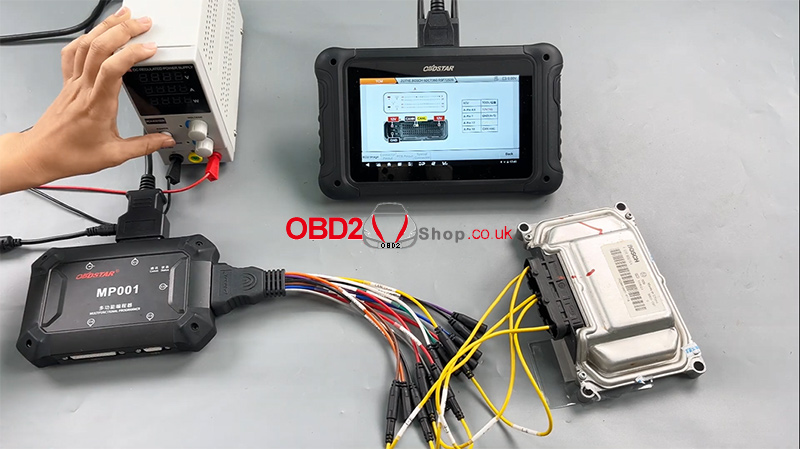
Tap Connector Pinout and connect your cables to the TCM accordingly, following the diagram.
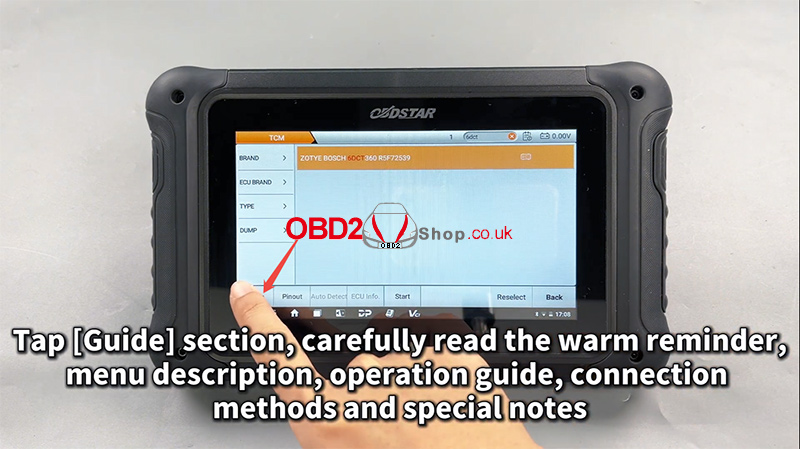
3. Reading & Writing Data
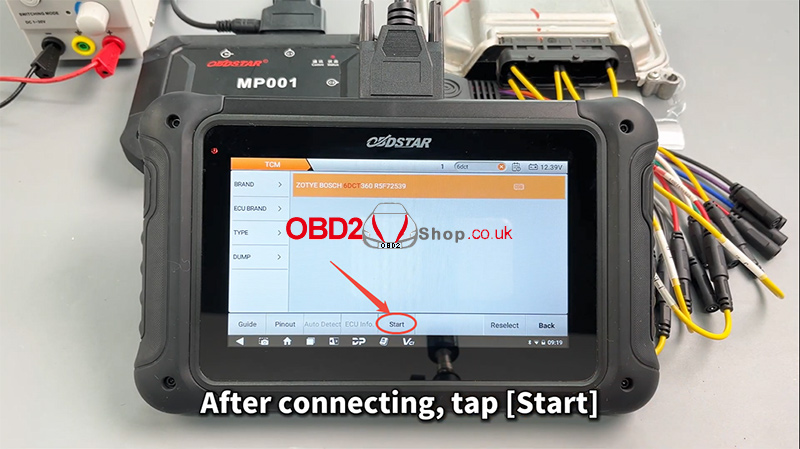
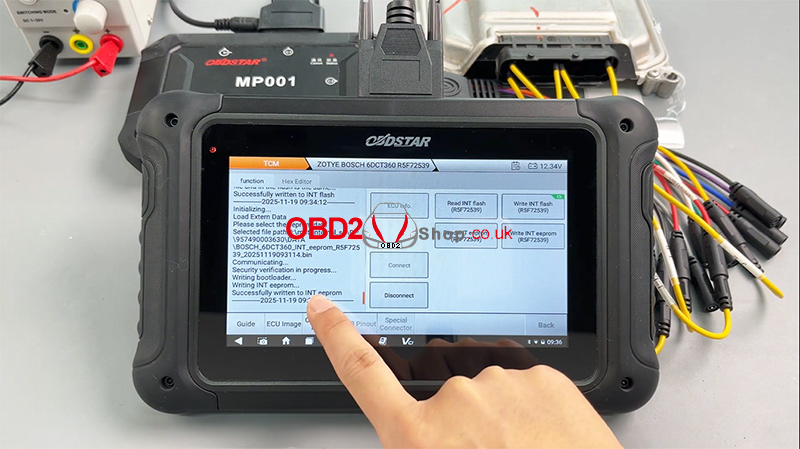
After completing the physical connections, tap Start.
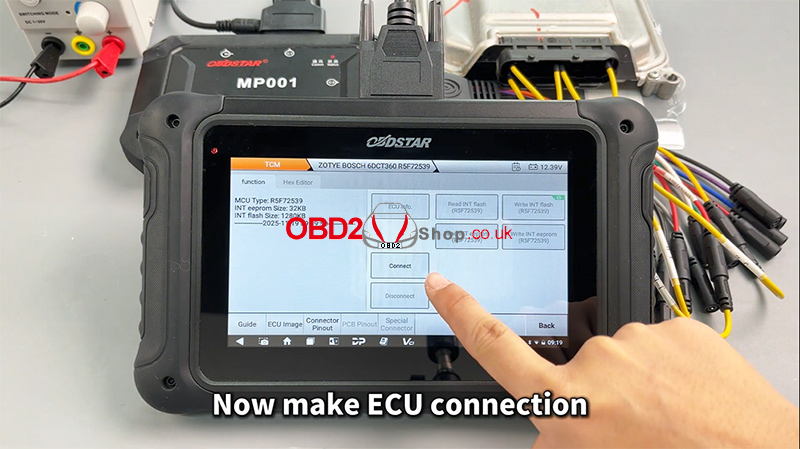
The tool will now establish communication with the ECU.
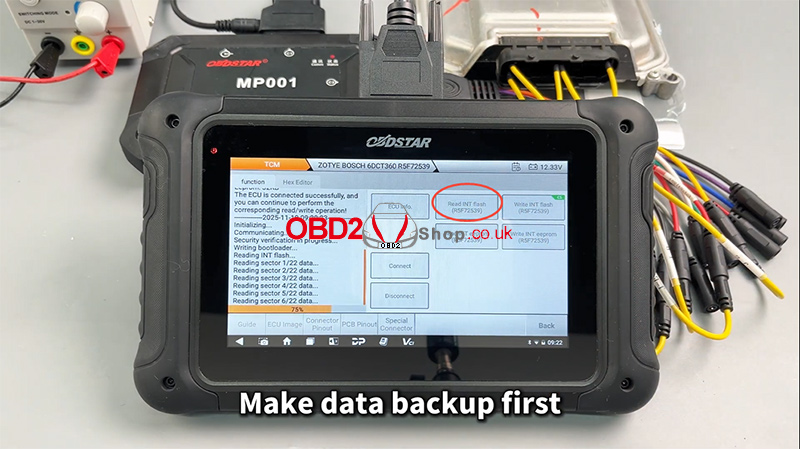
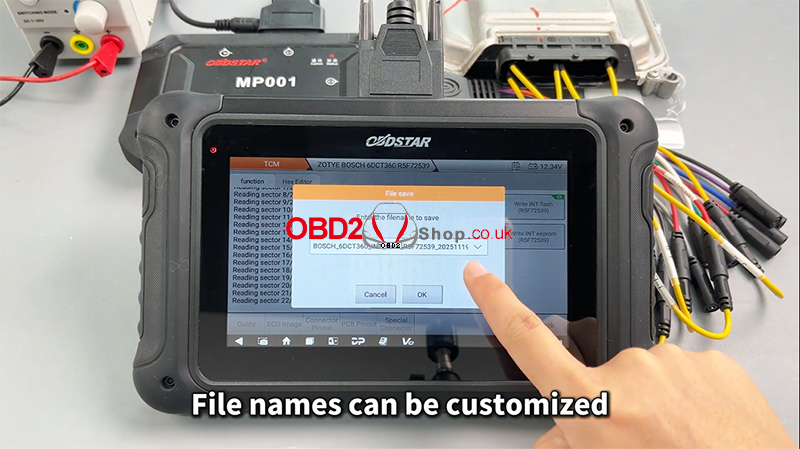
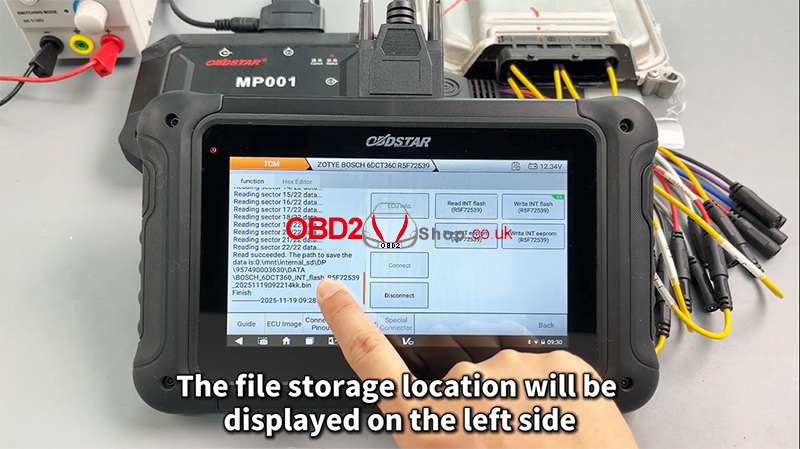
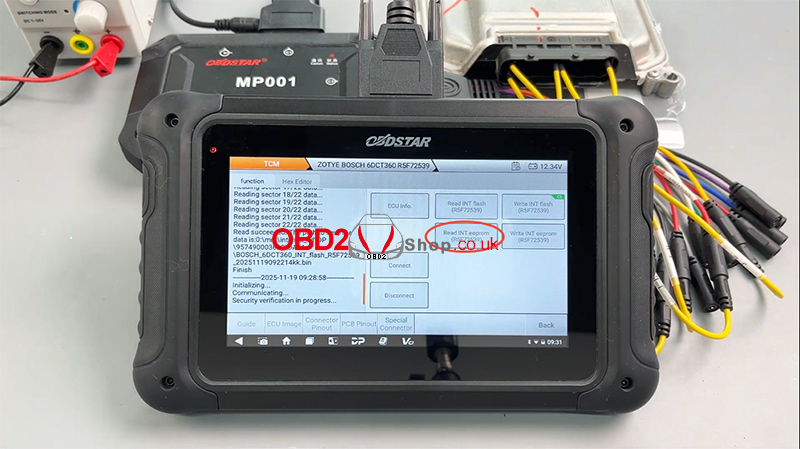
First, create a data backup (READ): Always back up the original data first. You can customize the backup file name. The storage location is shown on the left side of the screen.
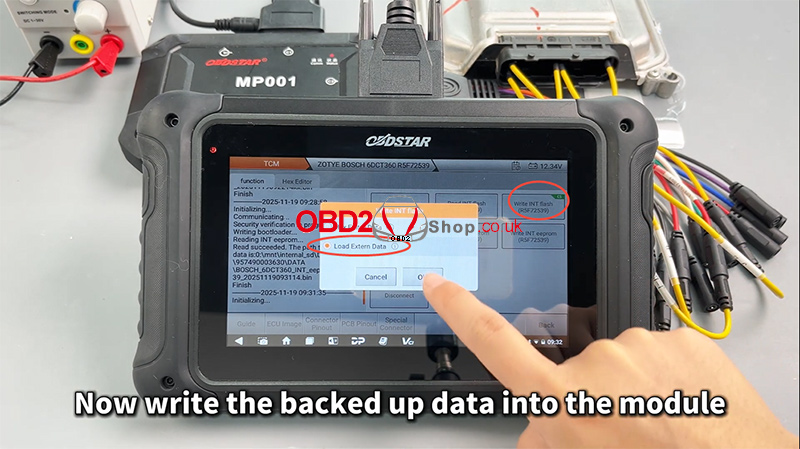
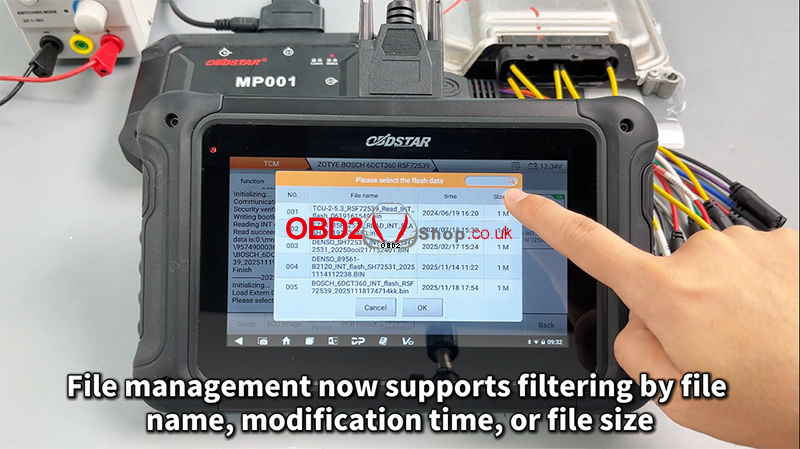
Write data (WRITE): Proceed to write the required data file into the module. The file management system allows you to filter files by name, modification time, or size.
Verification: If the data file has not been modified, verification is typically not required.
Completion: Once the process is finished, the operation is complete.
For a visual walkthrough, follow along with our video guide:
