


In this guide, we will walk you through the clutch initialization (learning) procedure for a 2020 Honda ADV750 using the OBDSTAR MotoMaster diagnostic tool. This function is essential after clutch-related repairs or when transmission performance needs recalibration.
Follow the steps below carefully to complete the process successfully.
Required Tools:
OBDSTAR MotoMaster
Main cable
M041 dedicated cable
Connection Setup
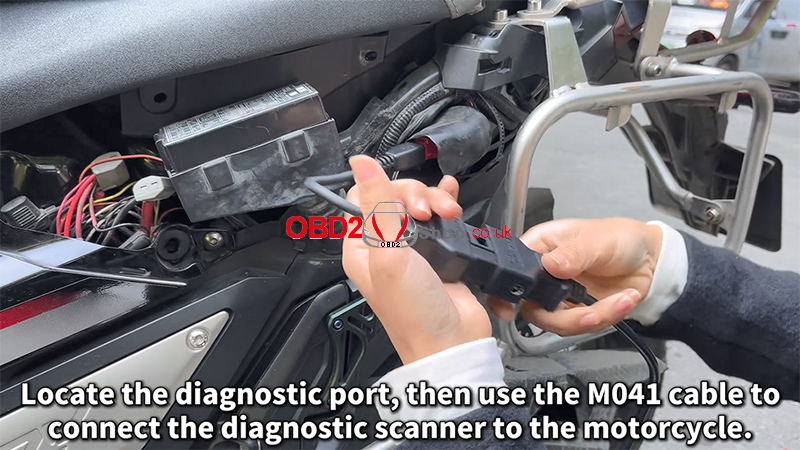
1. Locate the motorcycle diagnostic port.
2. Use the M041 dedicated cable to connect the MotoMaster to the motorcycle.
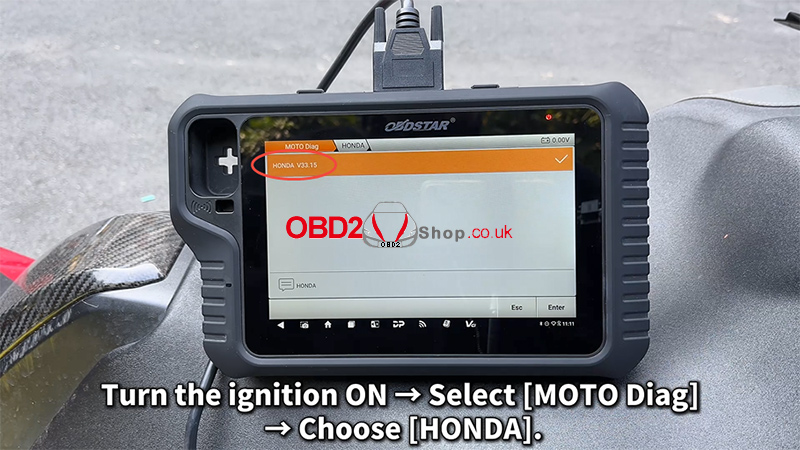
3. Turn the ignition ON (engine OFF).
4. On the MotoMaster, navigate to: [MOTO Diag] → [HONDA]
Clutch Initialization Procedure
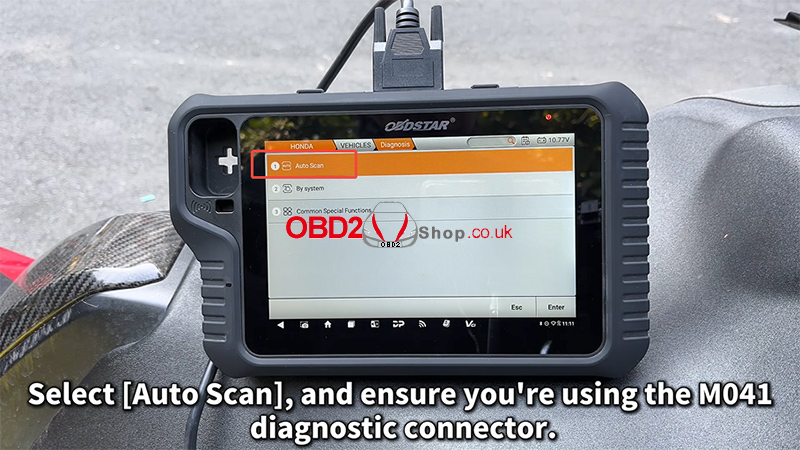
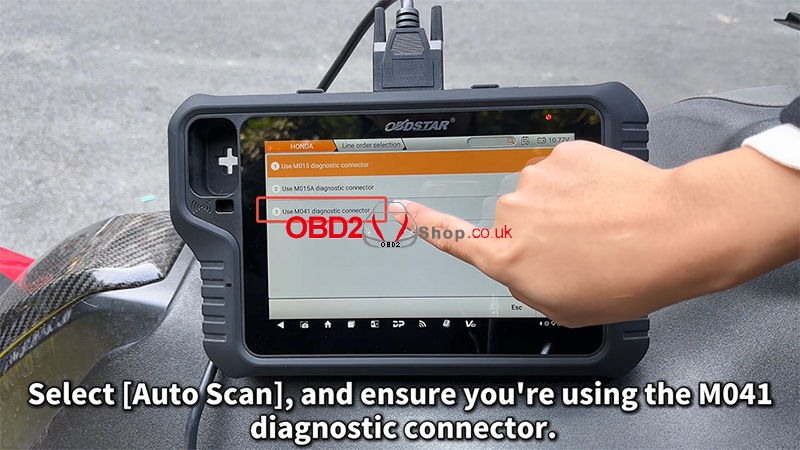
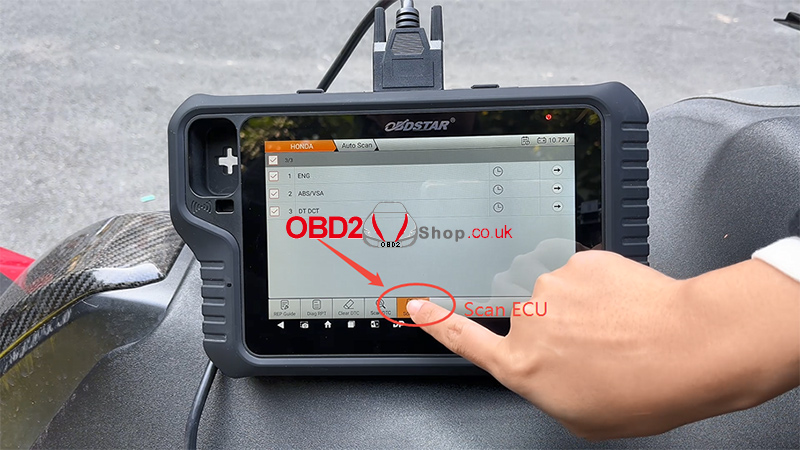
1. Select [Auto Scan] and confirm that the M041 diagnostic connector is in use.
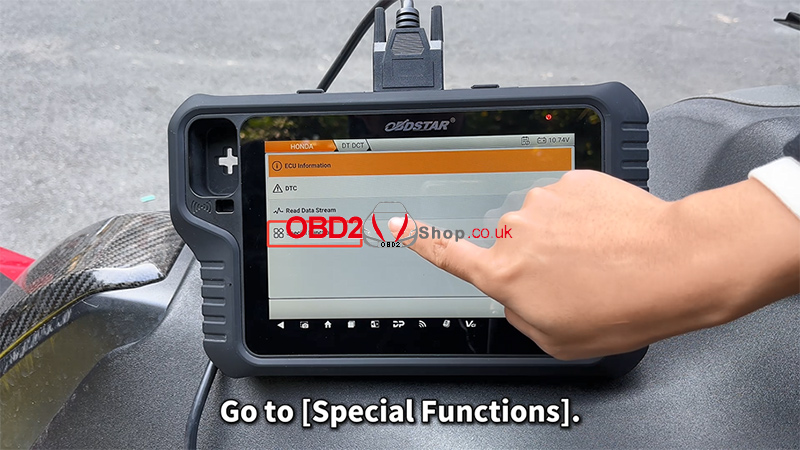
2. Enter [Special Functions].
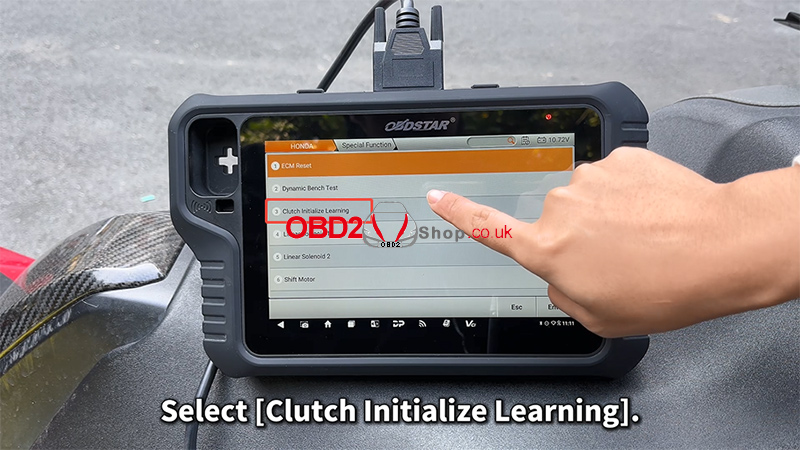
3. Choose [Clutch Initialize Learning].
4. Carefully read the on-screen notes and confirm:
The engine is OFF
The transmission is in Neutral
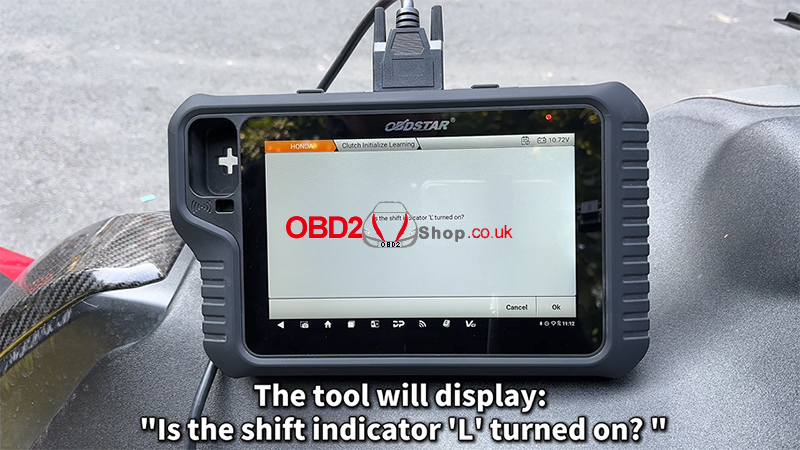
5. The tool will display the message: “Is the shift indicator ‘L’ turned on?” Tap [Cancel].
Ignition & Engine Operation
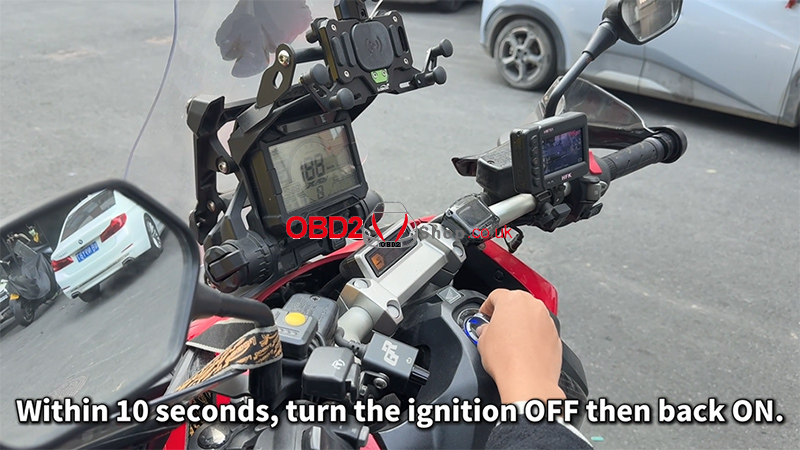
1. Within 10 seconds, turn the ignition OFF, then turn it ON again.
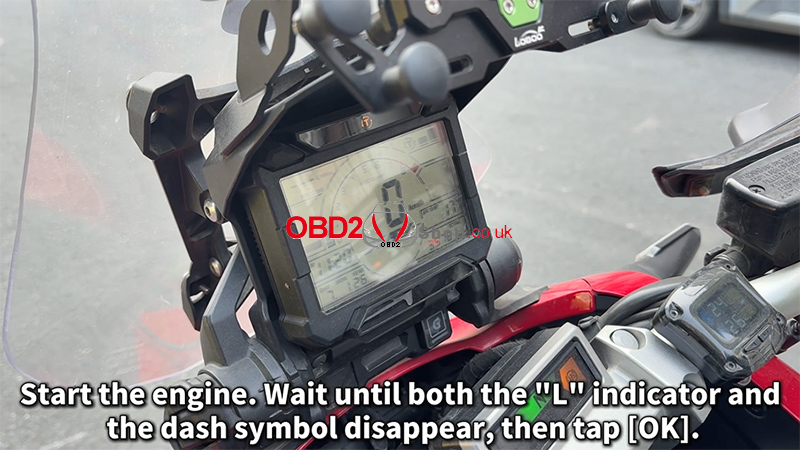
2. Start the engine.
3. Wait until both the “L” indicator and the dashboard symbol disappear.
4. Tap [OK] to continue.
Completion Steps
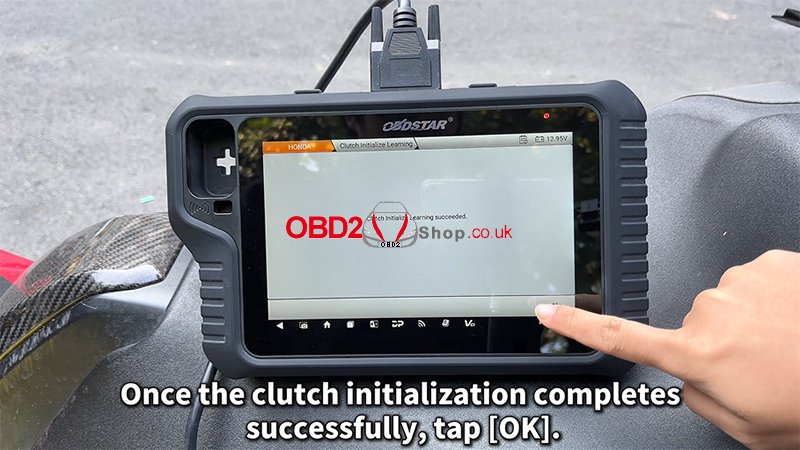
1. Once the clutch initialization completes successfully, tap [OK].
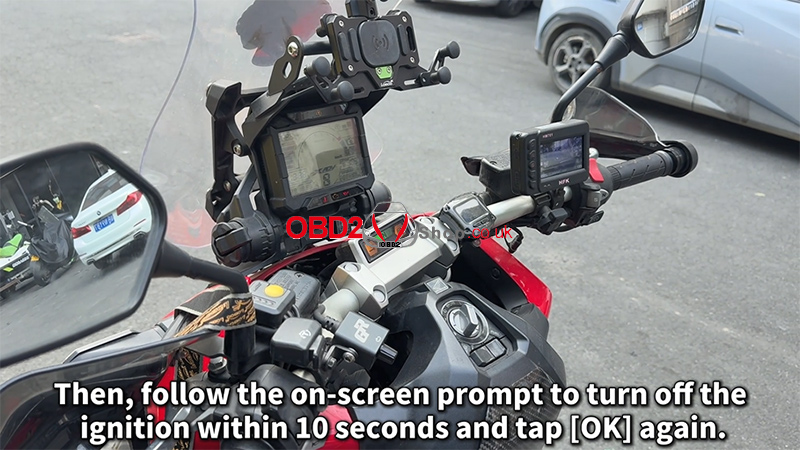
2. Follow the on-screen prompt to turn OFF the ignition within 10 seconds, then tap [OK] again.
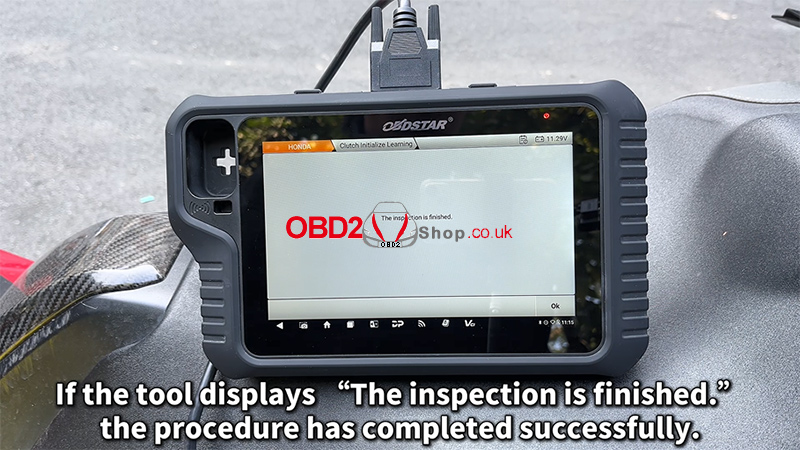
3. If the tool displays: “The inspection is finished,” the clutch initialization procedure has been completed successfully.
Video Tutorial
For a visual walkthrough of the entire process, watch the video guide below:
For more motorcycle diagnostic guides and professional tools, visit: www.obd2shop.co.uk.
