


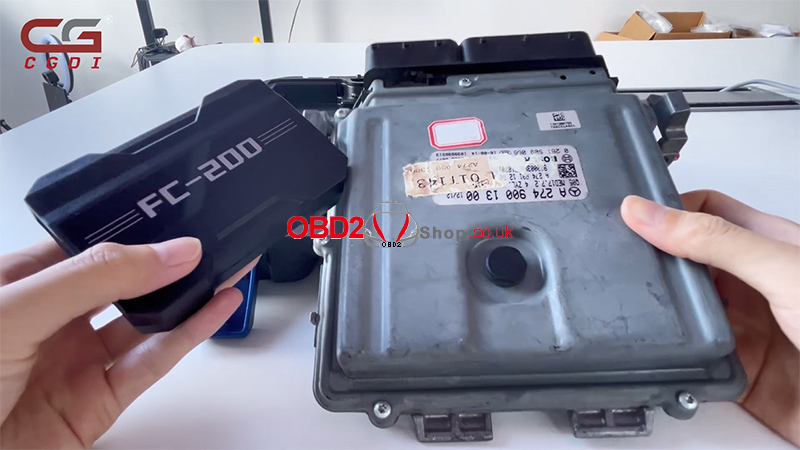
The CGDI FC200 ECU Programmer lets you read ECU data via bench connections. In this tutorial, we’ll show you how to connect the FC200, identify the correct ECU, follow the wiring diagram, and read and save ECU files.
Step 1: Connect CGDI FC200 to the PC
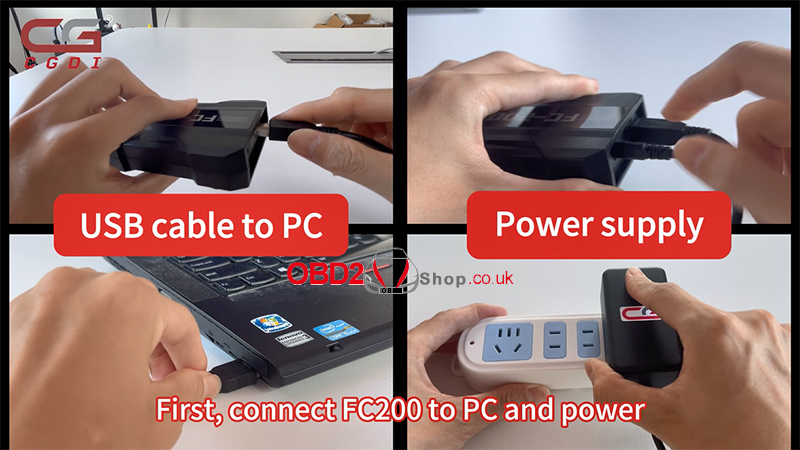
First, connect the CGDI FC200 to your computer and power supply.
Step 2: Select the ECU Model
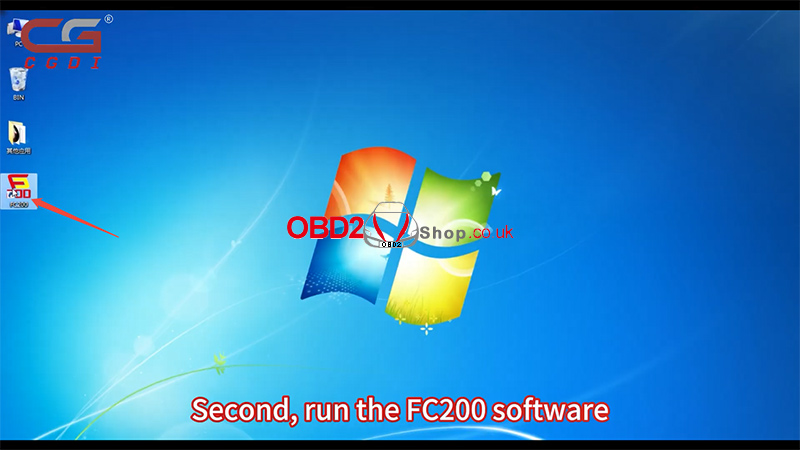
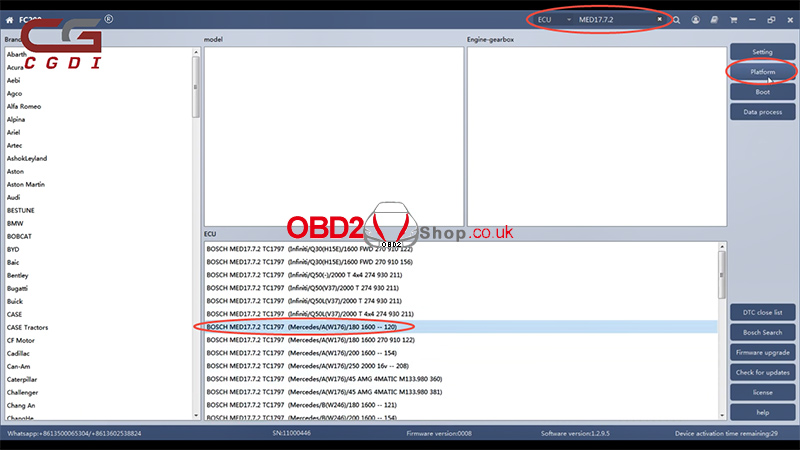
Run the FC200 software. In this example, we are working with a Mercedes-Benz ECU.
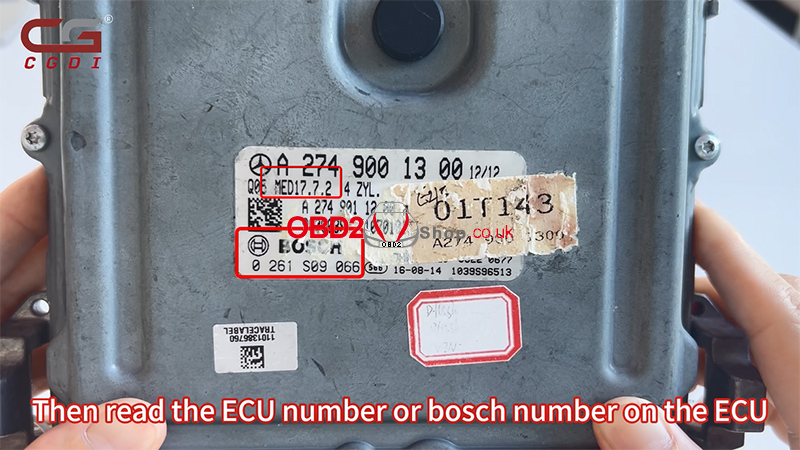
Check the ECU number or Bosch number printed on the ECU housing.
Enter the ECU number into the software, select the matching option from the search results, and enter Platform Mode to access the corresponding wiring diagram.
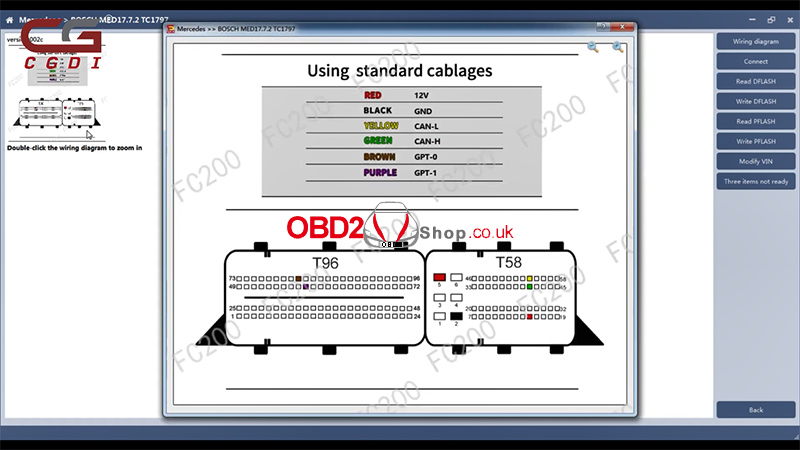
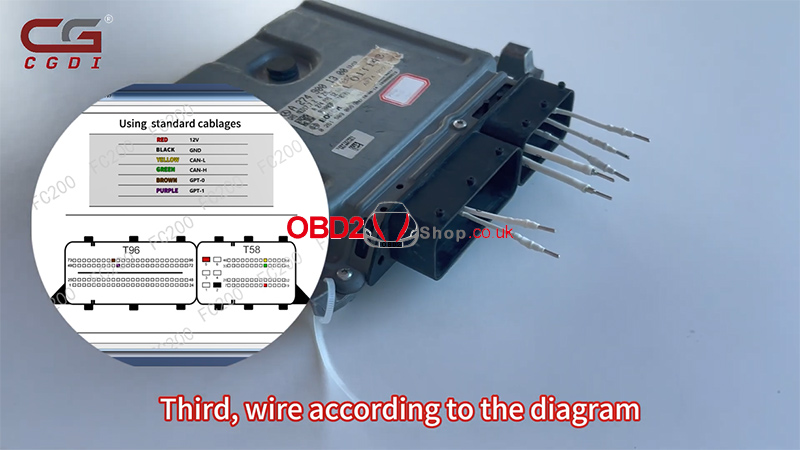
Step 3: Connect the ECU According to the Wiring Diagram
Follow the wiring diagram displayed in the software to connect the ECU.
Make sure to select pins of the correct size. Using incorrectly sized pins may result in poor contact and connection failure.
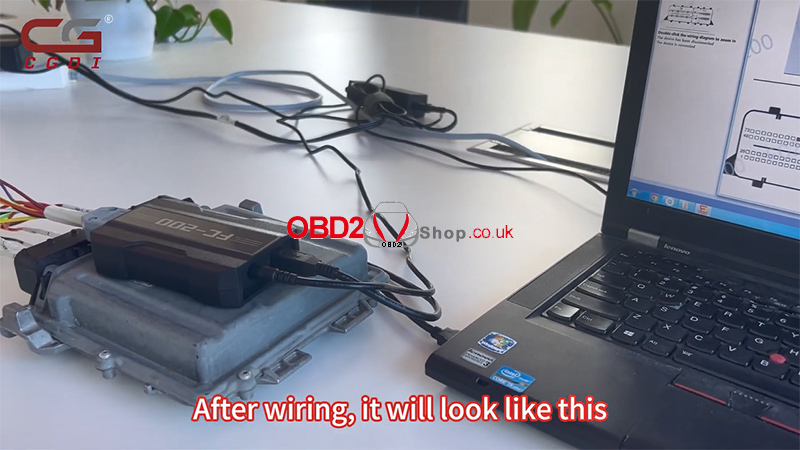
After wiring is complete, connect the harness to the CGDI FC200.
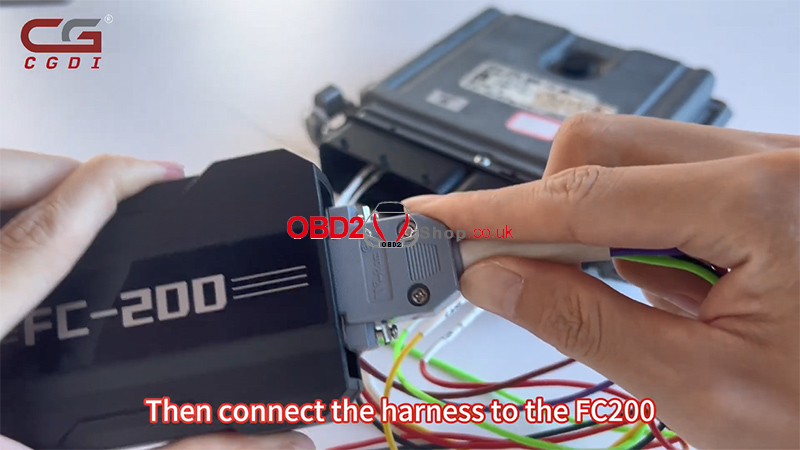
Once all connections are complete, check that the wiring matches the diagram before proceeding.
Step 4: Read and Save ECU Files
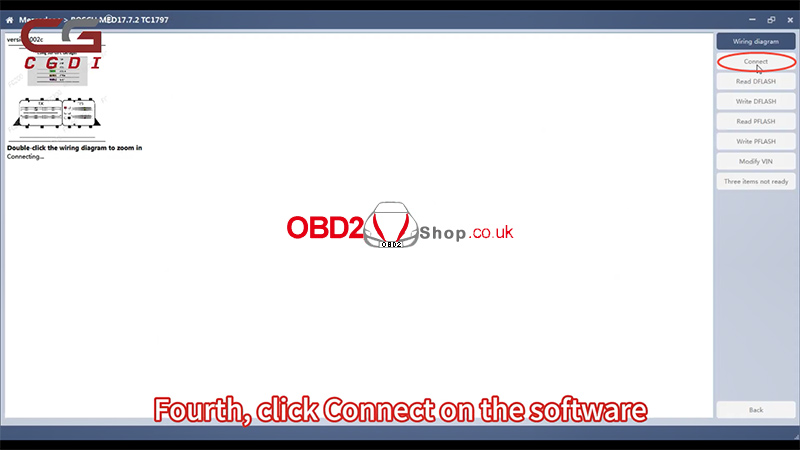
Return to the FC200 software and click Connect to establish communication with the ECU.
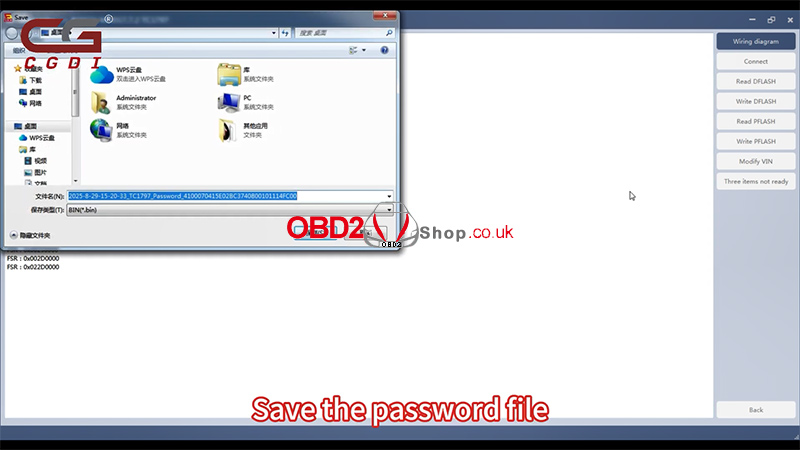
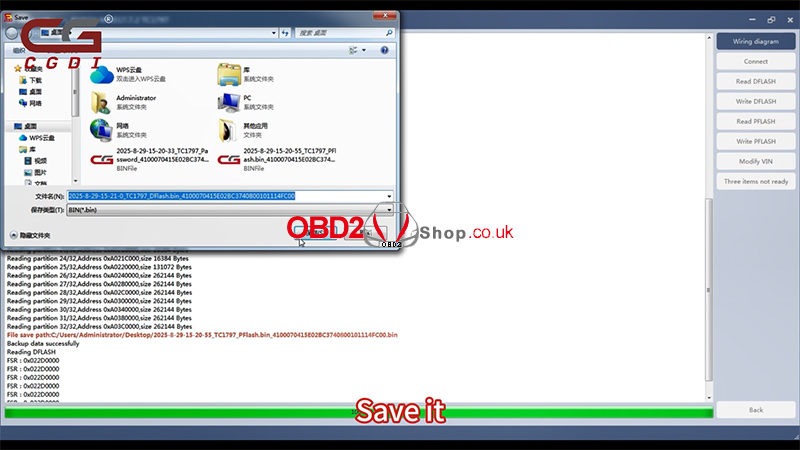
When prompted, save the password file first.
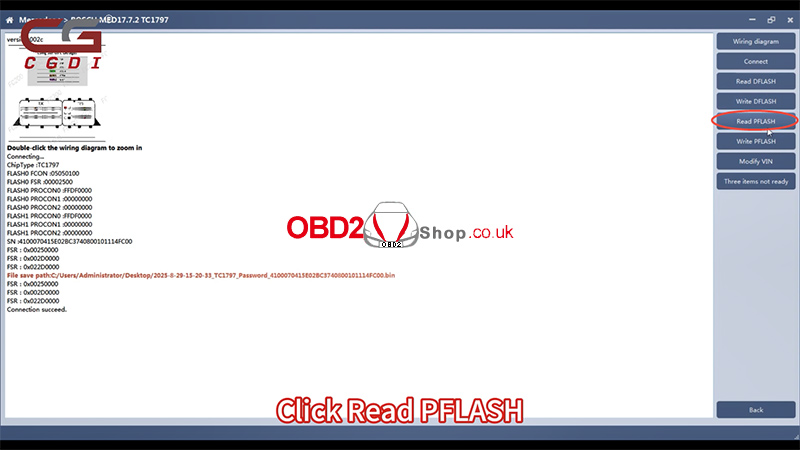
Next, click Read Flash to start reading the ECU data. Once the reading process is complete, save the extracted file to your computer.
Video Guide
For a visual demonstration of the complete procedure, watch the following video:
For more automotive diagnostic and programming tools, visit:
www.obd2shop.co.uk
