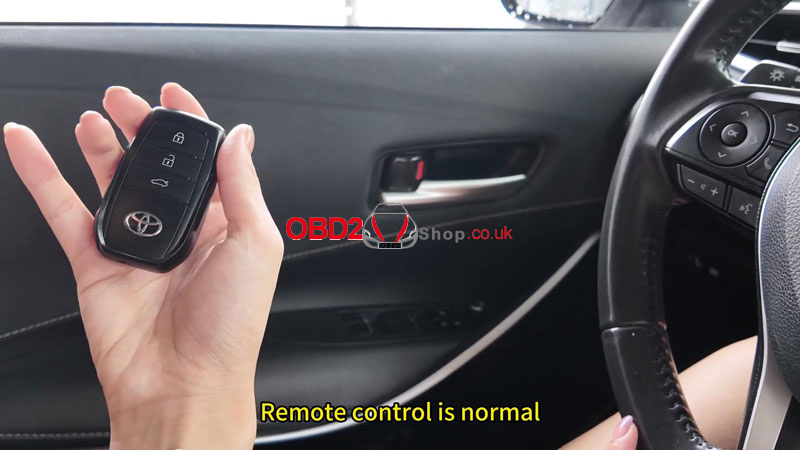
This guide covers how to add an LT32 Smart Remote and reprogram the OEM smart key on a 2024 Toyota Corolla using the Lonsdor K518 Pro.
Tools Required
Lonsdor K518 Pro Key Programmer
LT32 Smart Key
OEM Smart Key
FP30 Cable
1. Identify the Key
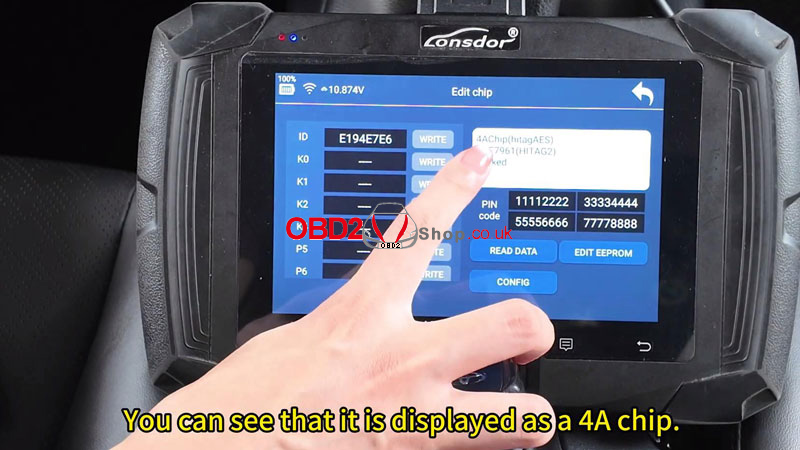
(1) Select Identify and Copy. Put the original key chip into the K518 Pro card slot. The chip is identified as 4A.
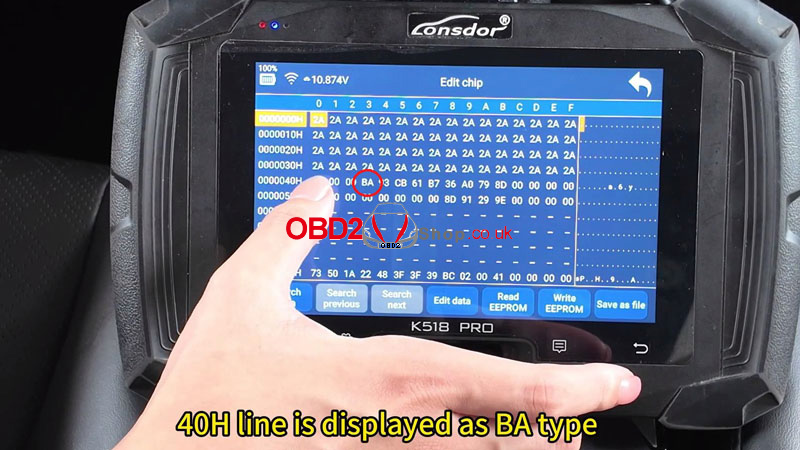
(2) Select Edit EEPROM and check the 40H line. It shows BA type.
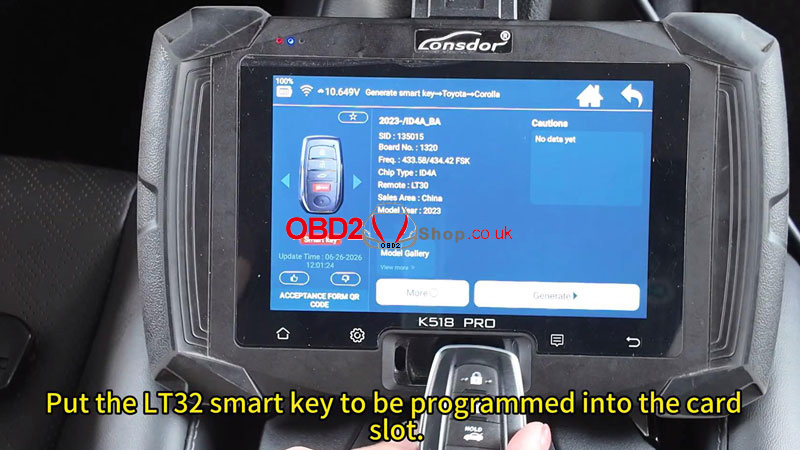
(3) Return to the main menu and go to Generate Smart Key → Toyota → Corolla → 2023- / ID4A_BA.
(4) Put the LT32 smart key into the card slot and select Generate. Once generation succeeds, select Cancel.
2. Unlock the OEM Key
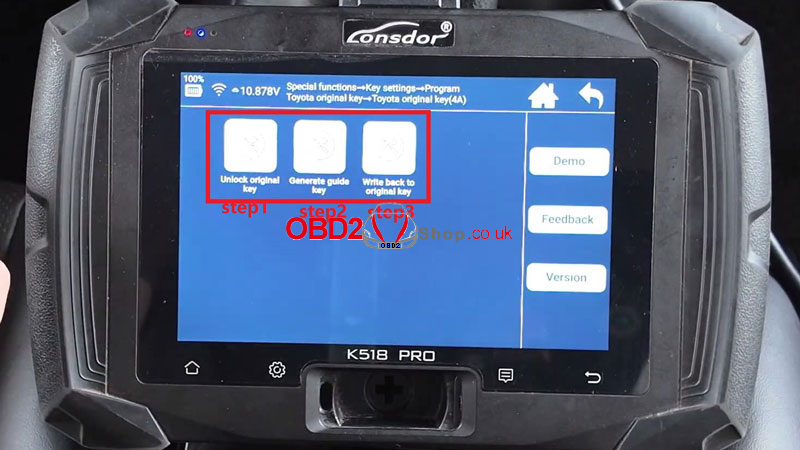
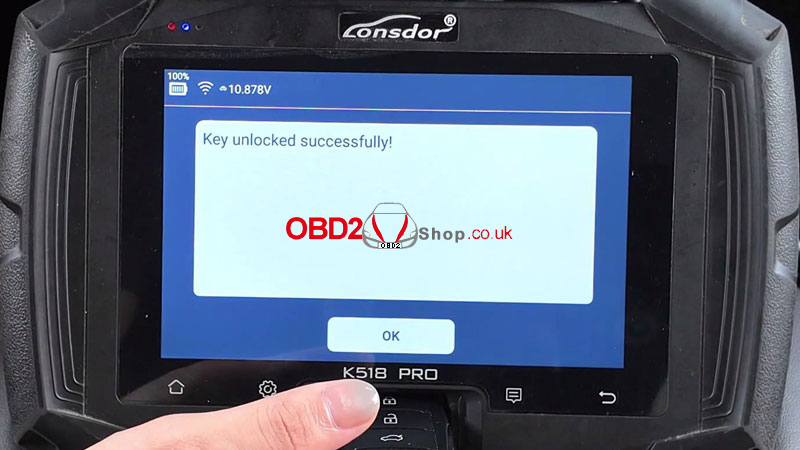
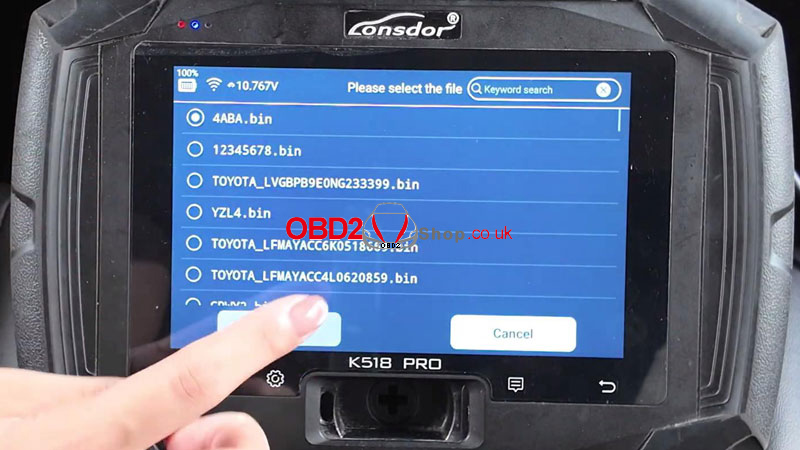
(1) Go to Special Functions → Key Settings → Program Toyota Original Key → Toyota Original Key (4A) → Unlock Original Key → Generate Guide Key.
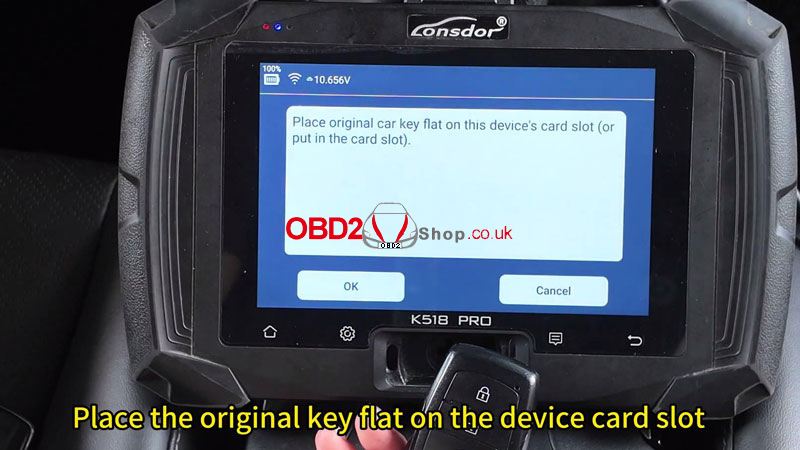
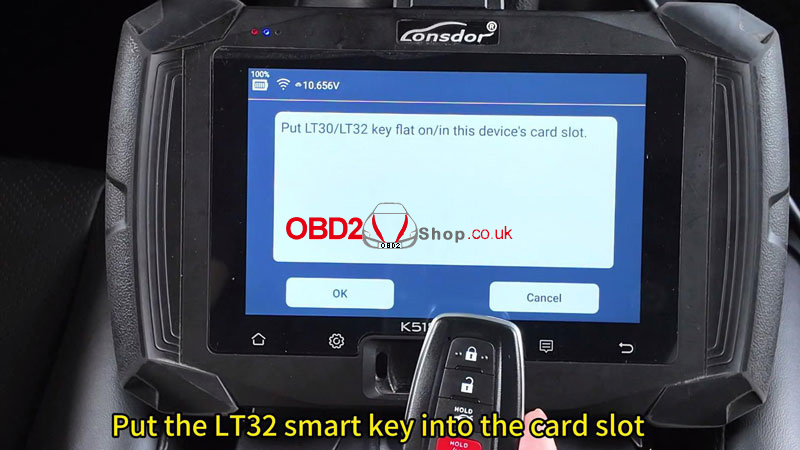
(2) Place the original key flat on the device card slot and click OK, then place the LT32 smart key in the slot and click OK.
(3) Once the guide key is generated successfully, return to the main menu.
3. Add the Smart Key
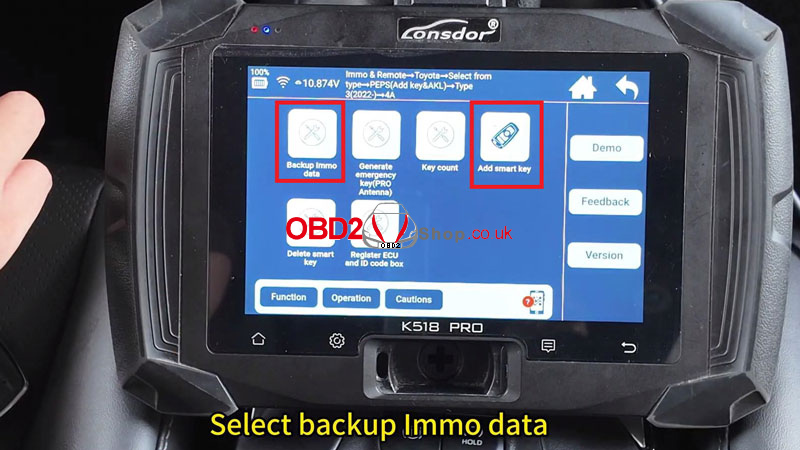
(1) Go to Immo & Remote → Toyota → Select from Type → PEPS → PEPS (Add Key & AKL) → Type 3 (2022-) → 4A → Backup Immo Data.
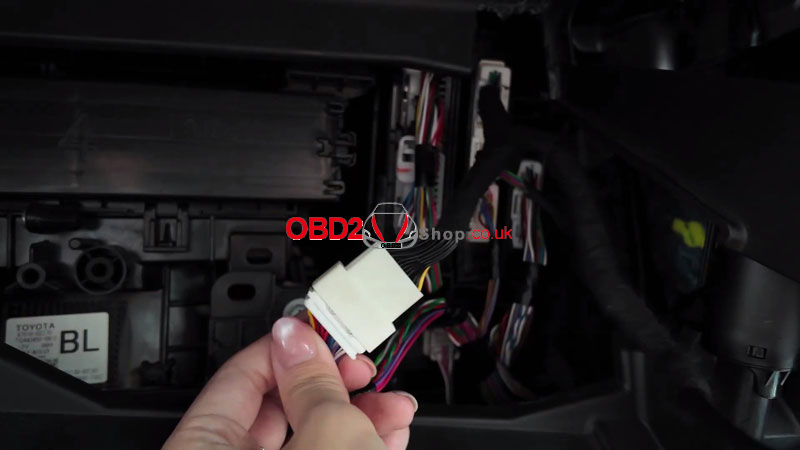
(2) Remove the storage box and unplug the smart box. Connect the FP30 cable to the unplugged connector, then connect the OBD cable to the FP30. Click OK and make sure the network is connected.
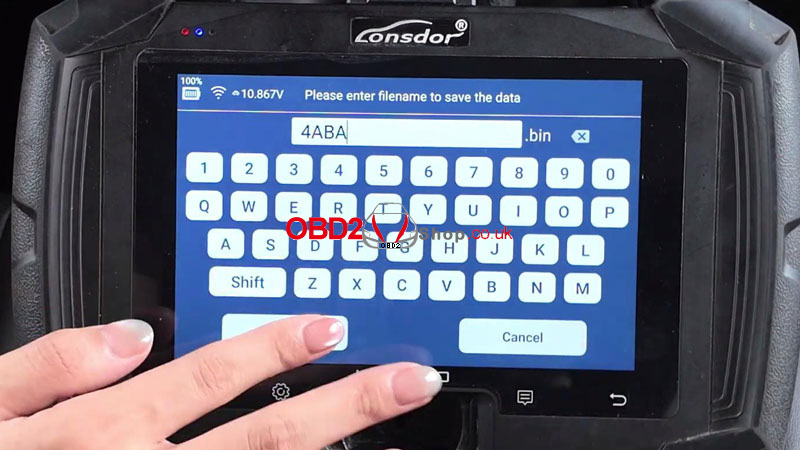
(3) Turn the ignition on. If it won’t turn on, switch on the hazard lights or cycle the emergency flasher from ON to OFF twice. Enter a name for the backup file and save it.
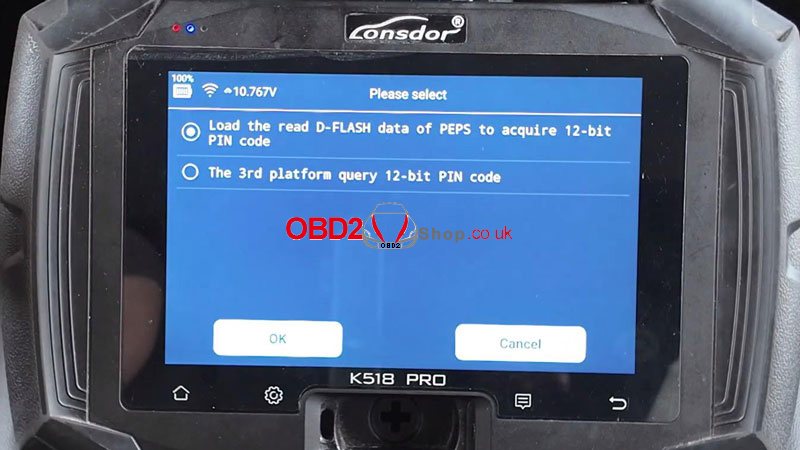
(4) Select Add Smart Key → OK. Keep the vehicle battery fully charged and switch the ignition on. Select Load the read D-flash data of PEPS to acquire 12-bit PIN code, then select the backup file you just saved.
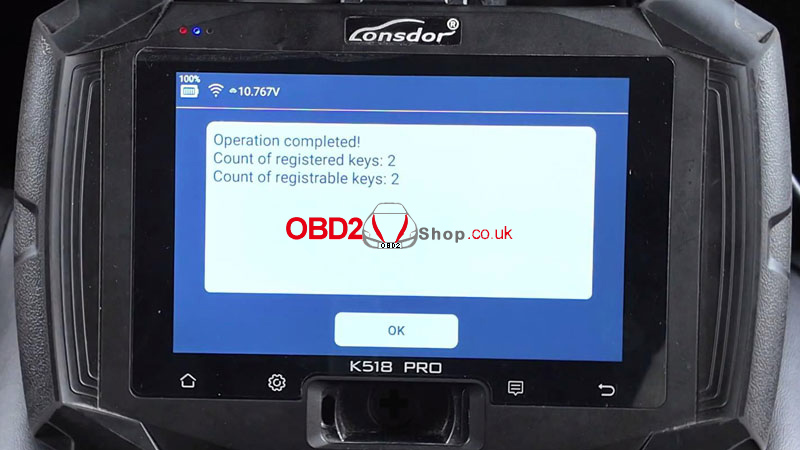
(5) Check the key count. The procedure shows 1 registered key and 3 registrable keys. Within 30 seconds, hold the registered key close to the Start button. When the buzzer beeps once, move the key away. The system should then show 2 registered keys and 2 registrable keys.
(6) Tap the usable key to the Start button and switch the ignition off. If the remote control does not work properly, follow the prompts.
(7) Switch the ignition on. Hold a programmed smart key close to the Start button until you hear one beep. The operation should then complete.
4. Write Back the OEM Key
(1) Return to Special Functions → Key Settings → Program Toyota Original Key → Toyota Original Key (4A) → Write Back to Original Key.
(2) Put the LT32 smart key flat on the K518 Pro card slot and click OK. Then put the original key flat on the card slot and click OK.
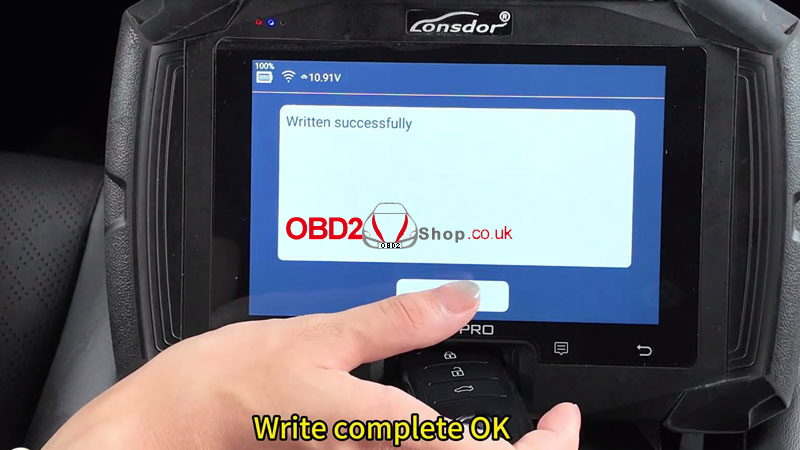
(3) Wait for Written successfully before moving on to the vehicle check.
Verification
Start the Corolla with the programmed key, press the brake, and press the Start button. Then lock and unlock the vehicle to confirm the basic remote function.