
As more Chinese EV brands enter the market, locksmiths are increasingly encountering vehicles such as the Leapmotor C01. In this guide, we’ll demonstrate how to program a new smart key for a 2023 Leapmotor C01 using the KEYDIY KD-X4.
For this job, we used a KD FB02-3 smart key and completed the key matching procedure through the All Keys Lost function.
Vehicle Information
* Vehicle Model: Leapmotor C01
* Model Year: 2023+
* Key Type: KD FB02-3 Smart Key
* Device Used: KEYDIY KD-X4
* Operation Type: All Keys Lost Programming
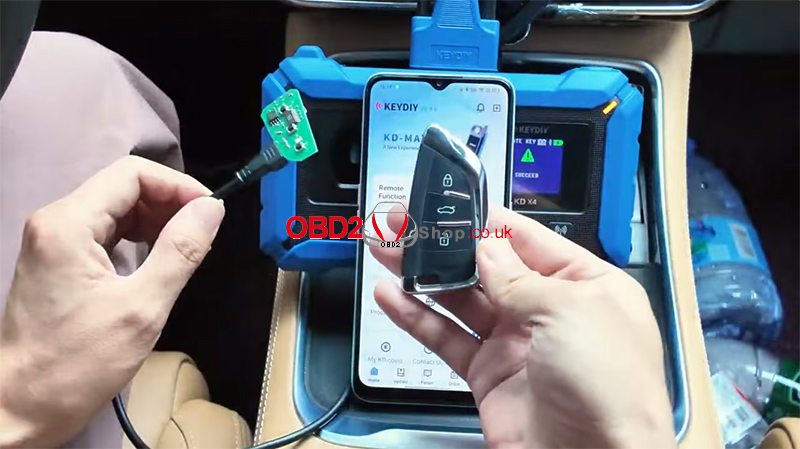
Before starting the procedure, ensure that the wiring connection has been completed correctly according to the KD-X4 requirements.
Generate the Smart Key Remote
The first step is to generate the remote control.
Navigate through the following menu:
Remote Function → Smart Key Remote → LEAPMOTOR → C01
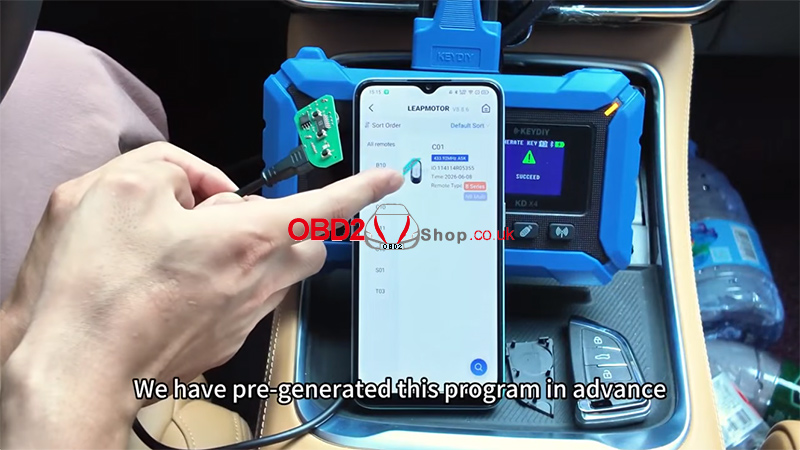
The KD FB02-3 remote was generated in advance. After the generation process is completed, proceed to the immobilizer programming section.
Enter the Programming Function
Select:
Immo Programming → LEAPMOTOR → C01 → 2023- → Keyless System (CAN)-Type3 → Start Execution
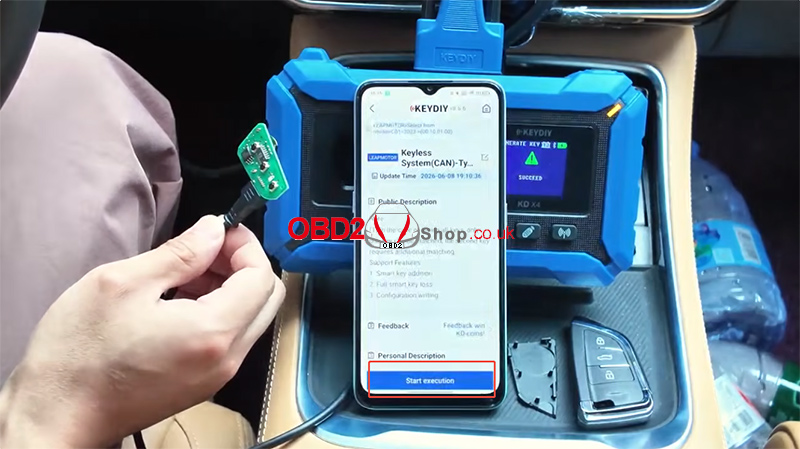
After entering the system, three available functions will be displayed.
In this example, there are no working keys available, so the vehicle is treated as an All Keys Lost situation.
Write Configuration Before Programming
Before executing the key programming procedure, the vehicle configuration must be written.
This step activates the remote control system and is required before matching a new key.
Even when adding a spare key, the configuration writing process must still be completed.
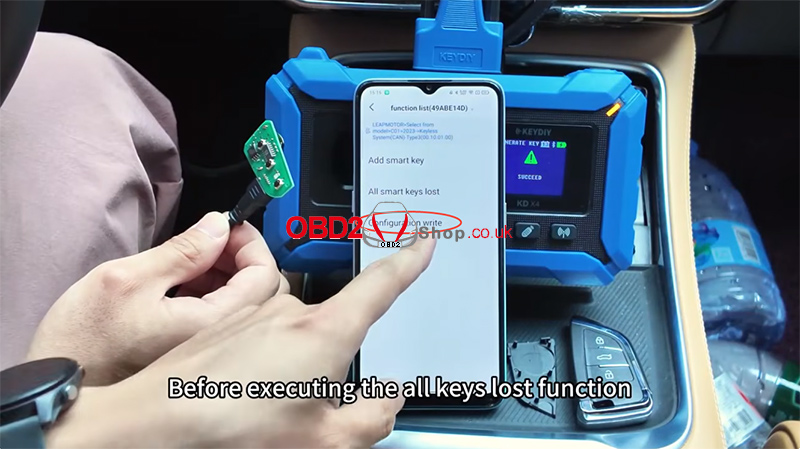
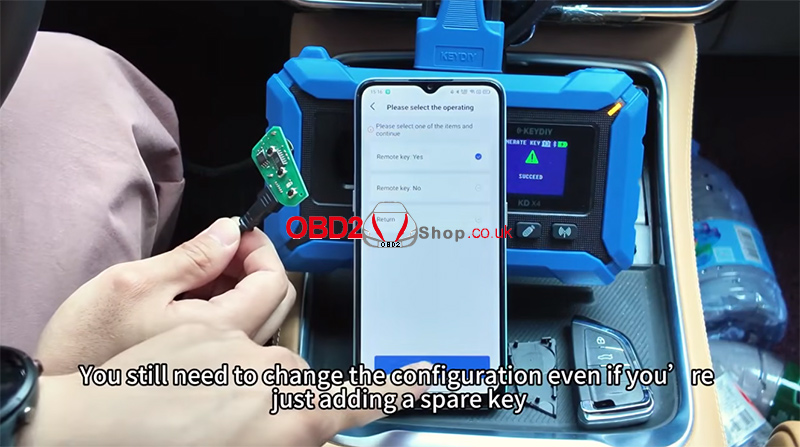
After the configuration is successfully written, continue with key programming.
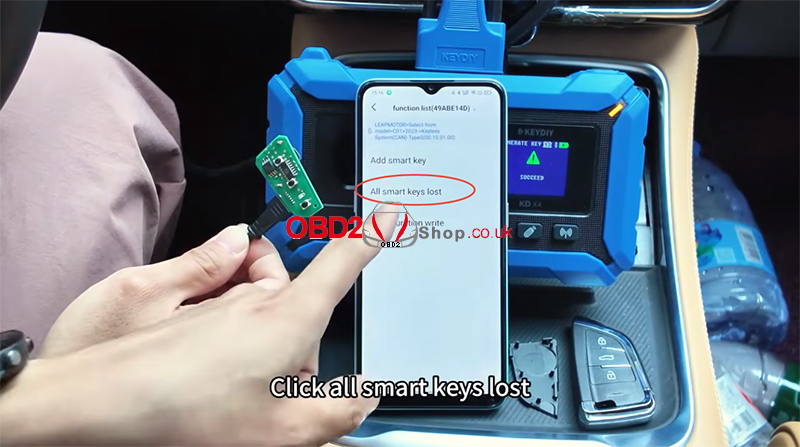
Perform All Keys Lost Programming
Select:
All Smart Keys Lost
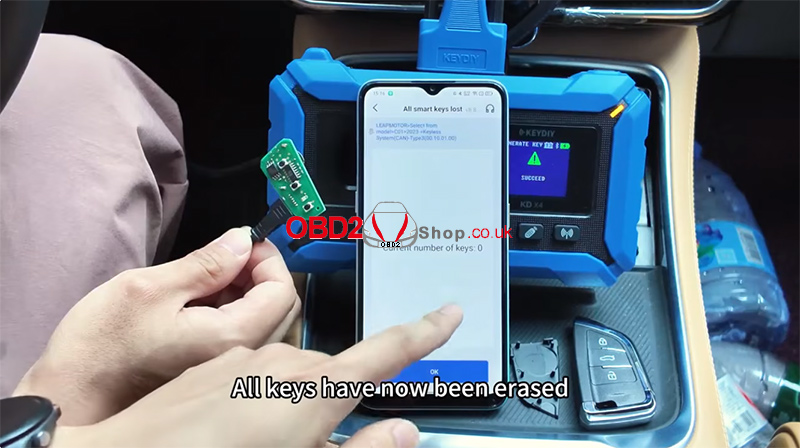
The system will erase all previously stored keys.
Once completed, the key count displayed by the system will be:
Current Number of Keys: 0
Click OK to proceed.
Match the New KD Key
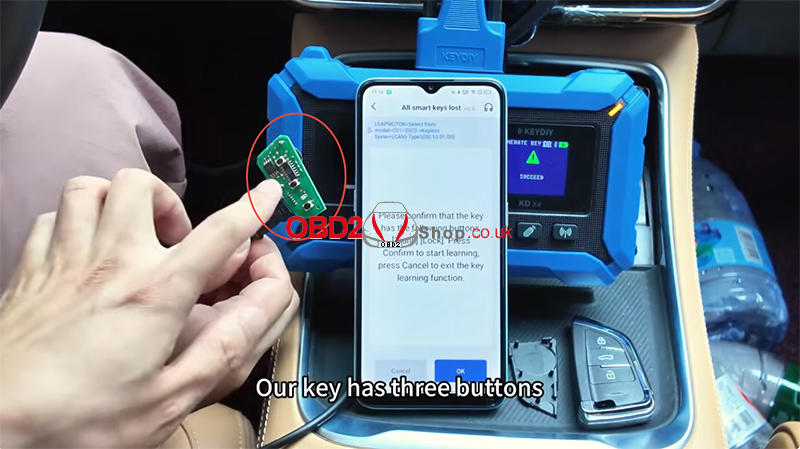
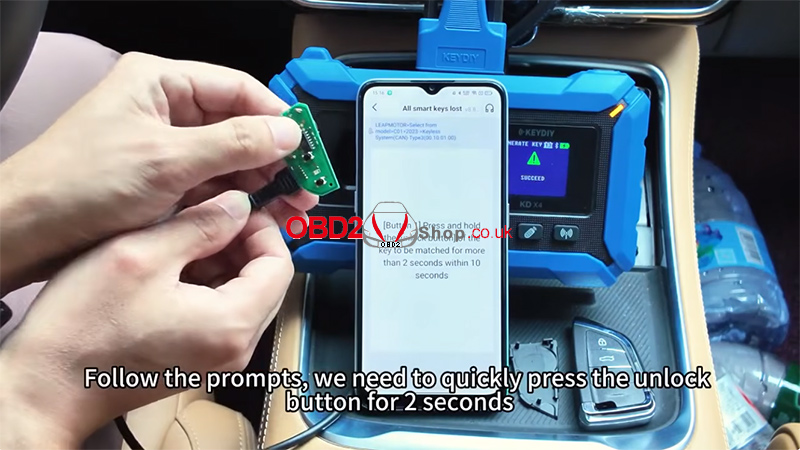
The KD FB02-3 smart key used in this test features three buttons:
* Lock
* Unlock
* Trunk Release
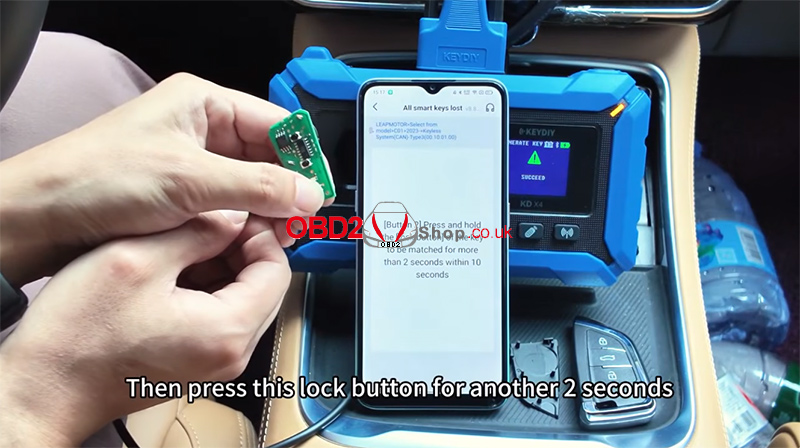
Follow the on-screen instructions carefully.
First, press and hold the Unlock button for approximately 2 seconds.
Next, press and hold the Lock button for another 2 seconds.
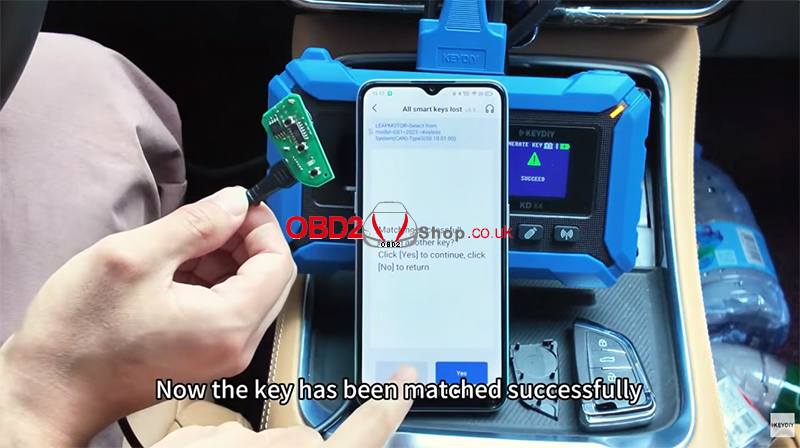
The system will then confirm that the key has been matched successfully.
If no additional keys need to be programmed, select No to exit.
Verify Key Functions
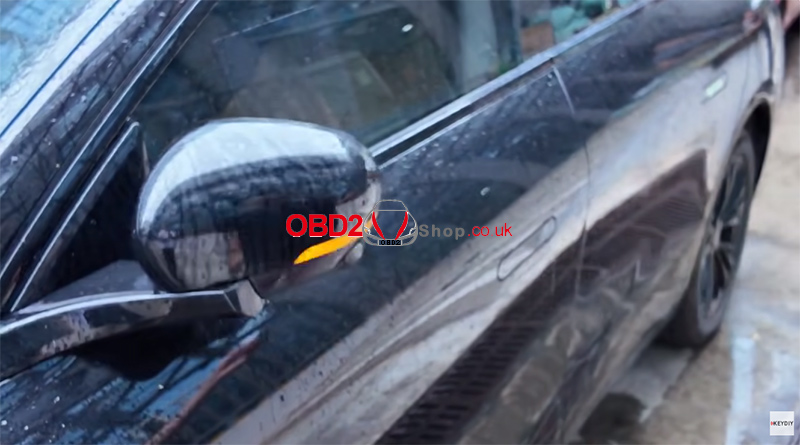
After programming is complete, test the smart key functions to ensure proper operation.
Conclusion
The KEYDIY KD-X4 can successfully perform All Keys Lost programming for the 2023 Leapmotor C01 when used with a KD FB02-3 smart key. The procedure includes remote generation, configuration writing, key erasure, and smart key matching.
For locksmiths working on newer Chinese EV models, the KD-X4 provides an efficient solution for Leapmotor key programming tasks.
