
This guide demonstrates how to use the Lonsdor K518 PRO to program a smart key for a 2014 Hyundai Verna. Follow the step-by-step procedure below to successfully generate and program a new smart key.
What You Need:
Lonsdor K518 PRO
OBD Communication Cable
An original working key
A new Lonsdor smart key
Step 1: Generate the Smart Key
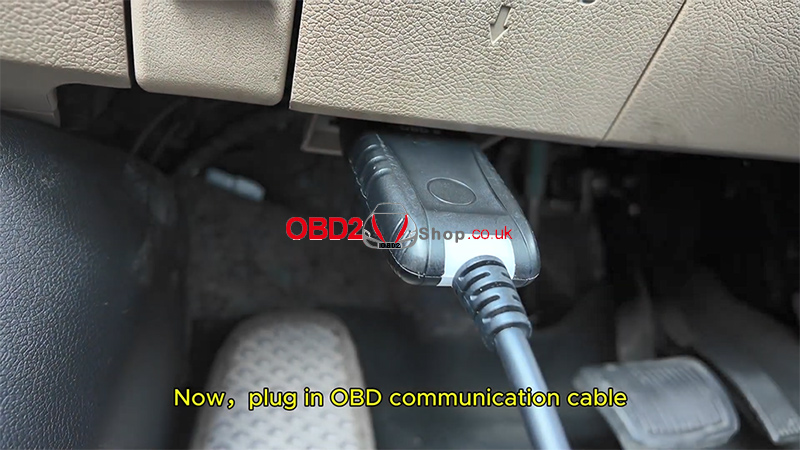
Plug in the OBD communication cable to the vehicle.
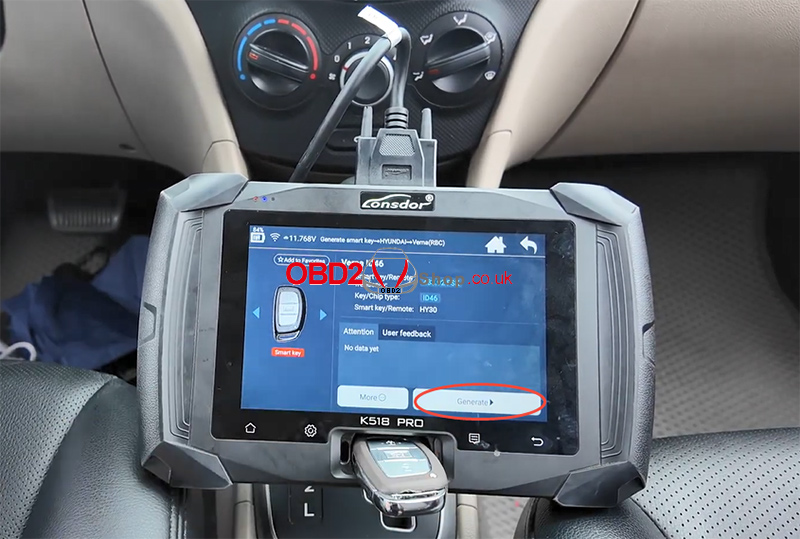
On the K518 PRO, select:
[Generate Smart] → [HYUNDAI] → [Verna (RBC)] → [Verna ID46]
Insert the new smart key into the card slot.
Click [Generate].
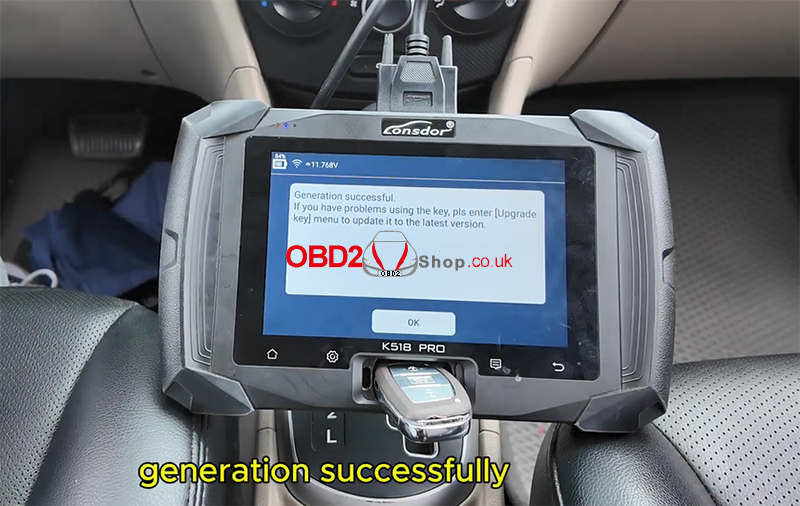
Wait until the system displays:
“Generation successfully.”
Step 2: Read PIN Code
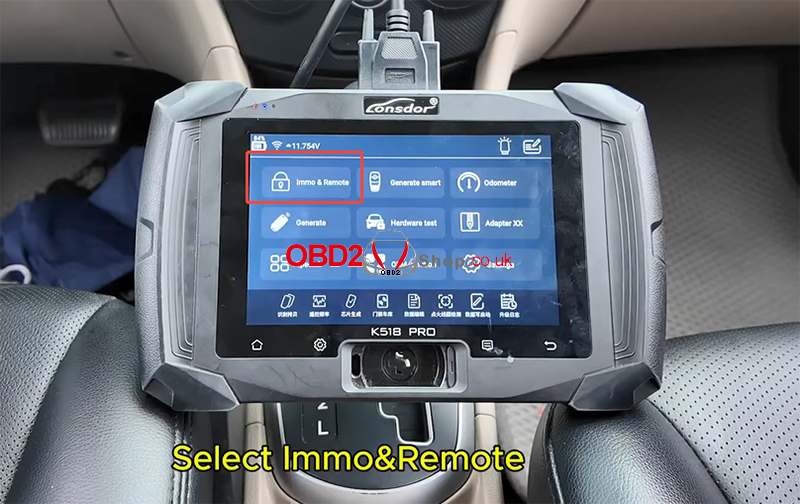
Return to the main menu.
Select:
[Immo&Remote] → [HYUNDAI] → [Select from vehicle] → [China] → [Verna (RBC/CB)] → [2014-2016] → [Program smart key] → [Read PIN code (46 smart key)]
Choose Read PIN code via OBD.
Turn off the ignition.
Open and close the main driver’s door once until the hazard lights flash twice.
Click “OK” to continue.
Wait for communication to complete.
When finished, the screen will display:
“PIN code read successfully.”
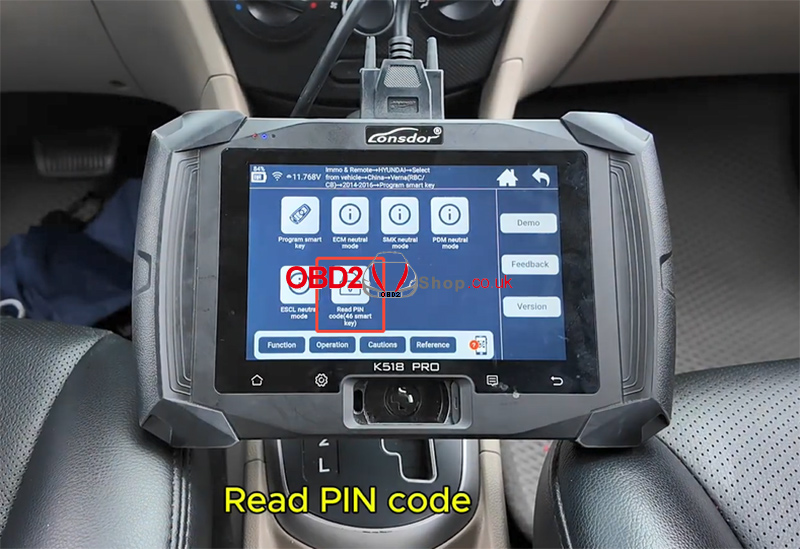
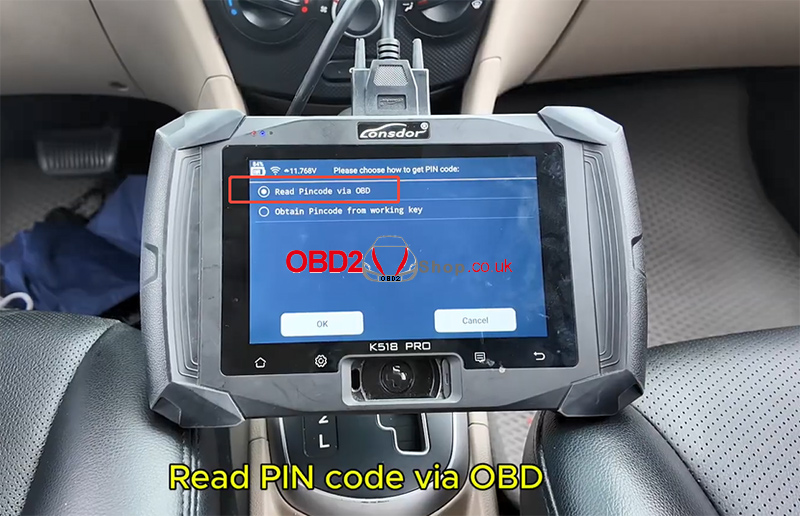
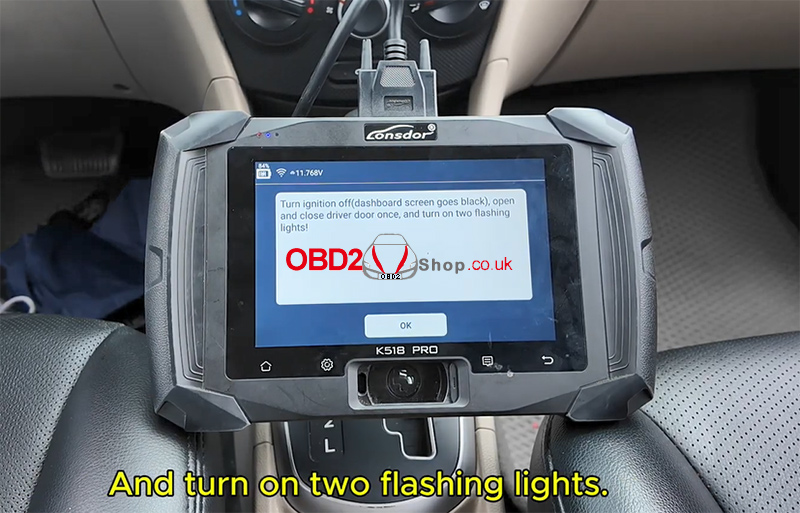
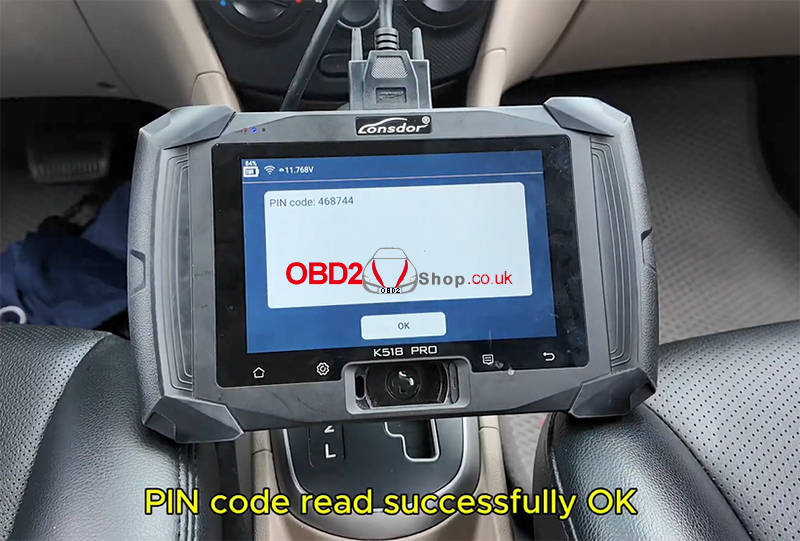
Step 3: Program the Smart Key
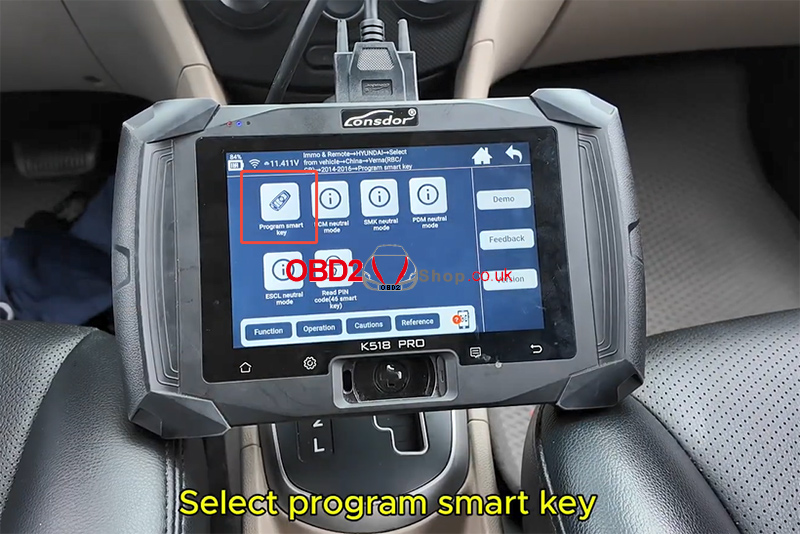
Select [Program smart key].
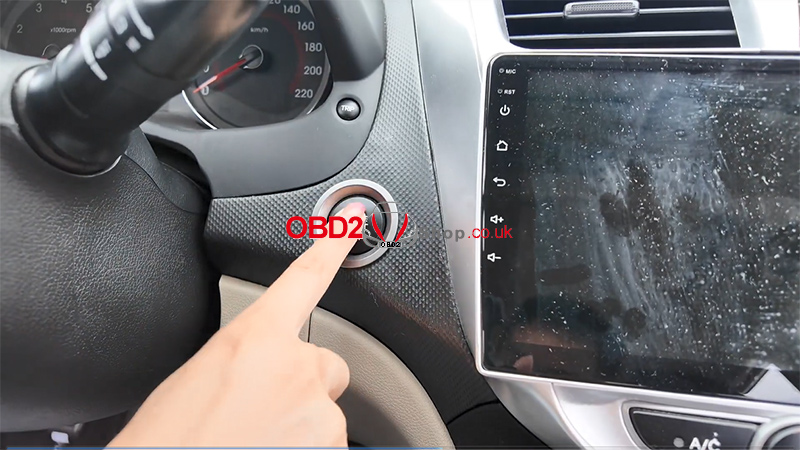
Press the Start button once.
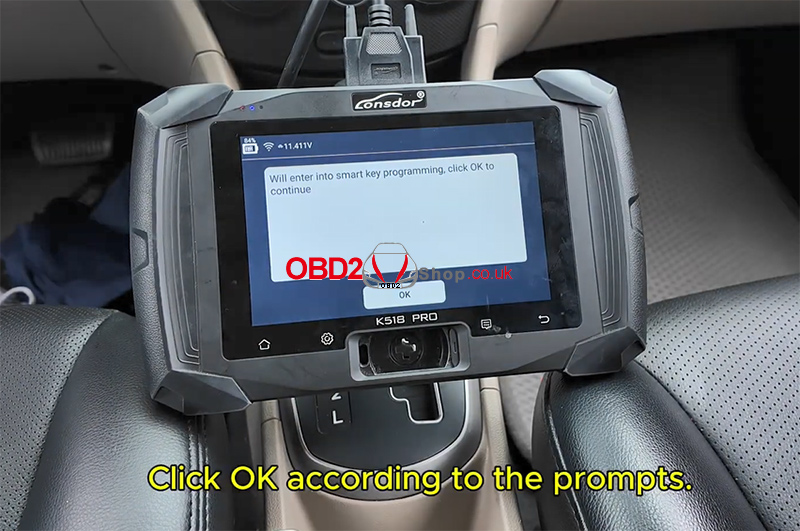
Click “OK” to continue.
Turn off the ignition.
Open and close the main driver’s door once until the hazard lights flash twice.
Click “OK”.
Wait for communication.
Follow on-screen prompts.
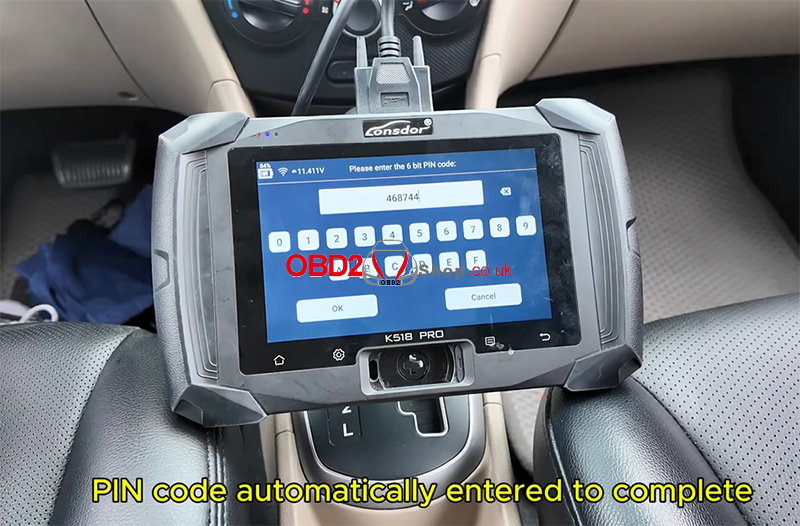
The PIN code will be automatically entered.
Click [OK].
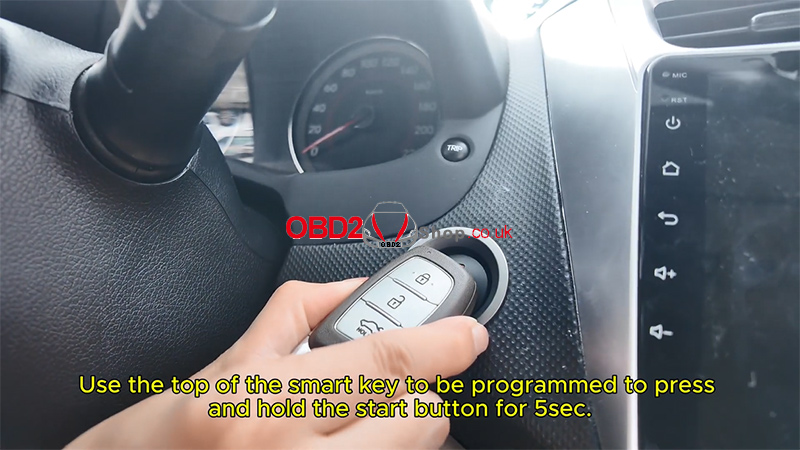
Use the smart key to press and hold the Start button for 5 seconds.
The device will display:
“Programmed successfully.”
If prompted to program another key, select OK and repeat the procedure.
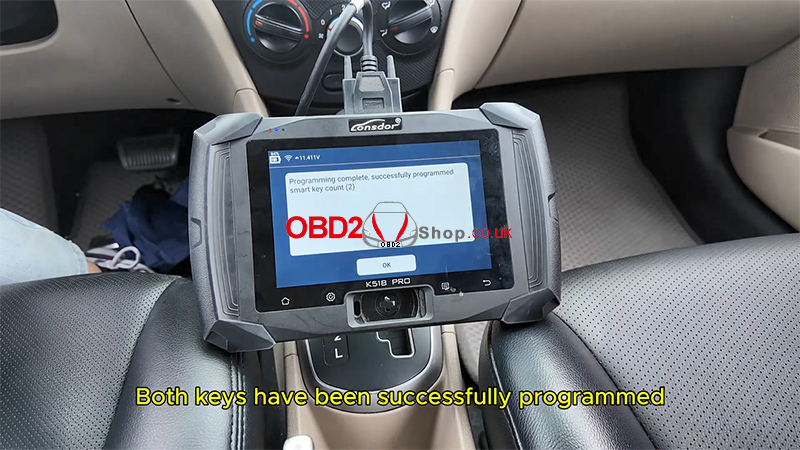
Once complete, the system will confirm:
“Both keys have been successfully programmed.”
“Key has been added successfully.”
Step 4: Test the Keys
Test the New Smart Key
Step on the brake pedal.
Press the Start button.
Vehicle starts successfully.
Test the Original Key
Step on the brake pedal.
Press the Start button.
Vehicle starts successfully.
The smart key programming for the 2014 Hyundai Verna is now complete.
Video Guide
Watch the full video tutorial here:
For more automotive key programming guides, visit:
www.obd2shop.co.uk
