
In this guide, we’ll demonstrate how to perform data read and write operations on the CFMOTO BOSCH MED17.8.10 ECM using the OBDSTAR MotoMaster programming tool. This procedure is designed for professional users who need reliable and secure ECU data handling.
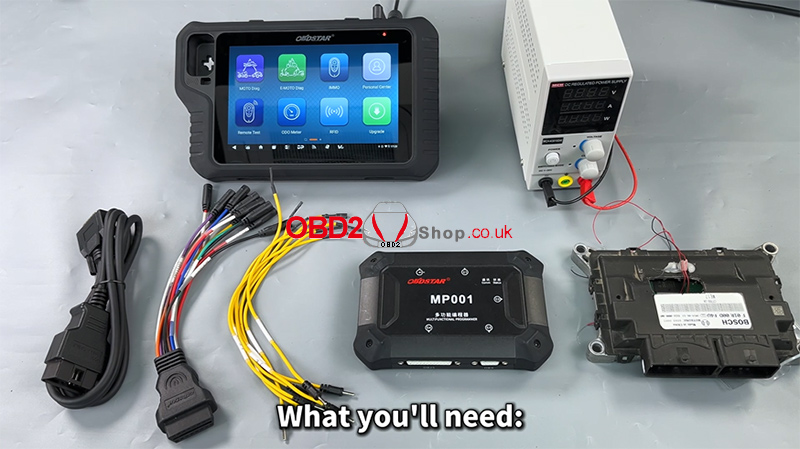
Required Equipment:
MotoMaster
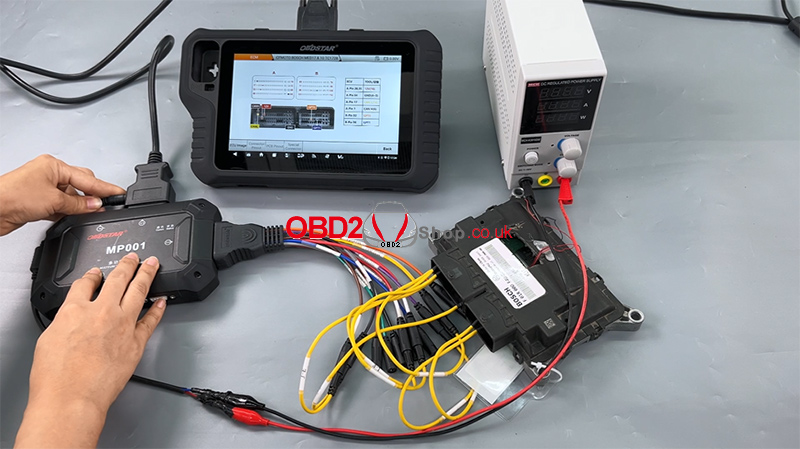
High-power DC regulated power supply
Main Cable
ECU clone jumper
MP001 programmer
BOSCH MED17.8.10 ECM
Step 1: Software Preparation
Ensure that the MotoMaster software is updated to the latest version to guarantee compatibility and stable operation.
Power on the device
Tap [ECU Flasher] to enter the ECU programming function
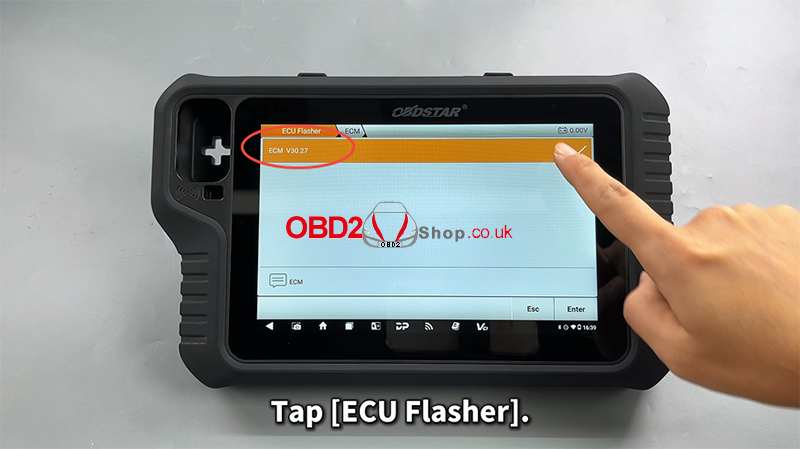
Step 2: Locate the ECU Module
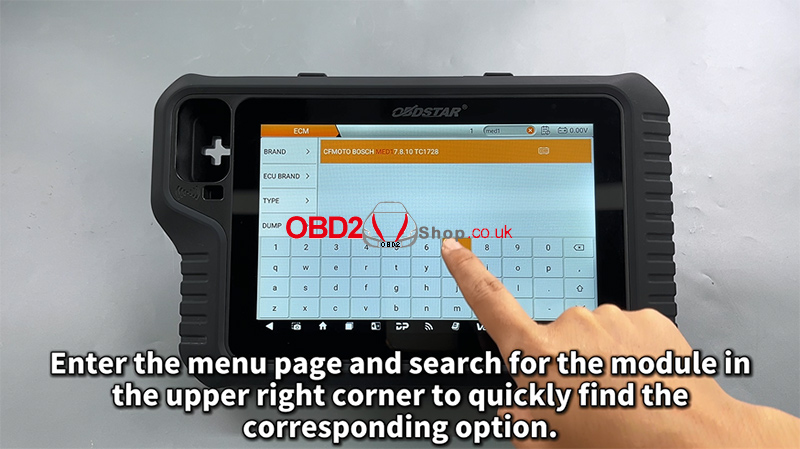
Once inside the ECU Flasher menu:
Use the search bar in the upper-right corner to quickly find the corresponding ECU module
Enter the module menu
Step 3: Read the Operation Guide
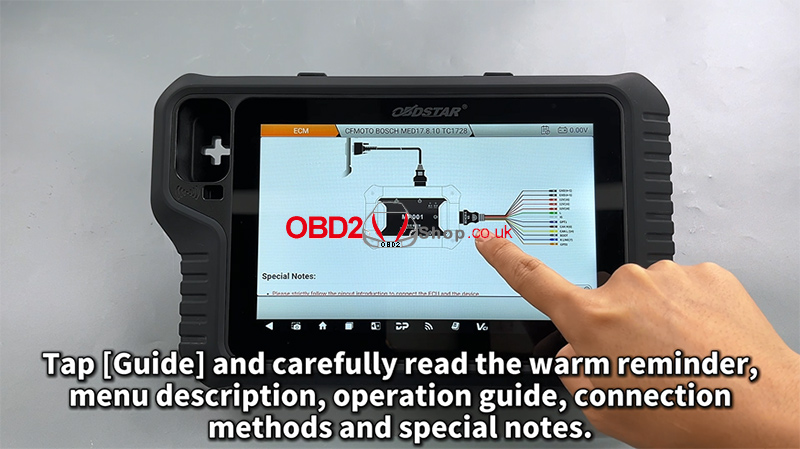
Tap [Guide] and carefully review all provided information, including:
Warm reminders
Menu descriptions
Operation procedures
Connection methods
Special notes
This step is strongly recommended to avoid wiring or operation errors.
Step 4: Connection Setup
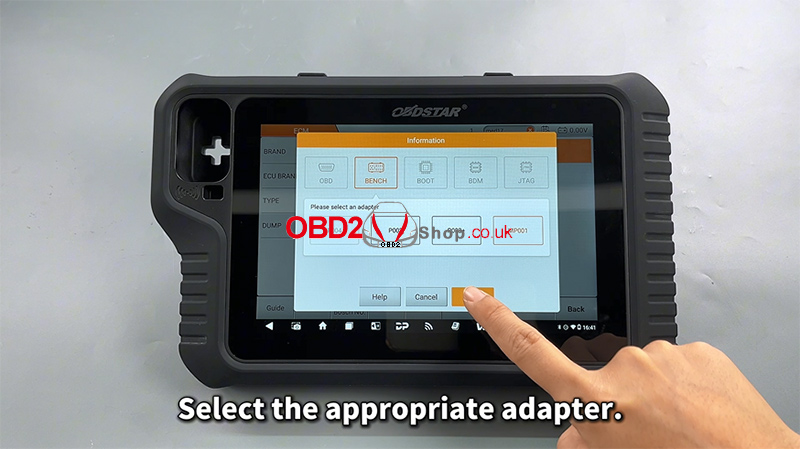
Select the appropriate adapter
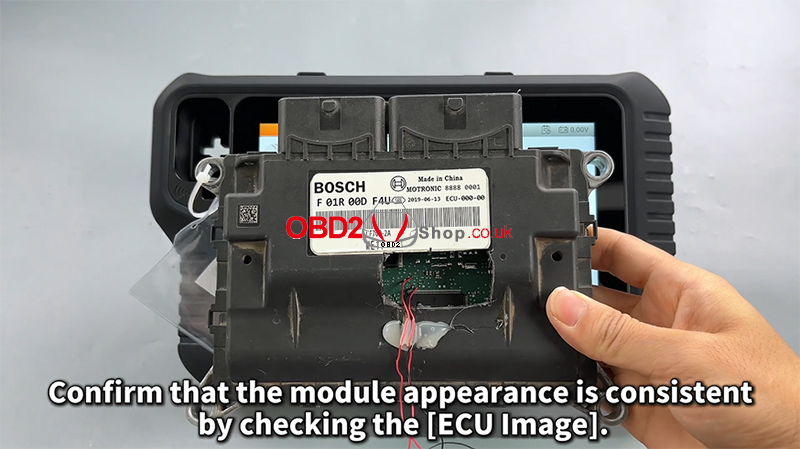
Check the [ECU Image] to confirm the module appearance matches the target ECU
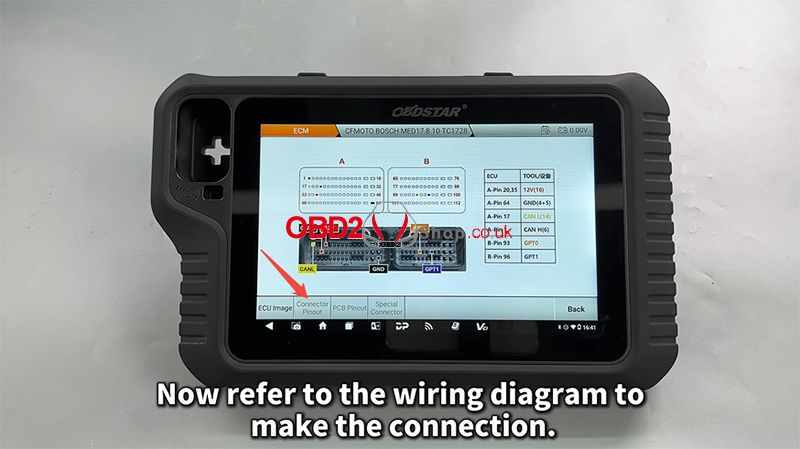
Tap [Connector Pinout]
Refer to the wiring diagram and complete the connection accordingly
Step 5: Read and Back Up ECU Data
After confirming a successful connection:
First, read and back up the original EEPROM/Flash data
Customize the file name and saving path as needed
All operation records will be displayed on the left-side log panel for easy tracking
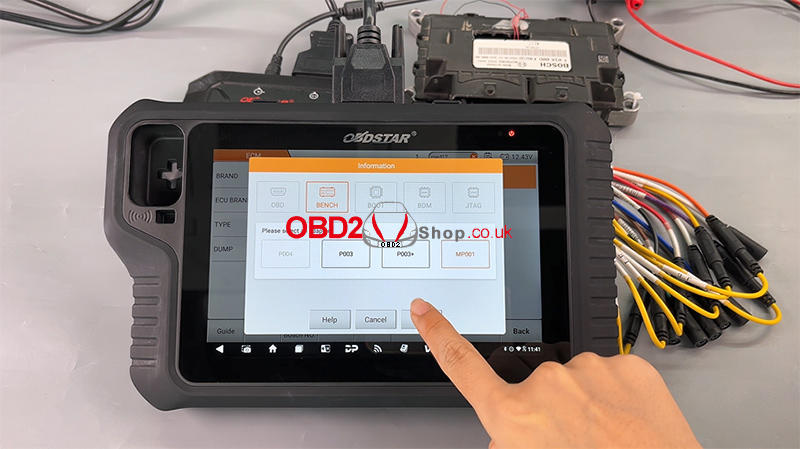
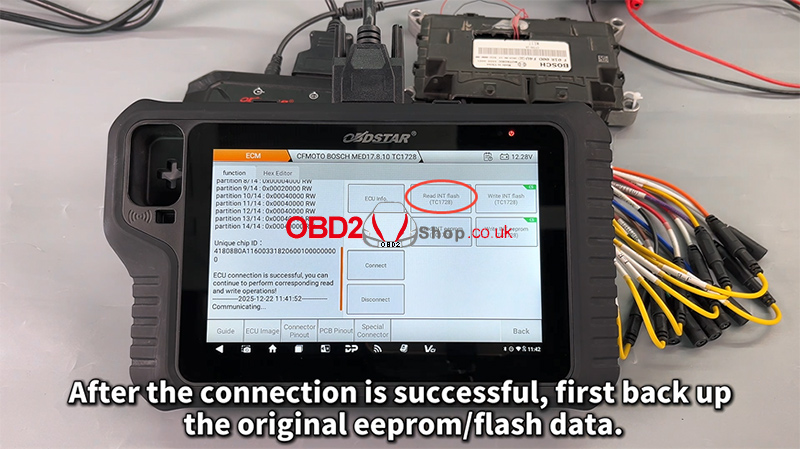
Backing up the original data is critical and should always be completed before any write operation.
Step 6: Write Data to the ECU
Next, proceed with writing data to the module:
Select the desired file
Tap Write to start the process
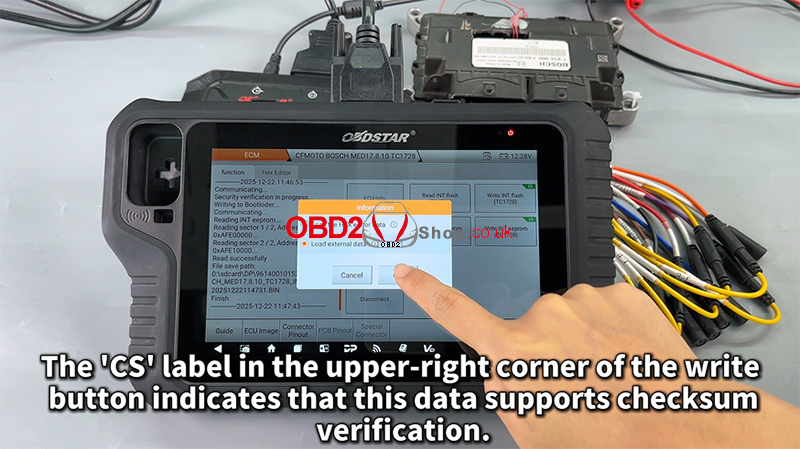
The “CS” label in the upper-right corner of the write button indicates that the data supports checksum verification, ensuring data integrity and operational safety.
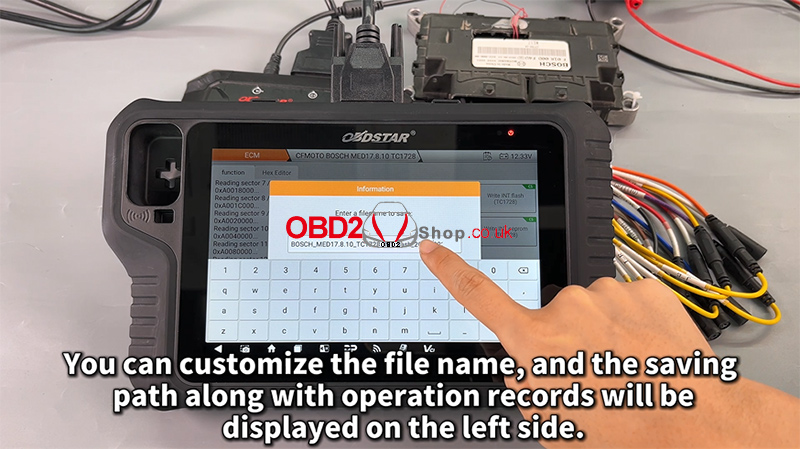
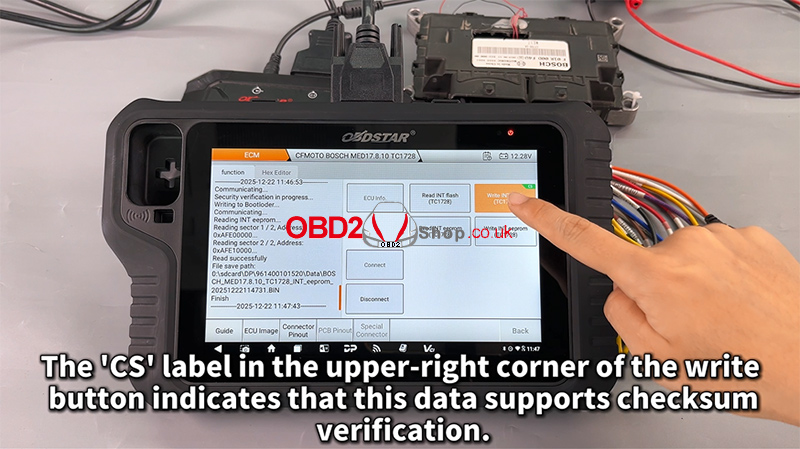
Step 7: File Management Improvements
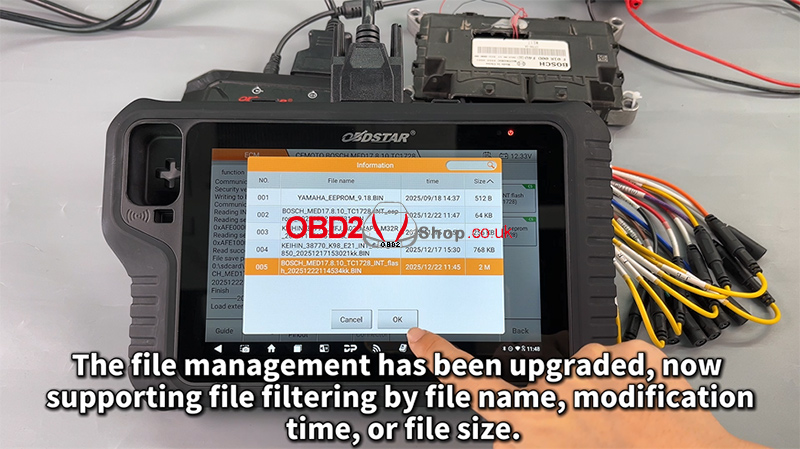
The upgraded file management system now supports filtering by:
File name
Modification time
File size
This enhancement makes it easier to manage and locate ECU files efficiently.
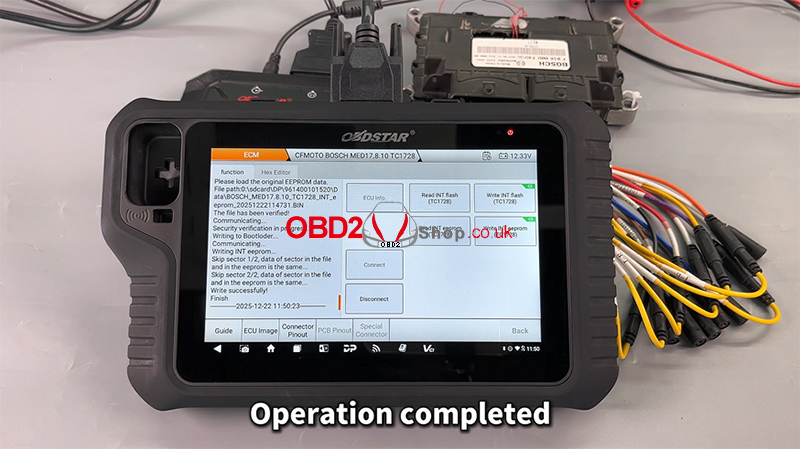
Completion
Once the process finishes, the operation is complete, and the ECU data has been successfully written.
Video Tutorial
For a full visual walkthrough, please watch the video guide:
More Information
Visit our website for more diagnostic tools and technical resources:
www.obd2shop.co.uk
