
This guide explains how to program a new smart key for a 2023 Toyota Yaris using the Lonsdor K518PRO. The process involves detecting existing keys, programming a new key, and testing all functions.
Tools Required:
Lonsdor K518PRO Key Programmer
OBD cable
Original key
New smart key
Step-by-Step Instructions:
1. Connect Device:
Plug the OBD cable into the vehicle’s diagnostic port.
2. Select Vehicle:
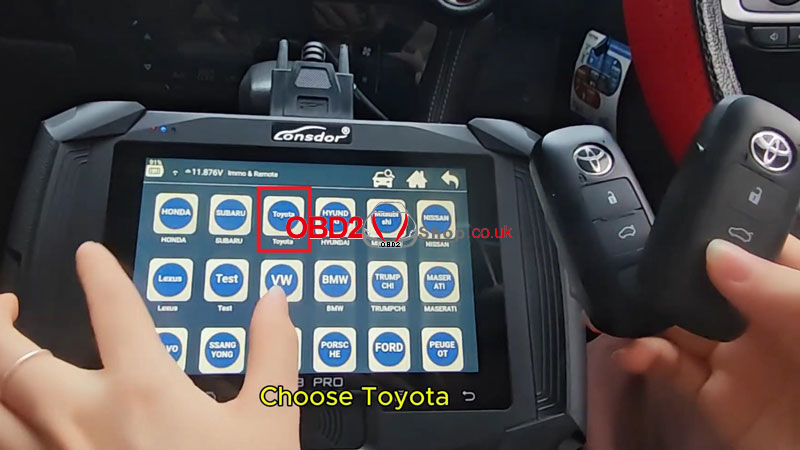
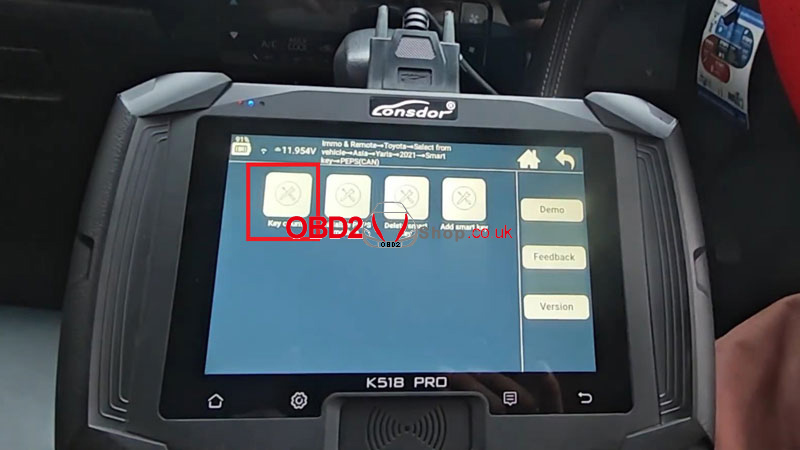
Turn on the K518PRO and select “Immo& Remote→Toyota→ Select from vehicle →Yaris→2021- →Smart Key→ PEPS(CAN)”
3. Detect Existing Keys:
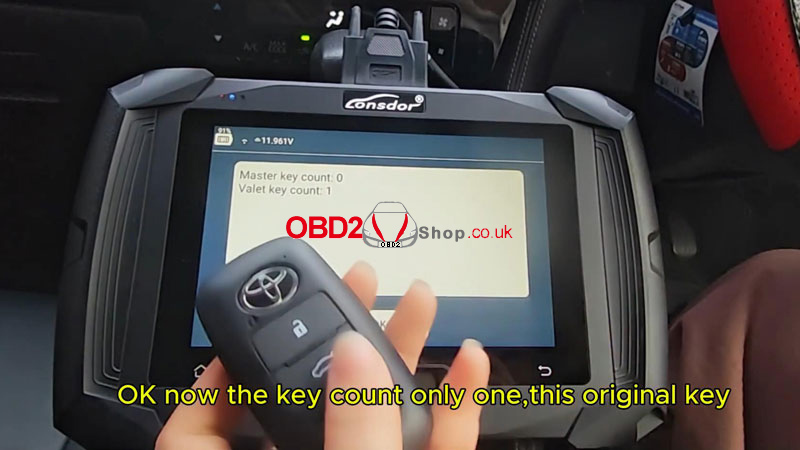
Select “Key count”, follow on-screen prompts to place the original key near the ignition:
Open the driver’s door and turn the ignition ON.
The device will detect the original key.
4. Add New Key:
Select “Add Smart Key” on the device.
Keep the door open and ignition ON.
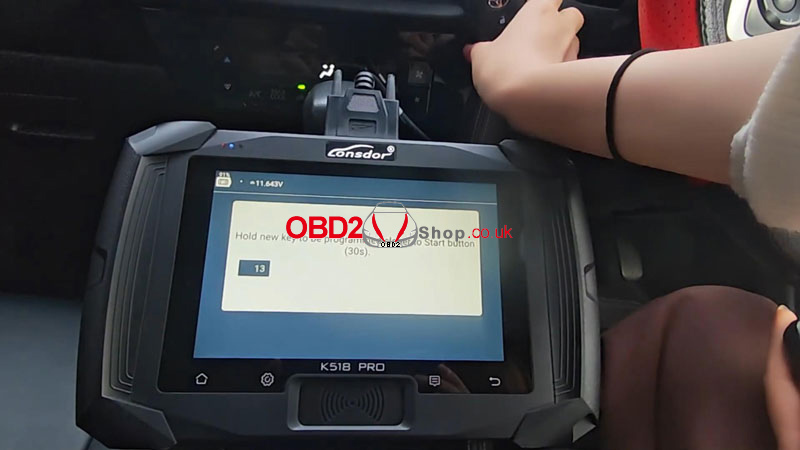
When prompted, hold the original key to the immobilizer coil until you hear two beeps.
Then place the new key near the coil until you hear three beeps.

5. Confirm Programming:
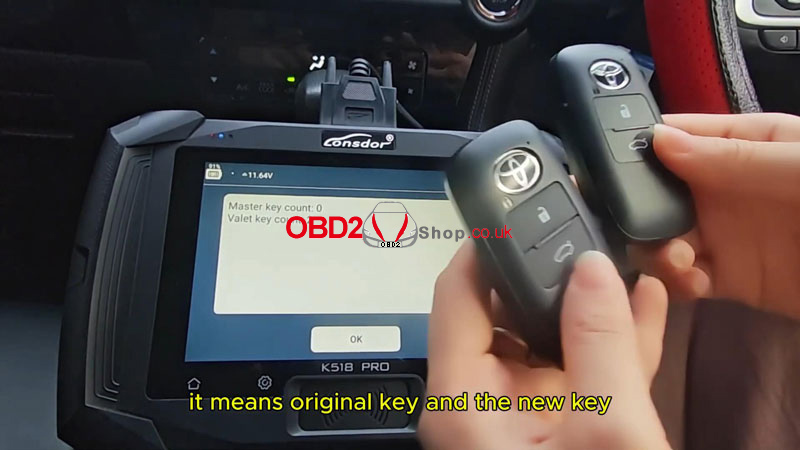
Select “Key count” again. Both keys should now show as recognized.
6. Test Functions:
Remote Test: Use both keys to lock/unlock doors remotely.
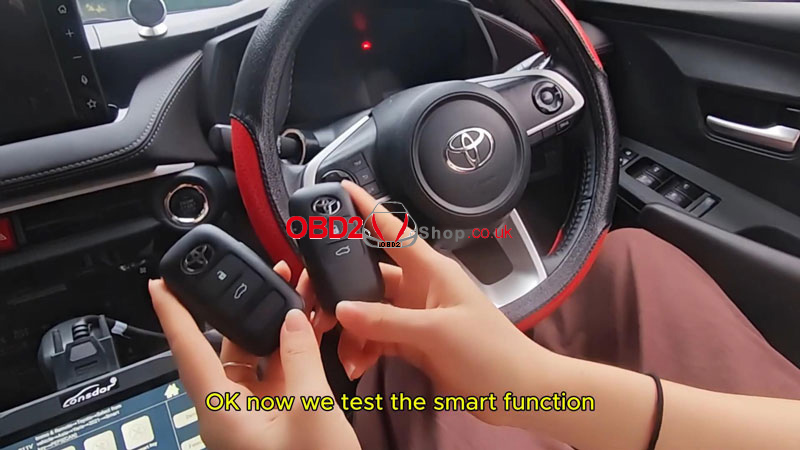
Smart Function Test: Leave one key inside, take the other outside, and start the ignition.
Ignition Test: Start the vehicle with the new key.
Result:
Both keys should operate all remote, smart, and ignition functions normally.
Notes:
Ensure the vehicle battery is stable during programming.
This procedure is confirmed for the 2023 Toyota Yaris.
Keep original keys accessible throughout the process.
