
The Xhorse VVDI MINI Key Tool allows for easy modification of the super chip type for XT27A01 / XT27A66 super chips without erasing data. This allows users to directly set the transponder type, making the process fast and efficient.
Supported Feature Highlights:
No chip erasing required
Direct transponder type setting
Simple operation via VVDI MINI Key Tool
How to Set VVDI Super Chip Type
Step-by-Step Instructions
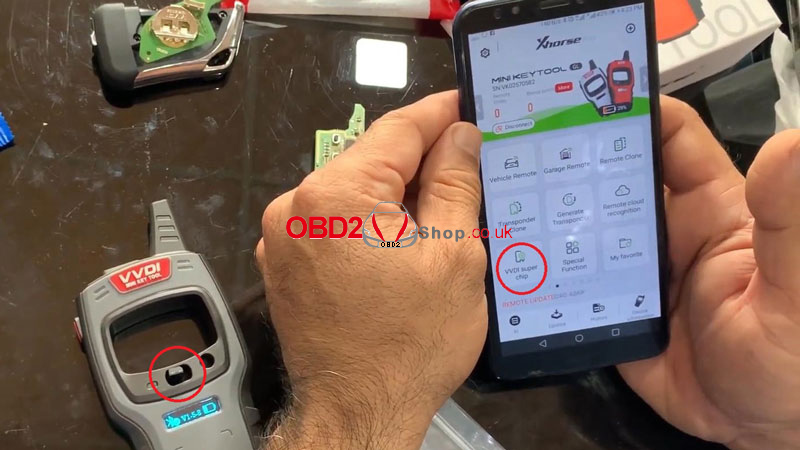
1. Place the VVDI super chip into the coil area of the VVDI MINI Key Tool.
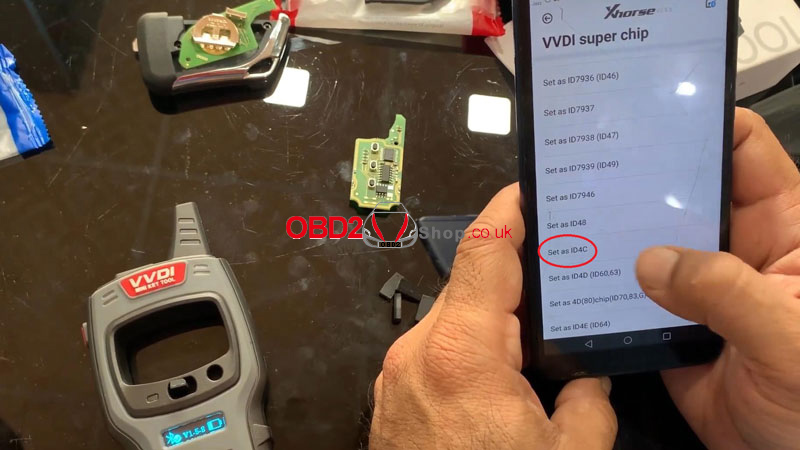
2. On the device, follow the menu path:
Mini Key Tool → VVDI Super Chip → Set as ID4C
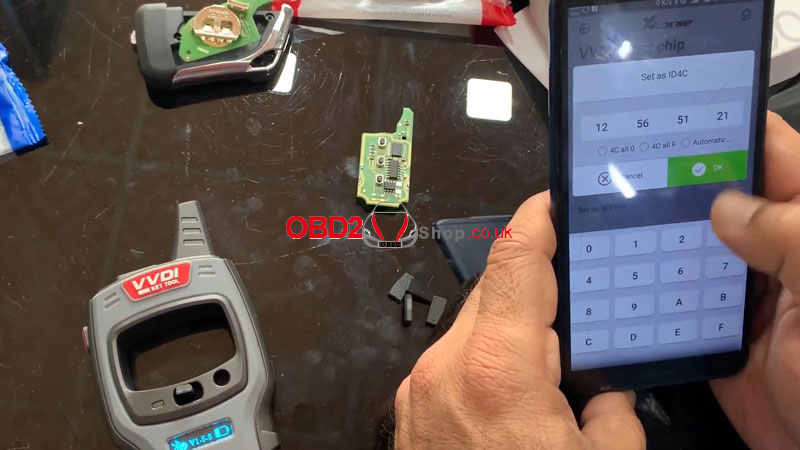
3. Enter the required details and tap OK.
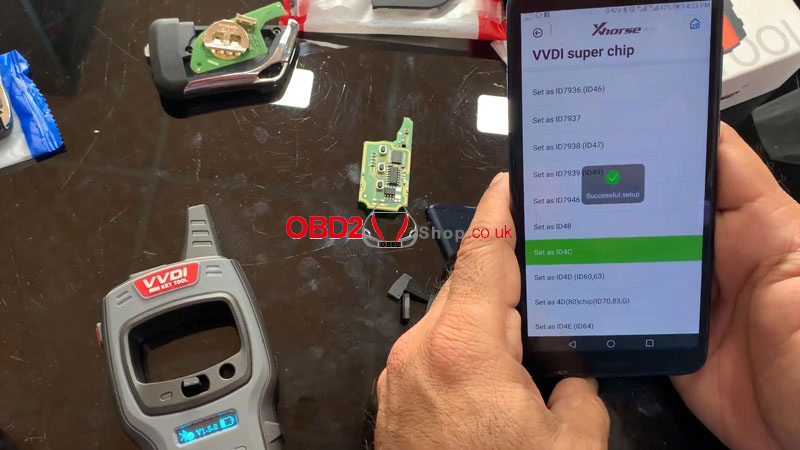
4. Once completed, the setup will be successful.
How to Change to Another Transponder Type
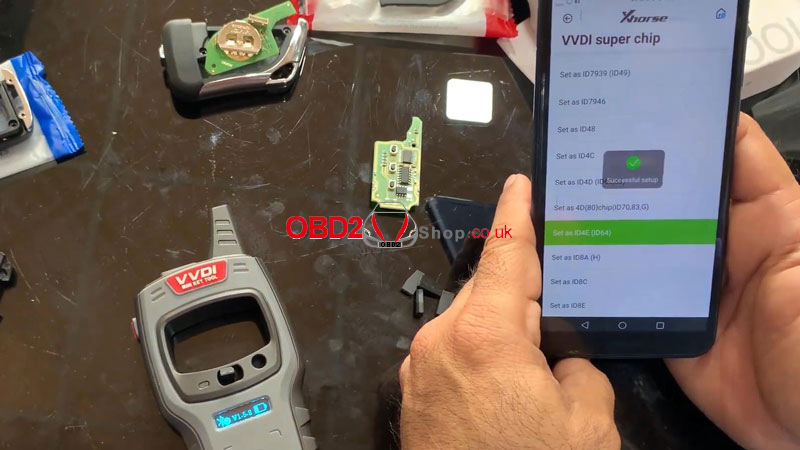
1. Select “Set as ID4E (ID64)” from the menu.
2. Confirm the operation.
3. The transponder type will be changed successfully.
Supported Transponder Types
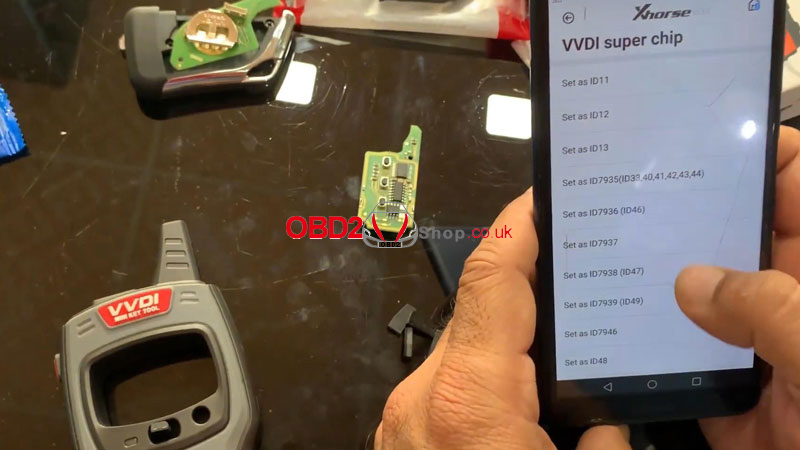
The VVDI MINI Key Tool supports the following transponder types:
ID11
ID12
ID13
IDPCF7935
IDPCF7936
IDPCF7937
IDPCF7938
IDPCF7939
IDPCF7946
ID48
ID4C
ID4D
ID4D (80)
ID4E
ID8A
ID8C
ID8E
With this function, the Xhorse VVDI MINI Key Tool enables locksmiths and technicians to quickly and reliably configure VVDI super chips for various vehicle requirements.
For more professional automotive diagnostic and key programming tools, visit: www.obd2shop.co.uk.
