
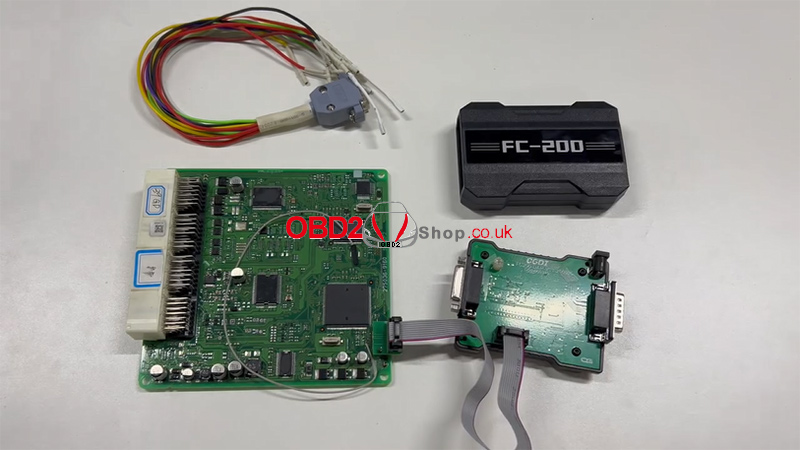
This guide demonstrates the process of reading a Toyota ECU using the CGDI FC200 ECU Programmer and the FC200 DAP adapter.

Connection Steps:
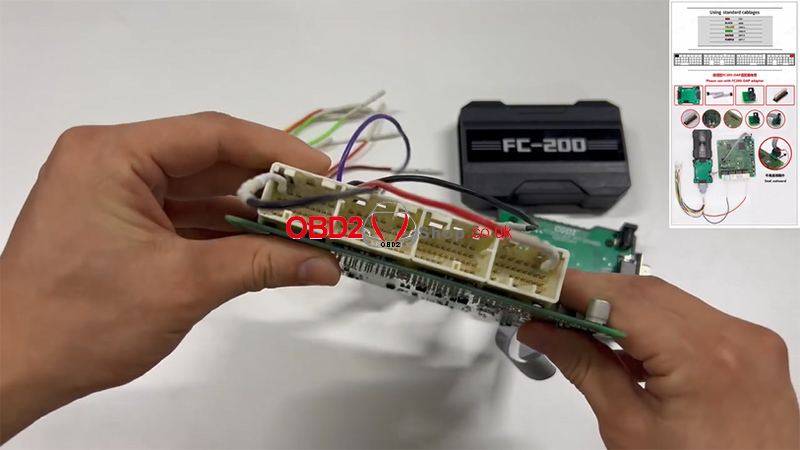
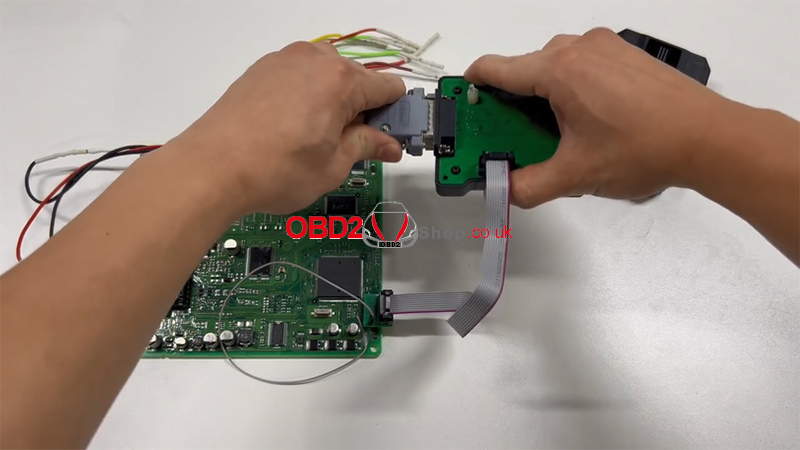
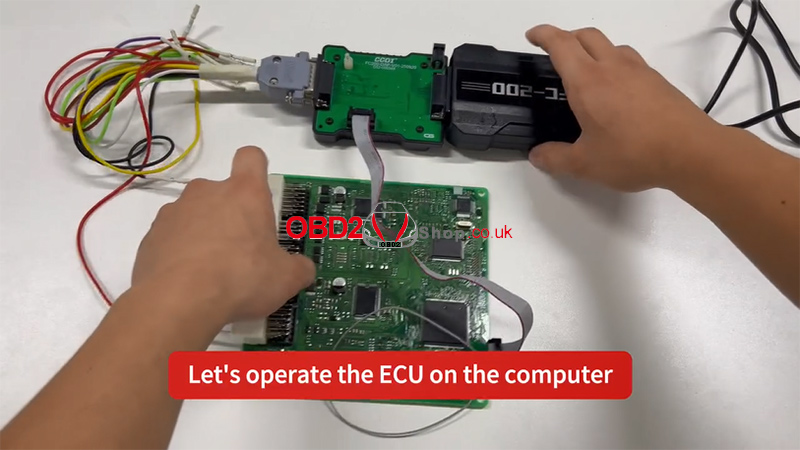
1. Connect the adapters in the correct sequence.
2. Refer to the wiring diagram and connect all pins accordingly.
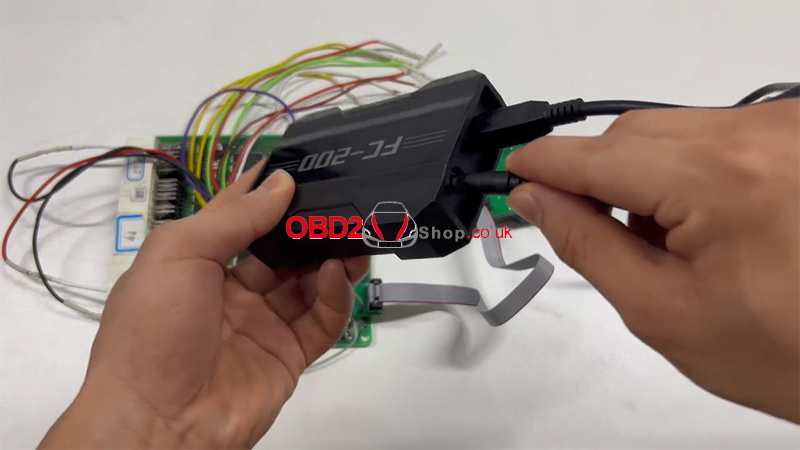
3. Connect the device to a USB port and power supply.
4. Connect the host cable to the adapter, with the other end attached to your computer.
5. All connections are now complete.

Software Operation:
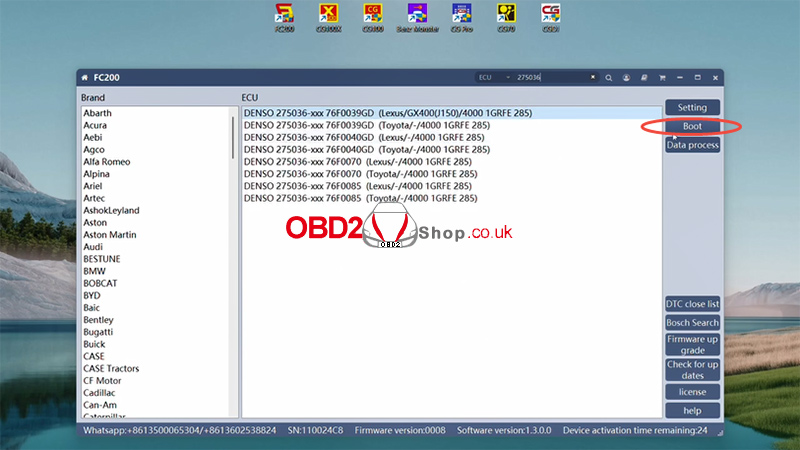
1. On your computer, open the FC200 software and enter the specific ECU model.
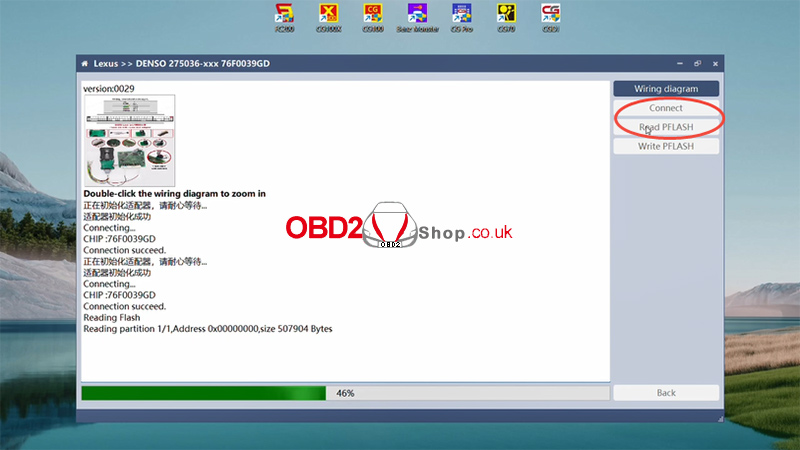
2. Click “Connect.” Once the connection is successfully established, proceed to read the Pflash memory.
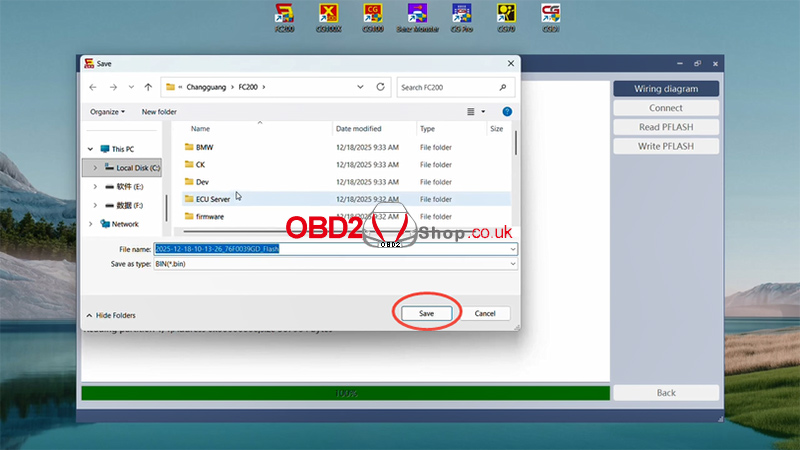
3. After saving the data, the task is complete.
For a visual walkthrough, please refer to the video guide:
Tools available at: www.obd2shop.co.uk
