
This guide walks you through the process of programming a new smart key for a 2023 Toyota Yaris using the Lonsdor K518 PRO, even in an all-keys-lost situation.
Step 1: Connect the Device
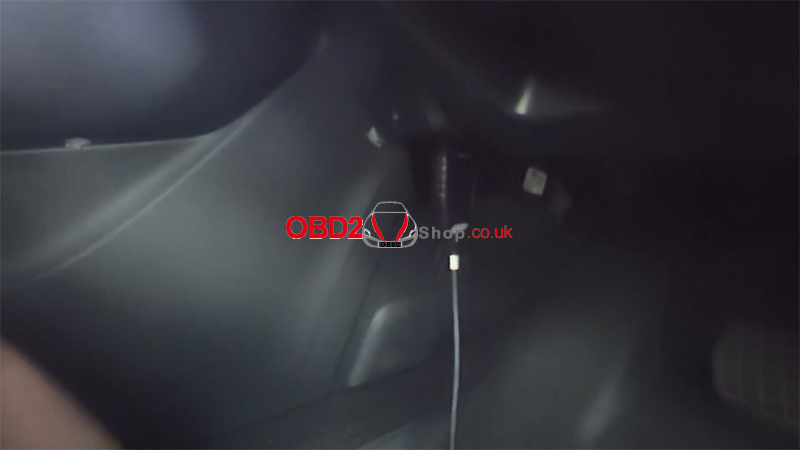
Connect the OBD cable of the Lonsdor K518 PRO to the vehicle.
Step 2: Enter the Vehicle Menu
On the K518 PRO home screen, select:
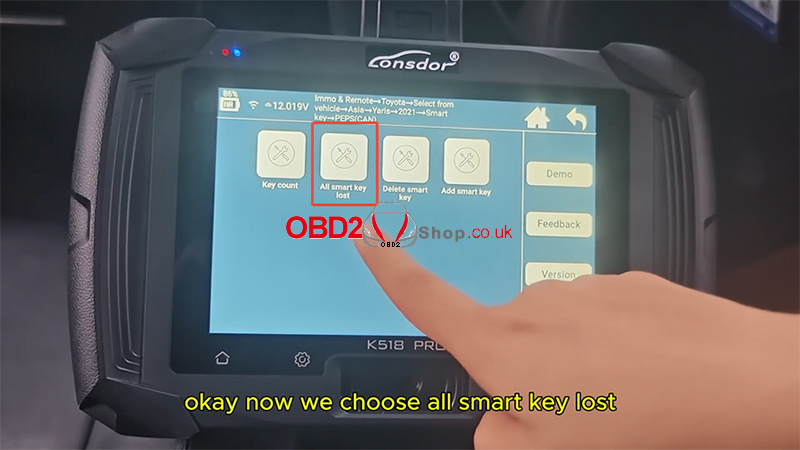
[Immo & Remote] → [Toyota] → [Select from vehicle] → [Yaris] → [2021-] → [Smart key] → [PEPS (CAN)]
Choose [All smart key lost].
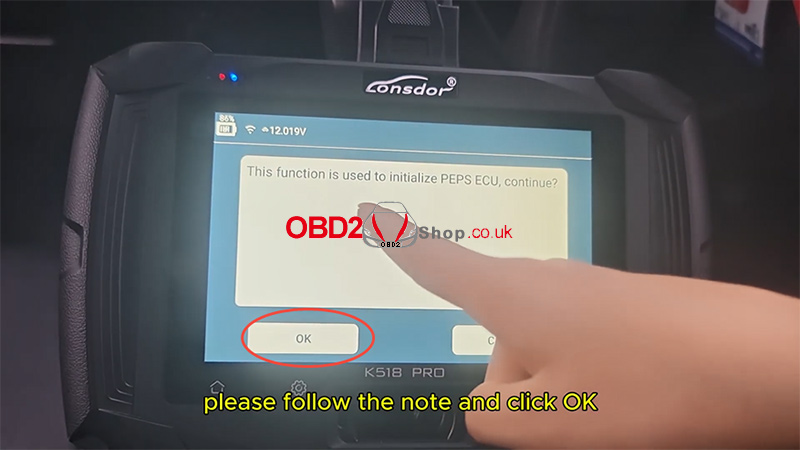
The tool will prompt:
“This function is used to initialize PEPS ECU, continue?”
Click OK.
The system will begin communication—please wait.
Step 3: Program the New Smart Key
When prompted:
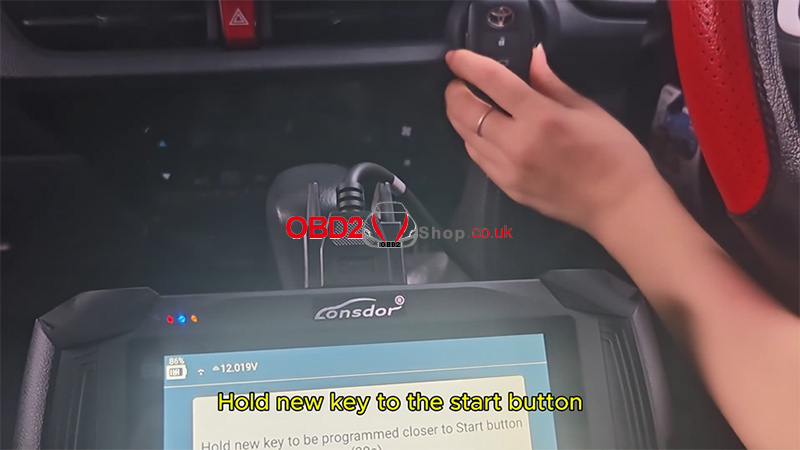
Hold the new smart key close to the Start/Stop button for about 30 seconds.
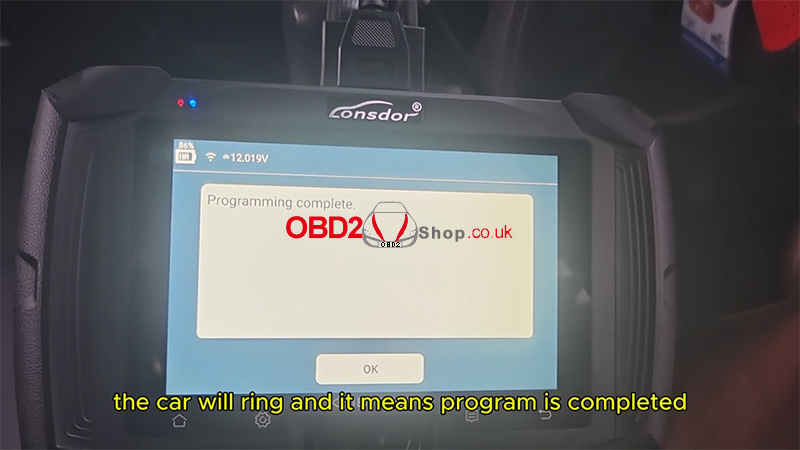
You will hear the vehicle beep three times, which indicates the programming process has been completed.
Step 4: Test the Key Functions
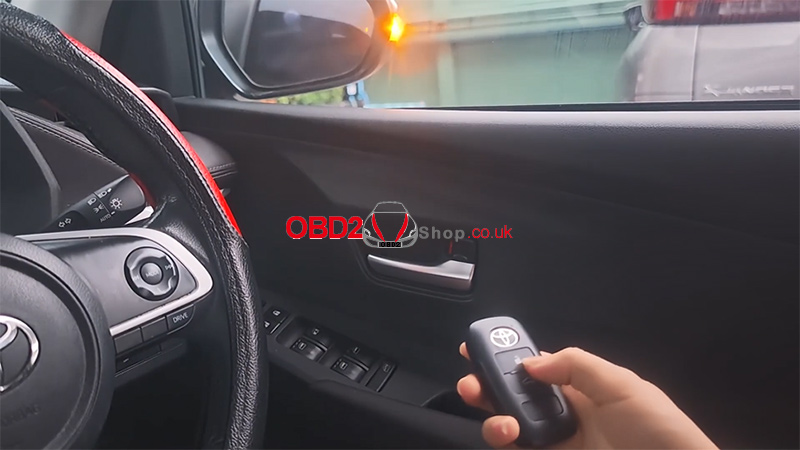
Test the remote functions (e.g., Lock/Unlock).
Test the smart key functions, such as keyless start.
If both work normally, it confirms that the new key has been successfully programmed.

Result
Using the Lonsdor K518 PRO, the 2023 Toyota Yaris all-keys-lost programming procedure is completed successfully.
Watch the full operation video here:
For more tools and guides, visit:
www.obd2shop.co.uk
