


This guide explains how to properly use the TOPDON BT600 Battery Tester to perform battery tests, cranking tests, and charging system tests. Follow the steps below to ensure accurate and reliable results.
Before starting, connect the tester correctly:
Red clamp → Battery positive (+) terminal
Black clamp → Battery negative (–) terminal
Once connected, the BT600 will display the battery voltage and automatically enter the main menu, where you can choose Battery Test, Cranking Test, or Charging Test.
1. Battery Test
Warning:
Before testing, ensure the engine is off and all electrical accessories are turned off.
The battery test function supports 12V lead-acid batteries only (24V batteries are not supported).
Step-by-Step Instructions
① Select BATTERY TEST from the main menu and press [ENTER / PRINT].
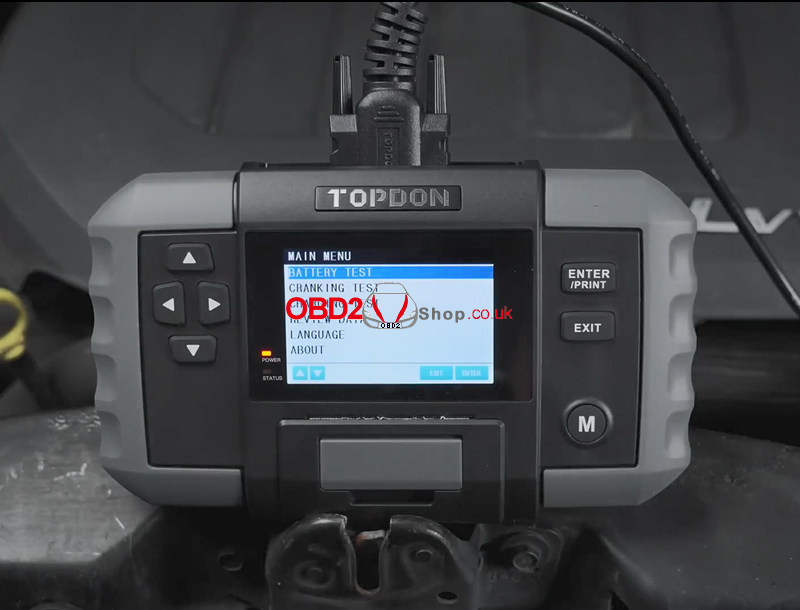
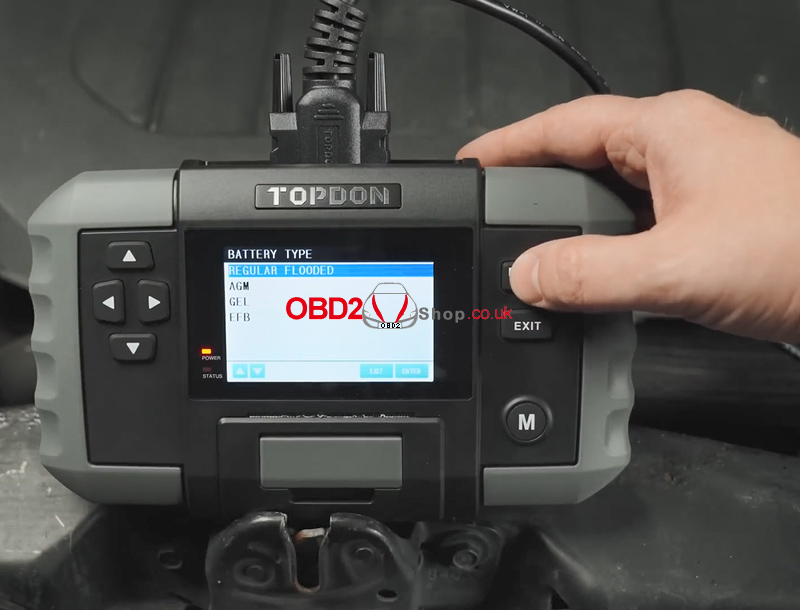
② Select the appropriate battery type and press [ENTER / PRINT].
The battery type can be found on the battery label.
③ Select the correct battery standard and press [ENTER / PRINT].
The standard is also listed on the battery label.
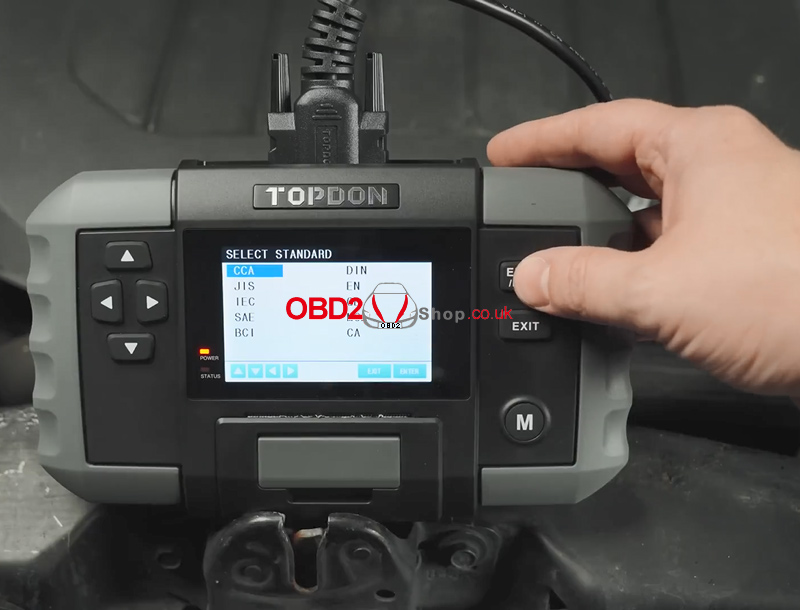
Refer to the table below for battery standards and corresponding test ranges.
| Measurement Standard | Description | Measurement Range |
| CCA | Cold Cranking Amps, specified by SAE & BCI, most frequently used value for starting battery at 0°F(-18°C) | 100-2000 |
| BCI | Battery Council International standard | 100-2000 |
| CA | Cranking Amps standard, effective starting current value at 0°C | 100-2000 |
| MCA | Marine Cranking Amps standard, effective starting current value at 0°C | 100-2000 |
| JIS | Japan Industrial Standard, displayed on the battery as a combination of the numbers and letters, e.g., 55D23, 80D26 | 26A17-245H52 |
| DIN | German Auto Industry Committee Standard | 100-1400 |
| IEC | International Electrotechnical Commission Standard | 100-1400 |
| EN | European Automobile Industry Association Standard | 100-2000 |
| SAE | Society of Automotive Engineers Standard | 100-2000 |
| GB | China National Standard | 30Ah-220Ah |
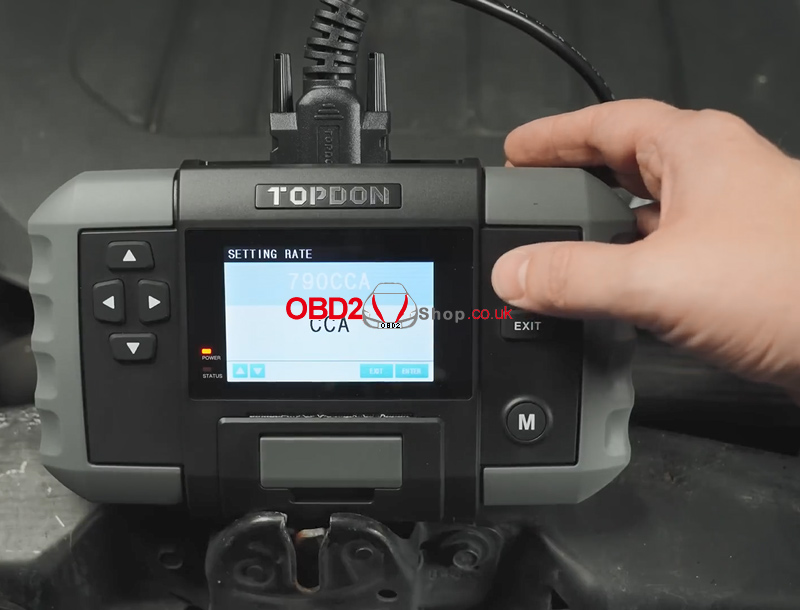
④ Input the CCA (Cold Cranking Amps) value using the Up / Down arrow keys, then press [ENTER / PRINT] to start the test.
Short press: adjust by ±5
Long press: continuous adjustment
⑤ The battery test result will be displayed shortly.
You can press PRINT to generate a test report, which can be printed and shared with your customer for reference.
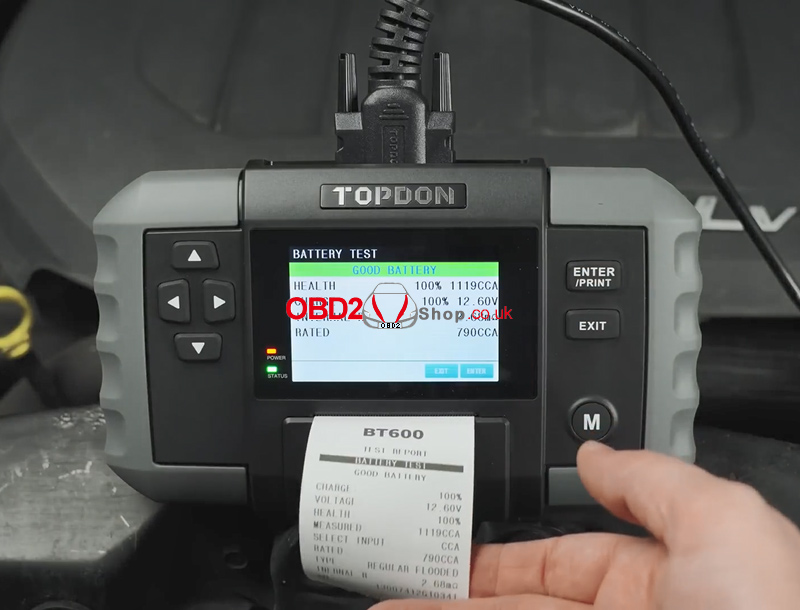
Battery Test Terminology
Common test result definitions are explained in the table.
| HEALTH (SOH) | The state of health shows the difference between the battery being tested and a new battery, considering cell aging. The SOH is defined according to the maximum battery charge ratio and its capacity. |
| CHARGE (SOC) | The state of charge describes the difference between a fully charged battery and the same battery in use. It analyses the remaining quantity of electricity available in the cell. The SOC is established according to the battery’s remaining charge ratio, divided by the maximum charge that the battery can deliver. |
| INTERNAL R (Internal Resistance) |
The internal resistance is the opposition to the current flow presented by the cells and the battery itself, generating heat. Its electronic resistance and ionic resistance directly impact this indicator. |
| RATED | The CCA value you entered in the previous step, that is, the CCA value listed on the battery label. The difference of the rated CCA between the actual CCA determines the test result to a certain extent. |
2. Cranking Test
Warning:
Before performing the cranking test, ensure the engine and all accessories are OFF.
This test supports both 12V and 24V lead-acid batteries.
Step-by-Step Instructions
① Select CRANKING TEST and press [ENTER / PRINT].
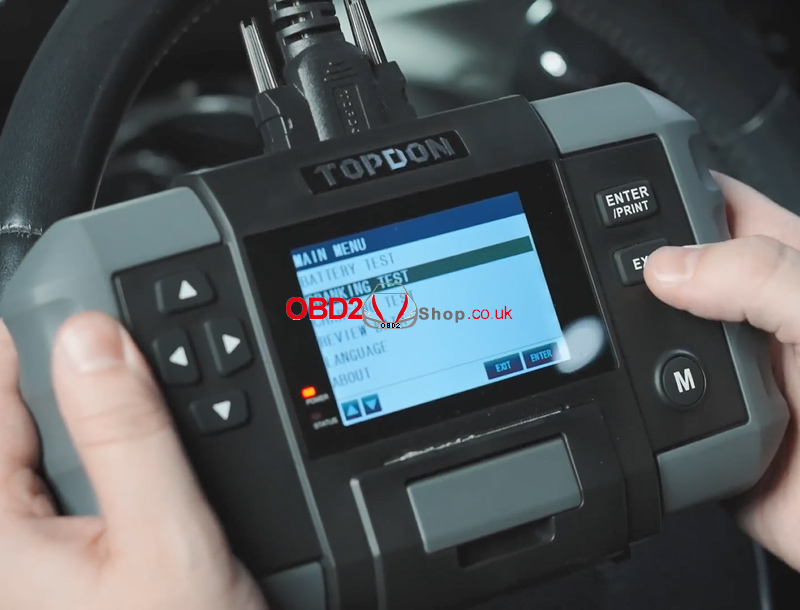
② The tester will prompt you to start the engine. Follow the on-screen instructions and crank the engine.
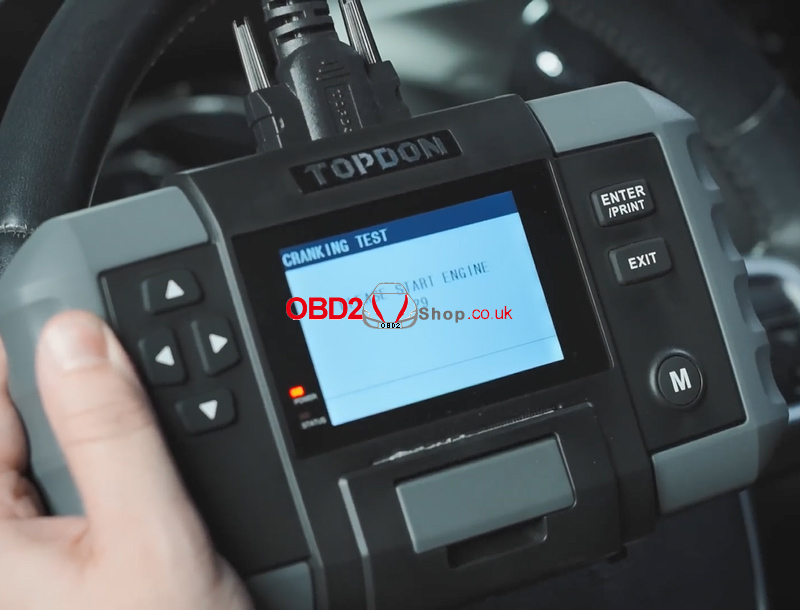
③ The test results will be displayed automatically.
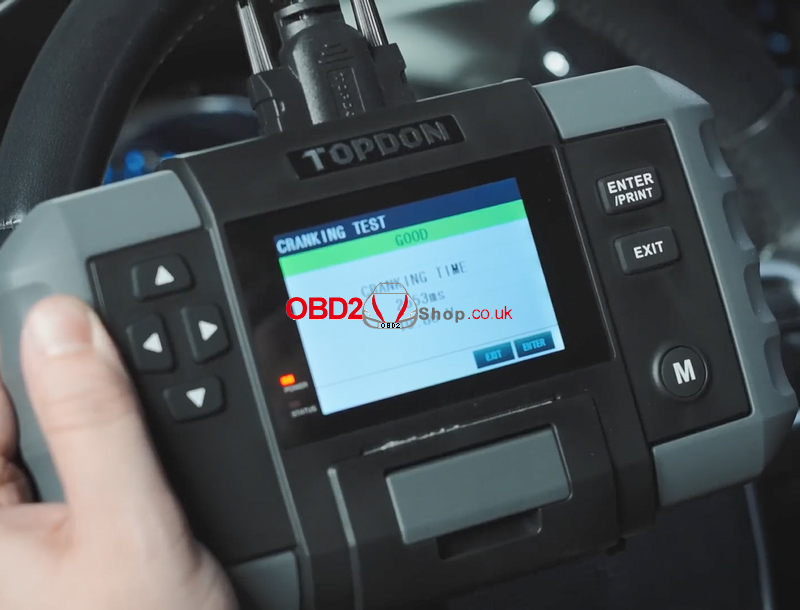
Cranking Test Parameters
Cranking Time: The time required for the engine to start
Cranking Voltage: Battery voltage during engine start
Passenger vehicles: ≥ 9.6V
Commercial vehicles: ≥ 19.2V
3. Charging Test
Warning:
Always start the engine before performing the charging test.
This test supports both 12V and 24V lead-acid batteries.
Step-by-Step Instructions
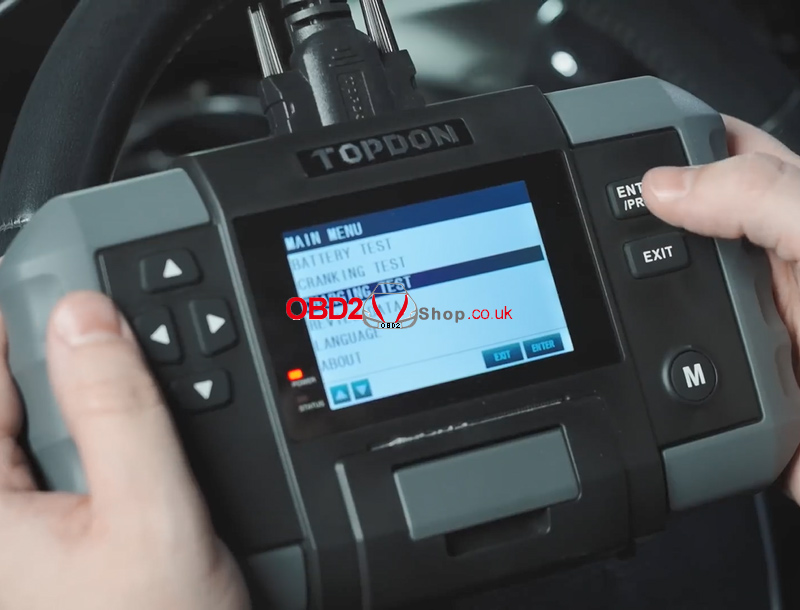
1. Select CHARGING TEST and press [ENTER / PRINT].
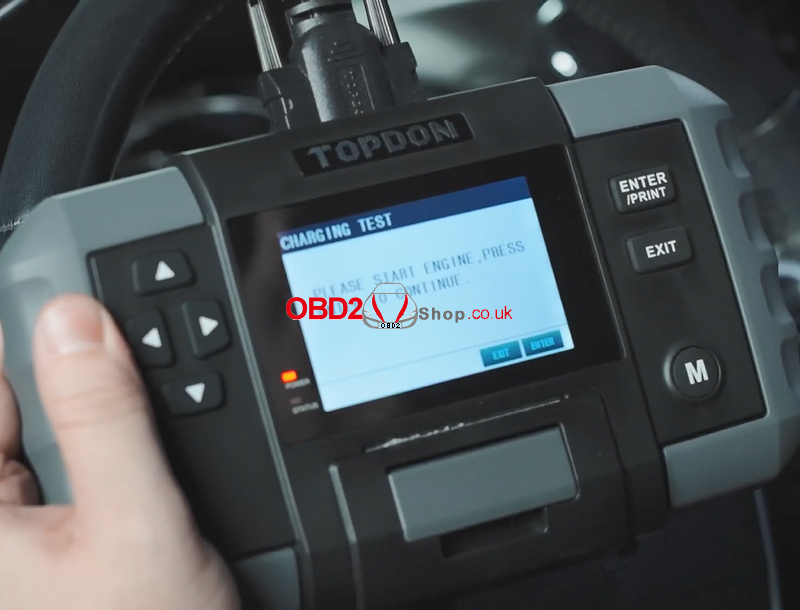
2. Confirm the engine is running, then press [ENTER / PRINT].
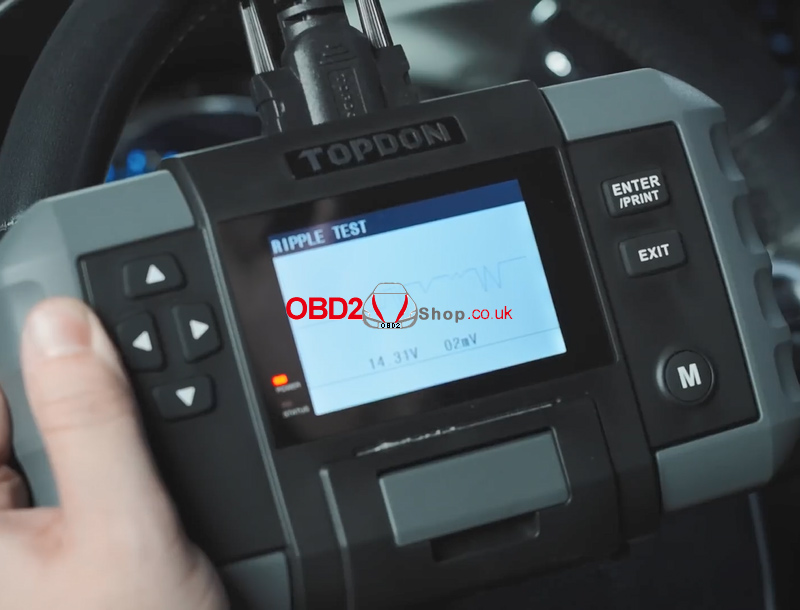
3. A ripple test will be performed first.
The result is shown as a graph, and the tool will automatically proceed after 5 seconds.
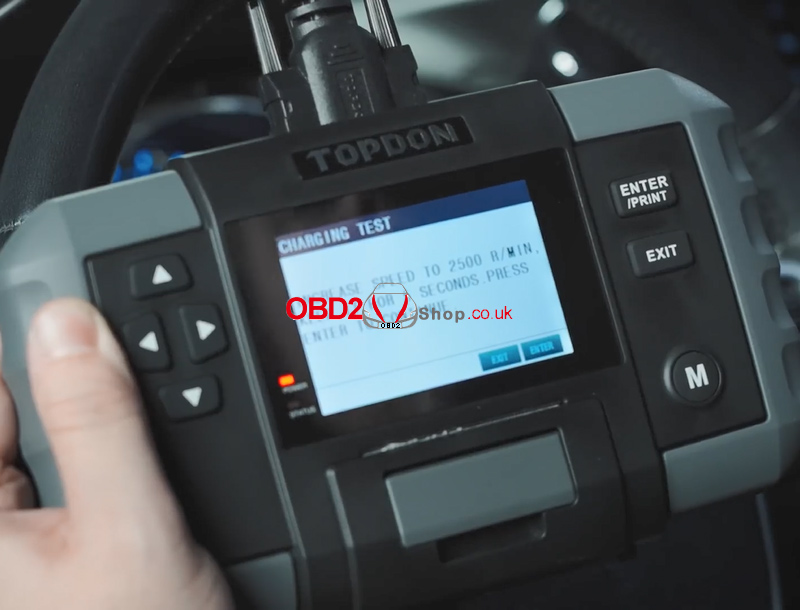
4. Increase the engine speed to 2500 RPM and hold it for 5 seconds as instructed, then press [ENTER / PRINT].
5. The charging system test results will be displayed on the screen.
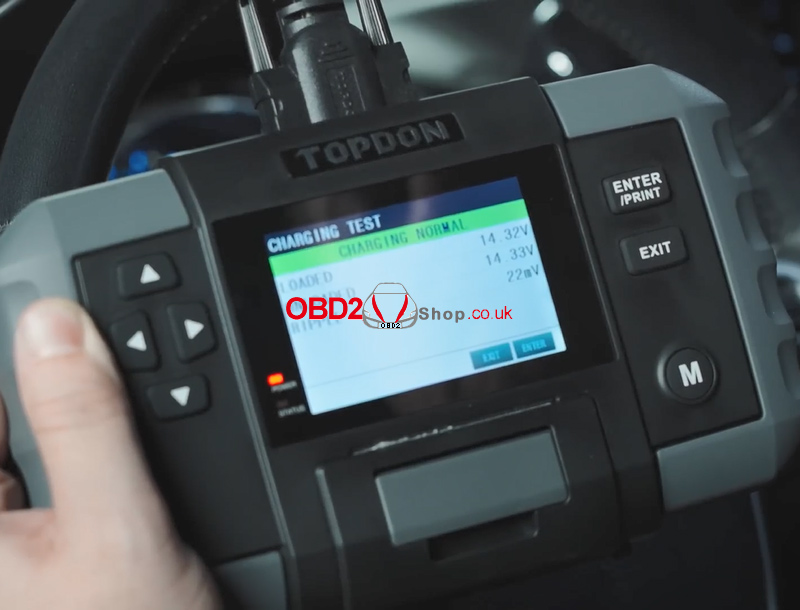
Charging Test Parameters Explained
Loaded Voltage: Voltage measured when electrical loads are ON
Unloaded Voltage: Voltage measured when electrical loads are OFF
Ripple:
Vehicle batteries operate on DC power, while alternators generate AC power. The diode rectifier converts AC to DC, and voltage fluctuations during this process are known as ripple. Excessive ripple may indicate alternator or diode issues.
For more automotive diagnostic tools and accessories, visit:
www.obd2shop.co.uk
