


Looking for a reliable way to program the latest Volkswagen and Audi 5D immobilizer systems? The KEYDIY KD-X4 and the new FGB-series PCBs provide a professional-grade solution for automotive locksmiths. This guide covers the seamless programming process for the FGB08 (Audi Waterdrop design) and FGB25 (VW Golf 8 design) keys.
Hardware Essentials
KEYDIY KD X4 Key Programmer: The core 5-in-1 programming device.
KEYDIY FGB08/FGB25 PCB: Specialized keys supporting VW 5D and compatible Audi models.
Original Vehicle Key: Required for data reading and service code generation.
Note on FGB Keys: Out of the box, only the last button on a new FGB key will emit a frequency. All buttons activate automatically once programming is complete.
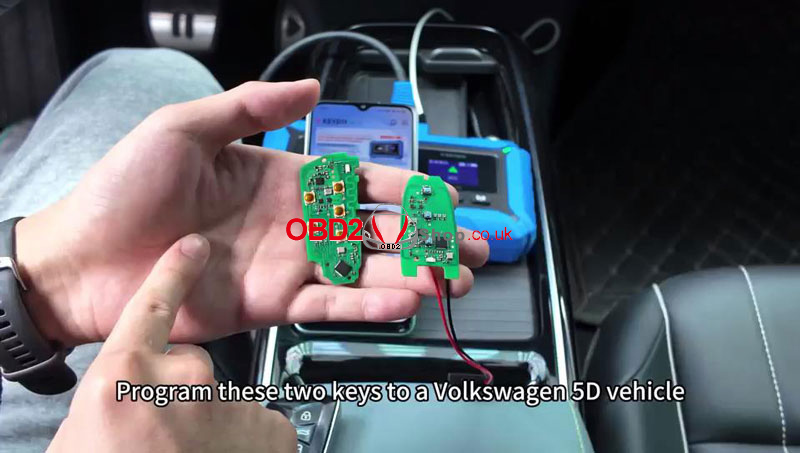
Step-by-Step Programming Guide
1. Vehicle Data Acquisition
Connect your KD-X4 to the vehicle and access the IMMO menu:
(1) Navigate to: Immo programming > Volkswagen > 5C/5D immobilizer system.
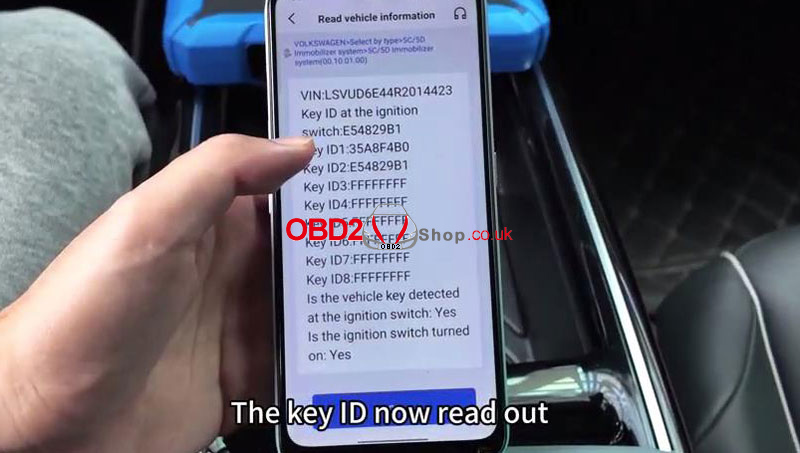
(2) Select Start execution > Read vehicle information.
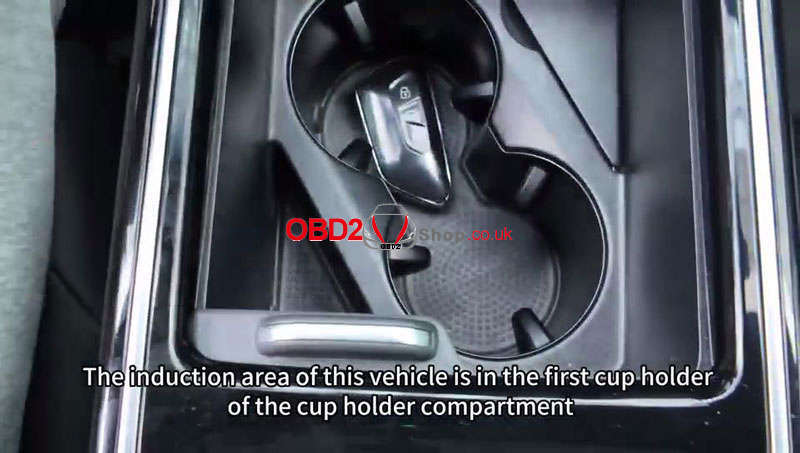
(3) Place the original key in the vehicle’s ignition area (e.g., the cup holder) and turn on the ignition.
(4) Record the Key IDs and ensure you have the KD Service Code generated from the original key data.
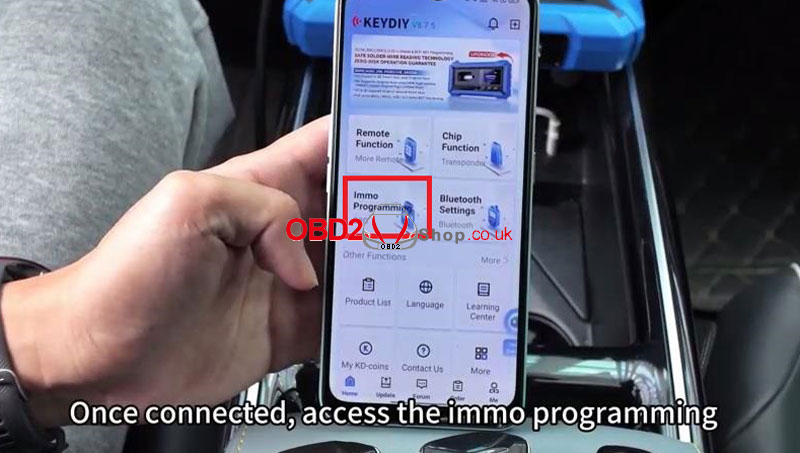
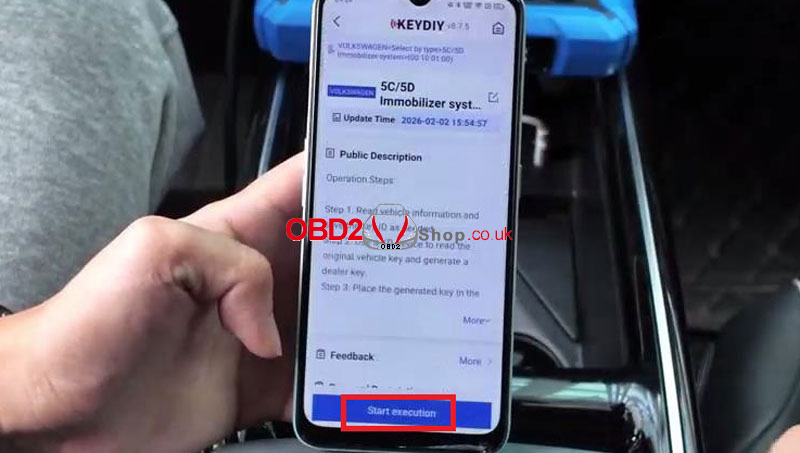
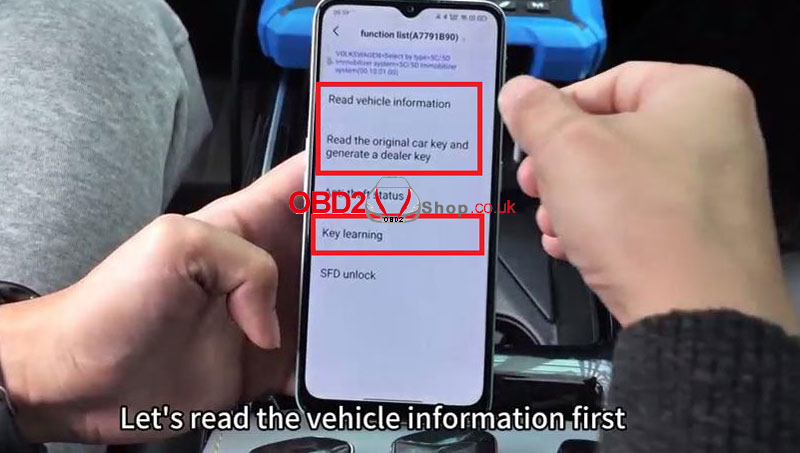
2. Generate the Dealer Key
Prepare the new KEYDIY FGB remote to be recognized by the vehicle:
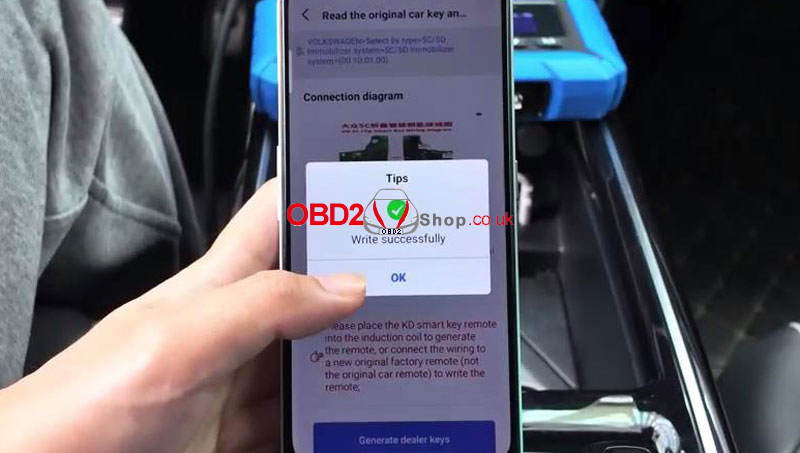
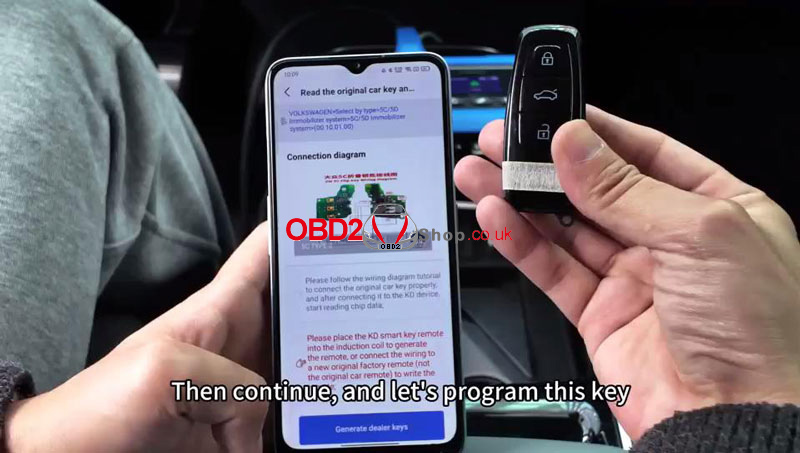
(1) Select Read original car key and generate a dealer key.
(2) Place the new FGB key on the KD-X4 induction area.
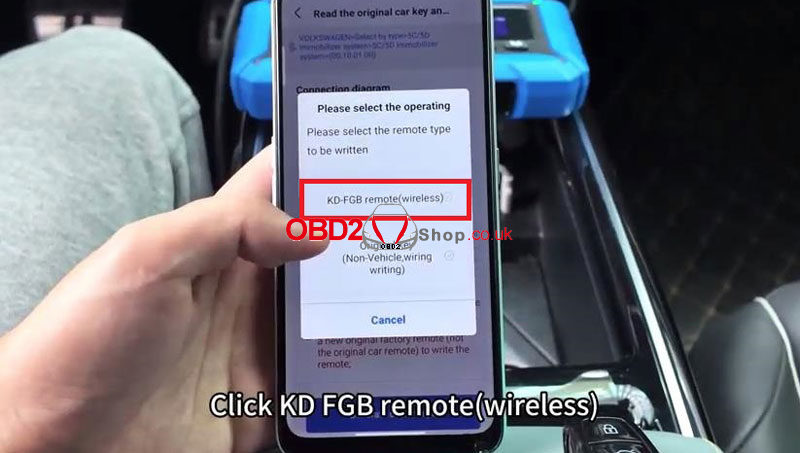
(3) Select KD-FGB remote (wireless) and the correct frequency (433.46/434.36MHz) to write the data.
3. Key ID Synchronization (Cloning)
To ensure perfect compatibility, write the original key’s ID to the new remote:
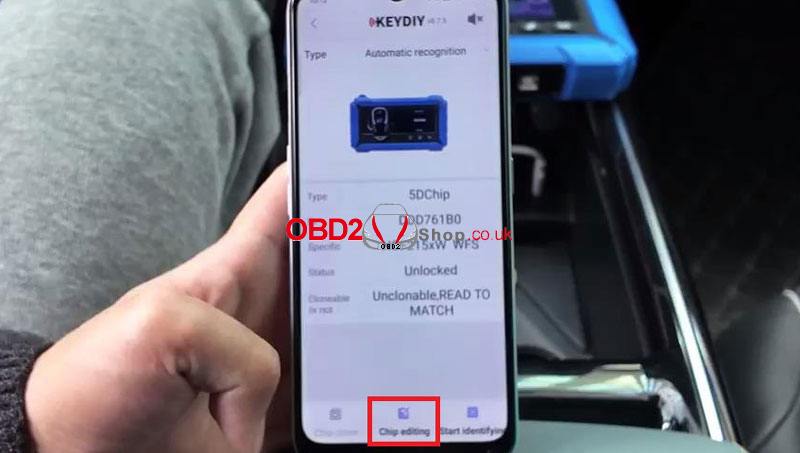
(1) Go to Chip Function > Automation detection clone > Chip editing.
(2) Enter the original vehicle ID (e.g., 35A8F4B0) and click Write.
4. Final Key Learning
Complete the process by syncing all keys to the immobilizer:
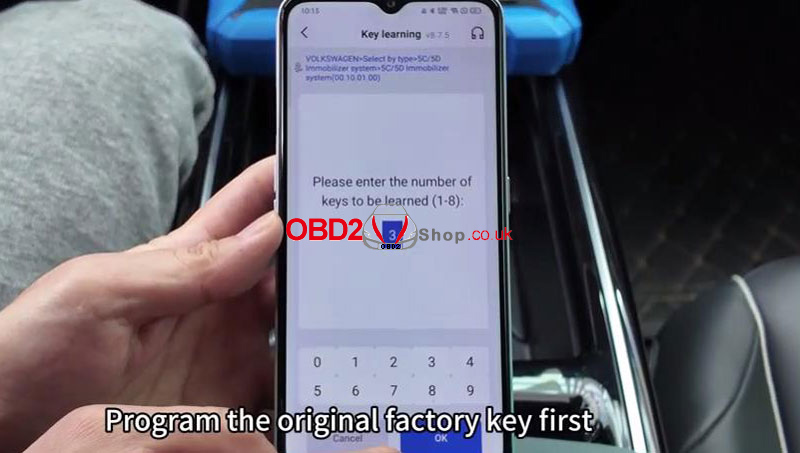
(1) Return to 5C/5D immobilizer system > Key learning.
(2) Enter the total number of keys to be learned and confirm they are smart keys.
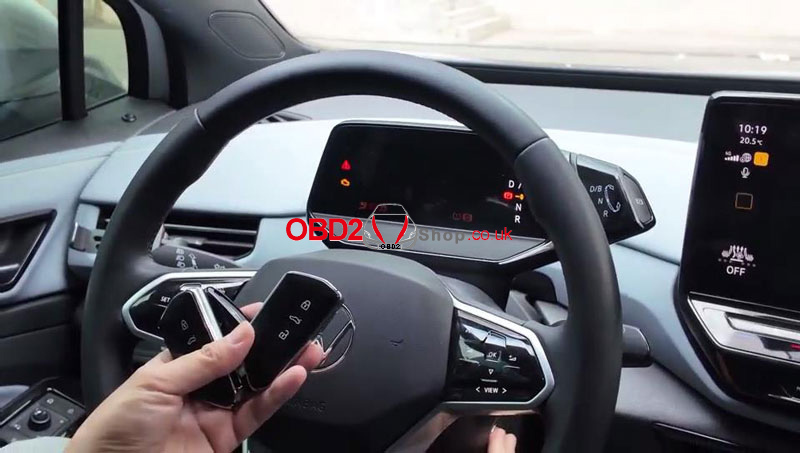
(3) Follow the prompts to place each key (original and new) on the vehicle’s induction coil one by one.
(4) Once “Matching successful” appears, cycle the ignition to finalize the sync.
Why Choose KEYDIY for 5D Systems?
The KEYDIY KD-X4 simplifies complex 5D programming into a user-friendly workflow. With the FGB08 and FGB25 keys, you can offer customers high-quality replacements for modern Audi and VW Golf 8 models with confidence.
Ready to upgrade your toolkit? Explore the full range of KEYDIY solutions today.
www.obd2shop.co.uk
