


Recently, Autel has released a new IMMO function for the Volkswagen 5C/5D key adding. This article provides a complete step-by-step guide on how to use this feature, including vehicle information reading, IMMO data extraction, dealer key generation, and key learning.
Step 1: Read Vehicle Information
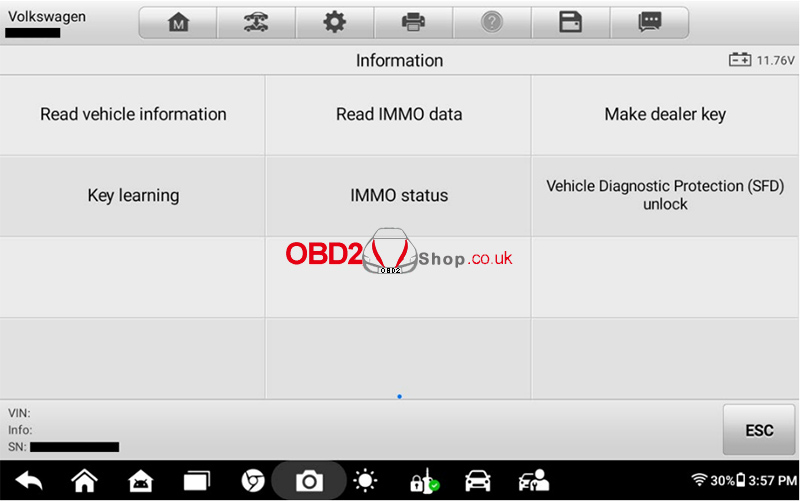
Navigate to the following path:
Select [Volkswagen] >> [Expert selection] >>
[Key reading via dump] >> [Key reading via dump for 5C] >>
[Read vehicle information]
Connect the device to the vehicle via OBD and execute the function.
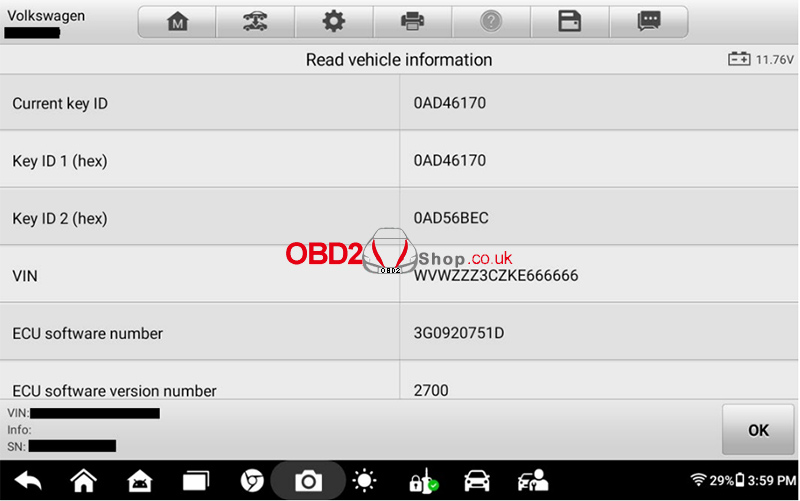
The system will read vehicle information, including:
Current Key ID
Key ID1 (hex)
Key ID2 (hex)
VIN
Other relevant data
Important: Follow all on-screen instructions carefully during the process.
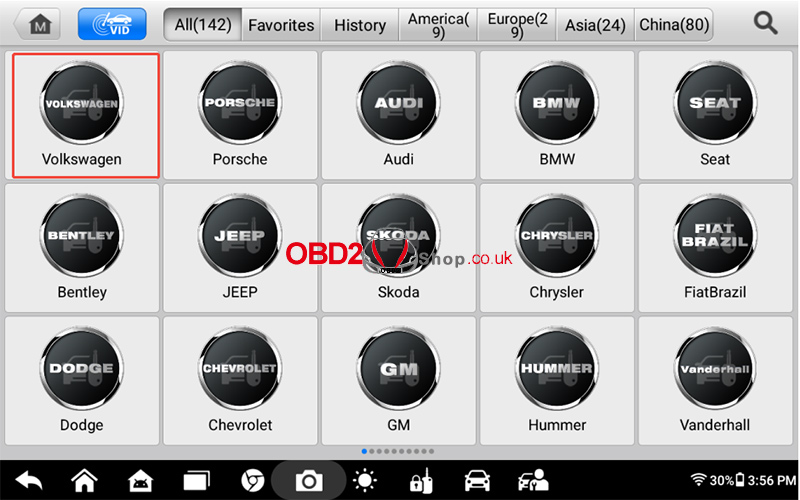
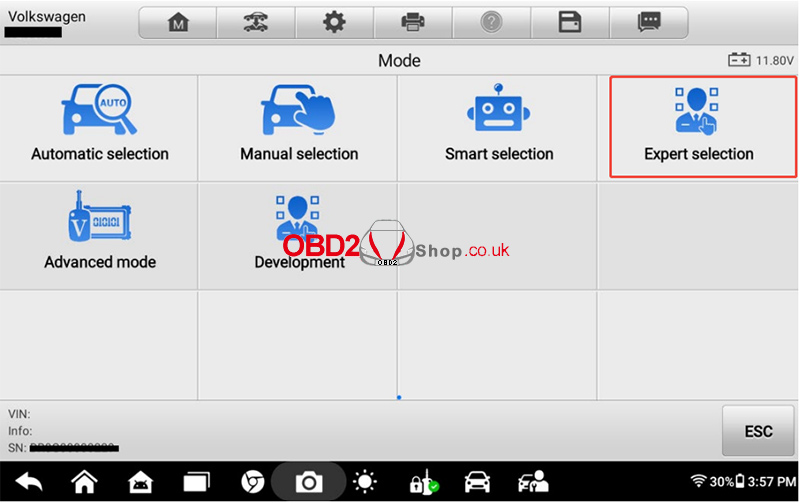
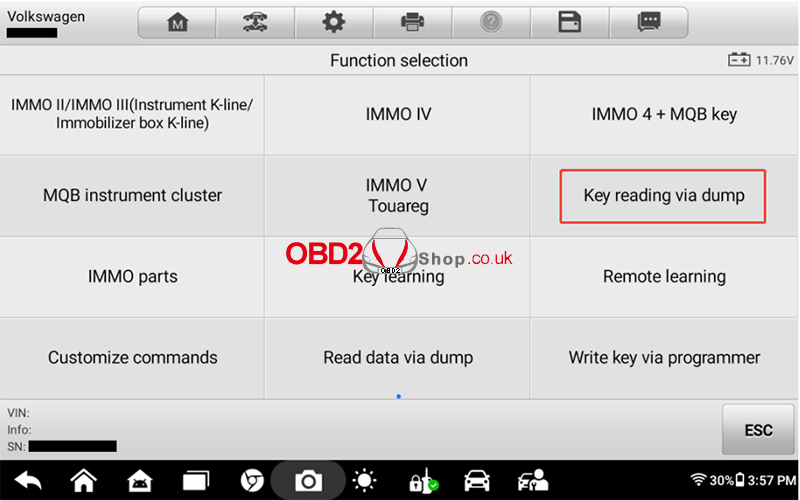
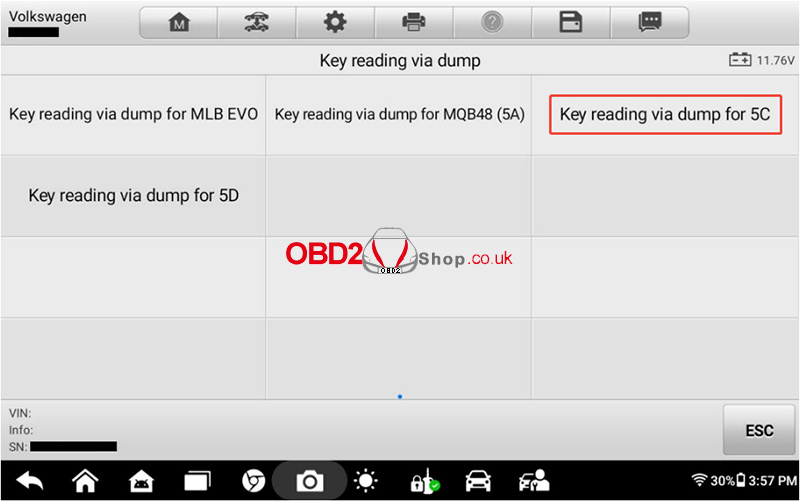
Step 2: Read IMMO Data
2.1 Available Methods
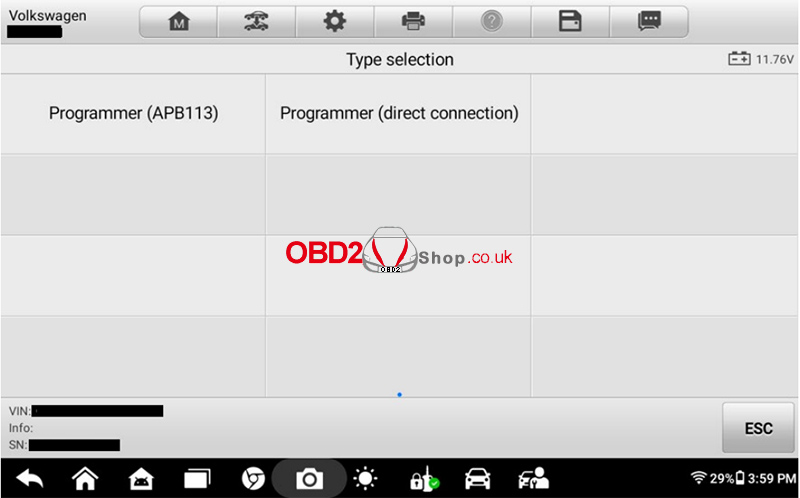
There are two methods to perform this function:
Programmer (APB113)
Programmer (Direct Connection)
2.2 Using Programmer (APB113)
① Select [Programmer (APB113)]
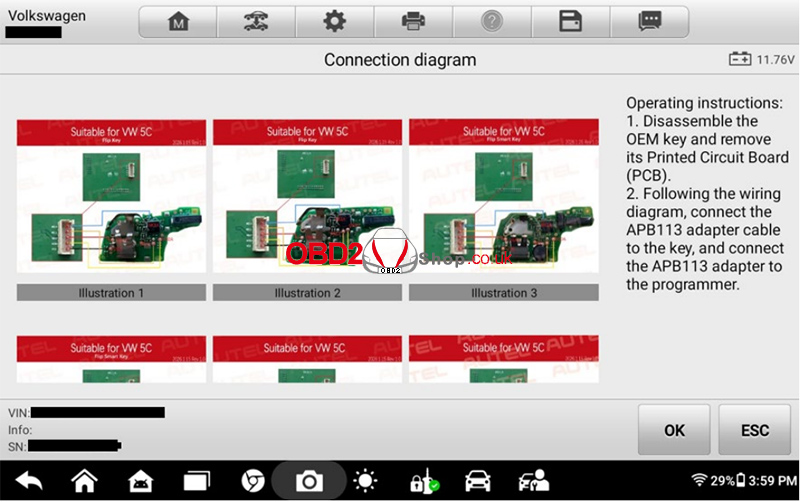
② Follow the on-screen operation guide
③ Remove the PCB board from the original car key
④ Identify the correct key type in the guide
⑤ Connect the PCB board to the adapter board according to the wiring diagram
⑥ Install the adapter board onto the programmer:
XP401 / XP401Pro
XP400 / XP400Pro
XP1 Pro
⑦ Click [OK] to start reading data
Note:
The programmer must be connected to a 12V power supply
Ensure connection to the tablet device
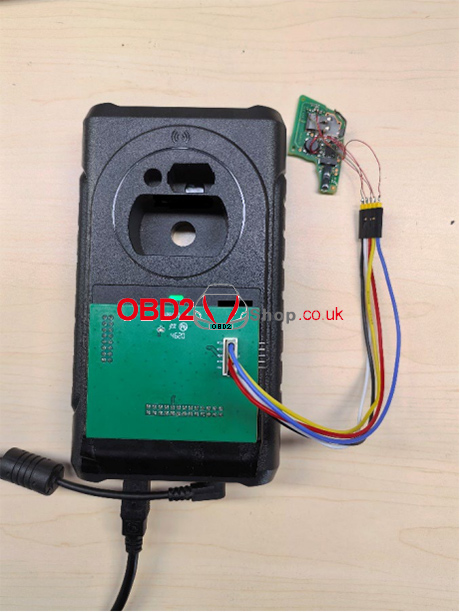
2.3 Save IMMO Data
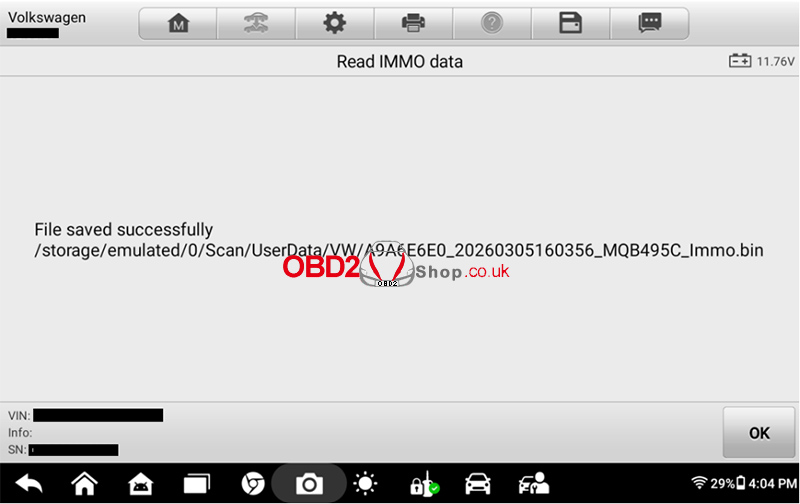
After successful reading:
The system will display the file path and file name
Save this information carefully
This file will be required for:
Make Dealer Key
Key Learning
Step 3: Make Dealer Key
3.1 Select Method
Both methods are supported:
Wireless
Wired
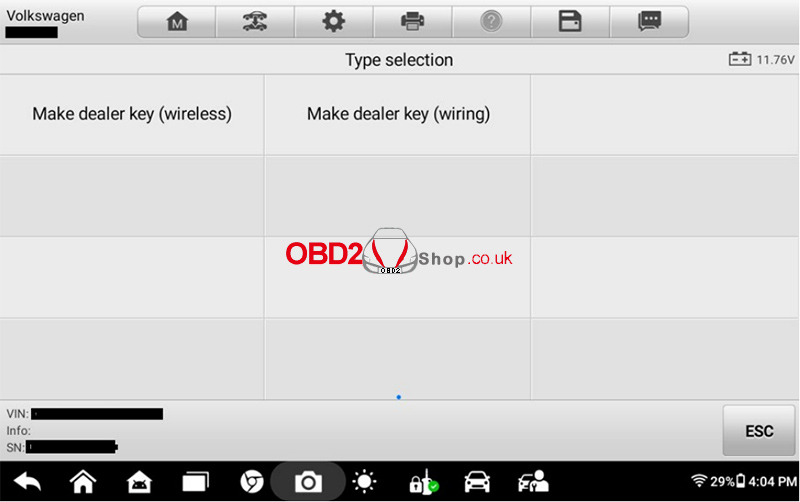
For example, using the wired method:
Select: [Make dealer key (wiring)]
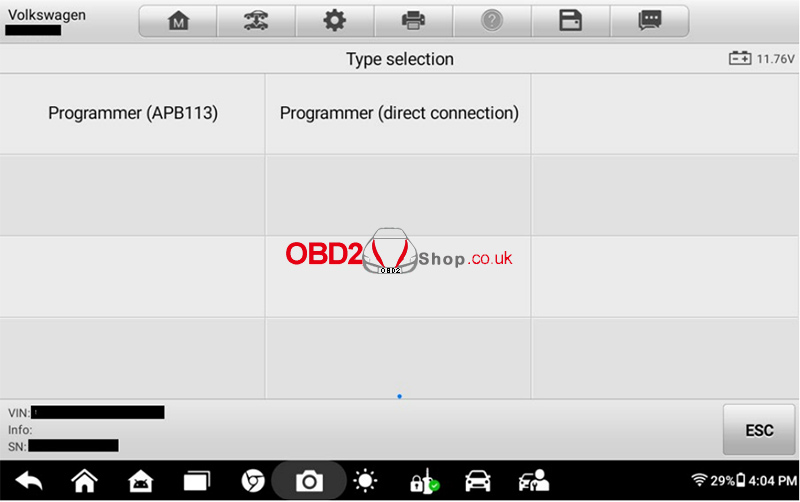
3.2 Select Programmer
Choose: [Programmer (APB113)]
3.3 Connect New Key PCB
① Remove the PCB board from the new key
② Connect the wiring according to the diagram
③ Connect:
Key PCB
APB113
Programmer
Tablet device
④ Click [OK]
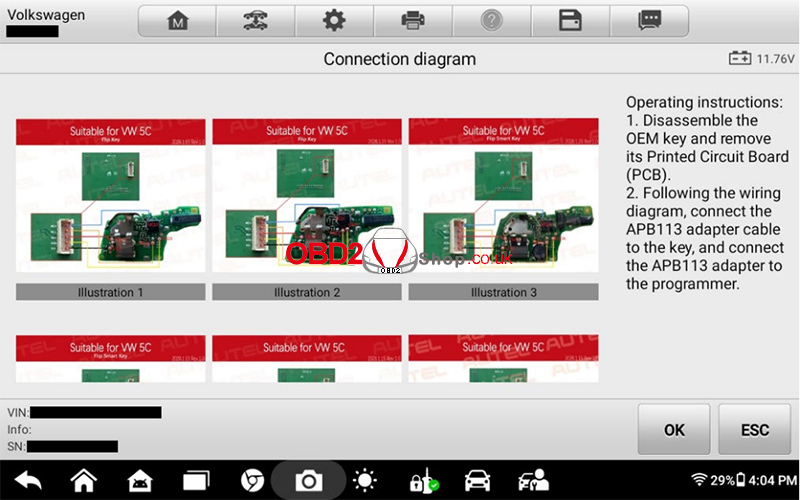
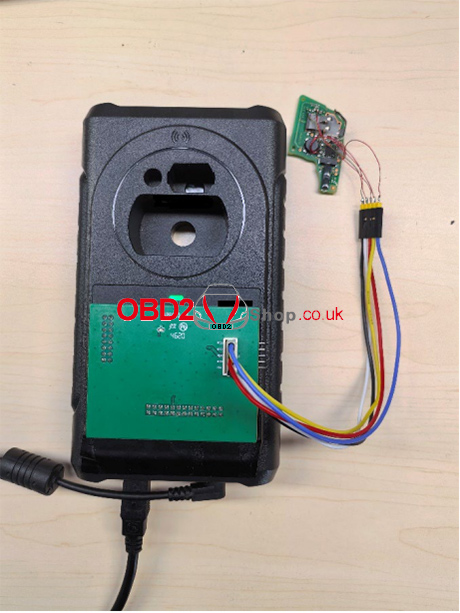
3.4 Load IMMO Data
Load the .bin file saved earlier
Click [OK] to proceed
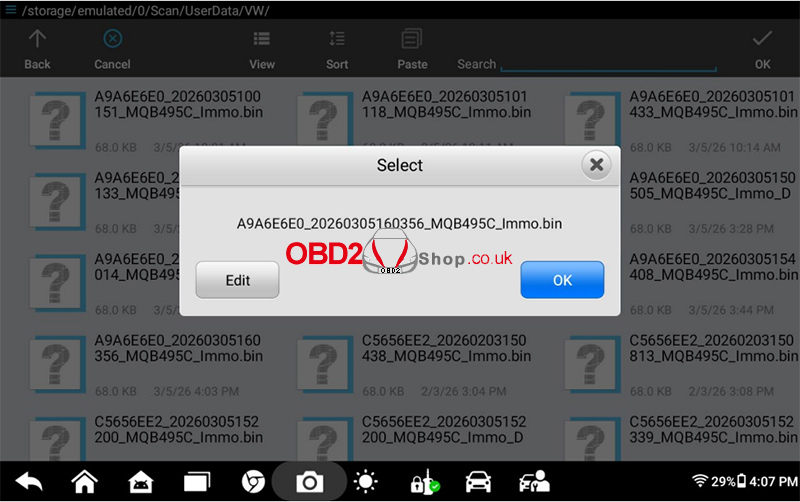
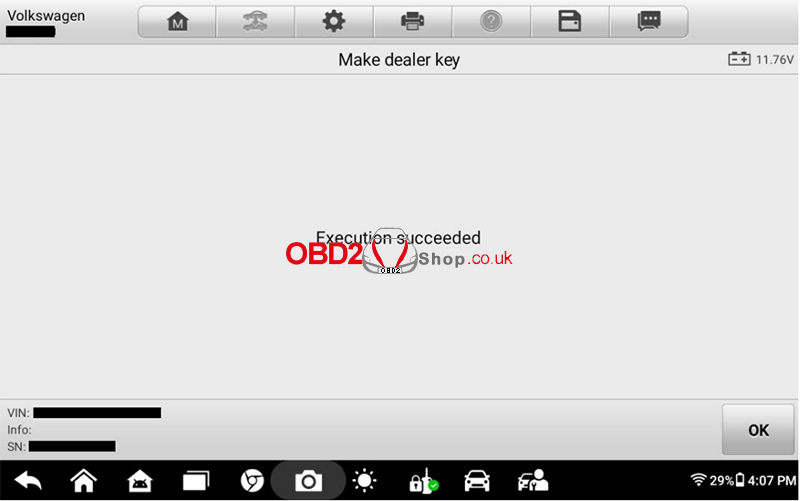
Step 4: Key Learning
4.1 Load IMMO File
Load the saved IMMO data file
Click [OK]
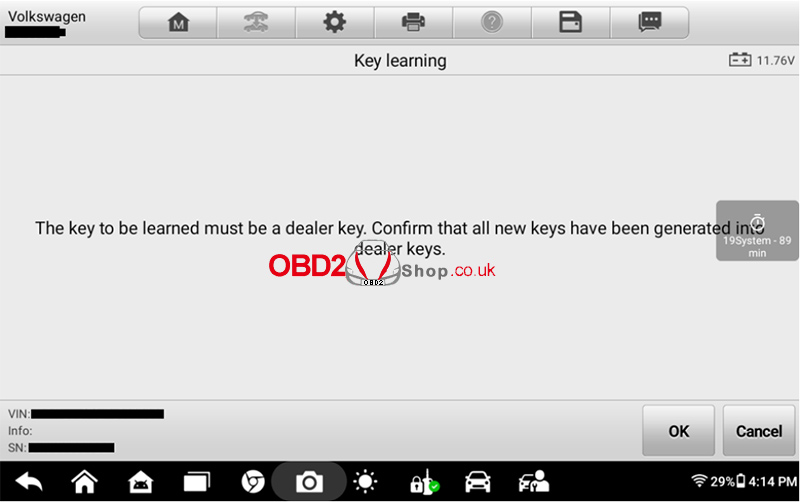
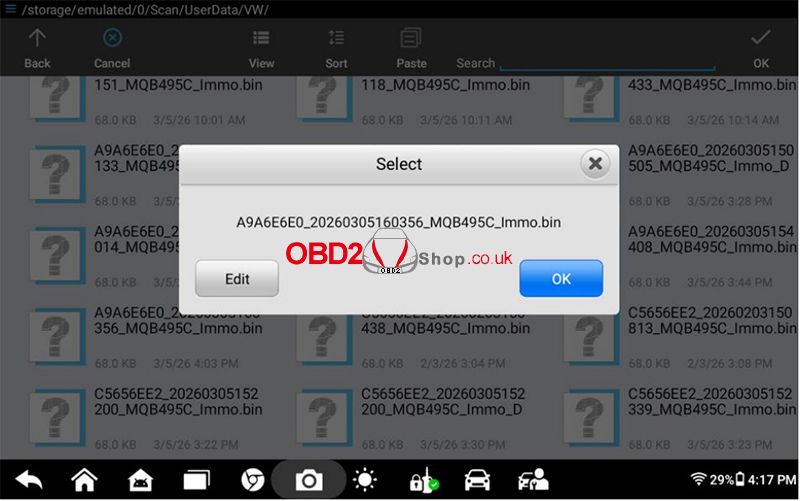
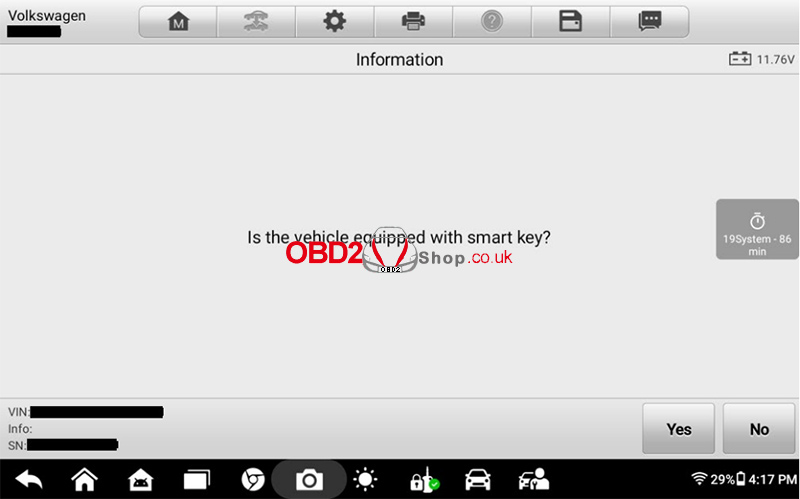
4.2 Select Key Type
Click [YES] → Smart Key
Click [NO] → Mechanical Key
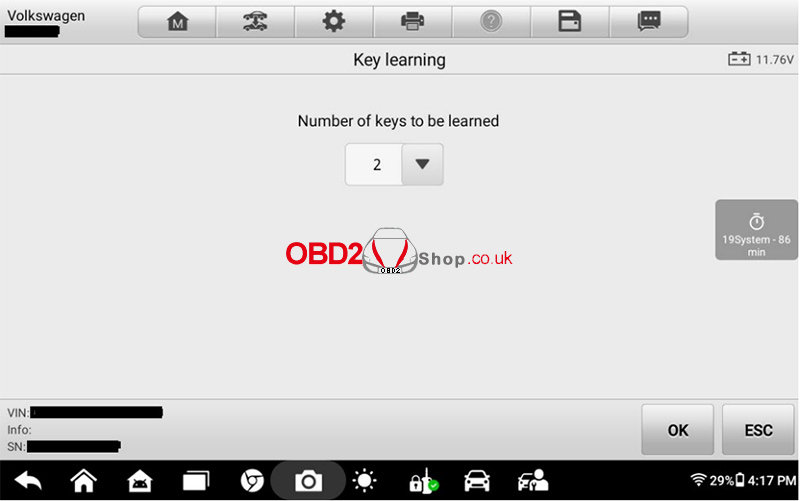
4.3 Enter Key Quantity
Enter the total number of keys
(including original keys)
4.4 Program Keys
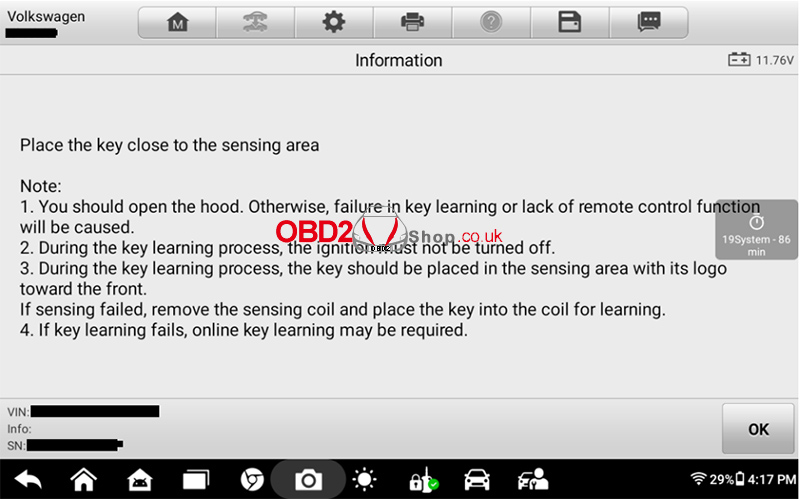
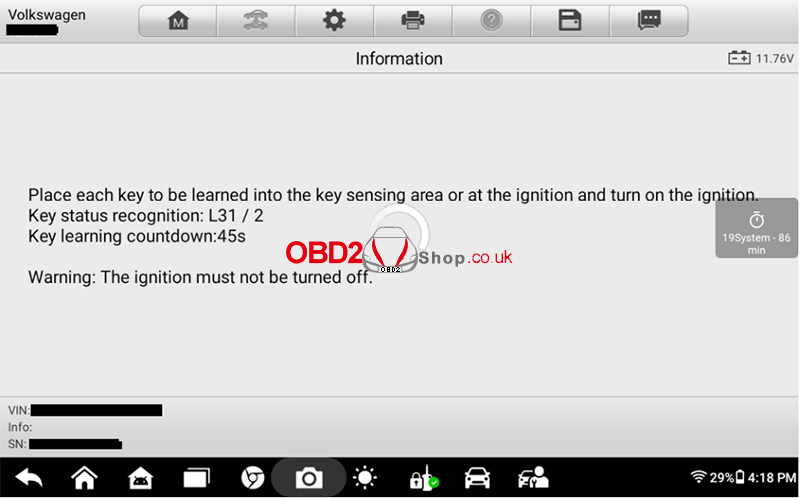
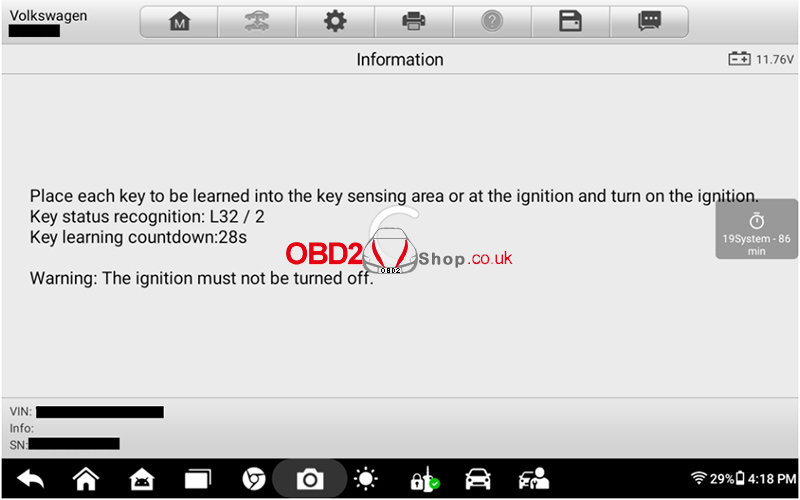
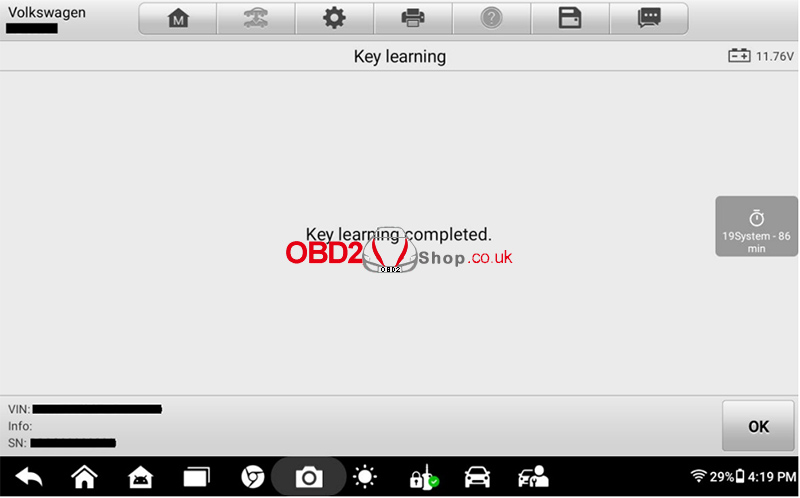
Follow the on-screen instructions strictly
Program each key step by step
Important:
Remove all other keys from the vehicle during programming to avoid interference.
Watch the full operation video here:
More Information visit:
www.obd2shop.co.uk
