


In this guide, we will demonstrate how to use the OBDSTAR X300 Classic G3 to perform ECU Unlock and Reset Virgin functions for the VOLVO SOD RADAR system. This procedure applies to both the left and right radar modules.
Preparation
Before starting, make sure you have the following:
X300 Classic G3 device
Main cable
Vehicle is ready and properly connected via OBD
Step-by-Step Operation
1. Connect the X300 Classic G3 to the vehicle via OBD.
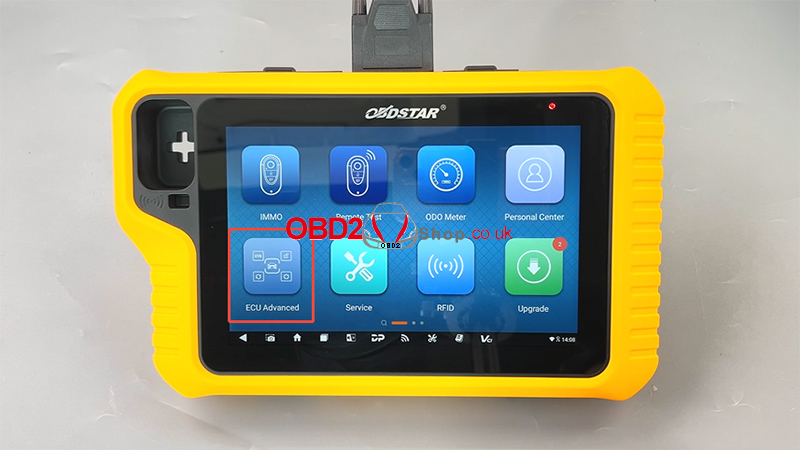
2. On the device, tap:
[ECU Advanced]
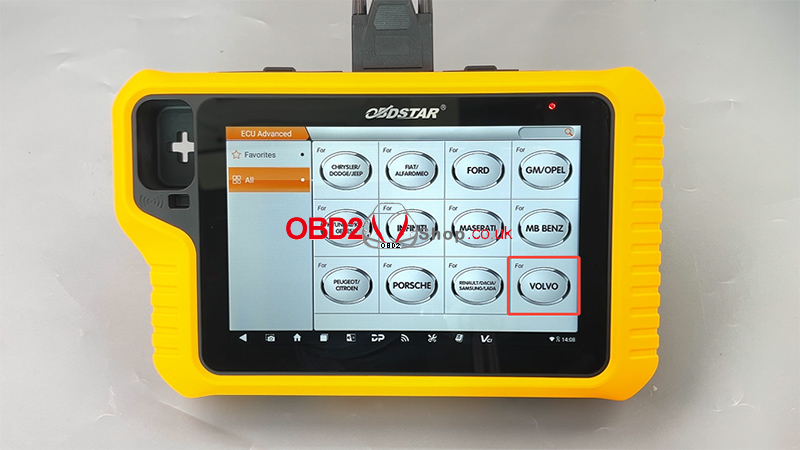
Select [VOLVO]
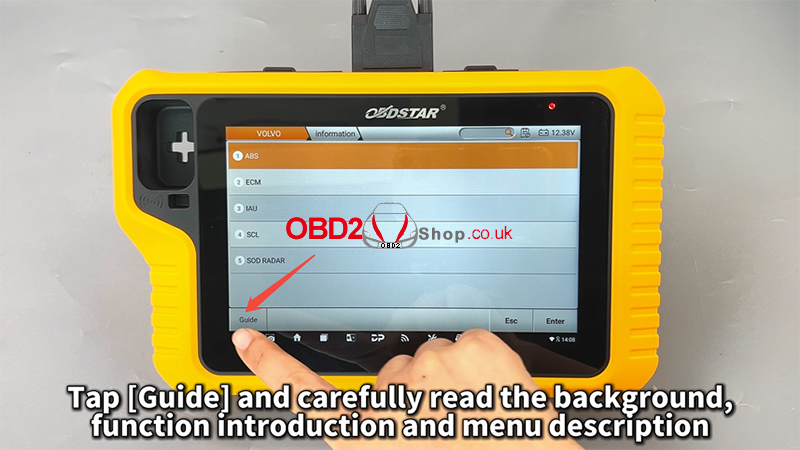
3. Tap [Guide] and carefully read:
Background information
Function introduction
Menu description
4. Tap [Back] to return to the menu.
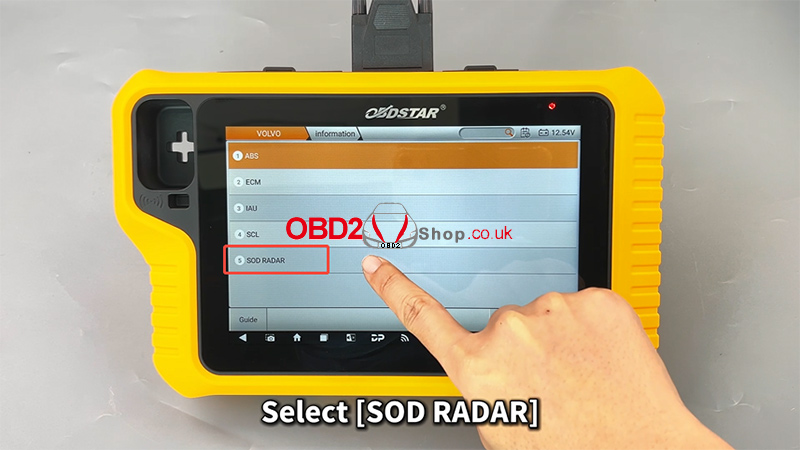
5. Navigate through the following options:
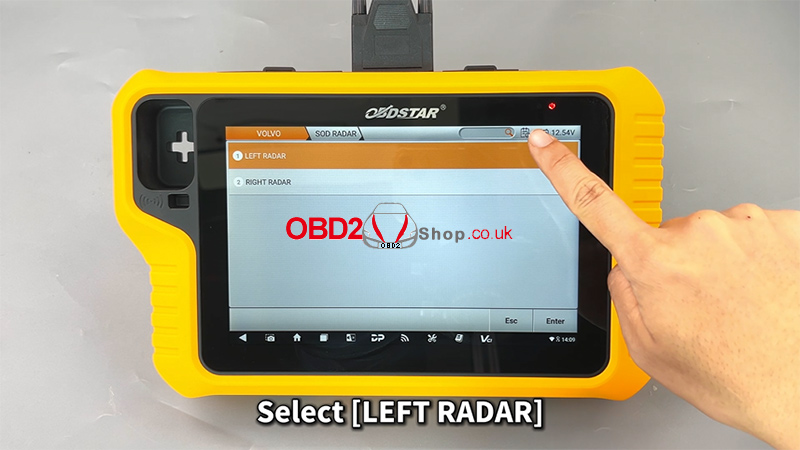
Select [SOD RADAR]
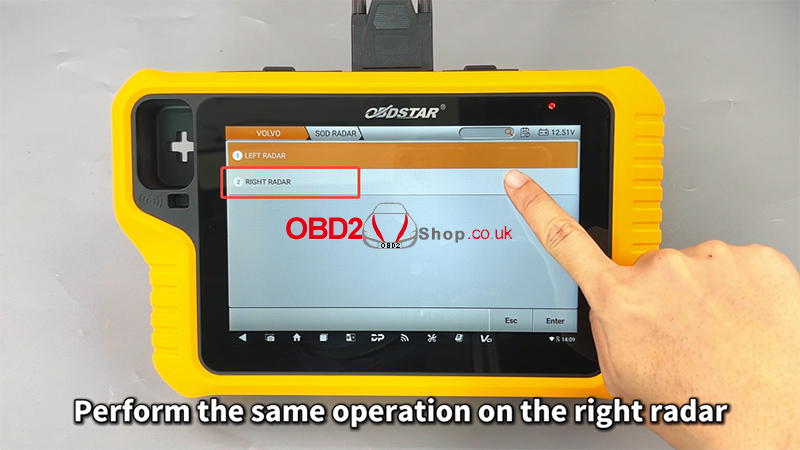
Select [LEFT RADAR]
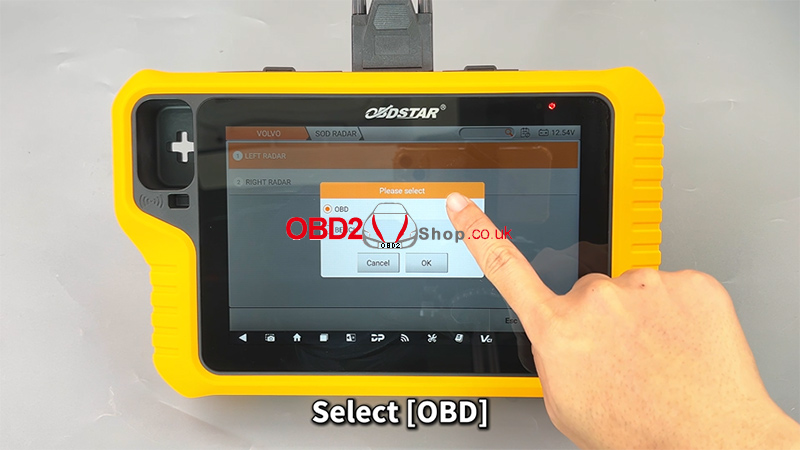
Select [OBD]
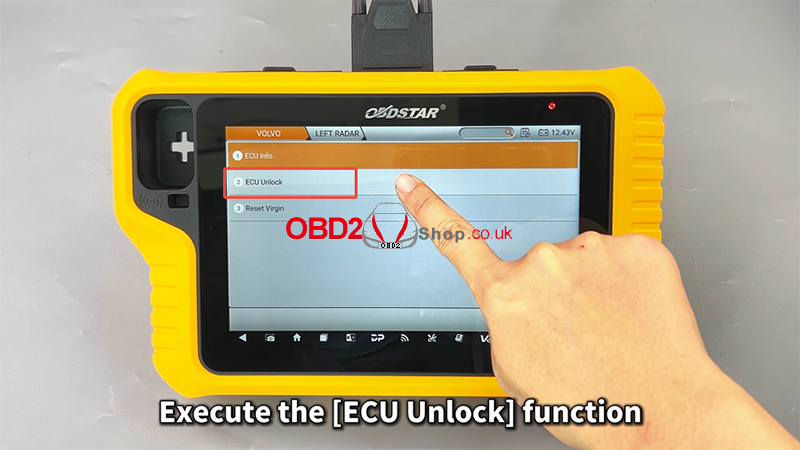
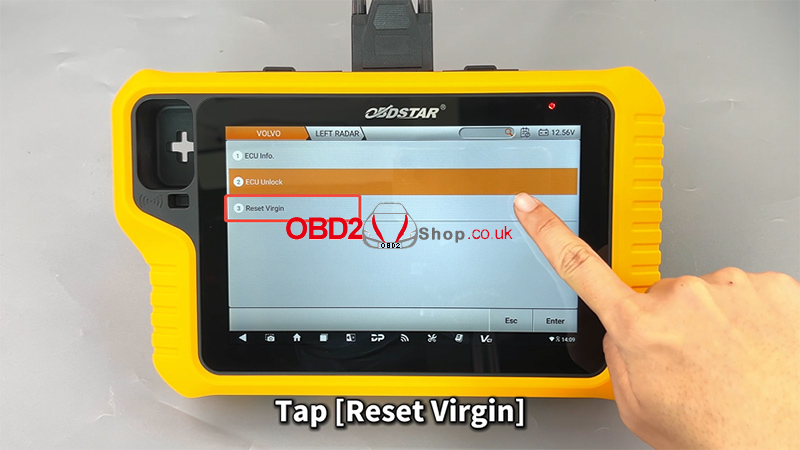
6. Execute [ECU Unlock]
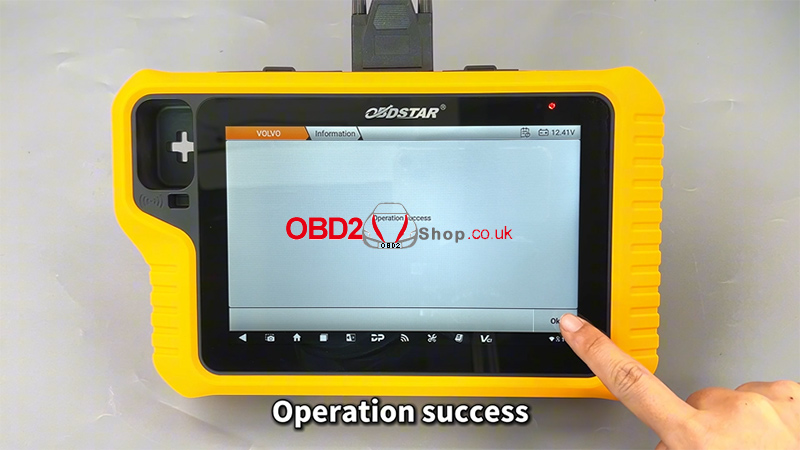
Wait for the system to confirm operation success
7. Execute [Reset Virgin]
Wait for the system to confirm operation success
Repeat for Right Radar
Perform the same steps for the RIGHT RADAR module.
Video Guide
For a complete visual walkthrough, watch the video below:
More Information visit:
www.obd2shop.co.uk
