


This step-by-step guide explains how to use the Launch X431 IMMO Elite (or X431 IMMO PLUS) key programmer to match a new smart key for a Toyota Camry via OBD.
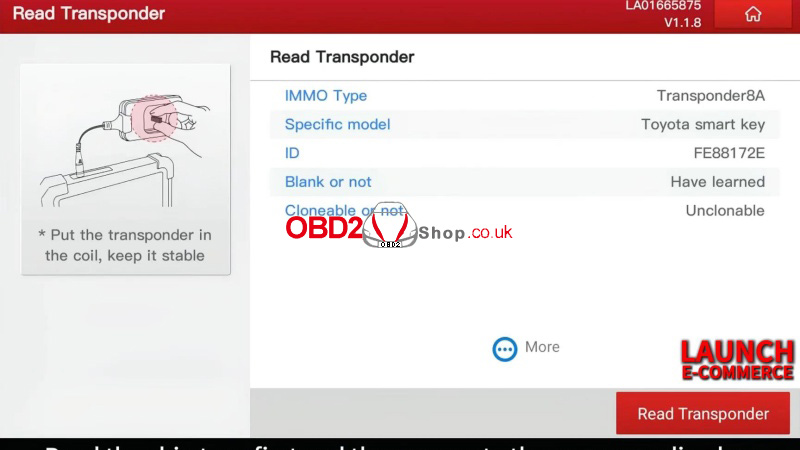
Step1. Read Transponder
Key programming >> Read Transponder
Identify the chip type before generating the new key.
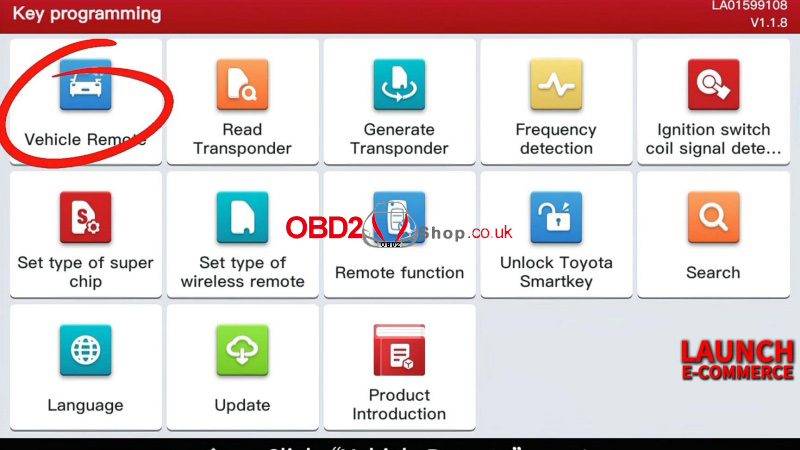
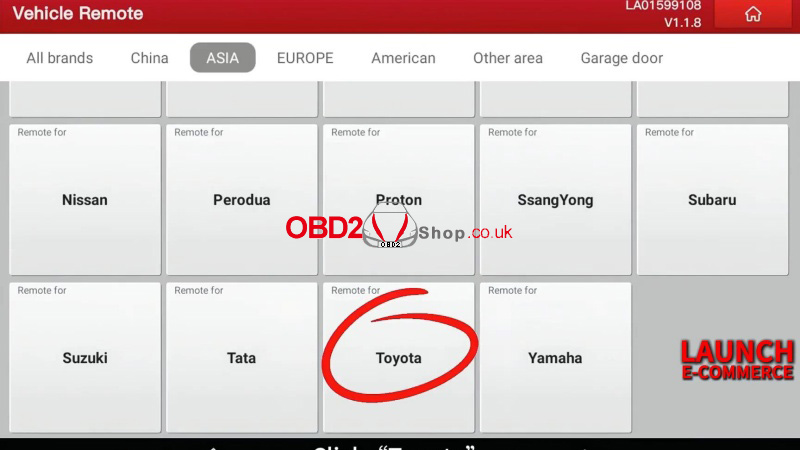
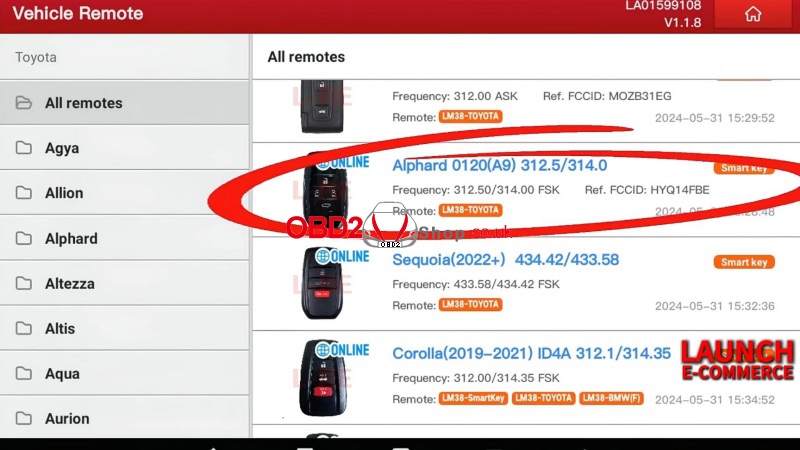
Step2. Generate Remote
Vehicle remote >> Toyota >> Alphard 0120(A9) 312.5/314.0
Burn the remote until completion.
Step3. Program Key
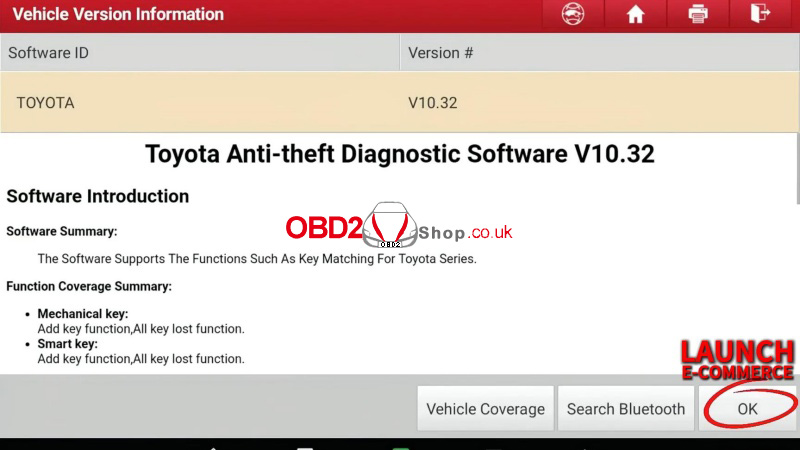
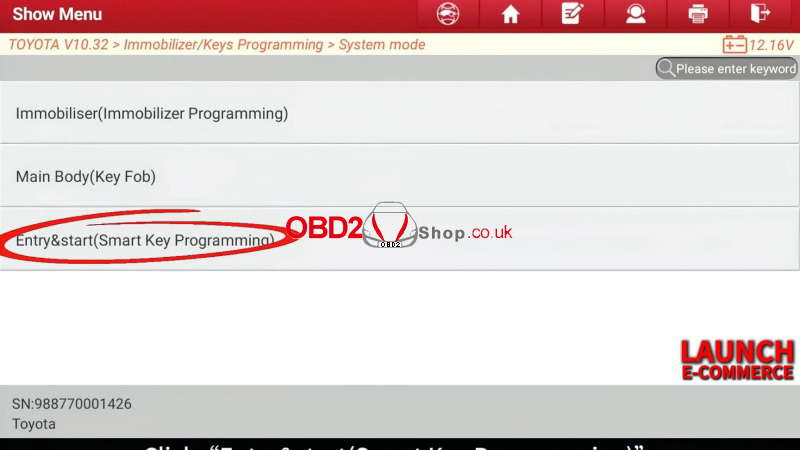
Toyota >> OK >> Immobilizer/Keys Programming >> System mode >> Entry & start(Smart Key Programming)
Number of current keys: 2
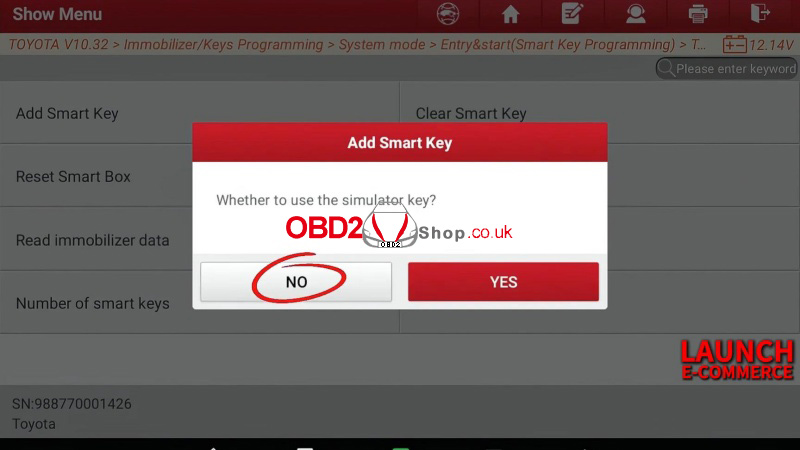
Whether to use the simulator key? No
Note:
Each step must be completed within the specified time.
Position used of match: 5
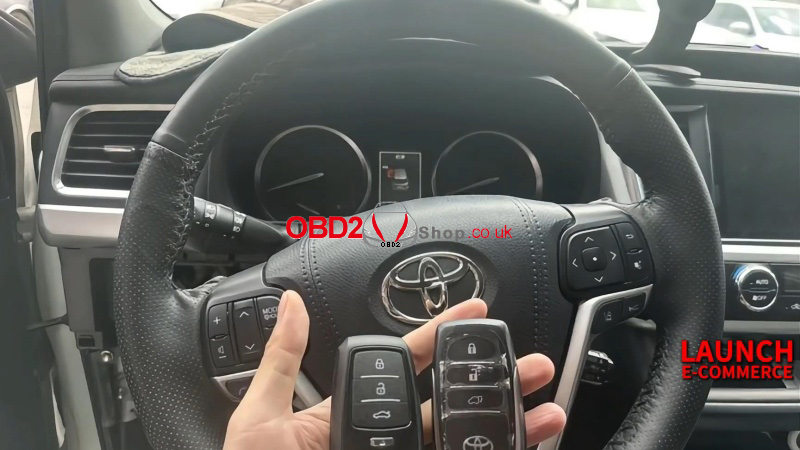
Keep a smart key to be matched close to the start button…
Successfully matched.

This X431 IMMO Elite Toyota Camry key programming tutorial is designed for quick, clear guidance. Compatible with smart key and immobilizer systems.
