


This guide provides a streamlined workflow for programming the new KEYDIY FGB Series (FGB08 & FGB25) keys for Volkswagen 5D immobilizer systems using the KD X4 device.
Preparation & Prerequisites
Device: KEYDIY KD X4.
Keys: KEYDIY FGB08 or FGB25 PCB and an original car key.
Vehicle Data: Ensure vehicle data has been read, and the Service Code is generated before starting.
Note on New Keys: Only the last button on a new FGB key will emit a frequency signal until programming is complete.
Step-by-Step Programming Guide
1. Read Original Key ID
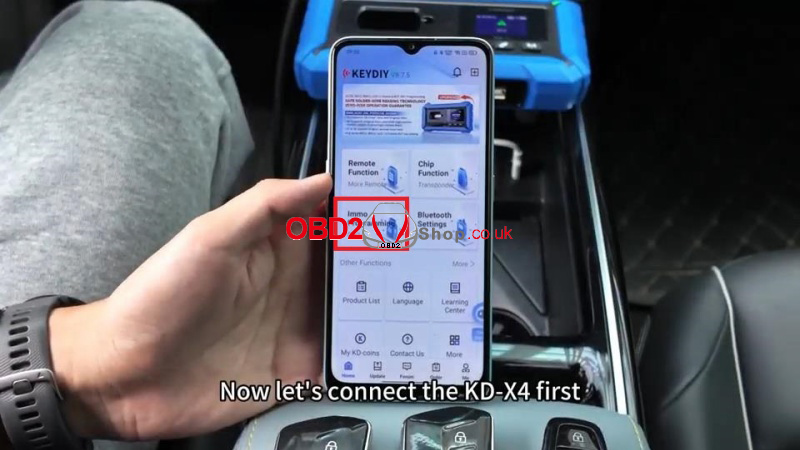
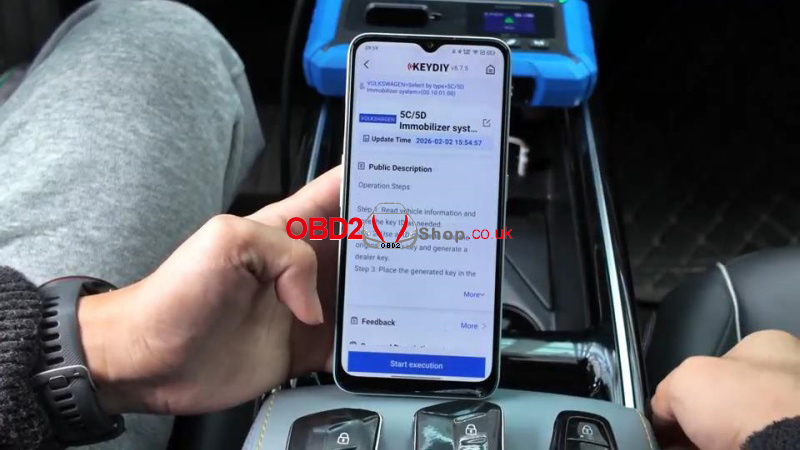
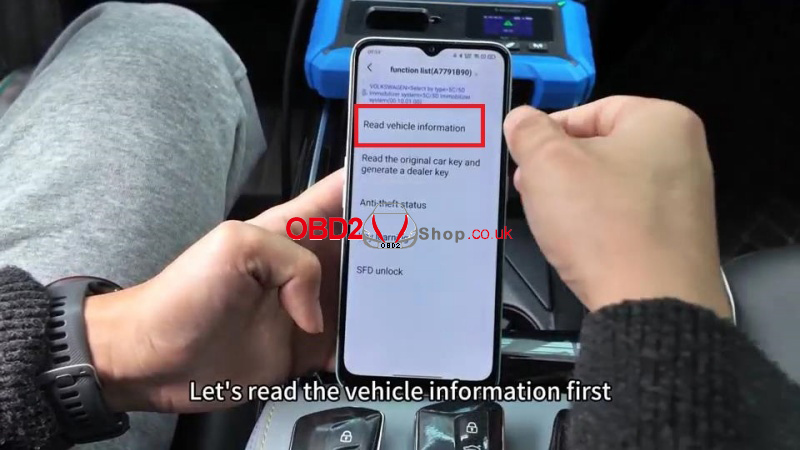
(1) Connect the KDX4 and enter Immo Programming > Volkswagen > 5C/5D Immobilizer System> Start execution > Read vehicle information
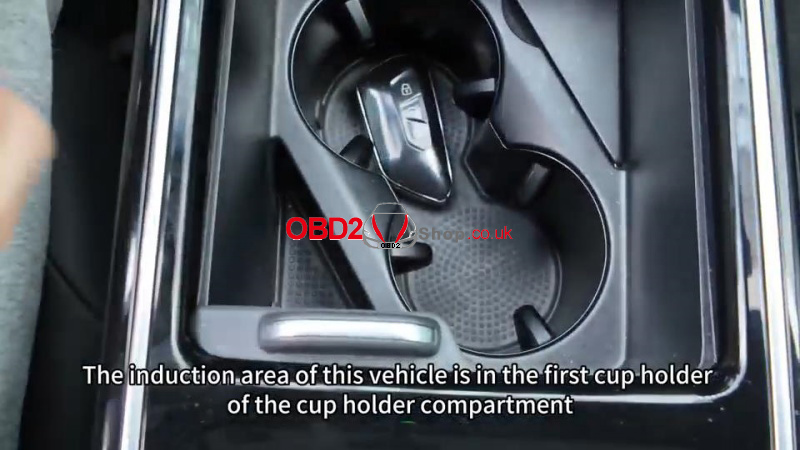
(2) Place the original key in the vehicle’s induction area (e.g., the front cup holder) to read and record the Original Key ID.
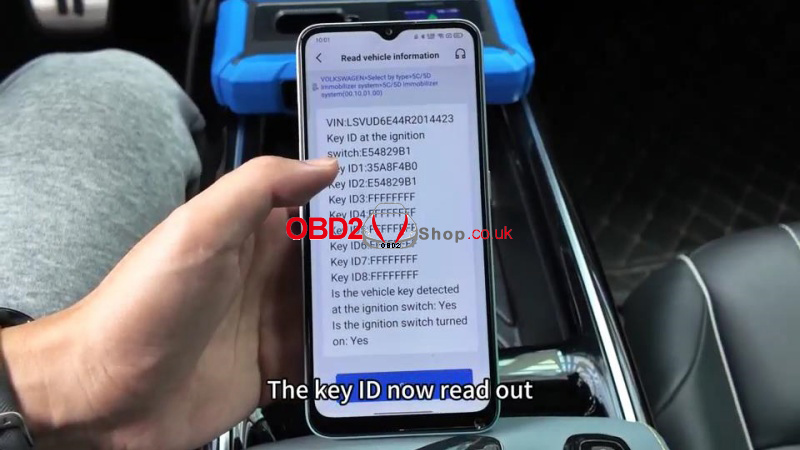
2. Generate Dealer Keys
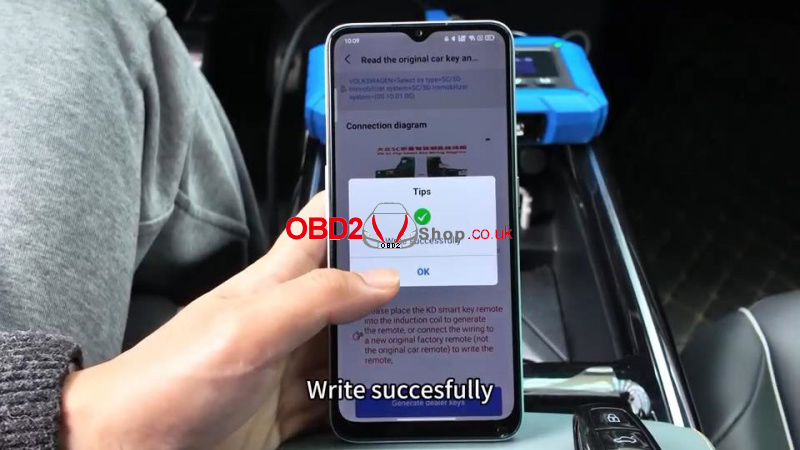
(1) Read the original car key and generate a dealer key > Read chip data > Select service number
(2) Place the new KD key on the KDX4 induction area.
(3) Select: KD-FGB remote(wireless) >Choose the correct frequency (e.g., 433/434 MHz).
(4) Wait until writing is successful. To program the next key, just repeat the same operations.
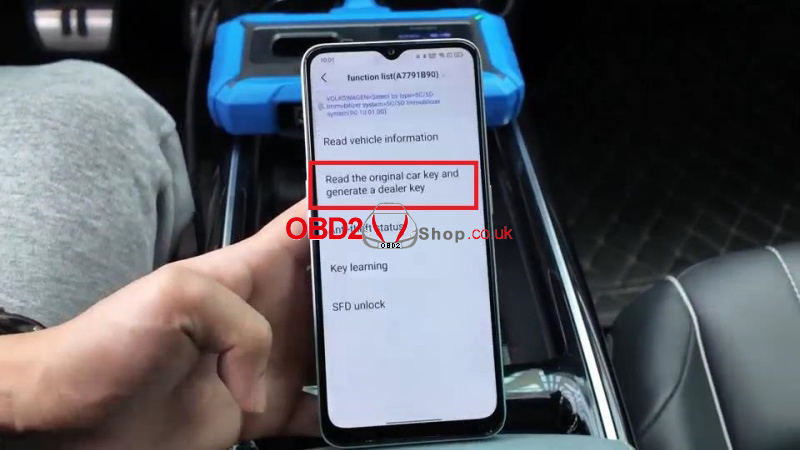
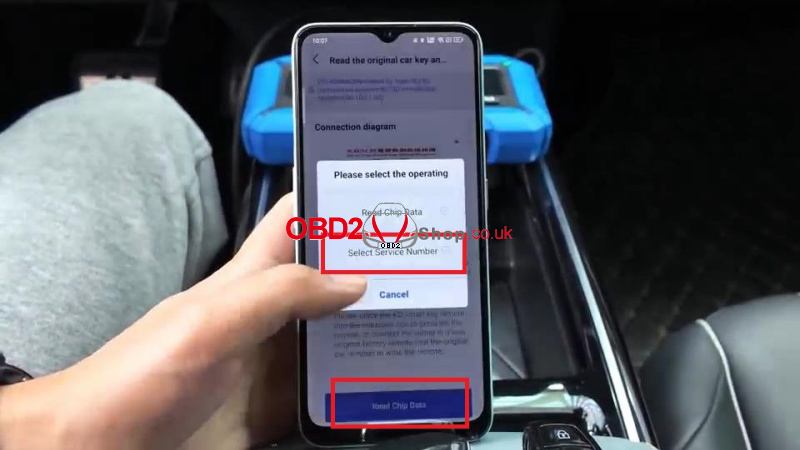
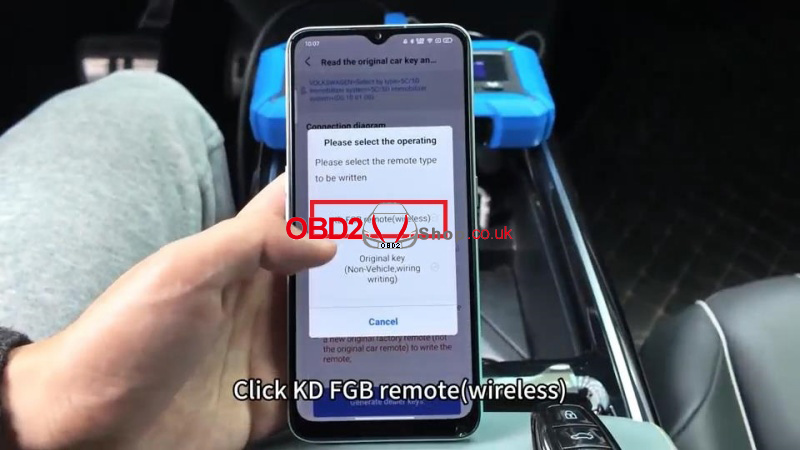
3. Set Key ID
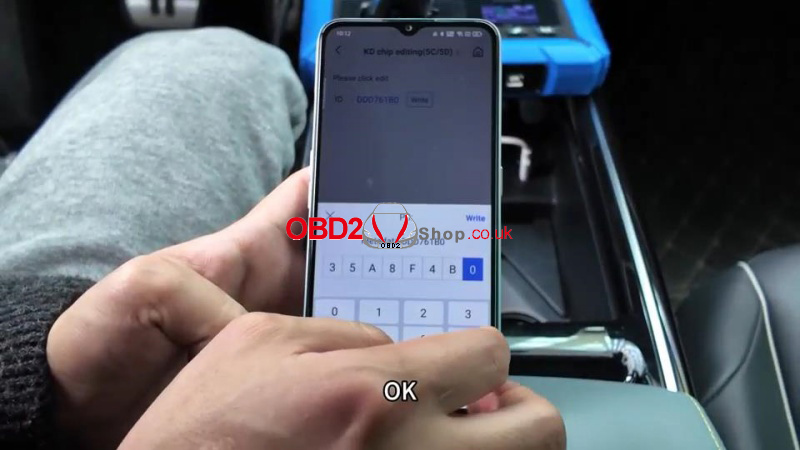
Tips: To ensure seamless integration, you must clone the original key’s ID onto the new KD keys.
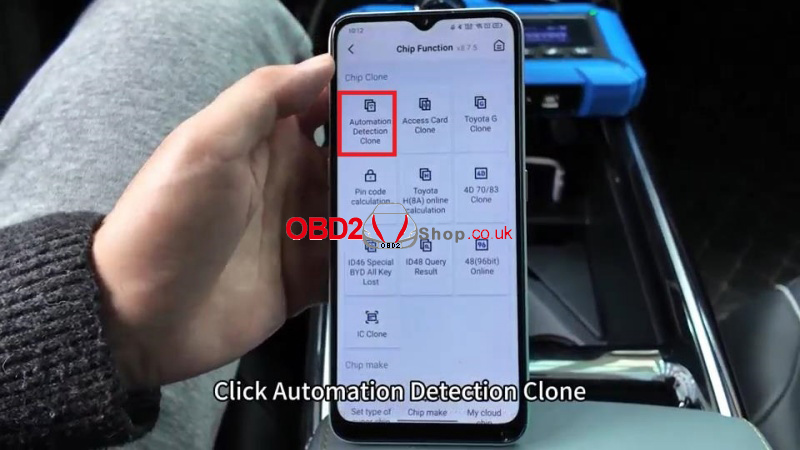
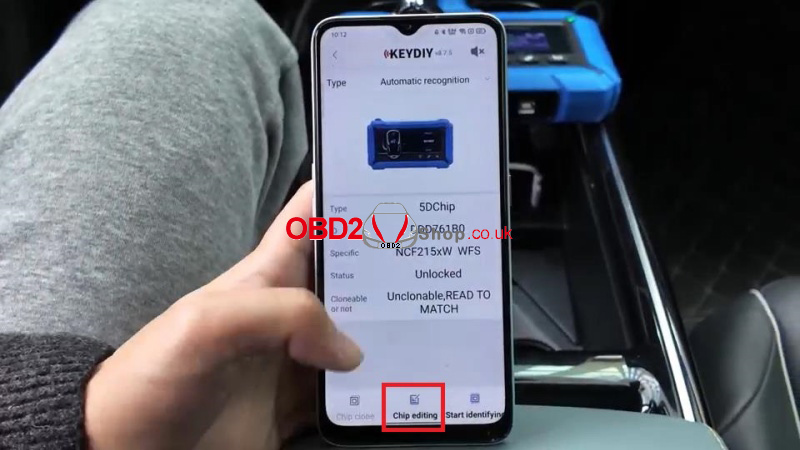
Chip Function > Automation Detection Clone > Start identifying > Chip editing > Enter the original vehicle ID
Write successfully.
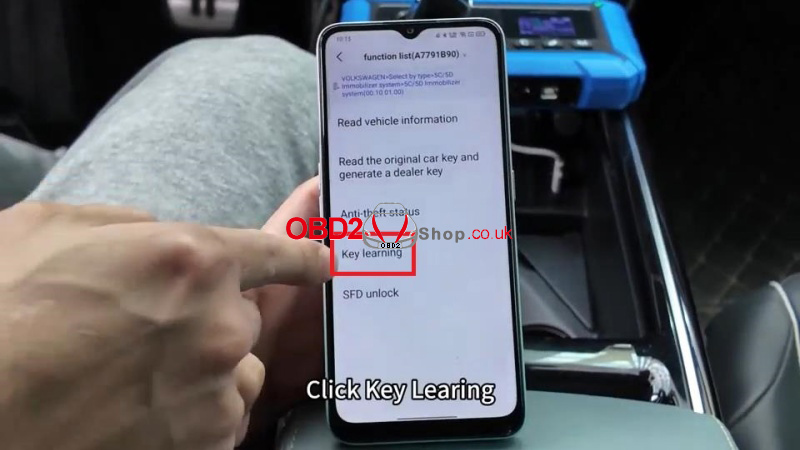
4. Key Learning (Final Matching)
(1) Access: Key Learning in the Immo menu> Enter the number of keys to be learned > Is this key smart? Yes
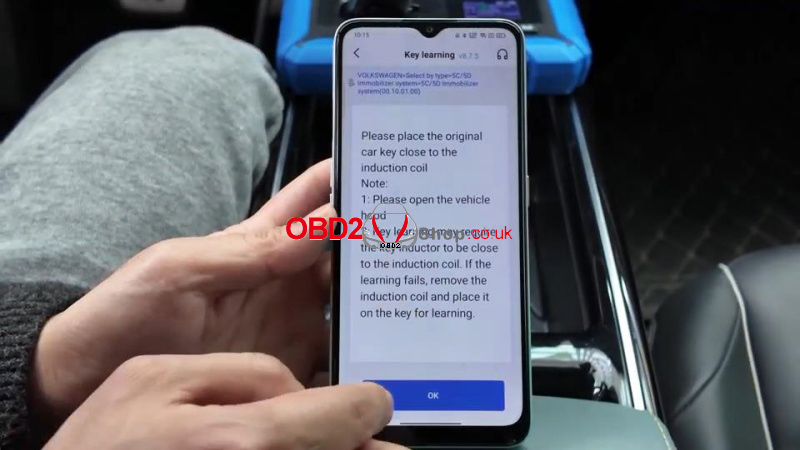
(2) Open the vehicle’s hood as prompted by the device.
(3) Follow the on-screen sequence to learn the keys:
Place the original key in the vehicle’s ignition area first.
Once the dashboard confirms the first key, replace it with the first KD key.
Repeat for the second KD key.
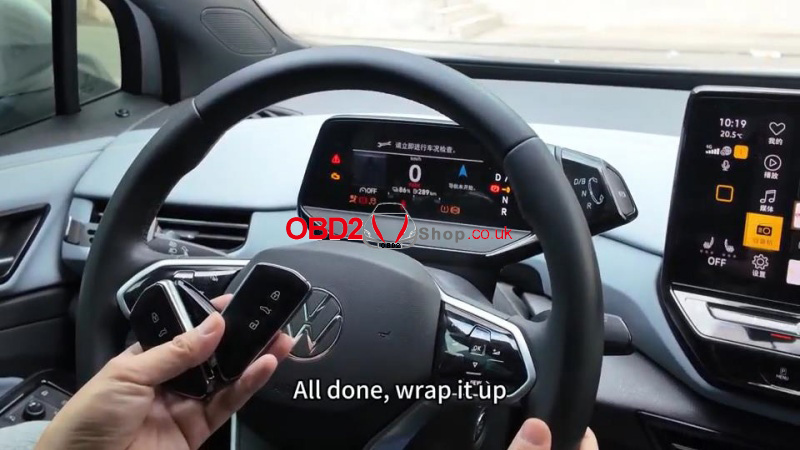
(4) Once all keys are matched, turn off the ignition for 5 seconds, then turn it back on to finalize.
Functional Testing
After successful programming, verify the following for all keys:
Remote Functions: Lock and unlock operations for FGB25 and FGB08 models.
Engine Start: Ensure the vehicle starts normally with the newly programmed keys.
Ready to upgrade your locksmith tool kit? Find the KEYDIY KDX4 and the latest FGB Series keys at the best prices. Shop now at www.obd2shop.co.uk.
