


This guide explains how to use the KEYDIY KD-X4 to read encrypted key data from a BMW BDC03 module and generate a new FGB Key.
Prerequisites
KEYDIY KD-X4 Key Programmer
BMW BDC03 wiring harness
An Encrypted BMW BDC3 Key
KD FGB58 PCB Key
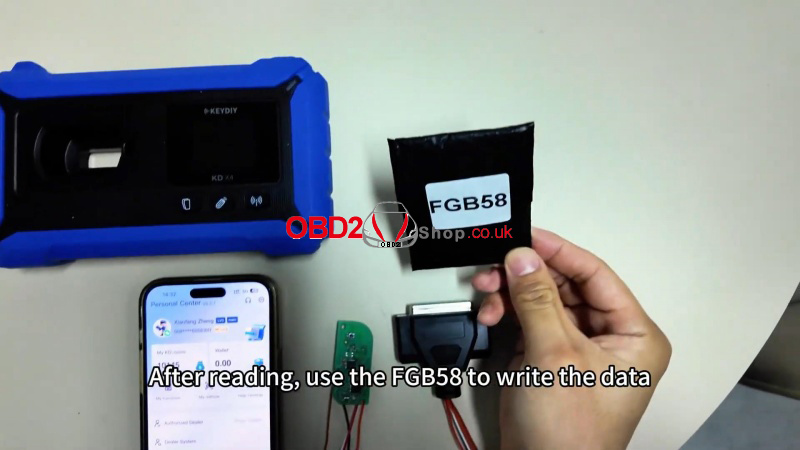
Step-by-Step Instructions
1. Update Your KD-X4
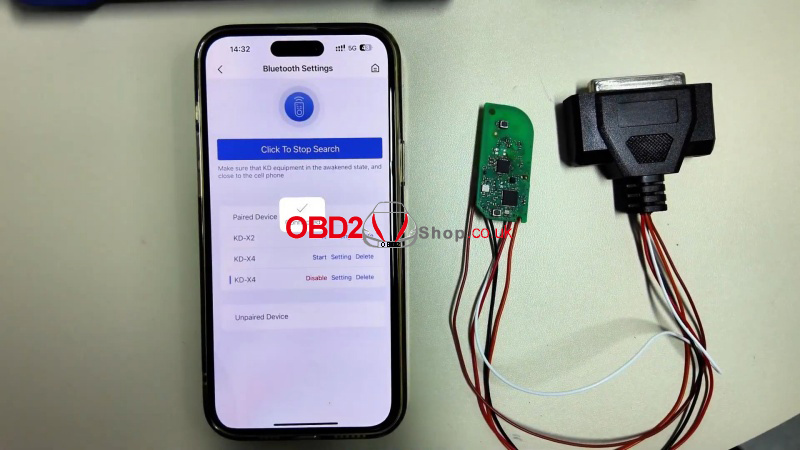
① Turn on the device and connect via the home screen.
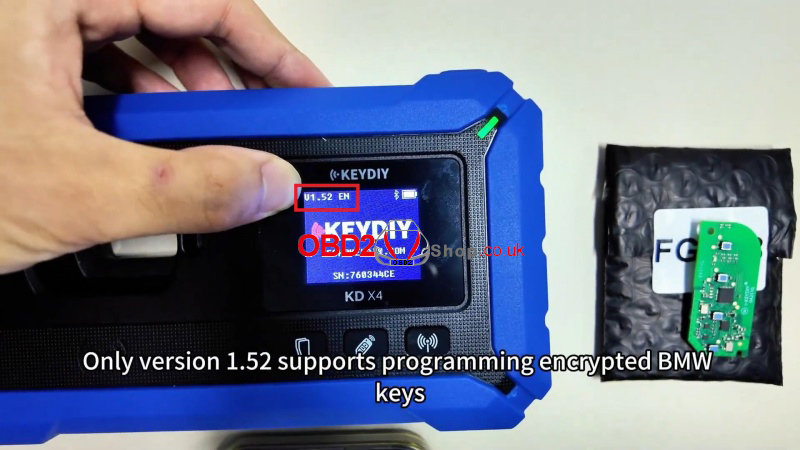
② Ensure your device is running version 1.52.
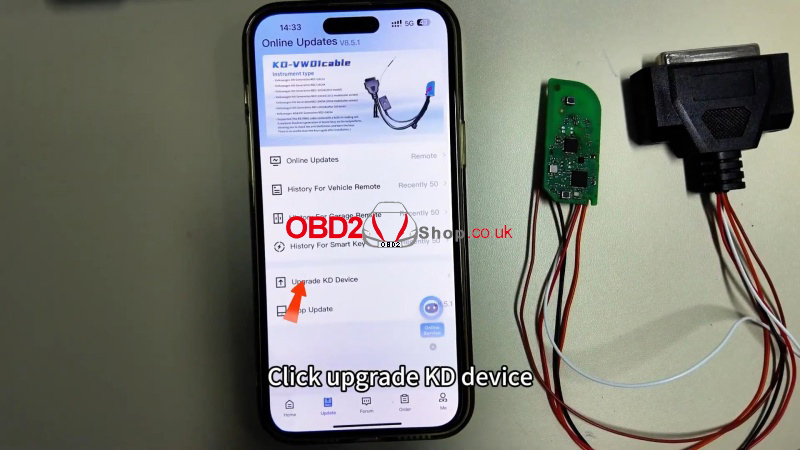
③ If not, go to: Update > Upgrade KD Device to install the latest version.
2. Connect the Wiring Harness
Use the dedicated BMW wiring harness to connect the KD-X4 to the BDC03 module.
3. Read Encrypted Key Data
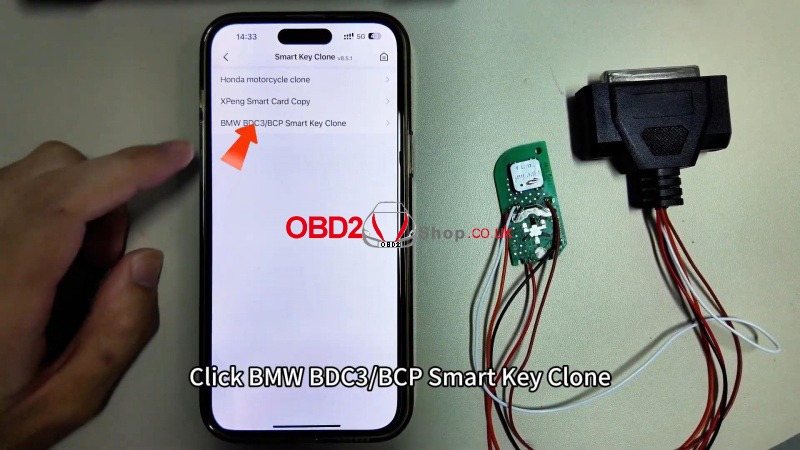
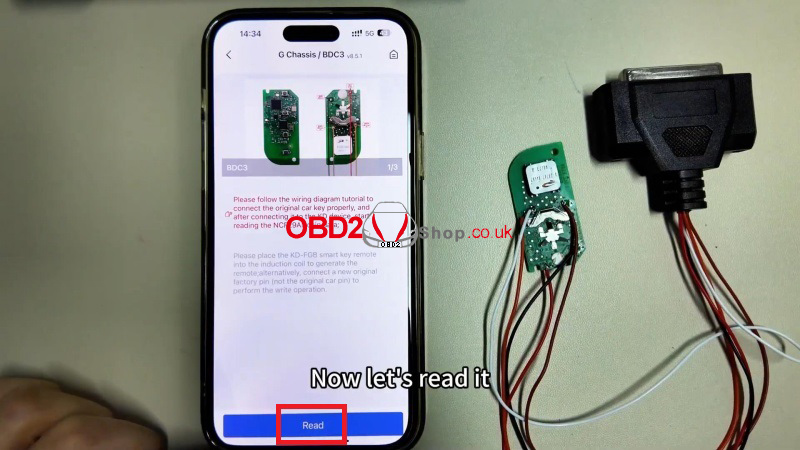
① Go to: Remote Function > Smart Key Clone>BMW BDC3/BCP Smart Key Clone> G Chassis/BDC3 Clone >View the wiring diagram for reference.
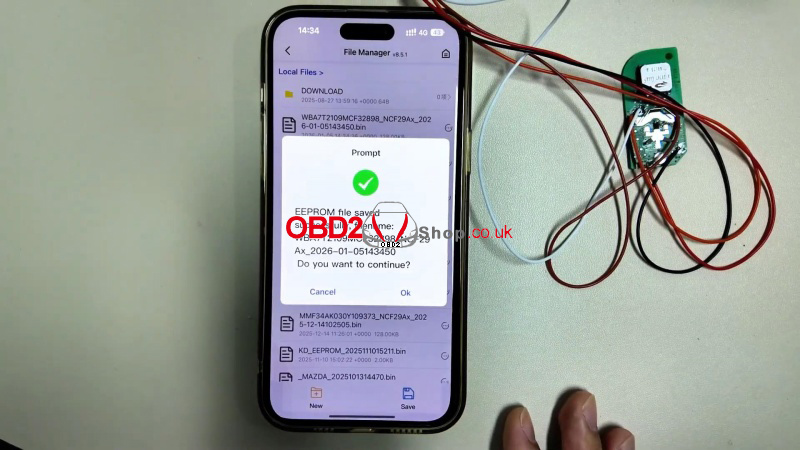
② Click Read and save the data once complete.
4. Generate the New Key
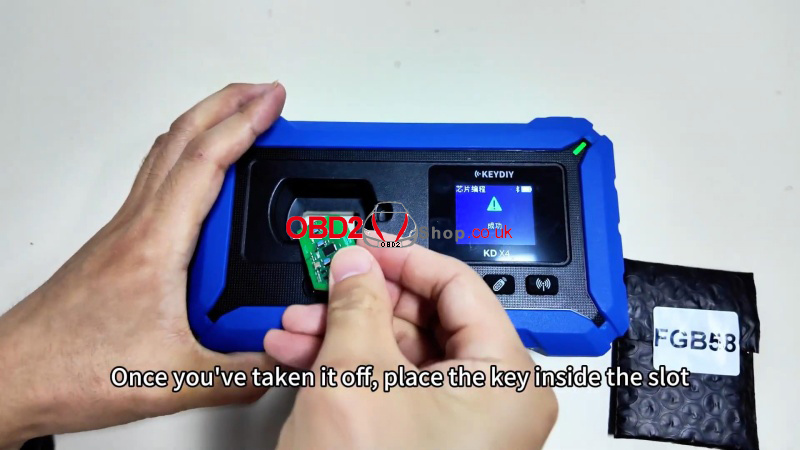
① Remove the key circuit board and place it in the KD-X4 programming slot.
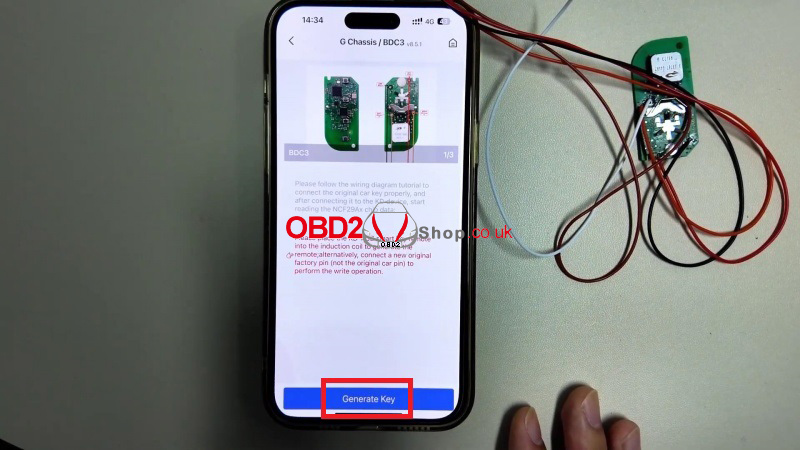
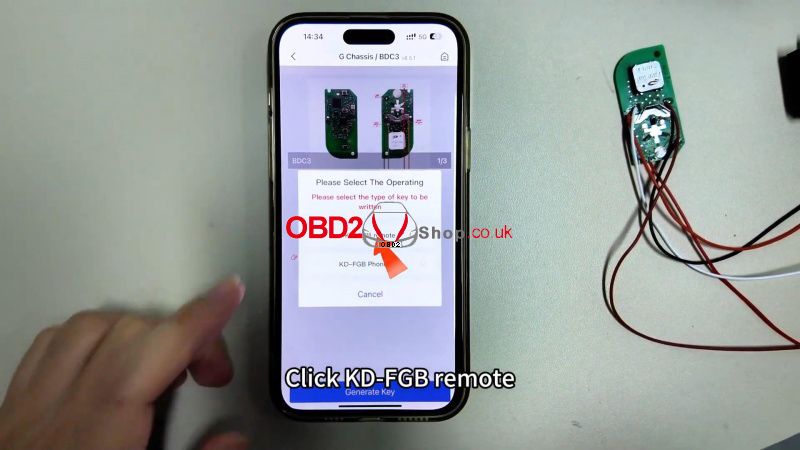
② Select: Generate Key >KD-FGB Remote and start wireless generation.
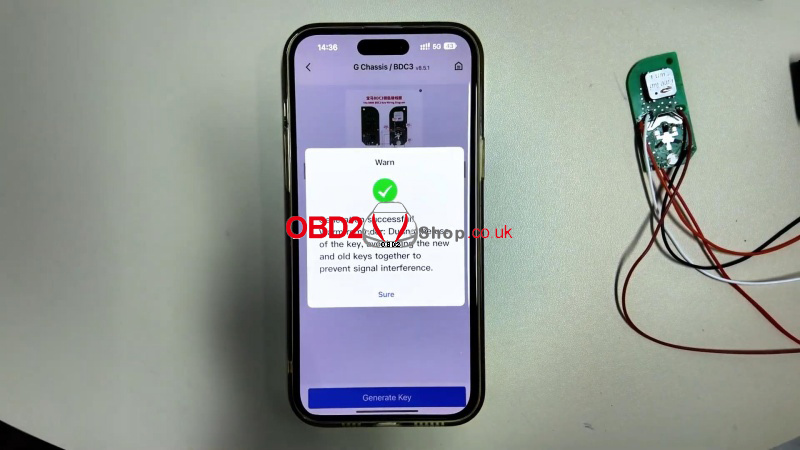
③ Once successful, install the board into an original BMW key shell.
Final Notes
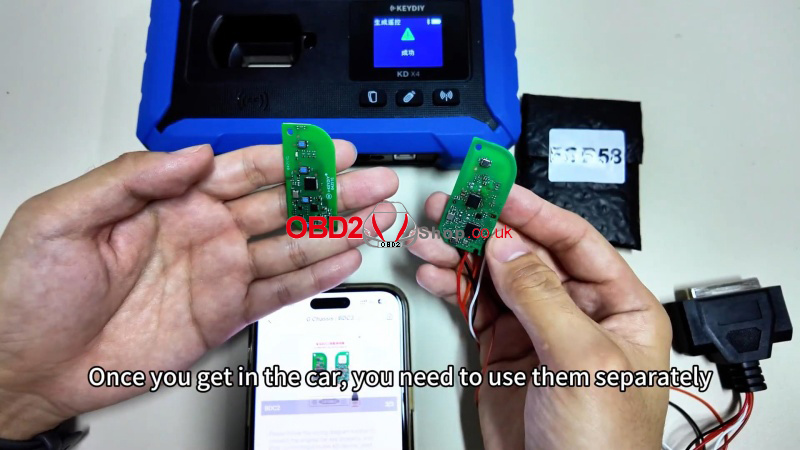
After programming, use the keys separately in the vehicle. Otherwise, the keyless start won’t work.
This tutorial supports locksmiths and automotive programmers in adding encrypted BMW BDC3 keys using the KEYDIY system. Always verify compatibility and follow wiring diagrams carefully.
