


The GODIAG IM001 is a professional-grade device designed to reuse locked Toyota and Lexus smart keys. By using innovative non-destructive technology, it bypasses the need to unlock or reset keys to a blank state, saving time and reducing costs.
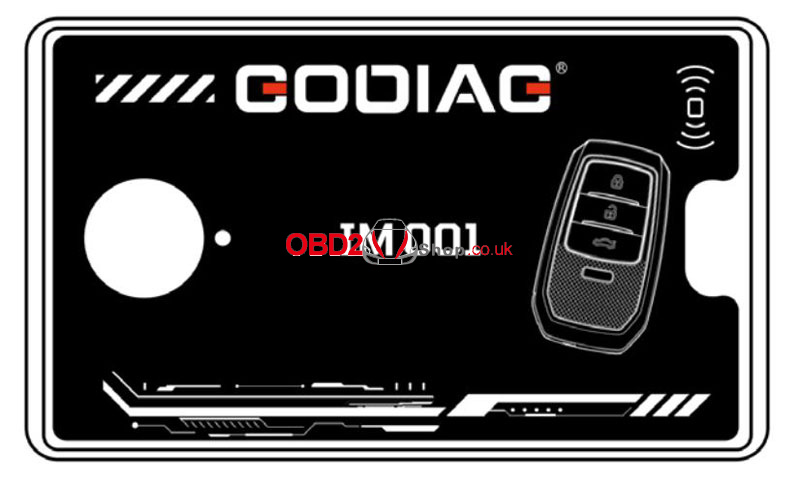
Product Overview
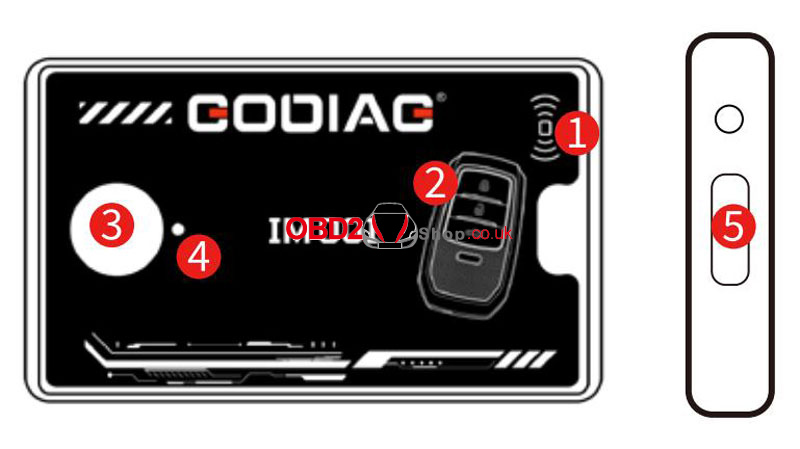
The IM001 features a compact design with integrated sensing areas and status indicators:
1. Chip Simulate Area: For vehicle communication.
2. Key Sensing Area: Where the locked key is placed.
3. Button: Used for power and operation.
4. Status Light: Indicates device activity.
5. Type-C Port: For charging and power.
Core Specifications
Supported Models: Toyota/Lexus 4A, AA, BA.
Connectivity: Bluetooth BLE 5.0 and a dual-core ARM processor.
Power: Built-in 3.7V 450mAh battery or 5V DC external power.
Dimensions: $61.5 \times 96.5 \times 12.5$ mm.
Operation Guide
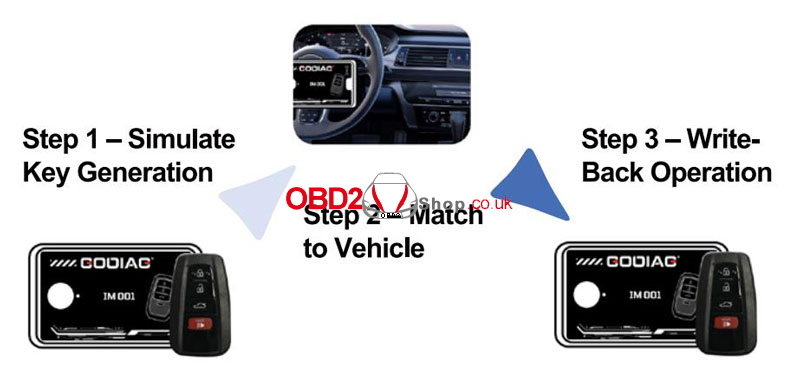
Follow these three simple steps to reactivate a locked key:
Step 1: Simulate Key Generation
Place the locked or accidentally deleted key in the Key Sensing Area (2).
Press the Button (3). The IM001 will read the secure identifier and internally simulate a matching key.
Step 2: Match to Vehicle
Use the IM001 device itself as the replacement key during the standard vehicle matching process.
The device writes the ID and necessary data into the vehicle’s system while capturing the required passwords.
Step 3: Write-Back Operation
Once the data is retrieved, the IM001 writes the complete information back to the original locked key.
Final Confirmation: Test the original key on the vehicle to ensure all functions are restored.
Indicators & Controls
Status Light Meanings
| Light Status | Meaning |
| Solid Green | Connected and charging |
| Solid Red | Voice broadcast mode is active |
| Flashing | Performing core operations (Read/Match/Write) |
Button Functions
Power On/Off: Long-press for ~3 seconds.
Status Inquiry: Short-press while on to hear a voice prompt of the current status.
Reset: Long-press for ~5 seconds.
Maintenance & Warranty
Warranty: 1-year limited warranty from the date of purchase.
Care: Avoid improper voltage, unauthorized modifications, or harsh environments (water/extreme heat).
Operating Temp: -10℃ to 50℃.
