


This article explains how to program a smart key for a 2016 Toyota Levin (IMMO 8A) using the Lonsdor K518 PRO and TY8A-MK1 Kit, including a scenario where all keys are lost (AKL). Follow the steps carefully to complete both key generation and remote programming.
Tools Required:
Lonsdor K518 PRO
OBD communication cable
TY8A-MK1 Kit
New smart key
Step 1: Vehicle Preparation and Wiring
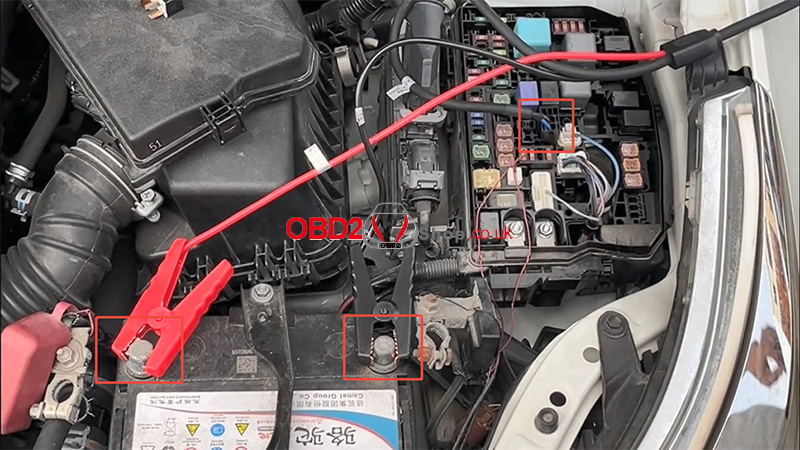
1. Open the fuse box, unplug the relay, and connect the 8A all-keys-lost harness.
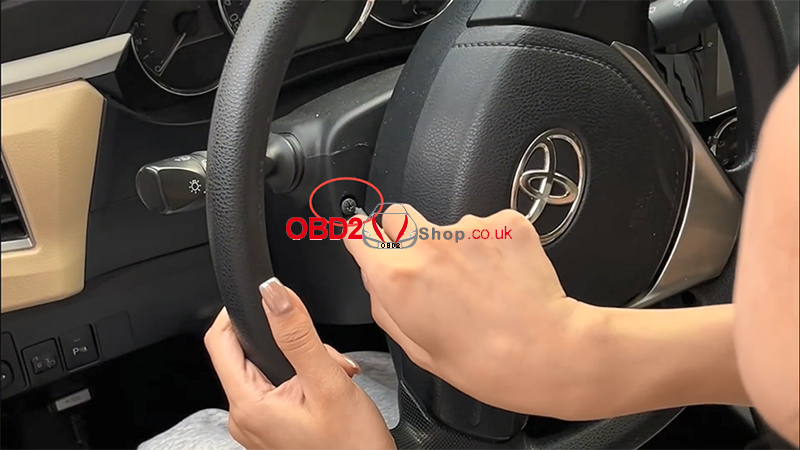
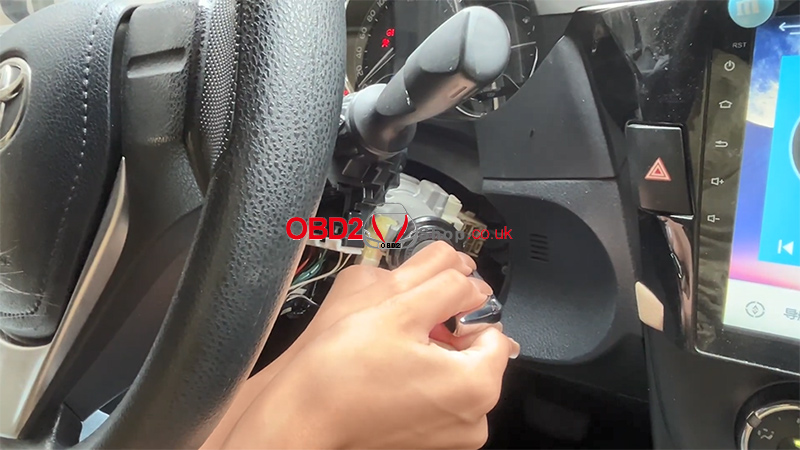
2. Remove the steering wheel screws and open the steering column cover.
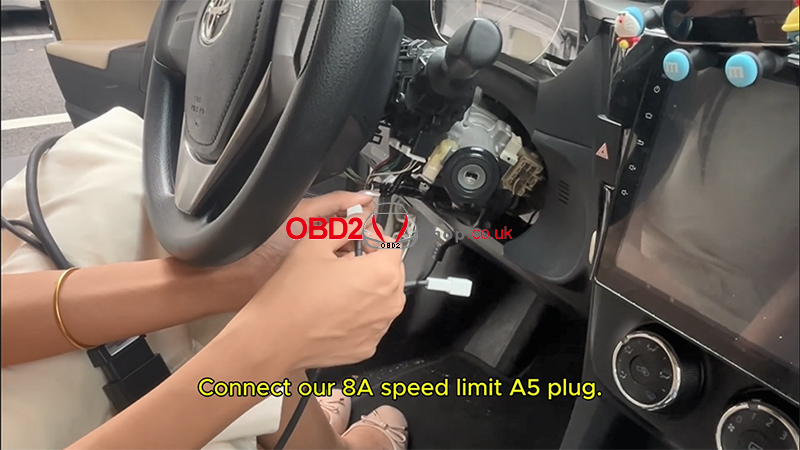
3. Unplug the lock connector, then connect the 8A speed limit A5 plug.
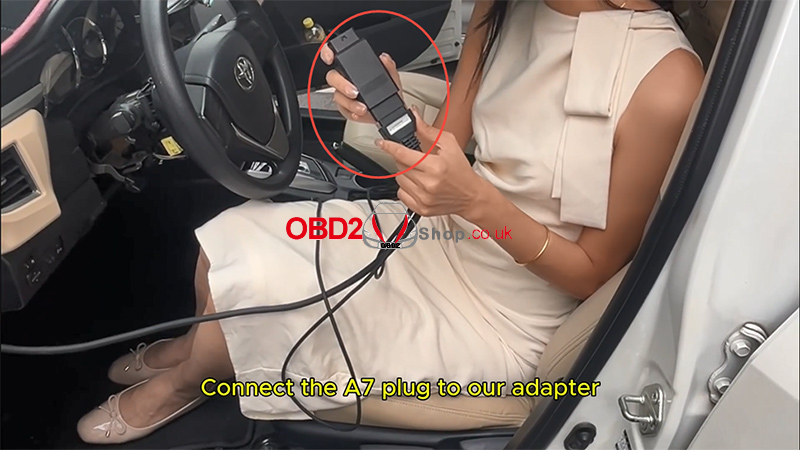
4. Connect the A7 plug to the adapter.
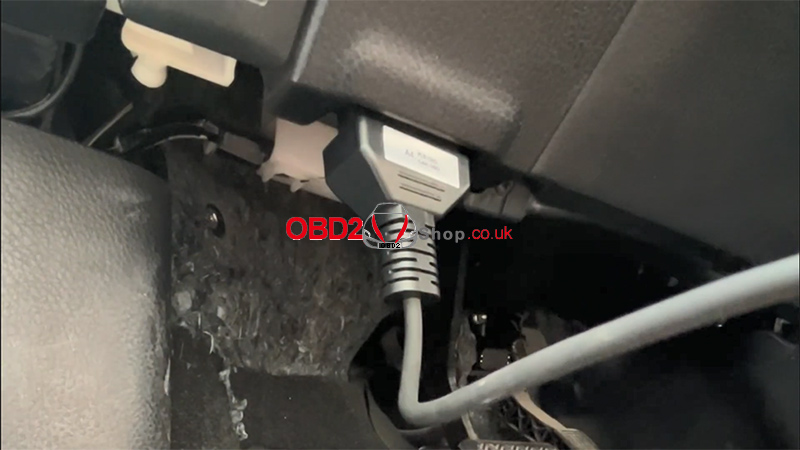
5. Plug the A4 plug into the vehicle’s OBD port.
6. Connect the OBD cable to the K518 PRO device.
Step 2: Read IMMO Data and Generate Master Key
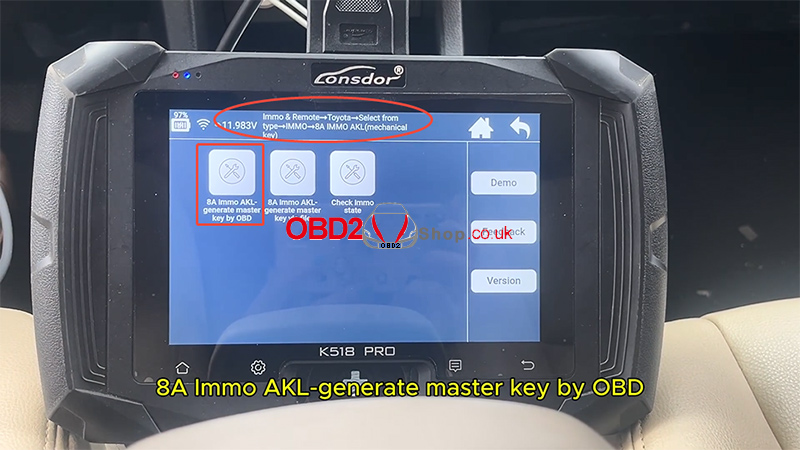
On the K518 PRO, follow this menu path:
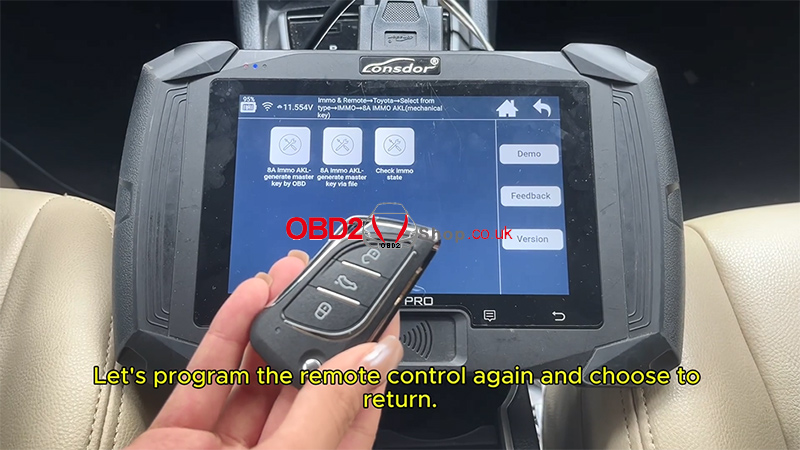
[Immo & Remote] → [Toyota] → [Select by type] → [IMMO] → [8A IMMO AKL (Mechanical Key)] → [8A Immo AKL – Generate Master Key by OBD]
1. After the connection is completed, select [OK] to continue.
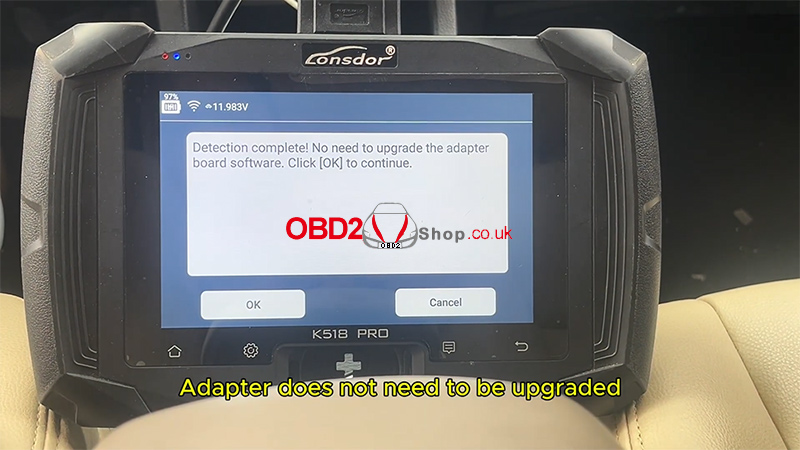
2. Adapter board detection will complete automatically.
*No adapter board software upgrade is required.
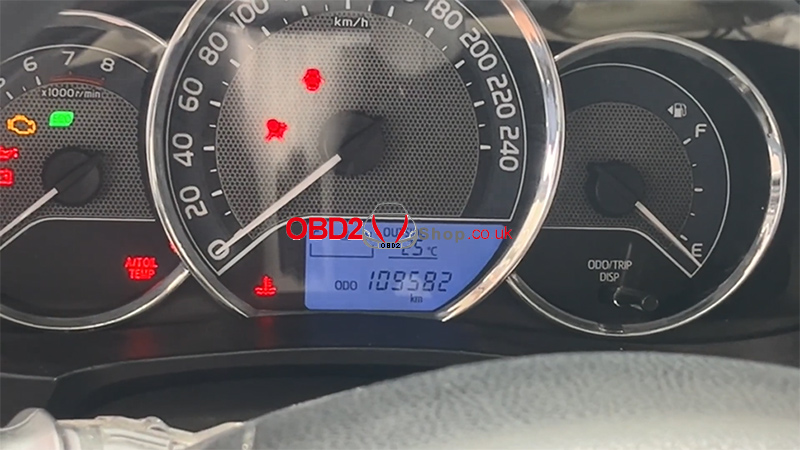
3. During the process, the anti-theft indicator light may turn on — this is normal.
4. Wait for the communication process to finish.
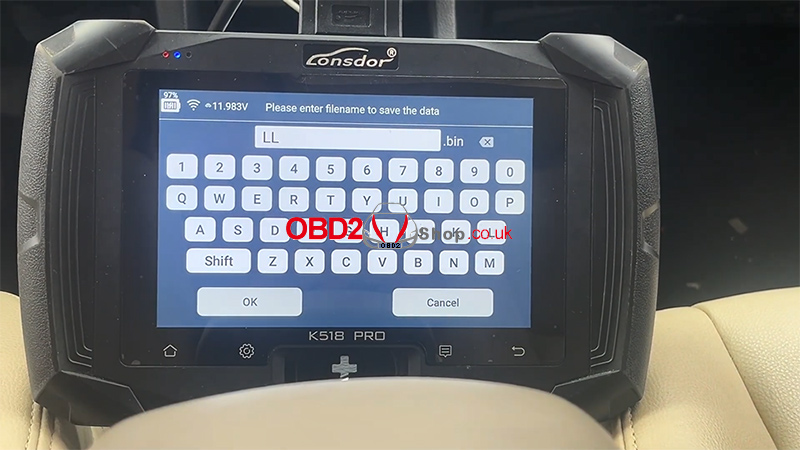
5. Enter a filename to save the IMMO data.
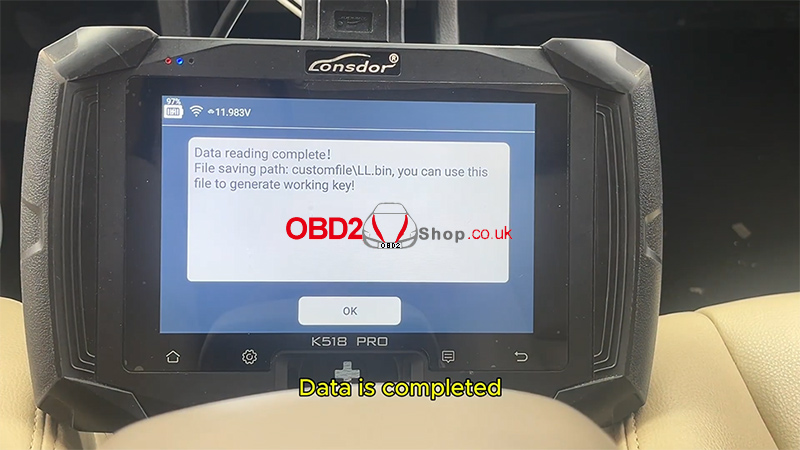
6. Data reading will complete successfully.
Step 3: Generate the Working Key
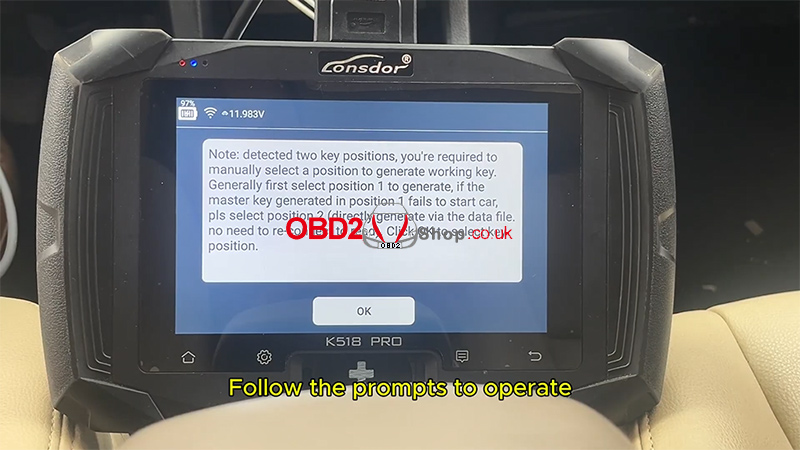
1. Use the saved IMMO data file to generate a working key.
2. Follow the on-screen prompts.
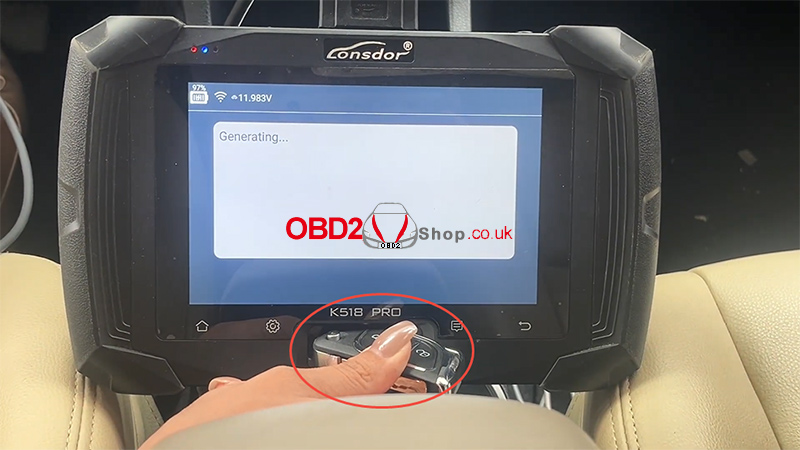
3. For the first key:
* Place the new key into the card slot of the device.
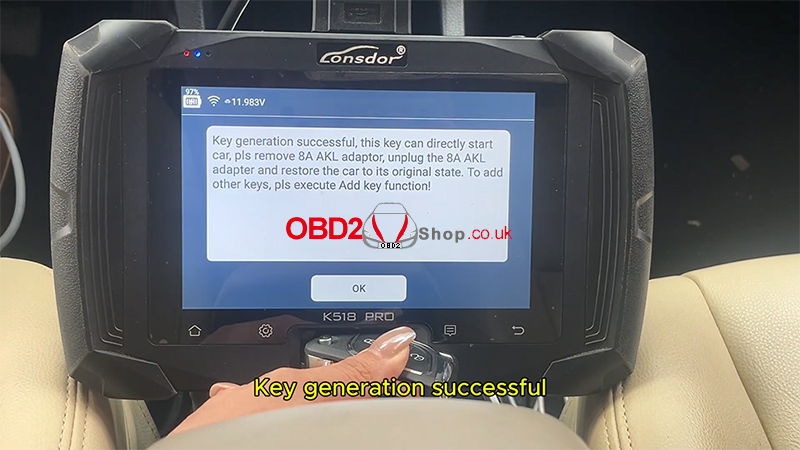
4. Once the process finishes, the screen will confirm key generation successfully.
5. Restore the original vehicle wiring harness.
Chip programming is now complete.
Step 4: Remote Control Programming
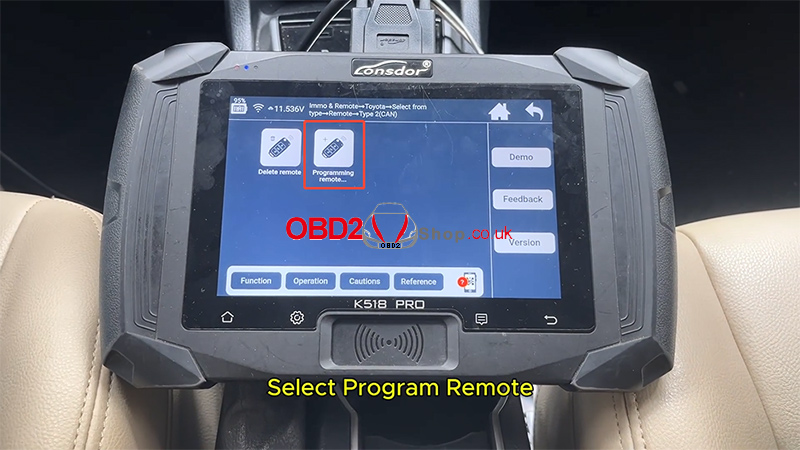
1. Select: [Remote] → [Type 2 (CAN)] → [Programming Remote]
2. Turn ON the ignition.
3. Open the driver’s door.
4. Press and hold the Lock and Unlock buttons together for 2 seconds, then press the Lock button again.
5. Click OK on the device once finished.
The screen will display Remote Programming Successful.
Step 5: Functional Test
1. Press the brake pedal.
2. Insert the key and start the vehicle.
* The vehicle should start normally.
3. Test the remote functions:
* Lock the car
* Unlock the car
Both key start and remote control functions should operate normally.
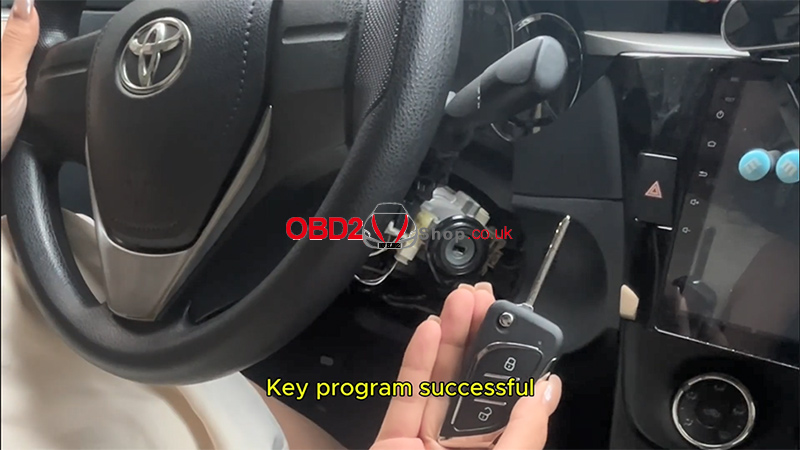
Video Guide
Watch the full video tutorial here:
For more information, visit www.obd2shop.co.uk.
Summary
Using the Lonsdor K518 PRO with the TY8A-MK1 Kit, you can successfully perform all-keys-lost smart key programming for a 2016 Toyota Levin IMMO (8A) via OBD, including master key generation and remote control programming.
